
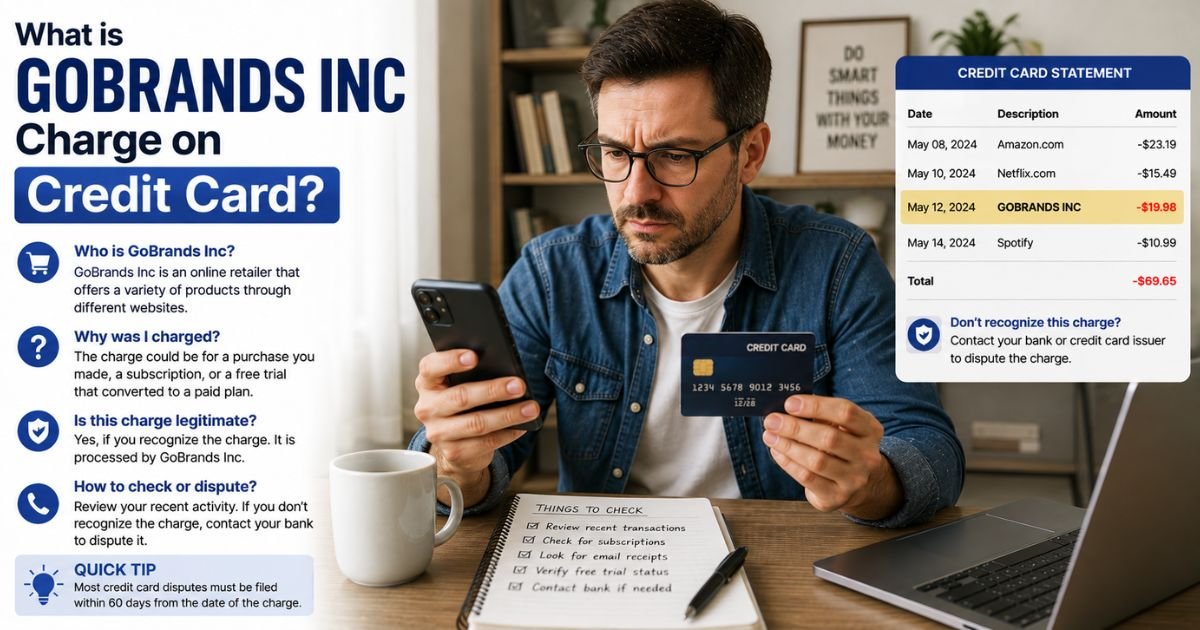
Seeing a GoBrands Inc charge on credit card can feel confusing if you do not recognize the name. Unfamiliar charges are often linked to everyday services that use a legal business name for billing.
This guide explains what the charge typically means and what you can do about it.
Table of Contents
What Is the GoBrands Inc Charge?
GoBrands Inc (sometimes shown as Gobrands Inc or Go Brands) is the parent company of GoPuff. GoPuff is an on-demand delivery service that brings snacks, drinks, groceries, household items, alcohol, and other everyday products to your door.
When you order through the GoPuff app or website, the charge often appears under the legal company name GoBrands Inc instead of “GoPuff.” This is common with many delivery and retail services.
Common statement descriptors include:
- GoBrands Inc
- Gobrands Inc
- GoBrands Inc Fam
- Similar variations that may include “Philadelphia” or a partial address
Charges are usually for a one-time order (items plus delivery fees and taxes) or a recurring GoPuff Fam subscription that offers delivery perks. Exact amounts vary by order size or plan.
Why Did This Charge Appear?
Most people see this charge after using GoPuff.
Common reasons include:
- Placing an order for snacks, drinks, or other items
- Starting or renewing a GoPuff Fam membership for free or discounted delivery
- A family member or someone with access to your card placing an order
- An automatic renewal of a subscription you started earlier
- A tip, service fee, or tax added to a recent delivery
Check your email for GoPuff receipts or open the app and review your order history. Matching the date and amount confirms the source in most cases.
How to Verify the Charge
Follow these steps:
- Note the exact date, amount, and full descriptor on your statement.
- Open the GoPuff app or website and check your order history and subscription status.
- Search your email for confirmation messages from GoPuff around the charge date.
- Ask household members if they placed an order using the card.
- Call the number on the back of your credit card if you need additional merchant details.
Your GoPuff account is the fastest place to match the charge.
Is the Charge Legitimate or Fraud?
In the majority of cases the charge is a legitimate GoPuff order or subscription.
Common legitimate explanations
- A recent delivery of food, drinks, or household items
- A monthly GoPuff Fam subscription fee
- Delivery fees, taxes, or tips tied to an order
Warning signs
- No matching order or subscription in your GoPuff account
- Multiple unknown charges from the same name
- You have never used the GoPuff app or website
When to contact the bank
If nothing in your GoPuff account matches the charge, treat it as possible unauthorized activity and report it promptly.
How to Cancel GoPuff Fam or Stop Future Charges
If the charge is from a subscription, cancel it through your account.
- Open the GoPuff app or go to the website and sign in.
- Go to your account or profile settings.
- Look for the Fam membership or subscription section.
- Select the option to cancel or manage the plan.
- Confirm the cancellation and note the end date of the current period.
For individual orders there is nothing to cancel, but you can contact GoPuff support through the app or help center if you need help with a specific delivery.
After canceling a subscription, watch your next statement to confirm the charge stops.
Can You Get a Refund?
Refund policies depend on the reason for the charge.
If an order had missing or incorrect items, contact GoPuff support through the app or website as soon as possible. They often review delivery issues and may issue a credit or refund.
For a subscription charge you no longer want, cancel first and then ask support about a possible refund or credit, especially if it was recent.
If the charge was unauthorized or GoPuff cannot help, open a dispute with your credit card issuer. Provide the statement details, any order screenshots, and notes from your contact with the company.
Credit card protections generally give you strong options when you act within the required time frames.
What to Do If the Charge Is Unauthorized
Take these steps right away:
- Call the number on the back of your card and report the charge as unauthorized.
- Ask the issuer to open a dispute and, if available, issue a provisional credit.
- Check and cancel any GoPuff account or Fam membership linked to the card.
- Change passwords on related accounts and review recent activity.
- Monitor your statements for additional charges and consider a card replacement if needed.
Keep records of every call and message.
Prevention Tips
- Review active subscriptions in the GoPuff app regularly.
- Turn on real-time transaction alerts from your bank or card issuer.
- Use a virtual card number for delivery apps when the option is available.
- Cancel trials or memberships before they renew if you no longer want the service.
- Keep a simple list of recurring charges so nothing surprises you.
- Check order confirmations as soon as they arrive.
FAQs: GoBrands Inc Charge on Credit Card
Q. What is the GoBrands Inc charge on my credit card?
A. It is typically a charge from GoPuff, an on-demand delivery service. GoBrands Inc is the legal parent company name used for billing.
Q. Why does it say GoBrands Inc instead of GoPuff?
A. Many companies bill under their legal business name. GoPuff operates under GoBrands Inc, so the charge often appears that way on statements.
Q. How do I cancel a GoPuff Fam subscription?
A. Sign in to the GoPuff app or website, go to your account settings, find the Fam membership section, and cancel the plan. Confirm the cancellation.
Q. Can I get a refund for a GoBrands Inc charge?
A. Contact GoPuff support for order problems or recent subscription charges. If that does not resolve it, dispute the charge with your credit card issuer.
Conclusion
A GoBrands Inc charge on credit card is most often a GoPuff order or Fam subscription billed under the company’s legal name. Check your GoPuff account and email receipts first.
Cancel any active membership through the app or website, and contact your card issuer if the charge looks unauthorized.
Reviewing delivery app subscriptions and statements regularly helps you stay in control of these charges.
Disclaimer: This article is for informational purposes only and is not financial or legal advice. Subscription prices, billing descriptors, and refund policies can change. Always verify details directly with GoPuff or your card issuer for your specific account.
Meet the Author
