
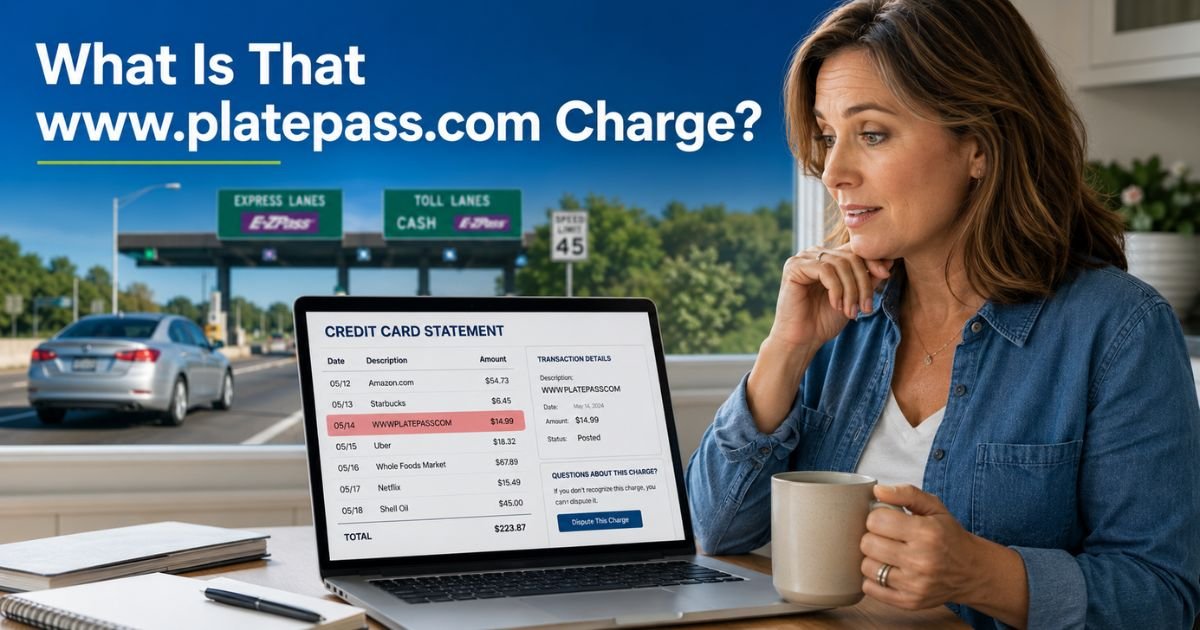
You open your bank statement or app and there it is: www.platepass.com charge on credit card or something like “HERTZ TOLL” followed by a string of numbers. Your heart skips for a second. Did someone steal your card? Is this fraud?
Relax. In most cases, this is a legitimate charge from PlatePass, an electronic toll payment service tied to rental cars. It shows up weeks after you return the vehicle because the rental company partners with PlatePass to handle tolls on cashless highways and bridges.
The service saves you from hunting for cash or waiting in long lines at toll booths. But it can catch you off guard if you did not expect extra fees.
This guide walks you through exactly what happened, why the charge appeared, and what you can do about it. You will finish reading with a clear plan and the confidence to handle it.
Table of Contents
How PlatePass Works with Rental Cars
PlatePass acts like a virtual toll tag for rental vehicles. When you drive on all-electronic toll roads, the system reads your rental car’s license plate and pays the toll on your behalf. Later, PlatePass bills the credit card you gave the rental company.
Rental brands such as Hertz, Dollar, and Thrifty use PlatePass nationwide. You do not need to sign up. The transponder or plate camera is already in the car.
The key choice you make at the counter decides how much you pay: opt into the All-Inclusive plan for a flat daily rate, or skip it and pay only for the days you actually use toll roads.
Either way, the charge lands on your card separately from the rental invoice. That is why it feels mysterious.
Why You Received a www.platepass.com Charge
You get billed because you drove on a covered toll road or bridge without using a personal transponder or paying the toll authority directly. PlatePass steps in, pays the toll, and adds a small convenience fee.
Here is the catch many people miss. Even if you never stopped at a booth, modern highways in states like Florida, Texas, Illinois, and California are all electronic. Your rental car’s plate gets photographed automatically. No payment equals a PlatePass charge.
How the Charge Shows Up on Your Statement
PlatePass charges rarely say “PlatePass” in plain English. Instead you might see:
- WWWPLATEPASSCOM
- HERTZ TOLL followed by your rental agreement number
- DOLLAR TOLL or THRIFTY TOLL plus numbers
These usually post 1 to 3 weeks after you drop off the car. Sometimes they take a month if the toll authority is slow to report data. The amount includes the actual toll at the highest cash rate plus an administrative fee.
Bottom line: The timing and wording make it look suspicious, but it ties directly to your recent rental.
Typical Fees: What You Are Actually Paying For
Fees vary by pickup location and whether you chose the All-Inclusive option. Here is a clear breakdown:
| Option | What You Pay | When It Applies | Typical Cost Example |
|---|---|---|---|
| All-Inclusive (Opt-In) | Flat daily rate for unlimited tolls | Every day of the rental | $11.99–$28 per day (capped weekly in some states) |
| Pay-Per-Use | Highest toll rate + admin fee per day used | Only days you hit toll roads | Toll amount + $5.95–$13.99 per day |
The All-Inclusive plan can save money on heavy toll routes but costs extra on light ones. Pay-Per-Use feels cheaper until you realize the tolls are charged at full price, not the discounted electronic rate.
Pro Tip: Before you drive away, ask the rental agent exactly what toll option you selected and jot the daily rate on your phone. Snap a photo of the rental agreement page that lists toll services. Five seconds now saves hours of confusion later.
How to Check Your Receipt and Understand the Exact Charge
Head to www.platepass.com/receipt. Enter your rental agreement number and the date you picked up the car. You will see a clear list of every toll, the date, the road, and the fees.
Print or save the receipt. It serves as proof if you need to talk to PlatePass or your rental company.
Steps to Resolve or Dispute a www.platepass.com Charge
Follow these simple steps in order:
- Gather your rental agreement and the date you returned the car.
- Visit platepass.com/receipt and pull up the details.
- Compare the toll dates and roads to your actual trip.
- If everything matches, pay the charge online or wait for it to clear.
- If something looks wrong (wrong dates, double billing, or you never left the airport), call PlatePass customer service at 877-411-4300.
- Have your rental number and receipt ready. They can correct errors quickly.
- Still not satisfied? Contact your rental company’s customer service next.
Most disputes get fixed with one polite phone call once you have the receipt.
Common Mistake: Assuming the charge is fraud and disputing it immediately with your bank without checking the rental details first.
Rental companies and PlatePass can prove you used the toll road through plate photos and your signed agreement. Your bank may reverse the dispute, leaving you with extra fees and a damaged relationship with the rental company. Always verify first.
How to Avoid Future PlatePass Charges
You have real choices that keep your wallet safe:
- Decline the All-Inclusive plan at the counter and use only cash lanes or your own transponder if you have one.
- Download a toll app for the state you will visit and pay manually when possible.
- Rent from companies that let you bring your own EZ-Pass or similar device.
- If you travel often, consider getting a personal transponder for your home state.
A quick conversation at pickup can save you $50 or more.
Is It Worth Opting Into PlatePass All-Inclusive?
It depends on your trip. Heavy toll routes like Florida’s turnpike or Texas highways make the daily fee a bargain. Light or no toll driving makes it an unnecessary expense. Weigh your planned route against the daily rate before you decide.
FAQs: www.platepass.com Charge on Credit Card
Q. Why does www.platepass.com show up on my credit card weeks after I returned my rental car?
A. PlatePass waits for the toll authority to send data, which can take 1–3 weeks. The charge only posts after they confirm you used a cashless toll road. It never appears on your rental invoice, so it feels out of the blue.
Q. Can I fight a PlatePass charge if I did not drive on any toll roads?
A. Yes. Pull your receipt at platepass.com first. If the dates or roads do not match your trip, call 877-411-4300 right away with your rental agreement number. PlatePass corrects legitimate errors and many renters get refunds this way.
Q. Is the www.platepass.com charge a scam or legitimate rental fee?
A. It is legitimate. PlatePass partners with major rental companies to handle electronic tolls. While some people call the fees high, the service is real and tied to actual toll usage. Always verify the receipt before you worry.
Conclusion
You now know the www.platepass.com charge on credit card is simply PlatePass doing its job: paying tolls for your rental car so you do not get violation tickets.
The surprise usually comes from timing and wording, not fraud. Check your receipt, understand the fees, and decide on the best toll option next time you rent.
Keep an eye on your statements for a month after any rental. A few minutes of review can save you from unnecessary stress or extra costs. Next time you hit the road, you will feel prepared instead of puzzled.
Disclaimer: The content on ExplainCharges.com is for informational and educational purposes only and does not constitute financial, legal, or professional advice. We are not affiliated with any companies or services mentioned. The information provided may not apply to your specific situation. If you suspect unauthorized charges or fraud, contact your bank or credit card issuer immediately. Always verify details directly with the source and consult a qualified professional if needed.
Meet the Author
