
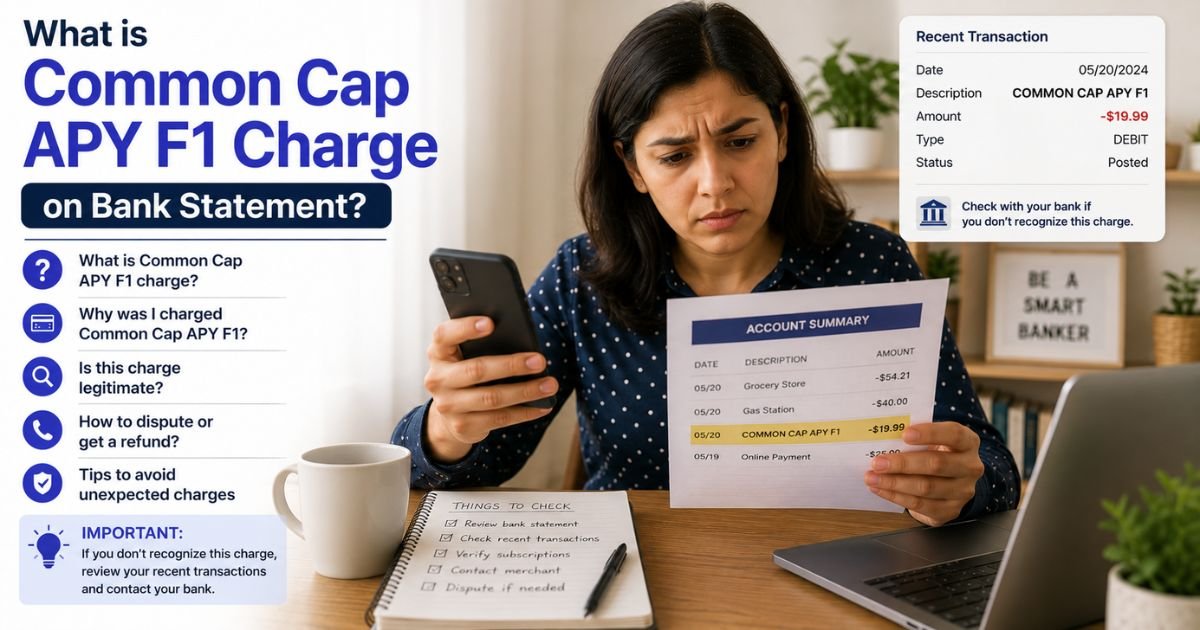
A Common Cap APY F1 charge on bank statement can look confusing at first. Unfamiliar codes like this are usually legitimate. This guide explains what the charge typically is and the steps to confirm or manage it.
Table of Contents
What Is the Common Cap APY F1 Charge?
Common Cap APY F1 (or COMN CAP APY F1) is a billing descriptor used for automatic payments to a store-branded credit card issued by Comenity Capital Bank. Comenity Capital Bank is part of Bread Financial and issues many retail store credit cards.
The code breaks down like this:
- COMN / CAP — Short for Comenity Capital Bank
- APY — Stands for AutoPay (an automatic payment from your linked bank account)
- F1 — An internal code that identifies a specific card portfolio (commonly linked to the Ulta Beauty credit card, though similar codes appear for other store cards)
It usually appears as an ACH (Automated Clearing House) debit on your checking or savings account statement when money is pulled to pay a credit card balance.
Variants may include “COMN CAP APY F1,” “ACH COMN CAP APY F1,” or slight abbreviations.
Why Did This Charge Appear?
The charge appears when an automatic or scheduled payment is processed for a store credit card linked to Comenity Capital Bank. Common reasons include:
- You enrolled in AutoPay for a store credit card and a monthly payment was withdrawn.
- You made an online or phone payment that was processed through Comenity’s system.
- The payment covers a balance on a card such as Ulta, Victoria’s Secret, IKEA, BJ’s Wholesale, Pottery Barn, or another retail card issued by Comenity.
If you have (or recently had) one of these store cards and set up automatic payments from your bank account, the charge is expected.
How to Verify the Charge
- Check the exact date and dollar amount on your bank statement.
- Log into any store credit card accounts you hold (especially Ulta or other retailers that partner with Comenity/Bread Financial) and review recent payments or AutoPay settings.
- Look for confirmation emails from the store or Comenity about a payment.
- Compare the amount to the minimum payment or full balance due on the card statement.
- If needed, contact Bread Financial or the specific card’s customer service with the charge details for confirmation.
Matching the amount and date to a known credit card payment usually confirms the source.
Is the Charge Legitimate or Fraud?
Most Common Cap APY F1 charges are legitimate AutoPay or online payments for a Comenity Capital Bank store card. Comenity (now under Bread Financial) is a well-established issuer of retail credit cards.
Common legitimate explanations
- AutoPay for an Ulta or other store credit card
- A one-time or scheduled payment made online or by phone
- An ACH debit authorized when you linked your bank account to the card
Warning signs
- Charges continuing after you canceled AutoPay and closed the card
- Amounts that do not match any card balances or payment history
- No memory of opening a store card or authorizing bank withdrawals
When to contact the bank
If you have no linked store card and no record of authorizing payments, contact your bank promptly to discuss a possible unauthorized ACH debit.
How to Cancel or Stop the Charge
To stop future automatic payments:
- Log into the store credit card account (or the Bread Financial / Comenity portal for that card).
- Go to payment settings or AutoPay and turn off automatic payments.
- Confirm the change and save any confirmation.
- Optionally, remove the linked bank account from the card profile.
- If you cannot access the account, call the customer service number on the back of the store card or search for the specific card’s support line through Bread Financial.
Canceling AutoPay stops future withdrawals. Any past due balance on the credit card itself remains your responsibility.
Can You Get a Refund?
Refunds are generally not automatic for these payments because they represent money applied to a credit card balance.
If the payment was made in error or was unauthorized, contact Comenity/Bread Financial customer service first and request a reversal or investigation.
If the company does not resolve it and you believe the debit was unauthorized, file a dispute with your bank under their ACH dispute process. Keep records of all communications and the original charge details.
What to Do If the Charge Is Unauthorized
- Confirm you have no open store credit cards with Comenity/Bread Financial and no AutoPay authorizations.
- Contact the card issuer (if any account exists) and request cancellation of any payment authorizations.
- Call your bank’s customer service and report the ACH debit as unauthorized.
- Follow the bank’s formal dispute process and provide any supporting details.
- Monitor your account and consider placing a stop payment or fraud alert if additional activity appears.
Act within your bank’s time limits for ACH disputes.
Prevention Tips
- Review AutoPay settings on all store credit cards regularly.
- Use a dedicated bank account or low-limit card for automatic payments when possible.
- Turn on transaction alerts from your bank for ACH debits.
- Keep a list of store cards you hold and the bank that issues them.
- Cancel AutoPay and remove linked bank accounts when you no longer use a card.
FAQs: Common Cap APY F1 Charge on Bank Statement
Q. What does Common Cap APY F1 mean?
A. It is typically an AutoPay (automatic payment) from your bank account to a store credit card issued by Comenity Capital Bank (part of Bread Financial). The “F1” code often points to a specific portfolio such as the Ulta card.
Q. Is the Common Cap APY F1 charge a scam?
A. No. It is usually a legitimate ACH payment for a retail store credit card. Always verify it against your own card accounts.
Q. How do I stop future Common Cap APY F1 charges?
A. Log into the related store credit card account, turn off AutoPay, and remove the linked bank account if desired. Contact the card issuer if you cannot access the account.
Q. Which store cards use Comenity Capital Bank?
A. Many retailers partner with Comenity/Bread Financial, including Ulta Beauty, Victoria’s Secret, IKEA, BJ’s, Pottery Barn, and others. Check your specific card for the issuer name.
Conclusion
A Common Cap APY F1 charge on bank statement is most often an automatic payment for a store-branded credit card issued by Comenity Capital Bank. Checking your store card accounts and AutoPay settings usually identifies the exact source.
If the charge does not match any known card or authorization, contact the card issuer and your bank right away. Reviewing linked accounts and payment settings regularly helps prevent surprise debits.
Disclaimer: This article is for informational purposes only and is not financial or legal advice. Descriptors, payment policies, and contact details can vary by card and issuer. Always verify the specific charge with your bank or the card company for your situation.
Meet the Author
