
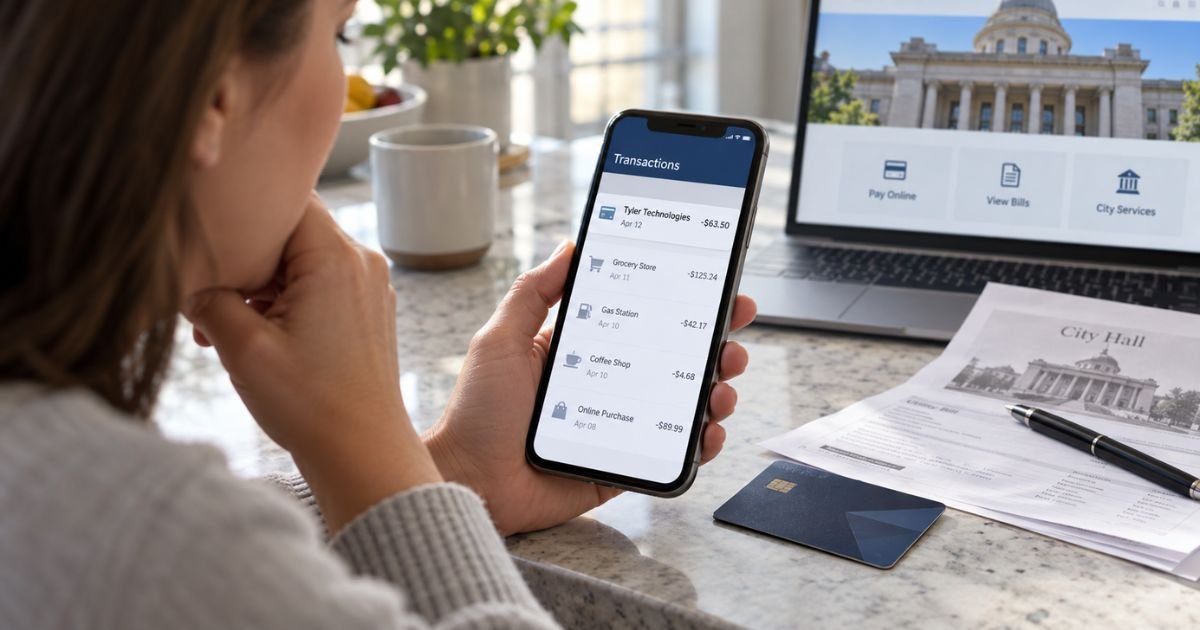
A Tyler Technologies Charge on Credit Card can feel confusing if you don’t remember buying anything from a company with that name. In many cases, the charge is generally connected to a government payment you made online or by phone.
Tyler Technologies provides payment systems for public agencies. Your charge may relate to a tax bill, court fee, traffic ticket, utility payment, license, registration, or another government service.
Table of Contents
What Is a Tyler Technologies Charge on Credit Card?
A Tyler Technologies charge on credit card statements generally means a government agency used Tyler’s payment technology to process your payment. Tyler says its platform helps public agencies accept payments for bills, fees, tickets, and fines.
Tyler also has a support page for unfamiliar statement charges. It says Tyler Technologies, Tyler Payments, NIC Services, or NIC eGovernment may appear after you pay a government agency online or by phone.
That means you may never have visited Tyler’s main website. You may have paid your city, county, court, tax office, utility, or licensing agency through a portal powered by Tyler.
What Types of Payments Can Cause the Charge?
Tyler’s official materials show that its systems support many government collections. Common examples include:
- Property tax payments
- Traffic or parking tickets
- Court fines and filing fees
- Vehicle registration renewals
- Water, sewer, or trash bills
- Business or professional licenses
- Permits and inspection fees
- Government records or filing fees
Tyler’s eFile & Serve system also lets court users pay filing fees by credit card. That can explain a Tyler-related charge after you filed legal documents electronically.
If you recently paid any government bill, compare that payment with the amount on your card before treating the charge as suspicious.
What Does the Charge Look Like on a Statement?
The exact wording may vary by agency, card network, and issuer.
| Possible descriptor | What it may indicate |
|---|---|
| Tyler Technologies | Payment processed through Tyler |
| Tyler Payments | Tyler’s government payment platform |
| NIC Services | Government payment through a Tyler-related service |
| NIC eGovernment | Digital government transaction |
| Tyler plus agency details | Payment tied to a specific agency |
Tyler’s payment support page confirms those names may appear and says the descriptor can also include agency or transaction details.
Why Is There a Separate Service or Convenience Fee?
Some government payments include a separate processing or convenience fee.
Tyler’s official common-inquiries page says a service or processing charge from Tyler Technologies or NIC can appear after an online government payment. It gives examples such as water bills, traffic tickets, and vehicle registration renewals.
The amount is not the same for every agency. Some Tyler-hosted tax portals show percentage-based card fees, minimum fees, or flat charges for certain payment methods.
You may therefore see the government payment and a separate processing fee as two transactions.
Pro Tip: Search your email for the amount, agency name, or words such as “payment confirmation,” “court,” “tax,” or “registration.” A receipt often makes an unfamiliar Tyler charge easy to identify.
How to Verify a Tyler Technologies Charge
Start with the date and amount. The posting date may be later than the date you submitted the payment.
Check your government payment confirmations, court receipts, property-tax records, utility history, licensing receipts, and any purchases made by another authorized cardholder.
If you remember paying a government agency, contact that agency and ask whether it uses Tyler Technologies or NIC. Tyler’s official common-inquiries page specifically tells consumers with questions about Tyler or NIC processing charges to contact the government agency involved.
You can also check whether the agency’s online payment page carries Tyler branding or a Tyler-hosted address. Avoid entering card details into links from unexpected emails or texts.
Is Tyler Technologies Legitimate?
Tyler Technologies is a real company that provides software and payment services to government organizations.
Its official site says its payment products serve local, state, and federal agencies. Tyler also says its broader payment solutions process hundreds of millions of transactions each year.
A Tyler name on your statement is therefore not automatically evidence of fraud. However, a legitimate processor can still handle a payment made with stolen card information, so you should verify your specific transaction.
What Consumer Reports Say
Consumer reports show recurring confusion around court payments, pending transactions, refunds, and e-filing fees.
BBB complaint records include recent claims from consumers who said Tyler-related court or government payments remained pending or became difficult to trace after a payment issue. BBB notes that complaints are individual consumer allegations and are not independently verified.
Reddit discussions also show Tyler appearing in government payment and court e-filing contexts. One discussion involved a Rhode Island court payment portal, while another discussed Tyler-related e-filing fees. These reports are anecdotal.
I could not find a strong dedicated Trustpilot profile for Tyler Technologies itself. Trustpilot evidence is therefore limited.
What If the Charge Is Pending?
A pending Tyler charge may be an authorization that has not fully posted. Do not assume it is a completed payment.
If a government payment page showed an error, first ask the agency whether it received your payment. Recent BBB complaints include reports of court payments remaining pending after online payment problems.
Also check with your card issuer before trying the payment again.
Common Mistakes: Don’t immediately make the same government payment twice after seeing an error. Confirm whether the first transaction is pending, completed, or failed before submitting another payment.
How to Dispute an Unauthorized Tyler Technologies Charge
If you have checked recent government payments and still do not recognize the transaction, contact your credit card issuer promptly.
Use the number on the back of your card or the issuer’s official app. Explain that you do not recognize or authorize the Tyler Technologies transaction.
For U.S. credit cards, the Consumer Financial Protection Bureau says you should contact the issuer right away. To preserve federal billing-error rights, you generally need to send a written billing-error notice within 60 calendar days after the statement containing the charge was sent.
Keep your statement, receipts, agency correspondence, and dispute reference number. If the payment is yours but the fee amount is wrong, contact the agency first because a fee disagreement is different from an unauthorized transaction.
FAQs: Tyler Technologies Charge on Credit Card
Q. Why is Tyler Technologies charging your credit card?
A. You generally see the charge because a government agency used Tyler’s payment system. It may relate to taxes, court fees, tickets, utilities, registrations, licenses, or another public service.
Q. Is Tyler Technologies a subscription?
A. A typical consumer Tyler Technologies statement charge is generally not a private monthly subscription. Tyler’s support guidance says these charges commonly follow government-related payments made online or by phone.
Q. What is a Tyler Technologies service fee?
A. It is generally a processing or convenience fee connected to a government transaction. The amount varies by agency and payment method, so check the payment portal receipt before disputing it.
Q. Should you dispute a Tyler Technologies charge?
A. You should generally verify recent government payments first. If no payment matches and you did not authorize the transaction, contact your credit card issuer promptly and follow its dispute process.
Conclusion
A Tyler Technologies Charge on Credit Card is generally connected to a government payment processed through Tyler or a related digital government service. Common sources include taxes, court fees, tickets, utilities, registrations, licenses, and online filing fees.
Check your receipts, email confirmations, and agency payment history first. If nothing matches and the charge is not yours, contact your credit card issuer promptly and start the appropriate dispute process.
Disclaimer: This article is for informational purposes only and is not financial or legal advice. Government payment fees, merchant descriptors, and dispute policies vary by agency and card issuer, so verify account-specific questions with the government agency or your credit card company.
Meet the Author
