
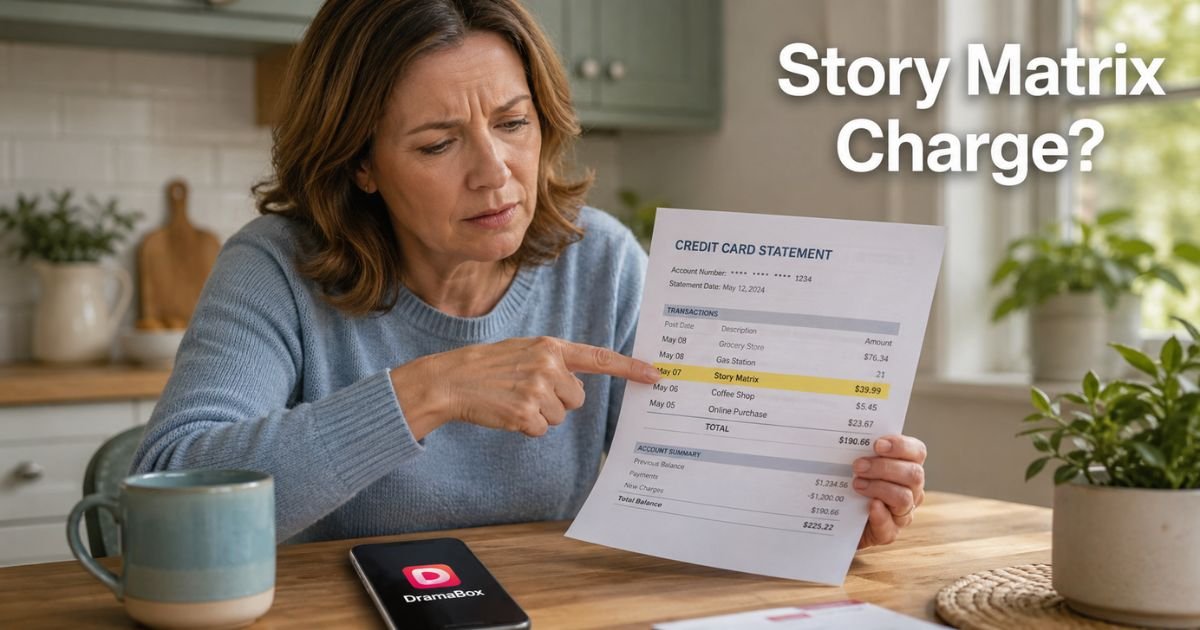
You open your credit card statement and there it is — “Story Matrix” or something close to “STORYMATRIX” with a charge you don’t remember making. Your stomach drops for a second. Did someone steal your card? Is this a scam?
You are not alone. Thousands of cardholders have asked the same question in recent months. This guide walks you through exactly what the mystry charge means, how it got there, and the simple steps to make it stop for good.
Table of Contents
Why Does Story Matrix Show Up on Your Statement?
The DramaBox app lets you watch mini dramas that run 1–2 minutes each. It’s designed for quick entertainment on your phone. To unlock unlimited episodes without ads, users sign up for a premium membership. Those payments are processed through Google Play, so the charge often appears as:
- Story Matrix
- STORYMATRIX
- GOOGLE * Story Matrix
- GOOGLE * DramaBox
The exact wording depends on your bank’s billing system, but it always traces back to the same Singapore-based developer.
Subscriptions usually start after a short trial period. If you don’t cancel before the trial ends, Google automatically bills your saved payment method. Weekly plans run around $17.99–$25, while annual options can reach nearly $200. That adds up fast if you aren’t using the app.
How the Subscription Usually Begins
Most people download the free version of DramaBox to watch a few episodes. The app then prompts them to “unlock full access” with an attractive trial offer.
One quick tap later, the subscription is active. Life gets busy, the app gets buried on your home screen, and the charges continue quietly in the background.
Bottom line: The Story Matrix charge is almost always a forgotten DramaBox subscription, not fraud.
Real Life Story
Take a 37-year-old teacher from Ohio. She downloaded DramaBox during a slow weekend last summer to pass the time. She enjoyed the short episodes and accepted the free trial without reading the fine print. Two weeks later she spotted a $19.99 charge labeled “Story Matrix” on her statement.
She panicked at first. She checked her recent purchases and couldn’t remember signing up. After a quick search she realized it was the DramaBox subscription. Within ten minutes she canceled it and requested a refund through Google Play. The experience taught her to review every app trial carefully.
How to Stop the Story Matrix Charge in Minutes
You have full control here. Google makes cancellation straightforward once you know where to look. Follow these steps:
- Open the Google Play Store app on your phone.
- Tap your profile picture in the top right.
- Select Payments & subscriptions.
- Tap Subscriptions.
- Find DramaBox or Story Matrix in the list.
- Tap Cancel subscription and follow the prompts.
You can also do this on a computer at play.google.com. Sign in, click your profile, and navigate to the same subscription section.
What If You Have Multiple Google Accounts?
Check every account linked to your phone or email. Some users forget they signed up with a secondary Gmail address. Open each account in the Play Store and repeat the steps above.
Pro Tip: After you cancel, take a screenshot of the confirmation page. It serves as proof if any future charges slip through. Set a calendar reminder to review your Google Play subscriptions every three months.
What to Do If the Charge Was Unauthorized
Sometimes the subscription truly wasn’t yours. A family member may have used your device, or someone got hold of your Google account. In that case:
- Cancel the subscription right away using the steps above.
- Request a refund directly in Google Play (look for the “Request a refund” option on the subscription page).
- If Google denies the refund and it has been less than 120 days, contact your credit card issuer to dispute the charge.
Most banks side with cardholders on unrecognized recurring subscriptions.
Common Mistake: Don’t ignore the charge and hope it goes away. Recurring billing continues until you actively cancel. Waiting only adds up more unwanted charges.
DramaBox Subscription Options at a Glance
| Plan Type | Typical Price | What You Get | Best For |
|---|---|---|---|
| Weekly Premium | $17.99 – $25 | Unlimited episodes, no ads | Casual weekend viewers |
| Annual Premium | $199.99 | Full-year access, biggest discount | Heavy daily users |
| Coin Packages | $2.99 – $4.99 | Extra episodes without full sub | Light users trying it out |
Source: Current DramaBox in-app pricing as of 2026. Prices can vary by region and promotions.
How to Prevent Mystery Charges Like This in the Future
You can avoid similar surprises with three easy habits. First, turn on purchase notifications in Google Play settings so you get an email or text every time something bills.
Second, review your subscriptions monthly — it takes less than two minutes.
Third, remove saved payment methods from apps you rarely use.
These small steps give you peace of mind and keep your statement clean.
FAQs: Story Matrix Charge on Credit Card
Q. Why does my credit card say Story Matrix when I never downloaded the DramaBox app?
A. Even if you don’t remember the app name, DramaBox often appears under the developer name Story Matrix on statements. Check your Google Play purchase history or installed apps. Many users install it once during a free promotion and forget.
Q. Can I get a refund for past Story Matrix charges on my credit card?
A. Yes, in most cases. Open Google Play, go to your subscriptions, and request a refund for recent billing periods. Google typically refunds trial-related charges if you act quickly. If denied, your bank can help dispute the transactions within 120 days.
Q. How do I make sure Story Matrix or DramaBox never charges me again?
A. Cancel the subscription in Google Play and then remove your payment method from the app’s settings. Also, delete the app from your phone and any other devices. This stops future automatic renewals completely.
Conclusion
A Story Matrix charge on credit card is usually just a DramaBox subscription that got away from you. Now you know exactly what it is, why it appears, and the fastest way to stop it.
Take five minutes right now to check your Google Play subscriptions. Cancel anything you no longer want. Then make it a habit to scan your statements each month. You will save money and sleep better knowing every dollar is accounted for.
Disclaimer: The content on ExplainCharges.com is for informational and educational purposes only and does not constitute financial, legal, or professional advice. We are not affiliated with any companies or services mentioned. The information provided may not apply to your specific situation. If you suspect unauthorized charges or fraud, contact your bank or credit card issuer immediately. Always verify details directly with the source and consult a qualified professional if needed.
Meet the Author
