
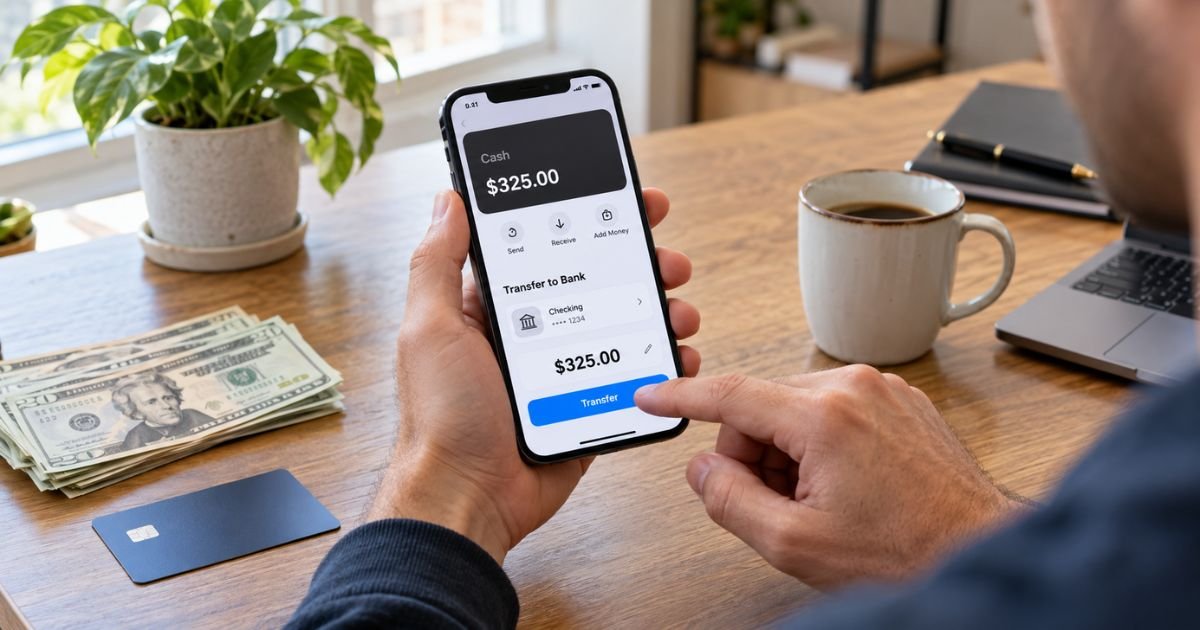
Learning how to withdraw Apple Cash can feel confusing if you do not usually move money out of Apple Wallet. Your balance can generally be transferred to a U.S. bank account or an eligible U.S. debit card.
You cannot generally take Apple Cash directly from an ATM. Instead, you typically transfer the money first, then withdraw physical cash from your bank if needed.
Table of Contents
How to Withdraw Apple Cash: What It Means
When you withdraw Apple Cash, you are generally moving money from your Apple Cash balance to another financial account you control. Apple currently offers a standard bank transfer and an Instant Transfer to an eligible debit card.
Apple Cash services are generally provided by Green Dot Bank, Member FDIC. Apple Payments Services LLC generally acts as a service provider for Apple Cash accounts.
Apple Cash Withdrawal Options
You generally have two main ways to move money out of Apple Cash.
| Transfer method | Where money goes | Typical timing | Current Apple fee |
|---|---|---|---|
| Bank transfer | U.S. bank account | 1 to 3 business days | $0 |
| Instant Transfer | Eligible U.S. debit card | Usually immediate, up to 30 minutes | 1.7%, minimum $0.25, maximum $25 |
The standard bank transfer is generally better when you do not need the money right away. Instant Transfer may be useful when speed matters, but Apple currently deducts a fee.
How to Transfer Apple Cash to Your Bank
A standard bank transfer generally sends your Apple Cash balance to your bank without an Apple transfer fee. Apple says these transfers usually arrive within one to three business days.
On an iPhone, you can generally follow these steps:
- Open the Wallet app.
- Tap your Apple Cash card.
- Tap the More button.
- Tap Transfer to Bank.
- Enter the amount.
- Tap Continue.
- Choose 1-3 Business Days.
- Select your bank account or add one.
- Confirm with Face ID, Touch ID, or your passcode.
If you add a bank account, you generally need your routing number and account number. Check both carefully before you confirm the transfer.
Pro Tip: A standard bank transfer is generally the easiest way to avoid an Apple Cash transfer fee. Use it when you can wait a few business days.
How to Use Instant Transfer
Instant Transfer generally sends your Apple Cash balance to an eligible debit card in Wallet. Apple says the money typically arrives immediately, although it may take up to 30 minutes.
You can generally follow these steps:
- Open Wallet.
- Tap your Apple Cash card.
- Tap the More button.
- Choose Transfer to Bank.
- Enter the amount.
- Tap Continue.
- Choose Instant Transfer.
- Select an eligible debit card.
- Review the fee and confirm.
Apple currently charges 1.7% for Instant Transfer. The fee is generally at least $0.25 and no more than $25 per transfer.
Can You Withdraw Apple Cash at an ATM?
You generally cannot use Apple Cash itself for an ATM cash withdrawal. Green Dot’s current Apple Cash fee schedule lists ATM withdrawal as unavailable.
If you need paper cash, you can generally transfer your balance to your bank or eligible debit card first. You may then use your bank’s ATM or teller services, subject to your bank’s limits and fees.
Apple Cash Transfer Limits
Apple currently sets minimum and maximum transfer amounts. Your available balance and account status may also affect what you can move.
For a standard Apple Cash account, you can generally transfer:
- At least $1 per transfer.
- Your full balance if it is under $1.
- Up to $10,000 in one transfer.
- Up to $20,000 within seven days.
Apple Cash Family limits are generally lower. Apple currently lists up to $2,000 per transfer and $4,000 within seven days for family members.
Security reviews may delay or block a transaction. You should check Apple’s current limits before moving a large balance.
Why Your Apple Cash Transfer May Be Delayed
A delay does not always mean your money is lost. Bank processing schedules, weekends, security checks, incorrect account information, or card eligibility may affect timing.
For a standard transfer, Apple generally says to allow one to three business days. Weekends and bank holidays typically do not count as business days.
For Instant Transfer, your money typically arrives quickly. Apple advises contacting Apple Cash support if more than two hours have passed and the funds still have not arrived.
Consumer reports also describe missing transfer options, temporary errors, and delayed transfers. These reports may show common problems, but they do not prove every Apple Cash account will have the same issue.
What to Do If Apple Cash Will Not Transfer
If your transfer fails, you can generally start with a few basic checks:
- Update your iPhone or iPad software.
- Confirm your Apple Cash account is active.
- Check your available Apple Cash balance.
- Review current transfer limits.
- Confirm your bank routing and account numbers.
- Make sure your debit card is eligible for Instant Transfer.
- Complete identity verification if Apple requests it.
If you recently replaced your debit card, you may need to add the new eligible card to Wallet. You can also try the standard bank transfer if Instant Transfer is unavailable.
Common Mistakes: Do not guess your routing or account number. Apple warns that money sent using incorrect bank details may go to the wrong account and may not be recoverable.
Is Apple Cash Legitimate?
Apple Cash is generally a legitimate Apple-branded service provided through Green Dot Bank, Member FDIC. Apple Payments Services LLC also supports the service.
Some BBB, Trustpilot, and Reddit users report transfer delays, restrictions, and support problems. These individual reports do not prove a service-wide problem, so use official Apple Cash support for account-specific issues.
How to Avoid Withdrawal Problems
Before you transfer, generally verify the destination account and amount. Check your routing number, account number, or selected debit card carefully.
Keep your device updated and review any fee before confirming. Completed transfers may be difficult to reverse, so avoid sending money to unfamiliar people.
Bank Transfer vs. Instant Transfer
The right method generally depends on how quickly you need the money.
Choose a standard bank transfer when you generally:
- Want to avoid Apple’s transfer fee.
- Can wait one to three business days.
- Have a U.S. bank account ready.
Choose Instant Transfer when you generally:
- Need the money sooner.
- Have an eligible U.S. debit card.
- Are comfortable paying the displayed fee.
Apple generally shows the Instant Transfer fee before you complete the transfer. Review it before confirming.
FAQs: How to Withdraw Apple Cash
Q. Can you transfer Apple Cash directly to a bank account?
A. Yes. You can generally transfer Apple Cash to an eligible U.S. bank account using the one-to-three-business-day option, and Apple currently does not charge a fee for that standard transfer.
Q. How do you withdraw Apple Cash without paying a fee?
A. You can generally choose the standard bank transfer instead of Instant Transfer. Apple currently lists the standard transfer fee as $0, although your receiving bank’s policies may vary.
Q. How long does it take to withdraw Apple Cash?
A. A standard bank transfer generally takes one to three business days. Instant Transfer typically arrives immediately but may take up to 30 minutes, with security checks sometimes adding more time.
Q. Can you withdraw Apple Cash from an ATM?
A. Not directly. Apple Cash generally does not support ATM withdrawals, so you typically need to transfer the balance to a bank account or eligible debit card first.
Conclusion
Knowing how to withdraw Apple Cash is generally straightforward once you choose between a standard bank transfer and Instant Transfer. A bank transfer typically costs nothing from Apple, while Instant Transfer generally gets your money faster for a fee.
If your goal is physical cash, you generally need to move the Apple Cash balance to your bank first. Verify the destination details, current fee, and transfer limits before you confirm.
Disclaimer: This article is for general informational purposes only and is not financial or legal advice. Apple Cash, Green Dot Bank, debit card, and bank policies may change, so you should verify account-specific questions with Apple Cash support or your financial institution.
Meet the Author
