
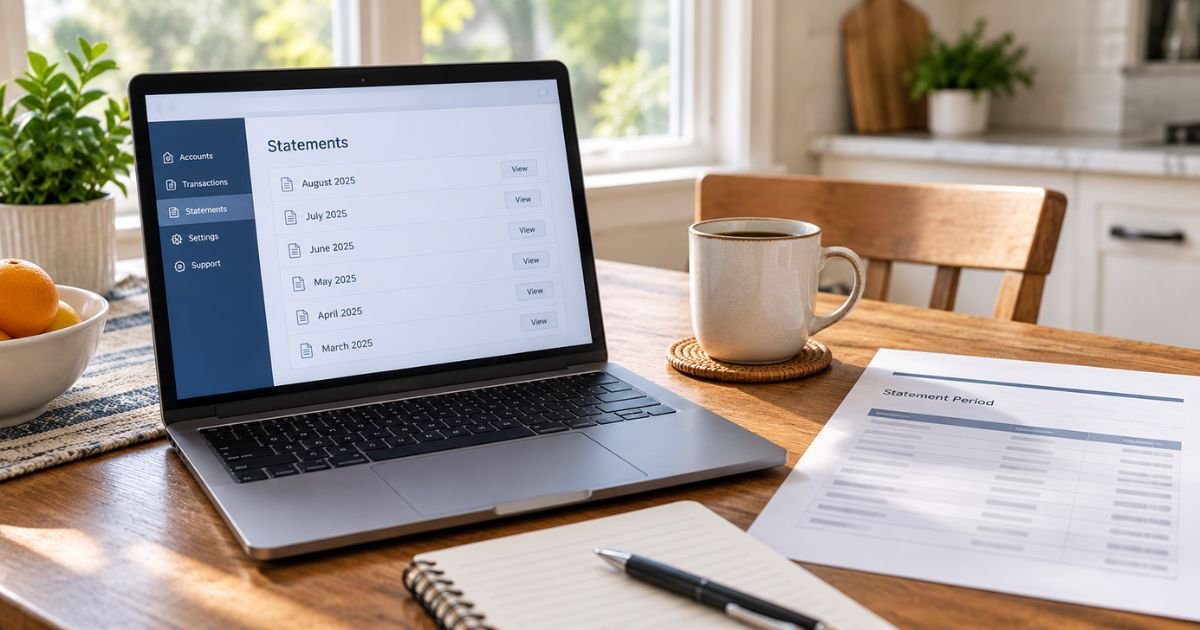
If you need to prove your balance, document deposits, or reconcile your books, you need an official bank statement, not a screenshot of recent activity. Learning how to get a bank statement is usually quick once you know where your bank stores it.
Most U.S. banks and credit unions let you download a PDF from online banking or a mobile app. If that window has closed, or the account is shut, you can still request copies by phone, secure message, mail, or a branch visit.
Table of Contents
How to Get a Bank Statement
What Counts as a Bank Statement
A bank statement is the bank’s official summary of one account for a set period, usually a month. It typically shows:
- The bank’s name
- Your name as it appears on the account
- At least part of the account number
- The statement period
- Opening and closing balances
- Deposits, withdrawals, fees, and interest that posted during the period
That official PDF or paper document is what lenders, landlords, accountants, and many government agencies want.
A transaction history, CSV export, or cropped screenshot is useful for your own review. It is not the same document. Histories can include pending items, omit headers, and look easy to edit.
Major banks generally treat the online statement as the same official document as the mailed paper version. That is the file you should save.
How to Get a Bank Statement Online
Online banking is the fastest option for open accounts.
- Go to your bank’s website and sign in. Use the desktop site when you can. It is often easier than the app for multi-page PDFs.
- Open the checking, savings, money market, or credit card account you need.
- Look for Statements, Statements & Documents, eStatements, or Documents.
- Choose the month and year.
- Open the PDF, then download or print every page, including pages that look blank.
Repeat the steps for each account. A joint checking statement and a separate savings statement are two files.
If you have never used online banking, enroll first. You will need the account number, Social Security number or other ID the bank uses, and access to the phone or email on file for a one-time code.
Many large banks keep about seven years of statements in the portal. Some credit unions and smaller banks show 12 to 24 months. If the month you need is missing, use the bank’s request-copies tool when it exists.
Turn on paperless delivery if you want an email when each new statement posts. Going paperless does not remove your right to download and save the file.
How to Get a Bank Statement in a Mobile App
The app works when you need one recent statement quickly.
- Sign in to the official bank app. Confirm you downloaded it from the App Store or Google Play.
- Tap the account.
- Open Statements, Documents, or a similar label. On some apps it sits under More or at the bottom of the account screen.
- Select the period and save or share the PDF to a secure folder you control.
Apps can truncate pages or hide download buttons on small screens. If a lender wants every page, download the same statement from the website and check the page count.
How to Get a Paper Statement by Mail
If your account is set to paper delivery, the bank mails a statement to the address on file after each cycle. Keep that address current. A statement sent to an old apartment can sit in someone else’s box.
You can usually switch back to paper in the same delivery preferences menu used for e-statements. Allow one statement cycle for the change to take effect.
Need a mailed copy of a past month? Call customer service or send a secure message and ask the bank to mail it to the address already on the account. Banks generally will not mail a full statement to a new address until they verify the change. Extra printed copies and archived months may carry a fee.
How to Get a Bank Statement at a Branch or by Phone
A branch visit helps if you cannot get online, you need help finding the right document, or you want a printed copy the same day.
Bring a government-issued photo ID. Know the account number and the months you need. A banker can often print recent statements or start an archive request. Same-day prints are more likely for open accounts and recent cycles.
Phone support can run the same identity check and place an order for mail or secure-message delivery. Have the last four digits of the account and a recent transaction ready. The bank will not email a full statement to an address it cannot verify.
For a written request, include:
- Your legal name and current address on file
- Account type and full account number
- Exact months or date range
- Whether you want PDF delivery, mail, or branch pickup
- A phone number the bank can use if something is unclear
Do not send the full account number through ordinary email if the bank offers a secure message center.
How to Get Statements From a Closed Account
Closing the account does not erase the records. U.S. banks must keep many account records for at least five years under Bank Secrecy Act rules, and large banks often retain statements for about seven years.
You will not be able to log in after the account is closed. Call the bank, visit a branch, or write the records department. Give the old account number, approximate open and close dates, and any prior address.
If that bank merged, start with the surviving institution. Ask about the fee and turnaround before the search starts.
Official Statements vs. Transaction History
Use this distinction when someone else will review the file.
Official bank statement
- Issued by the bank for a fixed cycle
- Shows opening and closing balances
- Includes the bank name and account-holder name
- Accepted for most mortgages, apartments, benefits, and audits
Transaction history or activity export
- A list you generate for custom dates
- May include pending items
- May omit letterhead or balances
- Fine for your own budget or to fill the gap since the last cycle closed
Mortgage lenders commonly ask for the most recent one to two months of official statements, plus a bank-generated activity report if the last statement is more than a few weeks old.
Screenshots and spreadsheet exports are the files most likely to bounce. Send every page.
How Far Back Can You Get Statements?
It depends on the bank and whether the account is still open.
- Self-serve online: commonly 18 months to 7 years
- By request from the bank: often 5 to 7 years, sometimes more
- Closed accounts: usually still available inside the bank’s retention window
Do not treat the portal as your only archive. Download each new PDF when it posts and store it in a folder you control.
Banks can change how far back the website goes. Your saved file does not disappear when the menu does.
For your own files, keep routine statements at least a year. Keep statements that support income, deductions, or credits on a tax return until the IRS limitations period ends.
That period is generally three years from the date you filed, and it can be six years if a large amount of income was left off the return.
Employment tax records should be kept at least four years.
Fees, Timing, and Common Snags
Online views and downloads of available statements are usually free.
Fees show up when you ask the bank to pull archived months, print extras, or research a closed account. Amounts vary by bank and by how old the file is, so ask the price before a long date range.
Timing is usually immediate for statements already online, a few days for an online copy request, and about 7 to 14 business days for mailed archive copies. Merged banks and very old records take longer.
If you cannot sign in, use password reset, then call if the phone or email on file is outdated. If a month is missing, confirm the cycle. Some savings accounts with no activity issue quarterly statements.
If a third party rejects the file, send the official statement, all pages, not a CSV or screenshot. Banks will not release another person’s statements without legal authority they accept, such as a power of attorney.
FAQs: How to Get a Bank Statement
Q. Can I get a bank statement before the cycle ends?
A. You cannot get next month’s official statement early. You can download a transaction history or ask the bank for an activity report that covers the days since the last statement closed.
Q. Are online statements accepted as official copies?
A. At most U.S. banks, the PDF in online banking is the official statement. Save the file the bank generated. Do not retype the numbers into a spreadsheet and call that the statement.
Q. How do I get a statement if I never set up online banking?
A. Call the number on your debit card or visit a branch with photo ID. Ask the banker to print recent statements and to enroll you in online banking so the next ones are easier to pull.
Q. What if my bank was bought by another bank?
A. The surviving bank usually holds the old records. Give them the former bank name, the old account number, and the years you need. Retrieval can take longer than a request at your current bank.
Conclusion
The simplest way to get a bank statement is to sign in online or in the app, open Statements, and download the official PDF for each account and month you need. If the file is not there, request it by phone, secure message, mail, or a branch visit, and ask about fees before a long archive search.
Save the official statement, not a screenshot. Keep your own copies so you are not stuck if the bank’s online window changes. That habit covers taxes, loans, and everyday proof of what moved through the account.
Disclaimer: This article is general educational information for U.S. consumers and small-business owners. Statement access, fees, retention periods, and accepted formats vary by bank, credit union, account type, and the third party requesting the document. Confirm details with your financial institution and with any lender or agency that asked for the statement.
Meet the Author
