
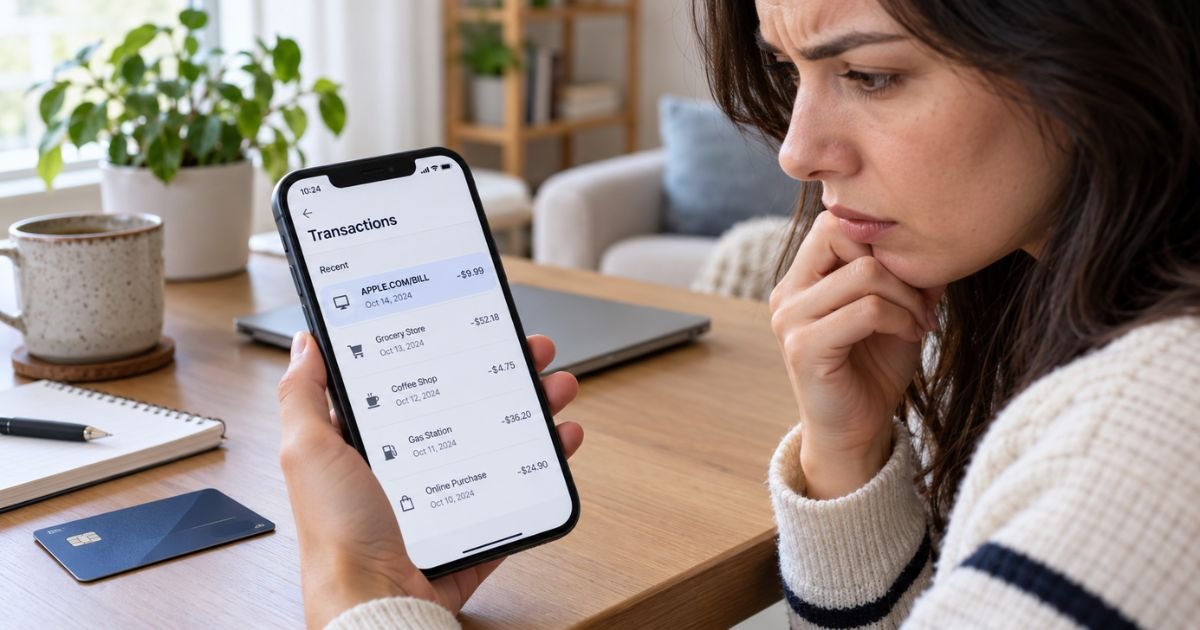
Learning how to dispute Apple charges can feel confusing when you see APPLE.COM/BILL, an App Store purchase, or a subscription you don’t recognize.
The charge may still be legitimate because Apple may group purchases or bill a Family Sharing purchase to the organizer’s payment method.
You can generally start by identifying the purchase in your Apple Account. You can then request a refund, cancel future subscription renewals, or contact your card issuer if the transaction was truly unauthorized.
Table of Contents
What Does It Mean to Dispute Apple Charges?
Disputing an Apple charge generally means challenging a purchase, subscription, or other transaction that you believe is wrong, unauthorized, duplicated, or eligible for a refund. Your best route may depend on what appears on your statement.
Apple says an apple.com/bill charge may relate to apps, subscriptions, music, movies, or other Apple services. You can generally review those purchases through your Apple purchase history or Apple’s Report a Problem service.
| Charge type | Where you generally start |
|---|---|
APPLE.COM/BILL or App Store purchase | Apple purchase history and Report a Problem |
| Apple subscription renewal | Apple Subscriptions, then a refund request if appropriate |
| Apple Store hardware purchase | Apple Store order support |
| Merchant purchase made with Apple Pay | The merchant or your card issuer |
| Charge missing from every Apple Account | Apple Support and your card issuer |
A refund request and a bank dispute are generally different. A refund asks Apple for money back, while a card dispute asks your financial institution to investigate.
Identify the Apple Charge First
You should generally identify the purchase before reporting it as fraud. Apple may combine several purchases into one bill, and a family member’s purchase may appear on the organizer’s shared payment method.
Try these steps:
- Sign in to your Apple purchase history or
reportaproblem.apple.com. - Look for a purchase matching the statement amount.
- Check your email for an Apple receipt or invoice.
- Review any other Apple Accounts you use.
- Check Family Sharing purchases if you’re the organizer.
If the amount doesn’t match one item, you should generally check for grouped purchases. Apple may combine apps, subscriptions, and media purchases into one charge.
Pro Tip: You should generally match the amount, date, and Apple Account before filing a dispute. This may help you avoid reporting a legitimate grouped or family purchase as fraud.
How to Request a Refund From Apple
If you recognize the purchase but believe you should receive your money back, you can generally start with Apple’s refund process. Apple says some App Store, iTunes Store, Apple Books, and other service purchases may be eligible.
You can generally sign in to reportaproblem.apple.com, choose Request a refund, select a reason, choose the purchase, and submit it. Refund eligibility may vary by purchase and circumstances.
Apple generally says you should allow 24 to 48 hours for an update. Apple generally allows refund requests for eligible purchases, but approval isn’t guaranteed.
What If the Apple Charge Is Pending?
If the charge is pending, you generally can’t request an Apple refund yet. Apple says you should typically wait until you receive the email receipt and then try again.
If you still don’t recognize the transaction after it posts, you can generally continue with Apple Support or your financial institution.
Cancel the Subscription Separately
Requesting a refund generally doesn’t automatically cancel a subscription. If you no longer want the service, you should typically cancel it separately.
On an iPhone or iPad, you can generally open Settings, tap your name, tap Subscriptions, choose the subscription, and select Cancel Subscription.
If you see no Cancel button and an expiration message appears, Apple generally says the subscription is already canceled.
Cancellation generally stops future renewals. You may still need a separate refund request for an existing charge.
Common Mistakes: You shouldn’t assume deleting an app cancels its subscription. You should generally cancel through your Apple subscription settings or the company that actually bills you.
What to Do With an Unauthorized Apple Charge
If you didn’t make or approve the purchase, you should generally treat it as possible unauthorized activity. You should first check Family Sharing, other Apple Accounts, and grouped purchases so you know the charge doesn’t belong to you.
If someone else may have access to your Apple Account, you should generally change your password. Apple recommends this when another person may be using your credentials.
If the charge doesn’t appear in your purchase history, you can generally contact Apple Support. You should also contact your bank or card issuer promptly if the transaction appears unauthorized.
When to Dispute an Apple Charge With Your Bank
A bank dispute may generally make sense when a truly unauthorized charge can’t be resolved through Apple, or when the charge isn’t tied to any Apple Account you control.
You should describe the transaction accurately and avoid labeling a recognized purchase as fraud simply because you regret it.
For a U.S. credit card billing error, the CFPB generally advises you to contact the issuer right away. To preserve federal billing-error rights, you generally must send written notice within 60 calendar days after the charge appeared on your statement.
For unauthorized debit card transactions, federal protections generally depend strongly on prompt reporting.
The CFPB says you should notify your bank immediately and, when your physical card wasn’t lost, no later than 60 days after the statement showing the unauthorized transaction was sent.
Your issuer may provide additional protections, so you should generally follow its dispute instructions.
How Long Does an Apple Refund Take?
Apple generally says you may receive an update within 24 to 48 hours. Approval doesn’t necessarily mean the money will appear immediately.
For credit cards, debit cards, Apple Pay, Apple Cash, and many other methods, Apple says an approved refund may take up to 30 days to appear. You should generally contact your financial institution if it still isn’t visible after that period.
You can generally check the request through Check Status of Claims at Report a Problem.
What Consumer Reports Say About Apple Billing Disputes
BBB, Trustpilot, and Reddit all contain consumer reports about Apple billing disputes, subscription renewals, and refund denials. You should treat these reports as anecdotal because they don’t verify what happened with your own transaction.
You shouldn’t treat complaint-site ratings as a prediction of your refund outcome.
FAQs: How To Dispute Apple Charges
Q. How do you dispute an APPLE.COM/BILL charge?
A. You should generally start by checking your Apple purchase history and Family Sharing purchases. If you recognize the purchase, you may request a refund, while a truly unauthorized charge may also need to be reported to your card issuer.
Q. Can you dispute an Apple subscription after it renews?
A. You may generally request a refund, but approval isn’t guaranteed. You should also cancel the subscription separately if you want to prevent another renewal.
Q. What if an Apple charge doesn’t appear in your purchase history?
A. You should generally check other Apple Accounts, receipts, and Family Sharing first. If you still can’t identify it, you may contact Apple Support and your bank, especially if you believe your card was used without permission.
Q. How long do Apple refund disputes take?
A. Apple generally says you may receive an update within 24 to 48 hours. If approved, a card refund may take up to 30 days to appear, depending on your payment method and financial institution.
Conclusion
Knowing how to dispute Apple charges generally starts with identifying what you were billed for. You should usually check your purchase history, Family Sharing activity, subscriptions, and receipts before choosing an Apple refund or bank dispute.
If the purchase is recognized, you can generally use Apple’s Report a Problem process and cancel any unwanted subscription separately.
If the charge is truly unauthorized, you should typically secure your Apple Account and contact your card issuer promptly.
Disclaimer: This article is for informational purposes only and isn’t financial or legal advice. Refund rules, card protections, and dispute procedures may vary by issuer and transaction, so you should verify account-specific questions with Apple or your bank.
Meet the Author
