
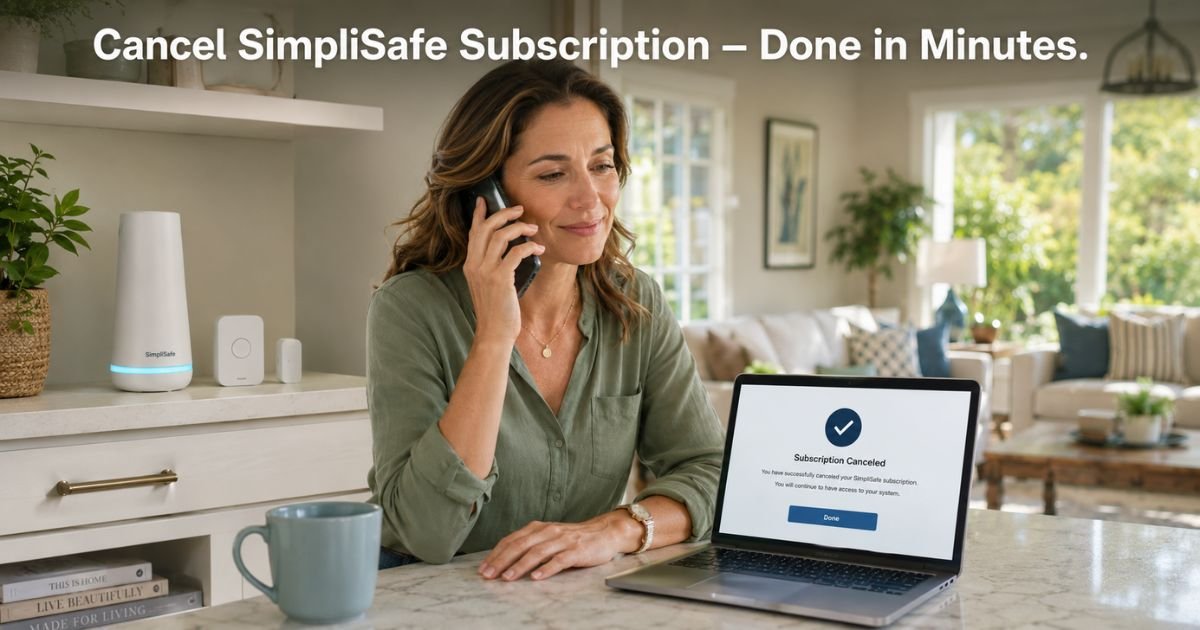
If you have been wondering how to cancel SimpliSafe subscription, you are not alone. Thousands of homeowners search for this exact information every month because life changes. Maybe you are moving, found a better deal, or simply no longer need professional monitoring.
The good news? Canceling is much easier than most people expect. There are no long-term contracts and no cancellation fees. You just need to know the right way to do it.
Table of Contents
Why Canceling Your SimpliSafe Monitoring Plan Feels So Straightforward
SimpliSafe built its reputation on simple, no-contract security. That same philosophy applies when you want to leave.
You keep every piece of hardware you bought. The system still works for local alarms and self-monitoring through the app. The only thing that stops is the professional monitoring service that alerts the police or fire department.
Many people cancel because their monthly bill (often $30–$50) no longer fits their budget or because they are switching to a different provider. Others pause service temporarily while traveling or renovating. Whatever your reason, the process stays the same.
Quick tip: Only the account owner can cancel. If you are a secondary user, you will need the primary owner to make the call.
How to Cancel SimpliSafe Subscription: Step-by-Step Guide
Ready to pull the trigger? Follow these exact steps and you will be done in one short phone call.
Gather your information first
Have your account email, phone number on file, and your safe word ready. You can find your safe word in the SimpliSafe app under Account settings or in old confirmation emails. Some reps may also ask for the base station serial number (printed on the bottom of the device).
Call SimpliSafe customer service
Dial 1-888-783-8441. Support is available every single day from 8 a.m. to midnight Eastern Time. Have your phone on speaker so you can take notes.
Verify your identity
The representative will ask for your safe word and a few account details. This extra security step protects you from anyone trying to cancel your service without permission.
Clearly state you want to cancel
Say something simple like, “I would like to cancel my monitoring plan effective immediately.” If you only need a break, ask about a temporary pause instead. Many reps offer a 3-month pause first before full cancellation.
Get your confirmation
Once processed, you will receive an email to the account owner’s address within minutes. Save that email. It serves as proof your service has ended.
That is it. No forms to fill out online. No waiting on hold for hours. Most people finish the entire call in under five minutes when they are polite and prepared.
What Happens After You Cancel SimpliSafe
Your monitoring stops, but your equipment stays yours forever. The base station, cameras, sensors, and keypad continue working for local alerts and app notifications.
You can still arm and disarm the system yourself. Many former customers keep the hardware as a basic alarm or sell it on marketplaces like Facebook Marketplace or eBay.
Regarding money, SimpliSafe refunds any unearned service charges for full calendar months after termination. You will not get charged for service you did not receive. Always double-check your final statement just to be sure.
Smart Alternatives If You Are Not Ready to Cancel Completely
Sometimes full cancellation is not the best move. Here are two popular options many readers choose instead:
- Pause your service — Ask the rep for a temporary hold (often 3 months at a time). Your equipment stays active and you can restart monitoring whenever you want.
- Downgrade your plan — If cost is the main issue, switch from a higher tier (like Pro or Fast Protect) to the basic Core plan. You still get some monitoring at a lower price.
Both options require the same phone call, so you can explore them during the same conversation.
Common Mistakes People Make When Canceling SimpliSafe
- Trying to cancel through the app or website (it simply does not work)
- Forgetting their safe word and having to call back
- Canceling too late in the billing cycle and losing a small refund
- Not saving the confirmation email
Avoid these pitfalls and your cancellation will go smoothly every time.
FAQs About How to Cancel SimpliSafe Subscription
Q. Can I Cancel My SimpliSafe Subscription Online or in the App?
A. No. SimpliSafe requires you to call customer service or use live chat to cancel. The app and website only let you upgrade plans or manage certain settings. This policy helps prevent unauthorized cancellations and keeps your account secure.
Q. Will I Get a Refund If I Cancel Mid-Month?
A. Yes, SimpliSafe issues refunds for any unused full calendar months after your cancellation date. You will not pay for service you did not receive. The exact amount appears on your final statement or in your confirmation email.
Q. What Should I Do With My SimpliSafe Equipment After Canceling?
A. You own it outright, so you can keep using it for local alarms, sell it, or give it away. Just remove any cameras or sensors you no longer want and update the app settings if needed. Many people repurpose the system as a simple DIY alarm in a garage or vacation home.
Conclusion
Canceling your SimpliSafe subscription is one of the simplest parts of ending a home security service. One phone call, a quick identity check, and you are done. No hidden fees, no contracts to fight, and you keep every sensor and camera you paid for.
If you have been putting this off because you thought it would be complicated, now you know the truth. Pick up the phone, have your safe word ready, and take back control of your monthly budget today.
Still have questions after reading this? The friendliest support team in the industry is just one call away at 1-888-783-8441. They genuinely want to help, even if you are leaving.
Disclaimer: This article provides general guidance based on publicly available information as of May 2026. Policies and phone numbers can change. Always verify the latest details directly with SimpliSafe support before making any account changes. This is not official advice or legal counsel.
Meet the Author
