
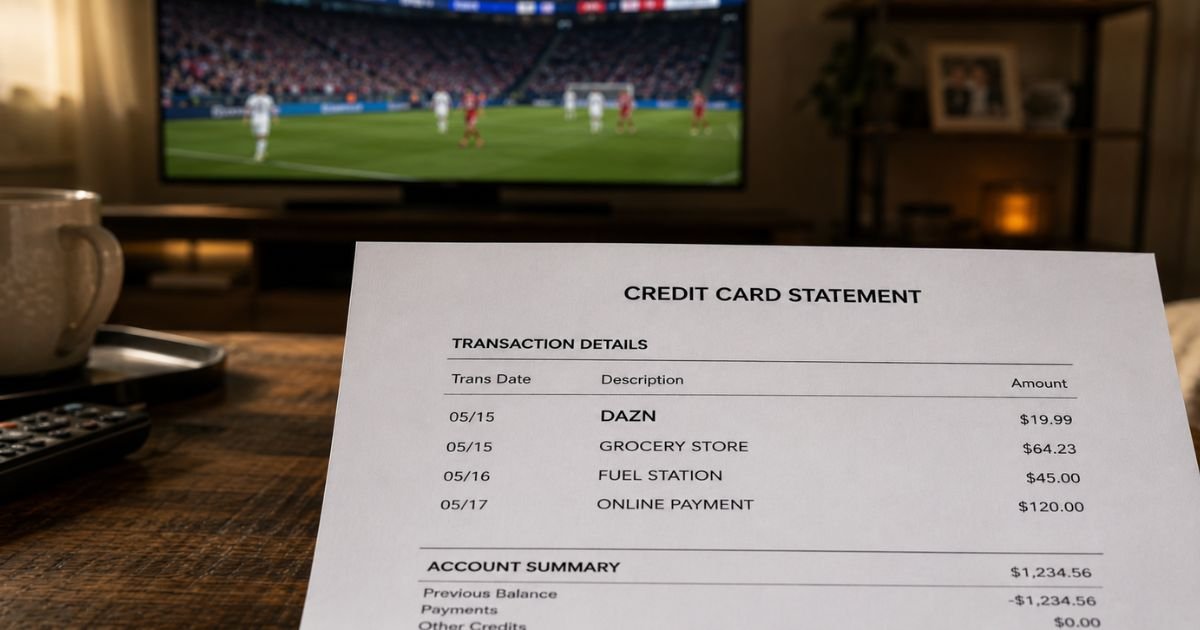
Seeing an unfamiliar DAZN charge on credit card statement can be confusing, especially if you don’t remember signing up for a sports streaming service.
Many people first notice it after a free trial ends or when a family member used the account. In most cases, this charge is legitimate.
This article explains what the charge means, why it appears, how to verify it, and how to cancel or dispute it if needed.
Table of Contents
What Is the DAZN Charge?
DAZN is a global sports streaming service that offers live and on-demand coverage of boxing, soccer, MMA, and other sports events.
When you (or someone using your payment method) subscribe, DAZN bills the card on a recurring basis.
The charge usually appears under descriptors such as:
- DAZN
- DAZN.COM
- WWW.DAZN.COM
- Similar short or bank-formatted versions
It can be a monthly subscription, an annual plan billed upfront or in installments, or an occasional pay-per-view (PPV) event purchase.
The amount varies by plan, location, taxes, and any promotions that may have applied.
Why Did This Charge Appear?
Common reasons include:
- A monthly or annual subscription that auto-renewed
- A free trial that converted to a paid plan
- A pay-per-view event purchase
- A family member or household member who signed up using your card
- A plan change or promotional rate that expired
- Multiple unsuccessful payment attempts that later posted
- An authorization hold that became a final charge
DAZN subscriptions typically renew automatically unless you cancel before the next billing date. Many users forget about the trial or the recurring nature of the service.
How to Verify the Charge
Follow this checklist:
- Note the exact date, amount, and full descriptor on your statement.
- Check your email for confirmation messages, receipts, or renewal notices from DAZN around the same date.
- Log into your DAZN account (or the account linked to the email used for signup) and review the Subscription or Payment History section.
- Ask household members if they started a trial or subscription.
- Compare the amount to any known plan pricing or promotional rates you may have accepted.
- Look for any PPV event purchases if the amount is higher than a standard monthly fee.
Matching the charge to an active subscription or purchase confirmation usually confirms it is valid.
Is It Legitimate or Fraud?
In the large majority of cases, a DAZN charge is legitimate. It reflects a real subscription or event purchase from the sports streaming service.
Common legitimate scenarios:
- You or a family member signed up for a trial or paid plan.
- The subscription auto-renewed as stated in the terms.
- You purchased a pay-per-view event.
Warning signs that need investigation:
- No one in the household recognizes the service or the email used for the account.
- Multiple unexpected charges appear with no matching activity.
- You previously canceled but continue to be billed.
- The amount does not match any plan or event you recall.
If the charge is completely unfamiliar, contact DAZN support and your card issuer promptly.
How to Cancel a DAZN Subscription
Cancellation is done through your DAZN account. Access usually continues until the end of the current billing period.
General steps (web browser recommended):
- Go to dazn.com and sign in.
- Click your profile icon and select My Account.
- Open the Subscription or DAZN Membership section.
- Select Manage Subscription or See Plan Details.
- Choose the option to Cancel subscription and follow the on-screen prompts.
- Confirm the cancellation and save any confirmation email or screenshot.
Important notes:
- Monthly plans can generally be canceled at any time, with access lasting until the end of the paid period (some regions have a notice period).
- Annual plans (especially those paid monthly) often require you to fulfill the remaining term.
- Canceling through the app may not work in all cases — use a web browser when possible.
- If you subscribed through Apple, Google Play, Amazon, or another third party, cancel through that platform’s subscription settings instead.
After canceling, monitor your next statement to confirm the charge does not reappear.
Can You Get a Refund?
DAZN’s general policy is that fees for a started billing period are not prorated or refunded once charged.
Exceptions may apply in limited cases:
- You were charged after a confirmed cancellation.
- A clear billing error occurred.
- Unauthorized use of your payment method.
Contact DAZN support through your account or the help center with your cancellation confirmation and transaction details.
If DAZN does not resolve the issue, you can dispute the charge with your credit card issuer under the Fair Credit Billing Act.
Act within the required time limits (typically 60 days of the statement date for billing errors).
What to Do If the Charge Is Unauthorized
If you confirm no one authorized the subscription or purchase:
- Log into the DAZN account (if accessible) and cancel any active subscription immediately.
- Contact DAZN support and report the unauthorized charge.
- Call your credit card issuer’s fraud department, report the charge, and request a dispute.
- Change the password on the DAZN account and any linked email.
- Remove the card from the DAZN payment methods if possible.
- Document the date, amount, descriptor, and all reference numbers from your conversations.
Report the issue quickly to limit potential liability.
Prevention Tips
- Review credit card and bank statements every month.
- Turn on transaction alerts for new merchants or recurring amounts.
- Set calendar reminders for free trial end dates.
- Use a virtual card number or limited-balance card for streaming trials when available.
- Keep a simple list of active subscriptions and their billing dates.
- Cancel trials immediately if you decide not to continue.
- Ask household members before they use a shared card for new services.
- Check the Subscription section in your DAZN account regularly.
- Prefer annual prepaid plans only if you are certain you will use the service for the full year.
Common DAZN Charge Types
| Type | Typical Frequency | What It Usually Means |
|---|---|---|
| Monthly subscription | Every month | Standard recurring plan |
| Annual plan (upfront) | Once per year | Full-year payment |
| Annual plan (monthly) | Every month for 12 months | Installment version of annual plan |
| Pay-per-view event | One-time | Specific fight or event purchase |
Statement Descriptor Variations
| Descriptor Example | Meaning |
|---|---|
| DAZN | Standard subscription or PPV charge |
| DAZN.COM | Website-processed payment |
| WWW.DAZN.COM | Full domain version |
FAQs: DAZN Charge on Credit Card
Q. What is a DAZN charge on my credit card?
A. It is almost always a recurring subscription payment or pay-per-view purchase from the DAZN sports streaming service.
Q. Why was I charged after I thought I canceled?
A. Cancellation usually takes effect at the end of the current billing period. You may still be charged for the remaining days or the next cycle if you canceled after the cutoff. Check your cancellation confirmation email for the exact end date.
Q. How do I cancel DAZN and stop future charges?
A. Sign in at dazn.com, go to My Account > Subscription, and follow the cancel prompts. If you subscribed through Apple, Google, or another platform, cancel there instead. Monitor your next statement to confirm.
Q. Can I get a refund for a DAZN charge?
A. DAZN generally does not issue prorated refunds for started billing periods. Contact support if you were charged after a confirmed cancellation or if the charge is unauthorized. You can also dispute the charge with your card issuer.
Conclusion
A DAZN charge on credit card is typically a legitimate subscription or pay-per-view payment for the sports streaming service.
Verify it against your account history, cancel through My Account if you no longer want the service, and contact support or your card issuer if the charge is unexpected or unauthorized.
Reviewing statements regularly and tracking free trials helps prevent similar surprises with streaming services.
Disclaimer: This article is for informational purposes only and is not financial, legal, or professional advice. Subscription terms, pricing, cancellation rules, and refund policies can change and may vary by country or plan. Always verify details directly in your DAZN account or with DAZN support and your financial institution.
Meet the Author
