
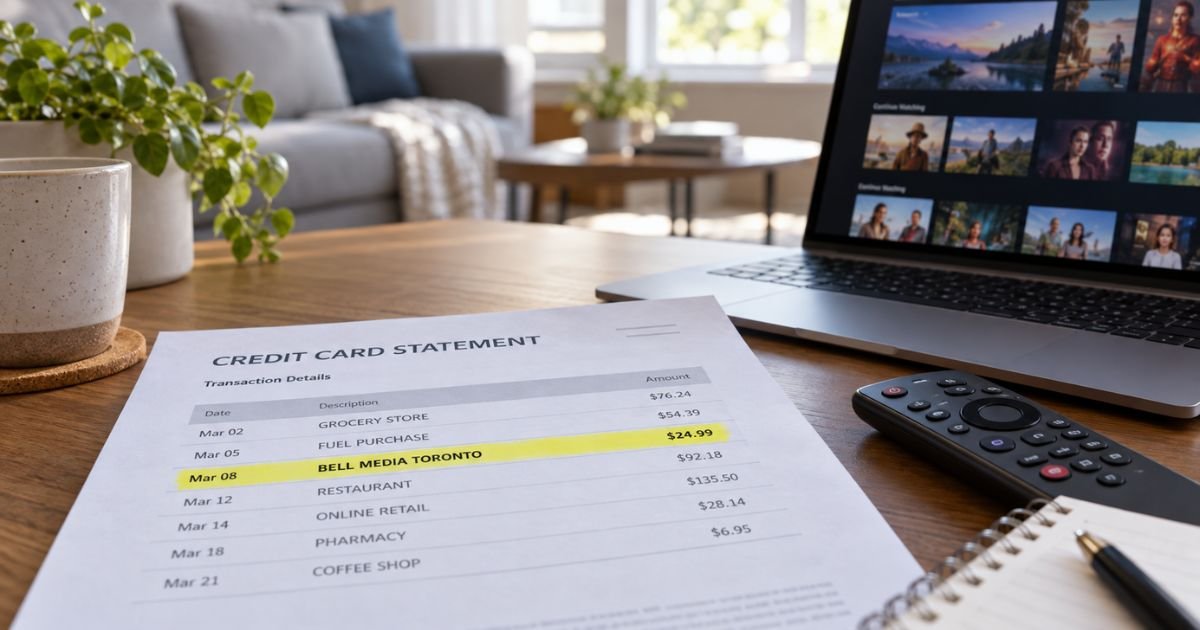
A Bell Media charge on your credit card can feel confusing if you do not remember a company by that name. Unfamiliar media labels are often legitimate parent-company billing.
This guide explains the usual Canadian streaming match, how to cancel the right way, and what to do if the line is not yours.
Table of Contents
What a Bell Media Charge on a Credit Card Usually Is
A Bell Media charge on credit card is typically a payment to Bell Media Inc., a Canadian media company based in Toronto. Bell Media is the entertainment arm of BCE. It runs Crave streaming, TSN sports, CTV, and related digital products.
The statement often prints the parent name instead of Crave or TSN. Banks also add a city code. That is why the line can say BELL MEDIA or BEL MEDIA TORONTO CD when you subscribed to a show app.
This is not the same thing as a Bell Canada home phone, wireless, or internet bill. Those drafts more often say Bell Canada, Bell Mobility, or show up in MyBell.
A true Bell Media card line is more often a standalone stream, a Roku or app-store channel, or a sports pass billed to the card you saved.
Bell Media’s public site is bellmedia.ca. Crave billing help lives at crave.ca. TSN subscription help lives at tsn.ca. Use those accounts first. Do not pay a random invoice that arrives by text.
How the wording usually appears
Issuers shorten the same merchant in different ways. Reported and likely variations include:
- BELL MEDIA
- BELL MEDIA TORONTO ON
- BEL MEDIA TORONTO CD
- BELL MEDIA CANADA
- CRAVE or CRAVE TV TORONTO
- ROKU FOR BELL MEDIA
- TSN or TSN+ lines billed through Bell Media
A Toronto or ON/CD location is a strong clue. CAD amounts converted to USD can look a few dollars off the plan price you remember. PENDING is usually an authorization that has not posted yet.
If the line also says Roku, Apple, or Google, the store that sold the channel is the cancel desk. Crave’s own help says Roku subscribers cancel at my.roku.com. Apple and Google subscribers cancel in those subscription lists.
What you may have paid
Bell Media products that commonly hit a card include:
| Product | What it is | Where to check |
|---|---|---|
| Crave | Canadian streaming (HBO library, movies, live channels on some plans) | crave.ca account, Subscriptions |
| TSN / TSN+ | Live sports and extras | tsn.ca account or MyBell if bundled |
| RDS | French-language sports stream | RDS or Bell Media account |
| App-store or Roku channel | Same brands sold through a device store | Apple, Google, or Roku subscriptions |
| Bell TV or Mobility add-on | Crave or TSN on a Bell bill | MyBell, not always a card line |
Bell’s consumer pages have listed Crave Standard With Ads around $11.99 a month and Crave Premium around $22 a month, plus tax. Those figures change. Your Crave or TSN account shows the plan you actually have.
A US card can still be charged. A household member, a trip to Canada, a Roku channel, or an old trial can leave a saved card on file.
Pro Tip: Search email for Crave, TSN, Bell Media, and the exact dollar amount. Look at spam too. Then open crave.ca or tsn.ca with every email you use for streaming.
Lookalikes to rule out
Match extra words before you call the wrong office.
- Bell Canada or Bell Mobility is phone, internet, or TV service. Pay and cancel that in MyBell.
- The Bell or a restaurant named Bell is unrelated.
- CraveBooks is a different membership site, not Bell Media’s Crave TV.
- Google ads that mention Bell Media are not a proven official descriptor. Treat GOOGLE* lines as Google billing first.
How to match the charge
- Match the date, amount, card, and pending versus posted status.
- Ask anyone who shares the card or a Roku, Fire TV, or Apple ID.
- Sign in at crave.ca. Open Manage Account, then Subscriptions.
- Sign in at tsn.ca and check Manage Subscription.
- Check Apple, Google Play, and my.roku.com for a Crave or TSN channel.
- If you have Bell home or wireless service, open MyBell and look at streaming add-ons.
- Call the number on your card and ask for the expanded merchant name and phone.
Crave official terms list support at 1-888-272-8388 (1-888-CRAVETV), Help@crave.ca, and mail to Bell Media Inc., 299 Queen Street West, Toronto, Ontario M5V 2Z5. Have the charge date and amount ready.
How to cancel so the next draft stops
Cancel in the same place you subscribed.
Direct Crave billing
Official Crave help says:
- Log in at crave.ca.
- Open Manage Account from the user icon.
- Open Subscriptions.
- Click Cancel Subscription.
- Finish the screens until you see confirmation.
Crave says the service is prepaid. After you cancel, access generally lasts until the end of the current cycle. Cancel before the next renewal date if you want to avoid another charge. Canceling Crave also cancels Crave add-ons. Canceling only an add-on does not cancel Crave itself.
Official help also describes a pause option on that same support article. Use it only if the page still offers pause for your plan.
TSN billed by TSN
Official TSN FAQ steps: log in, Manage Subscription, Subscriptions tab, Cancel Subscription, then confirm. Access generally lasts to the end of the paid period.
Bell-billed Crave or TSN
Cancel in MyBell under subscriptions, or call Bell for that account. A direct Crave card plan does not turn off by itself when you add Crave to a Bell mobility or TV bundle. Official Crave help says you must cancel the direct plan separately to avoid two bills.
Roku, Apple, or Google
Cancel in that store’s subscription list. Then confirm the Crave or TSN account no longer shows a paid plan.
Common Mistakes: Canceling only the Crave app login and leaving Roku billing on. Also, buying Crave through Bell while an old crave.ca card plan is still live. Official Bell streaming pages warn that a pre-existing direct subscription stays your job to stop.
Refunds and disputes
Crave help says you keep access until the cycle ends after a normal cancel. Promo plans may have no partial refund if you leave mid-term.
Bundle switches can work differently. Read the refund article in Crave support for your plan instead of assuming a prorated check.
If the charge is unrecognized, ask Crave or TSN to name the account email. Then cancel that plan.
If you still do not recognize it, treat it as a possible billing error. On a US credit card, federal rules generally give you 60 days from the statement that first showed the charge to send a written notice.
Issuers generally must acknowledge a billing-error claim within 30 days and resolve it within two billing cycles, not more than 90 days. Pay any amount you do recognize.
Do not give a one-time passcode to a caller who found you. Start from crave.ca, tsn.ca, or the number on your card.
FAQs: Bell Media Charge on a Credit Card
Q. What is a Bell Media charge on my credit card?
A. It is usually Bell Media Inc. billing for Crave, TSN+, or a related stream, often with a Toronto location. It is not automatically your Bell Canada phone bill. Match the amount to a Crave, TSN, Roku, Apple, or Google subscription.
Q. Is Bell Media a scam?
A. Bell Media is a real Canadian media company. The descriptor alone does not prove fraud. An unexpected recurring amount still needs a matching account. Cancel that plan, then dispute only the charges nobody in your household can explain.
Q. How do I cancel a Bell Media subscription?
A. For direct Crave, use Manage Account, then Subscriptions, then Cancel Subscription on crave.ca. TSN has a similar Manage Subscription path. Roku, Apple, and Google signups must be canceled in those stores. Official Crave contacts include 1-888-272-8388 and Help@crave.ca.
Q. Why does a US card show a Canadian company?
A. A saved card can bill across the border. A family member, a Roku channel, or an old trial can keep renewing in CAD, then post in USD. Check every streaming login tied to that card.
Conclusion
A Bell Media charge on credit card is typically Toronto-based streaming, most often Crave or TSN, not a mystery US store. Official Crave cancel steps are on crave.ca under Manage Account. Confirm Roku or app-store billing too. Dispute only the lines that do not match any account you can find.
Disclaimer: This article is for general information only. It is not financial or legal advice. Bell Media, Crave, and TSN prices, refunds, and cancel rules vary by plan and billing channel. Confirm account-specific questions with Crave, TSN, Bell, or your card issuer using official contacts.
Meet the Author
