
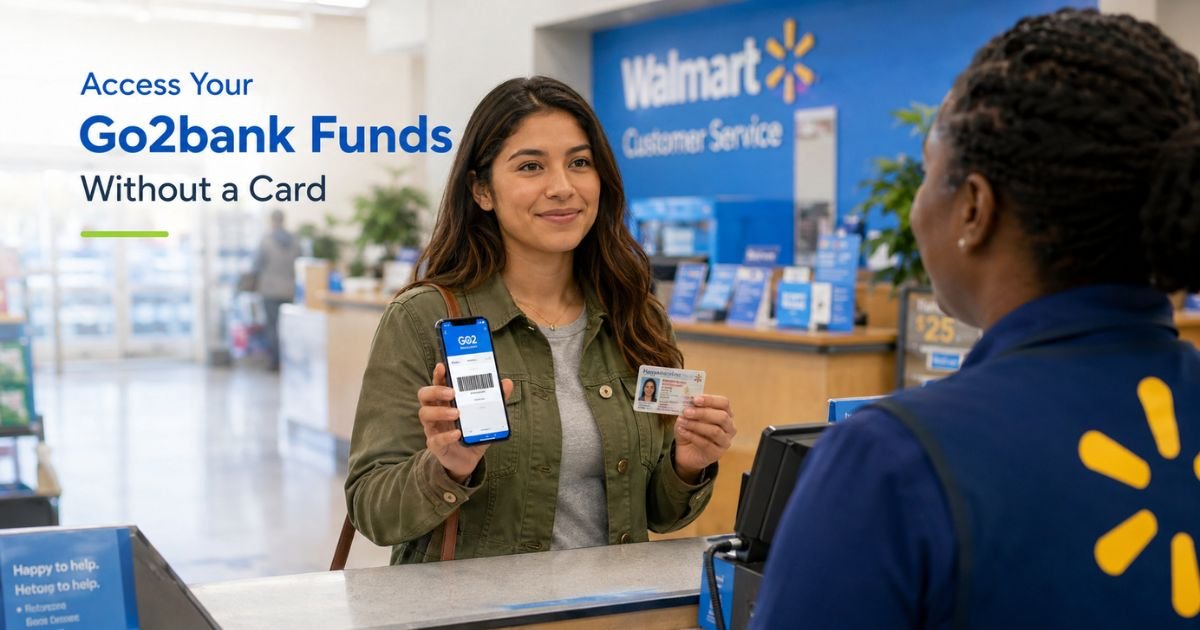
You need cash from your Go2bank account but do not have your debit card handy. Maybe it is lost, damaged, or you simply want a card-free option.
Traditional banks can make this process stressful with fees or long waits, but Go2bank offers practical ways to access your money.
This guide shows you exactly how to withdraw money from Go2bank without card.
You will learn the simple Walmart cash pickup method, how to use electronic transfers, and the steps that keep everything secure and fee-conscious.
By the end, you will know how to get your funds quickly when the card is not an option.
Table of Contents
Main Ways to Withdraw from Go2bank Without Your Debit Card
Go2bank provides a few straightforward options when you cannot or do not want to use your physical card. The most direct cash method involves a quick process in the app or website that generates a barcode for Walmart.
Electronic transfers offer another card-free route to move money to another account.
These options help you avoid the surprise fees that often come with out-of-network ATMs or rushed alternatives at other banks.
How to Get Cash at Walmart Using the Go2bank App or Website
This method works especially well if your card is lost or stolen, but you can use it whenever you need card-free access.
Log into your Go2bank account through the mobile app or at go2bank.com. Go to the Settings or Menu section and find “Manage cards.” Select the option to track or activate your card.
Look for the “Get cash now?” button. Tap or click it and follow the prompts to generate a time-sensitive barcode.
Take the barcode on your phone and a valid government-issued photo ID (such as a driver’s license or passport) to any Walmart location.
Show both at the customer service desk or designated area to receive your cash. The barcode usually expires after a short time, so use it promptly.
This feature lets you access your available balance without needing the physical card.
Using Electronic Transfers to Move Money Without a Card
You can also transfer funds from your Go2bank account to another bank account you own using ACH. This method requires no card at all.
In the Go2bank app or website, go to the transfer or move money section. Link an external bank account by entering its routing and account numbers (this usually takes 1–3 business days to verify).
Once linked, initiate a transfer from your Go2bank Checking or Savings to the external account. Choose the amount and confirm. The money typically arrives in 1–3 business days, depending on the banks involved.
This option works well for larger amounts or when you prefer the money to land directly in another checking or savings account.
Pro Tip: Report your card lost or stolen in the app right away even if you just want temporary card-free access. This deactivates the old card for security and immediately unlocks the “Get cash now?” barcode feature at Walmart. You can always order a replacement card later.
Real-World Example
Jordan’s Go2bank debit card was damaged and unusable right before a weekend trip. They needed $150 in cash for gas and incidentals.
Instead of waiting for a replacement card, Jordan logged into the app, went to Manage cards, and used the “Get cash now?” option to create a barcode.
They stopped at a nearby Walmart with their driver’s license and picked up the cash in minutes. The process felt simple and avoided any extra fees or delays.
Common Mistake: People generate the Walmart barcode but forget to bring valid photo ID or wait too long and let it expire. The barcode is time-sensitive, so complete the pickup soon after creating it and always carry proper identification.
Card-Free Ways to Access Money from Go2bank
| Method | How It Works | Timeframe | Best For | Potential Costs |
|---|---|---|---|---|
| Walmart Cash Pickup | Generate barcode in app after reporting card issue | Minutes at Walmart | Quick cash needs | Usually none from Go2bank |
| ACH Transfer to Another Bank | Link external account and transfer online | 1–3 business days | Larger amounts or direct deposit | Possible receiving bank fees |
| Internal Go2bank Transfers | Move between your own Checking and Savings | Instant or same day | Organizing your own accounts | Usually none |
Availability and exact steps can vary. Always confirm current options and any limits in your Go2bank app or by contacting support.
FAQs: How to Withdraw Money from Go2bank Without Card
Q. How do I withdraw cash from Go2bank without my debit card at Walmart?
A. Log into the Go2bank app or website, go to Manage cards, and select the option to track or activate your card. Tap the “Get cash now?” button to generate a time-sensitive barcode. Bring the barcode and a valid government-issued photo ID to Walmart customer service to receive your cash.
Q. Can I transfer money from Go2bank to another bank without using my card?
A. Yes. Use the app or website to link an external bank account with its routing and account numbers, then initiate an ACH transfer. No debit card is required. The transfer usually takes 1–3 business days to complete.
Q. Is there a fee to withdraw money from Go2bank without a card?
A. The Walmart cash pickup option typically has no fee from Go2bank itself. ACH transfers to another bank are usually free from Go2bank, though the receiving bank might charge a fee in some cases. Always check the app for any current limits or costs before you start.
Conclusion
Withdrawing money from Go2bank without card is straightforward once you know the options. The Walmart barcode method gives you quick cash access, while ACH transfers let you move funds electronically to another account at your own pace.
Open your Go2bank app today and explore the Manage cards section or transfer tools. A few minutes of preparation now means you can access your money confidently the next time your card is not available.
Disclaimer: The content on ExplainCharges.com is for informational and educational purposes only and does not constitute financial, legal, or professional advice. We are not affiliated with any companies or services mentioned. The information provided may not apply to your specific situation. If you suspect unauthorized charges or fraud, contact your bank or credit card issuer immediately. Always verify details directly with the source and consult a qualified professional if needed.
Meet the Author
