
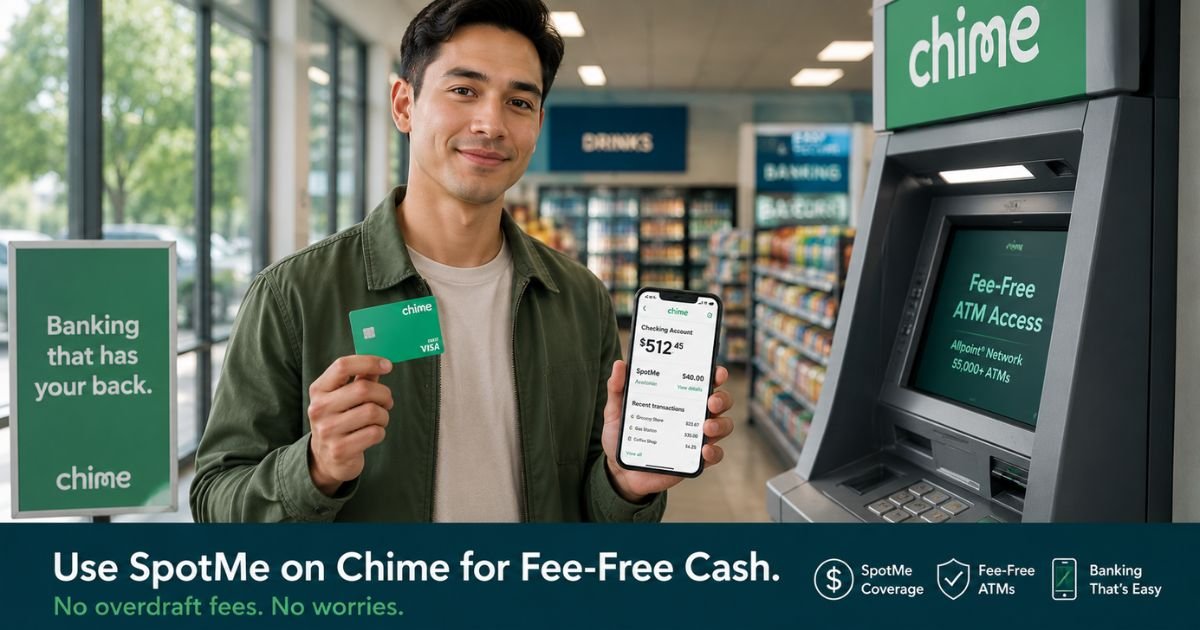
You open the Chime app and see your Checking balance is low or at zero, but you need cash for gas, groceries, or an unexpected expense. SpotMe can help cover the difference without the overdraft fees that surprise people at traditional banks.
This guide explains exactly how to withdraw money from SpotMe on Chime. You will learn what transactions qualify, how to get cash at an ATM or through cash back, and the simple rules that keep everything fee-free.
Table of Contents
What SpotMe on Chime Actually Is
SpotMe is Chime’s fee-free overdraft coverage. Once you qualify, Chime lets your Checking balance go negative up to your personal SpotMe limit (often starting at $20 and going up to $200 or more for eligible members).
It is not a loan or separate account balance you can transfer out. Instead, it automatically covers qualifying transactions when your available balance is too low.
You qualify for SpotMe by receiving regular qualifying direct deposits (typically $200 or more per month) into your Chime Checking Account and by agreeing to the terms.
Your limit can increase over time with consistent activity.
How to Withdraw Cash Using SpotMe on Chime
Here is the straightforward way most members access funds through SpotMe.
Open the Chime app and check your available balance plus your current SpotMe limit. Both numbers appear clearly on the main screen.
For ATM cash withdrawals, insert or tap your Chime Visa Debit Card at any in-network ATM. Chime has over 60,000 fee-free ATMs.
If your balance is low, SpotMe will cover the withdrawal up to your limit. Out-of-network ATMs may still charge operator fees even if SpotMe covers the main amount.
For cash back at stores, make a debit card purchase and request cash back at checkout. SpotMe can cover both the purchase and the cash back amount when you are within your limit.
Your next qualifying direct deposit automatically repays the amount you used. You do not need to do anything extra, and Chime charges no interest or overdraft fees for using SpotMe.
What SpotMe Covers and What It Does Not
SpotMe works for debit card purchases, ATM withdrawals, cash-back transactions at registers, and some over-the-counter cash withdrawals. It gives you flexibility for everyday needs without traditional bank fees.
It does not cover Pay Anyone transfers, ACH transfers or direct debits, transfers to your Chime Savings Account, or payments to apps like Venmo or Cash App. Those transactions will be declined if your balance is too low.
Pro Tip: Always check the Chime app before heading to an ATM or store. Your SpotMe limit shows right on the home screen, so you know exactly how much extra coverage you have available that day.
Real-World Example
Taylor’s Chime Checking balance sat at $12, and they needed $40 in cash for an emergency car repair. They opened the app, confirmed their SpotMe limit was $75, and walked to a nearby in-network ATM.
They withdrew $40 with no Chime overdraft fee. Three days later, their paycheck deposited and automatically brought the balance back to positive. SpotMe gave them the short-term help they needed without any surprise charges.
Common Mistake: Members try to use SpotMe for Pay Anyone transfers or bill payments set up with account and routing numbers. Those are not covered, so the transaction fails and can create frustration. Use your debit card or ATM for anything you want SpotMe to cover.
SpotMe Coverage on Chime
| Transaction Type | Covered by SpotMe? | Notes |
|---|---|---|
| Debit card purchases | Yes | Most common use |
| ATM withdrawals (in-network) | Yes | Fee-free at Chime’s 60,000+ ATMs |
| Cash back at checkout | Yes | Request cash back with your purchase |
| Pay Anyone transfers | No | Will be declined if balance is too low |
| ACH transfers / direct debits | No | Use card or ATM instead for SpotMe coverage |
| Transfers to Chime Savings | No | Move money only when you have positive balance |
Coverage depends on your eligibility and current SpotMe limit. Always confirm in the Chime app before transacting.
FAQs: How to Withdraw Money from SpotMe on Chime
Q. How do I withdraw cash from my Chime SpotMe at an ATM?
A. Open the Chime app to confirm your SpotMe limit, then use your Chime Visa Debit Card at any in-network ATM. SpotMe will automatically cover the withdrawal up to your limit when your balance is low. Stick to in-network machines to avoid extra ATM operator fees.
Q. Does Chime SpotMe charge any fees for overdrafts or withdrawals?
A. No. Chime does not charge overdraft fees or interest when you use SpotMe. The only possible extra costs are out-of-network ATM fees charged by the machine owner, not by Chime. Your next qualifying direct deposit simply repays the amount used.
Q. Why was my SpotMe transaction declined on Chime?
A. SpotMe only covers specific transactions like debit card purchases, ATM withdrawals, and cash back. It does not cover Pay Anyone transfers, most ACH payments, or transfers to Savings. If the transaction type is not supported or you exceed your SpotMe limit, it will be declined even if you are eligible for the feature.
Conclusion
Using SpotMe on Chime gives you a simple, fee-free way to handle short-term cash needs when your balance runs low.
It works automatically for debit card purchases and ATM withdrawals at in-network machines, and your next direct deposit takes care of repayment.
Open your Chime app today and check your current SpotMe limit and available balance.
Knowing exactly what you have available helps you use the feature confidently the next time you need a little extra cash without worrying about surprise bank fees.
Disclaimer: The content on ExplainCharges.com is for informational and educational purposes only and does not constitute financial, legal, or professional advice. We are not affiliated with any companies or services mentioned. The information provided may not apply to your specific situation. If you suspect unauthorized charges or fraud, contact your bank or credit card issuer immediately. Always verify details directly with the source and consult a qualified professional if needed.
Meet the Author
