
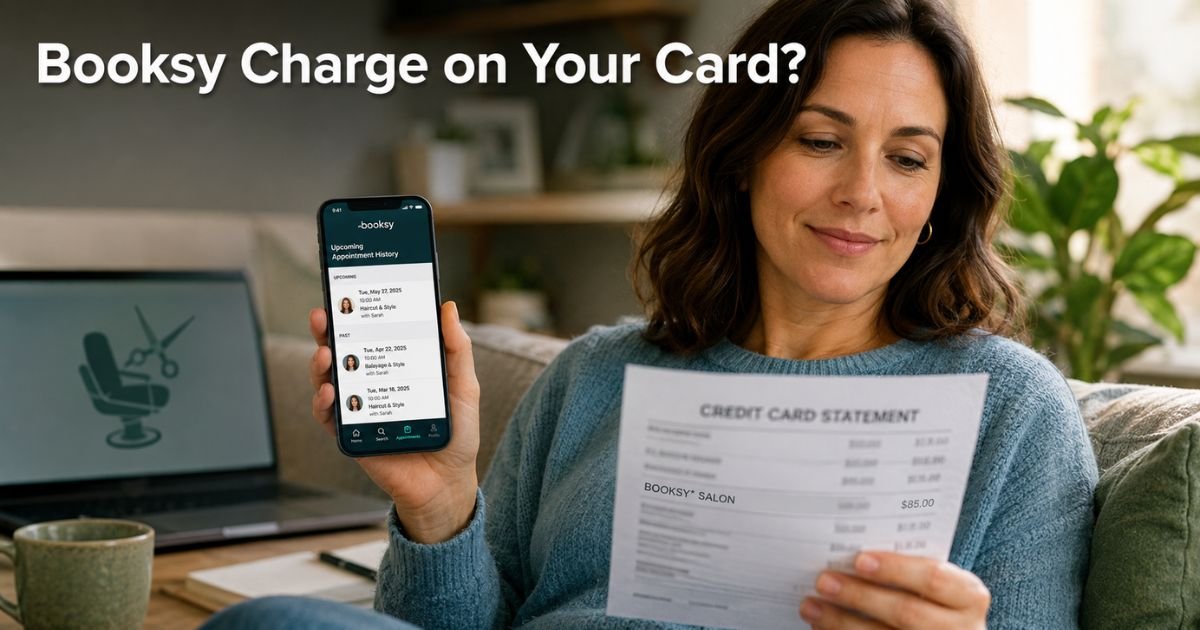
You open your credit card app on a quiet Saturday morning, scrolling through recent activity, and there it is: a $85 charge from “BOOKSY INC” or “BOOKSY.COM.”
Your mind races. You do not remember any recent salon visits, or maybe you do but forgot the exact amount. Was it a haircut you booked last month? A deposit for your next appointment? Or something you never approved?
You are not alone. Thousands of people each month search for answers about this exact charge.
The good news? It is almost always a legitimate payment for a beauty or wellness service, and you have straightforward ways to verify or fix it today.
We will explain exactly what the Booksy charge on credit card means, why it shows up under that name, and the exact steps you can take to confirm the booking or stop future billing.
Table of Contents
What Is the Booksy Charge on Credit Card?
Booksy is a popular booking platform that connects you with local salons, barbers, spas, and other beauty professionals. When you book an appointment through the Booksy app or website and pay with your credit or debit card, the charge posts as “BOOKSY INC,” “BOOKSY.COM,” or a similar variation.
This billing descriptor comes from the company’s official name, Booksy Inc. It processes payments securely through the app, including full service fees, deposits, prepayments, or automatic no-show and cancellation charges.
Booksy Pay lets you store your card once and pay easily before, during, or after your appointment, plus add a tip with one tap.
The charge is completely normal for anyone who used the platform to schedule and pay for a service like a haircut, manicure, massage, or facial.
Why Does the Charge Look Mysterious?
Most of us expect to see the salon name or “Booksy Appointment” right on the statement. Instead, your bank shows the formal company name because Booksy handles the payment processing behind the scenes.
That small detail creates confusion, especially if the appointment was weeks ago or if someone else in your household booked it on a shared account.
Another common reason? Deposits and cancellation fees. Many stylists set up automatic charges for no-shows or late cancellations.
You might have agreed to it during booking without noticing the fine print, and the fee hits your card only if you miss the appointment.
Common Charge Types You Might See
- Full service payment after your visit
- Deposit or prepayment to hold your spot
- No-show or cancellation fee
- Tip added right after the appointment
These match the services you book through the app every day.
Real-Life Example
Take a 36-year-old marketing coordinator. She spotted a $95 “BOOKSY INC” charge on her statement and had no memory of it. She opened the Booksy app, logged in, and checked her activity tab.
There it was: a haircut she booked for her daughter two weeks earlier. The stylist had charged the card on file right after the appointment, plus a small tip Rachel approved in the app.
She felt relieved once she saw the details. She turned on payment notifications so she would never wonder again.
Your situation might be different. Maybe the charge truly does not belong to you. The next steps work either way.
How to Confirm the Booksy Charge Is Yours
Before you call anyone, check these three quick spots:
- Open the Booksy app and tap your profile, then “Appointments” or “Activity” to review your full history.
- Look in your email for receipts from Booksy or the specific salon you visited.
- Check the app’s payment section for any stored cards or recent transactions.
If you find a matching appointment with the right amount and date, you know it came from Booksy. If nothing shows up, treat it as potentially unauthorized and follow the dispute steps below.
How to Stop or Remove the Charge
You have two easy paths: handle it through the app or work with your bank. Most people get results fastest by starting inside Booksy.
Simple Action Plan
- Open the Booksy app, go to your profile, and remove any saved payment methods you no longer want to use.
- Contact the specific salon or provider directly through the app’s messaging to request a refund or cancellation confirmation.
- If the charge feels unauthorized, reach out to Booksy customer support through the app’s Help Center or email help.us@booksy.com.
- Call your credit card issuer and dispute the charge if needed. Most issuers give you 60 days and side with you on unrecognized transactions.
Pro Tip: Before you book any appointment in the Booksy app, double-check the payment and cancellation policy. Taking ten extra seconds to review the details can save you from surprise deposits or fees later.
When the Charge Might Be Unauthorized
Sometimes the Booksy charge really is not yours. A family member might have booked on your saved card without telling you, or in rare cases someone gained access to your account. If that happens, act fast.
Report it through the app and file a dispute with your bank right away. Credit cards offer zero-liability protection, so you usually will not lose a cent while they investigate.
Common Mistake: Ignoring the charge because it seems small or assuming it was a glitch. If you have a card on file and a strict cancellation policy, another fee can post automatically for the next missed appointment. Acting within the first week gives you the strongest chance of a full refund or waiver.
Quick Guide to Common Booksy Charge Descriptions
Here is a handy breakdown of what you might see on your statement and what each one means.
| Charge Description | What It Usually Means | Typical Amount Range | How to Verify |
|---|---|---|---|
| BOOKSY INC | Payment for booked salon or spa service | $40–$200 | Booksy app Appointments tab |
| BOOKSY.COM | Deposit or prepayment for upcoming appointment | $20–$100 | Email receipt from Booksy |
| Booksy Pay | Tip or final balance after service | $5–$50 | App activity and tip history |
| BOOKSY INC NO-SHOW | Automatic cancellation or no-show fee | Policy amount | Message the provider in app |
Data based on common user reports and Booksy’s official billing practices as of 2026.
Bottom line: Quick checks in the Booksy app almost always clear things up, and your bank stands ready to help if needed.
FAQs: Booksy Charge on Credit Card
Q. Why does a Booksy charge show up on my credit card instead of the salon name?
A. Booksy processes payments for thousands of beauty businesses, so the charge appears under their company name “BOOKSY INC” or “BOOKSY.COM.” The actual service still links directly to the appointment you booked through the app.
Q. Can I get a refund for a Booksy charge I did not make or no longer want?
A. Yes, in most cases. Open the Booksy app and contact the salon or provider directly to request a refund or waiver. If they do not respond quickly, file a dispute with your credit card issuer. Banks often refund unauthorized or disputed charges under their zero-liability policies.
Q. How do I stop future Booksy charges on my credit card?
A. Go to your profile in the Booksy app, remove your saved payment method, and ask the salon to delete your card on file. Then set up transaction alerts so you catch any new activity right away. If charges continue, contact your bank to revoke authorization.
Conclusion
You now know exactly what that Booksy charge on credit card means and how to handle it with confidence. Whether it was a forgotten haircut booking or something that needs a quick refund, you have the tools to take control today.
Check your Booksy app activity every few weeks, keep alerts turned on, and remember you are never stuck with surprises. If this helped, explore our other guides on ExplainCharges.com. Your wallet stays simpler when you stay informed.
Disclaimer: The content on ExplainCharges.com is for informational and educational purposes only and does not constitute financial, legal, or professional advice. We are not affiliated with any companies or services mentioned. The information provided may not apply to your specific situation. If you suspect unauthorized charges or fraud, contact your bank or credit card issuer immediately. Always verify details directly with the source and consult a qualified professional if needed.
Meet the Author
