
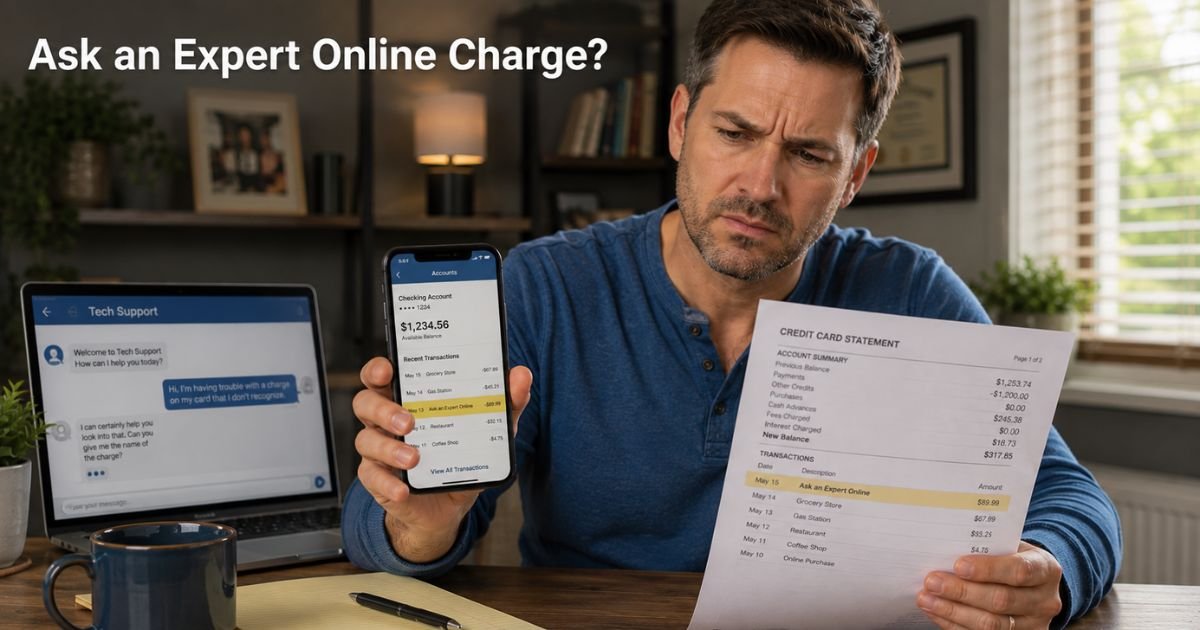
You open your credit card app on an ordinary Wednesday morning, coffee in hand, and spot it: a $59.99 charge from “Ask an Expert Online.” Your stomach drops. You do not remember signing up for anything like that.
Was it a quick tech support chat you clicked on? A hidden subscription from a printer help page? Or something you never approved? You are not alone. Hundreds of people each month search for answers about this exact charge.
The good news? It is almost always tied to one specific expert advice service, and you have clear, simple ways to handle it right now.
We will walk you through what the Ask an Expert Online charge on credit card really means, why it shows up, and the exact steps you can take today to stop future billing or request a refund.
Table of Contents
What Is the Ask an Expert Online Charge on Credit Card?
Ask an Expert Online is the billing name for AskAnExpertOnline.com, a service connected to JustAnswer. The platform lets you pay for one-on-one answers from verified experts in categories like tech support, mechanics, law, medicine, and more.
When you start a question on their site or get redirected from another company’s chat (such as printer support or internet help), the system often adds a monthly membership.
The charge posts as “Ask an Expert Online,” “AskAnExpertOnline.com,” or a similar variation. Standard monthly fees run around $55 to $69 after an initial low trial amount like $1 or $2. Many users say they never intended to start a recurring plan.
The service promises fast, 24/7 expert help, but the enrollment process can feel sneaky, especially when you are just trying to fix a quick problem.
Why Does the Charge Look Mysterious?
Most of us expect clear labels like “Netflix” or “Amazon” on our statements. Ask an Expert Online does not ring any bells for the average person. The company operates under a name that sounds helpful but stays unfamiliar until the bill arrives.
Another common reason? The signup happens during a live chat or quick support flow.
You answer a few questions, enter your card for a small verification fee, and the system quietly starts a full subscription. A month later the regular charge hits, and you have already moved on.
Common Charge Amounts You Might See
- $1–$5 for the initial verification or trial
- $55–$69 for the monthly membership
- Multiple charges if you have an active plan
These amounts match what users commonly report from the service.
How to Confirm the Charge Is Yours
Before you dispute anything, check these quick spots:
- Visit askanexpertonline.com and try logging in with the email tied to the charge.
- Look for confirmation emails from support@justanswer.com or similar addresses.
- Check your bank app for the exact merchant name and amount.
If you find an active account or matching receipt, you know it came from the service. If nothing shows up, treat it as potentially unauthorized and move to the dispute steps below.
How to Stop Ask an Expert Online Charges for Good
You have two main paths: handle it directly with the company or go through your bank. Most people get the fastest results by doing both at the same time.
Step-by-Step Action Plan
Contact support right away
Email SupportTP@justanswer.com or call 800-805-5962. Be polite but firm. Ask them to cancel your membership, remove your saved payment method, and send written confirmation. Keep records of every conversation.
Cancel through the member portal
Log into your account on the site and use the cancellation option if available.
Dispute the charge with your bank or card issuer
If the membership feels unauthorized or you simply changed your mind, file a dispute. Credit cards usually give you 60 days from the statement date. Explain that you did not recognize the merchant name and provide any proof you have.
Monitor your statements for the next month
Set up transaction alerts so you catch anything new immediately.
Pro Tip: Before you ever enter payment details on a support chat or expert site, read the fine print for any mention of subscriptions. Taking ten extra seconds can save you months of unwanted charges.
When the Charge Is Unauthorized
Sometimes the Ask an Expert Online charge truly is not yours. A family member might have used your card during a support issue. In rare cases it could be fraud. Your credit card’s zero-liability policy protects you.
Contact your issuer immediately, freeze the card if needed, and file the dispute. Most banks reverse the charge while they investigate. Meanwhile, change passwords and enable two-factor authentication everywhere.
Common Mistake: Only canceling through the site and skipping the bank step. Many users report that even after cancellation, charges continue because the payment method stays on file. Always follow up with your card issuer to revoke authorization and request a block.
Bottom line: Whether the charge is yours or not, quick action almost always fixes the problem.
Quick Guide to Handling an Ask an Expert Online Charge
Here is a handy overview of your options and what to expect.
| Step | What to Do | Typical Timeline | Success Tip |
|---|---|---|---|
| Contact support | Email SupportTP@justanswer.com or call 800-805-5962 | 1–3 business days | Ask for written confirmation |
| Cancel in portal | Log in and use cancellation option | Immediate | Screenshot your cancellation |
| File bank dispute | Call issuer or use app | 30–60 days for decision | Provide chat screenshots |
| Remove payment method | Delete card in account settings | Immediate | Prevents future charges |
| Monitor account | Check statements weekly | Ongoing | Set up alerts for $10+ charges |
Data compiled from user reports and company policies as of 2026.
FAQs: Ask an Expert Online Charge on Credit Card
Q. Why does an Ask an Expert Online charge show up on my credit card when I only wanted one quick answer?
A. The service often starts a monthly membership after a small trial fee. Many people miss the subscription details during a live chat, so the first full charge arrives a month later without clear notice.
Q. Can I get a refund for an Ask an Expert Online charge I didn’t know about or authorize?
A. Yes, in most cases. Contact their support team first for a quick cancellation and refund request. If they do not respond fast enough, file a dispute with your credit card issuer. Banks often side with cardholders on unclear or unwanted subscriptions.
Q. How do I stop recurring Ask an Expert Online charges on my credit card for good?
A. Email SupportTP@justanswer.com or call 800-805-5962 to cancel your membership. Then log into your account, remove your saved payment method, and confirm the cancellation in writing. Set up credit card alerts and check your next statement to make sure nothing posts again.
Conclusion
You now know exactly what that Ask an Expert Online charge on credit card means and how to handle it with confidence. Whether it was a quick support chat that added a membership or something that needs a refund, you have the tools to take control today.
Check your statements every week, review support chat terms carefully before paying, and remember you are never stuck with mystery charges.
If this helped, explore our other guides on ExplainCharges.com. Your peace of mind matters, and small steps today keep your finances simple tomorrow.
Disclaimer: The content on ExplainCharges.com is for informational and educational purposes only and does not constitute financial, legal, or professional advice. We are not affiliated with any companies or services mentioned. The information provided may not apply to your specific situation. If you suspect unauthorized charges or fraud, contact your bank or credit card issuer immediately. Always verify details directly with the source and consult a qualified professional if needed.
Meet the Author
