
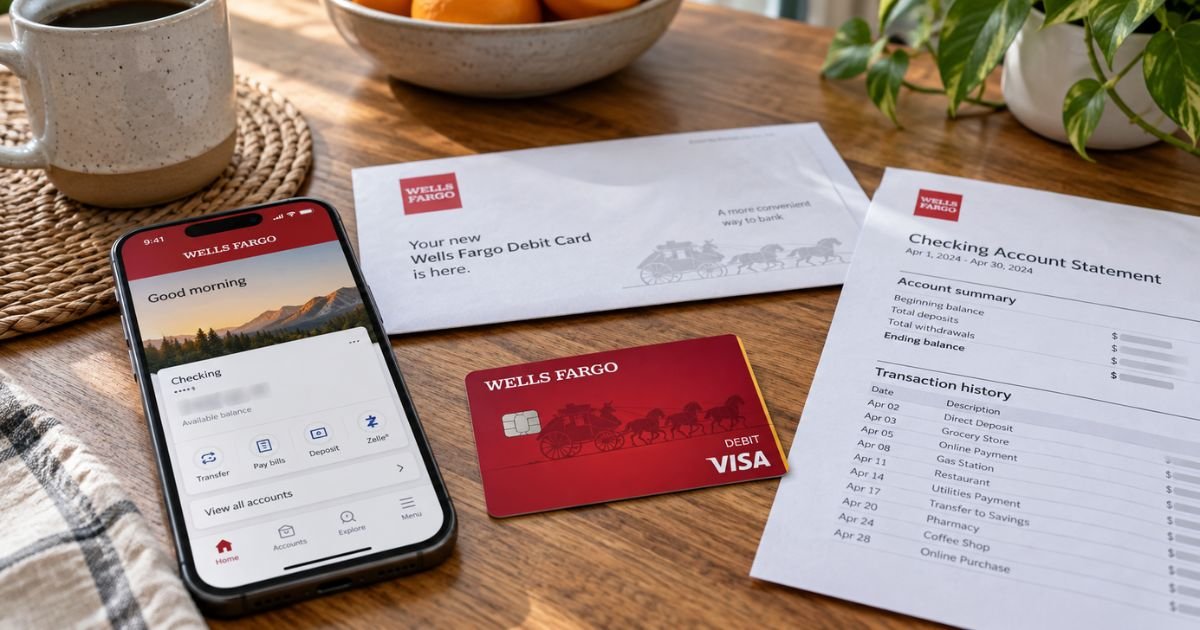
A new Wells Fargo debit card can feel confusing if a sticker says you must activate it before you spend. That step is normal.
This guide covers Wells Fargo’s official activation options, PIN rules, and what to do if the card or PIN never shows up.
Table of Contents
What Activating a Wells Fargo Debit Card Means
Activating a Wells Fargo debit card tells the bank the plastic is in your hands. Official debit pages say you should activate a mailed card right away. Until you do, stores and many ATMs may decline it.
Wells Fargo lists four official paths:
- Scan the code that came with the card
- Activate online or in the Wells Fargo Mobile app
- Call 1-877-294-6933
- Use any Wells Fargo ATM with your PIN
Official help notes that a PIN may be required. Use your current PIN. If you do not have one yet, Wells Fargo says it would have been mailed separately from the card.
Do not give your PIN, password, or one-time code to someone who called you. Official security pages say Wells Fargo employees will never ask for those.
Activate with the code, website, or app
If the card mailer has a QR or similar code, official help says you can scan it with your phone to start activation. Use only the printed mailer, not a code from a text.
To activate in digital banking:
- Sign on to wellsfargo.com or the Wells Fargo Mobile app.
- Open the checking account tied to the new card.
- Find card activation or the Cards menu.
- Enter the details the screen asks for.
- Confirm the card is active.
Menu names can change after an app update. Stay inside the official app or wellsfargo.com. Do not type the full card number into a random link.
Once you activate online or by phone, official FAQs say peel off the sticker and begin using the card right away. Destroy the old card after the new one works.
Activate by phone
Official debit pages list 1-877-294-6933 for activation. Lost-wallet help also says you may call the number on the sticker on the front of a replacement card.
Have ready:
- The card
- The account phone number Wells Fargo has on file
- Your current PIN if the system asks for it
If the automated line cannot finish, official personal banking is 1-800-869-3557 (1-800-TO-WELLS), 24 hours a day. Business debit and ATM cards use 1-800-225-5935 (1-800-CALL-WELLS). Online banking technical help is 1-800-956-4442.
Call numbers you typed from wellsfargo.com or from the card. Hang up on callers who demand a passcode to “unlock” a card you did not request.
Activate at a Wells Fargo ATM
Official help says you can activate on the go at any Wells Fargo ATM using your PIN. That PIN was mailed separately from the card if you did not already have one.
Typical steps:
- Peel the sticker off before you insert the card. Official FAQs say to remove the sticker before ATM use.
- Insert the new card.
- Enter your PIN.
- Follow the screen until the transaction finishes.
- Take the card and receipt.
Use a Wells Fargo ATM when you can. Other banks’ machines may not run Wells Fargo’s activation routine. Find a machine on wellsfargo.com/atm.
If the ATM rejects the PIN, stop after a couple of tries. Too many wrong PINs can block the card.
Pro Tip: Activate at home first, then try a $1 store purchase or an ATM balance check. That confirms the networks see the new card before you need cash in a hurry.
PIN, lock, and digital wallet
Official debit FAQs cover PIN help.
If you do not know your PIN:
- Bring the card and ID to a Wells Fargo branch to reset it and pick a new one, or
- Call the number on the back of the card. Official help says a new system-generated PIN will be mailed to you.
If you know the PIN and only want a new one, official help says you can sign on to Wells Fargo Online or the app, choose Change your PIN from the Cards menu, and follow the directions.
Other change options may appear in that same FAQ. Use those official screens rather than a third-party form.
If the card arrived but the PIN letter did not, official activate-card help says visit your nearest Wells Fargo branch.
Turn the card off if you misplace it. Official Card Controls and lost-wallet pages say to use Turn Card On or Off in online or mobile banking.
You can also call 1-800-869-3557 for personal debit, prepaid, or credit cards. Turning a card off is temporary. Recurring payments that were already authorized may still go through.
After activation, add the card to Apple Pay, Google Pay, Samsung Pay, PayPal, Paze, or Garmin Pay if your device supports it. Official digital-wallet pages say you can tap an eligible wallet at many Wells Fargo ATMs, then enter your PIN.
If the card never arrives
Official debit help says a replacement requested in Wells Fargo Online or the app arrives in 5 to 7 calendar days. You can also call 1-800-869-3557 for a personal debit or ATM card, or 1-800-225-5935 for a business debit or ATM card.
If a first card never shows up, official activate-card help says call 1-800-869-3557 right away.
For a lost or stolen card, official pages say the replacement generally keeps the same PIN but gets a new number, expiration date, and security code. Update any autopay merchants that stored the old number. Remove the old card from your phone wallet.
Traveling outside the United States? Official lost-wallet help lists collect calls at 1-925-825-7600 for personal accounts and 1-916-480-3190 for business accounts. Wells Fargo says it accepts relay calls, including 711.
Report unauthorized debit use quickly. Federal Regulation E generally gives stronger protection when you notify the bank soon after you learn of the problem.
Start with 1-800-869-3557 for personal debit questions, then review recent ATM, purchase, and ACH lines.
If activation fails
Check these first:
- You signed into the profile that owns that checking account.
- You are using the newest card, not an old replacement.
- The card is not turned off in Card Controls.
- You are using the PIN mailed for this card, not an old guess.
- A joint owner did not already activate or lock it.
Premier clients can use 1-800-742-4932. Military banking is 1-855-872-2932. Still use the sticker number if the mailer printed a different activation line.
Do not keep an unactivated card in an open mailbox. Shred the old card through the chip and account number after the new one works.
Common Mistakes: Leaving the activation sticker on for an ATM insert. Official help says peel it first at the ATM. Also, saving only the old last four digits in a digital wallet after a replacement.
FAQs: How to Activate Wells Fargo Debit Card
Q. How do I activate a Wells Fargo debit card?
A. Official help lists a mailer code, Wells Fargo Online or the mobile app, 1-877-294-6933, or a Wells Fargo ATM with your PIN. After online or phone activation, peel the sticker and use the card. Remove the sticker before ATM activation.
Q. Where is my PIN?
A. Official pages say use your current PIN. If you do not have one, it is generally mailed separately from the card. No PIN letter? Visit a branch. Forgot it? Reset at a branch with ID, or call the number on the back of the card for a mailed PIN.
Q. How long does a replacement debit card take?
A. Official debit help says 5 to 7 calendar days when you order in online or mobile banking. Call 1-800-869-3557 for personal cards or 1-800-225-5935 for business cards if it does not arrive.
Q. Is turning the card off the same as activating it?
A. No. Activation is the first-time step for a new card. Turn Card On or Off is a lock if you misplace a card that already works. Recurring charges already set up may still post while the card is off.
Conclusion
Activating a Wells Fargo debit card is an official step by code, app, 1-877-294-6933, or a Wells Fargo ATM with the PIN mailed separately from the card.
Confirm a small purchase after you finish. Use 1-800-869-3557 for personal card problems and official wellsfargo.com numbers only.
Disclaimer: This article is for general information only. It is not financial or legal advice. Wells Fargo activation steps, PIN mailing, replacement times, and liability rules vary by account. Confirm details with Wells Fargo using wellsfargo.com or the phone numbers on your card and official help pages.
Meet the Author
