
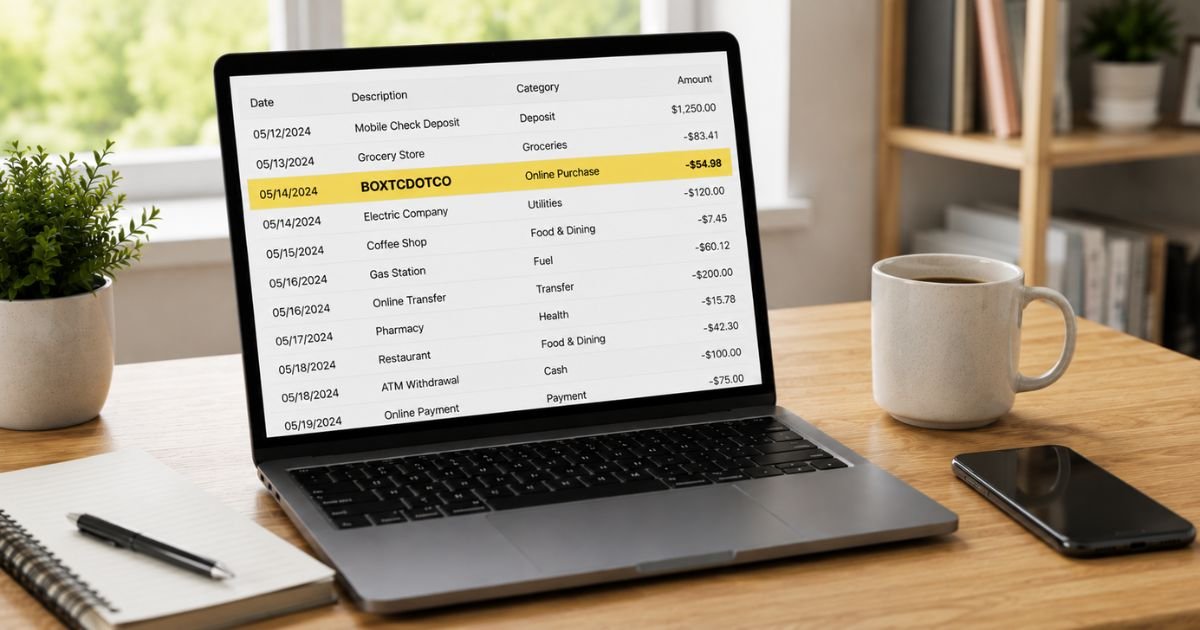
Seeing a Boxtcdotco charge on bank statement can be concerning if you do not recognize the name. You’re not alone.
Many people notice “BOXTCDOTCO” (sometimes shown as Boxtc Dot Co or similar) and want a clear explanation right away.
This guide explains what is known, why it may appear, how to check it, and practical steps if you need to stop it or dispute it.
Table of Contents
What Is a Boxtcdotco Charge?
BOXTCDOTCO is a billing descriptor that has appeared on credit card, debit card, and PayPal statements.
According to service-related disclosures found in consumer reports, the charge is associated with a subscription that provides digital access or content.
Users are typically told they will receive access links and related marketing by email after authorizing the payment.
The descriptor is not affiliated with Box, Inc. (the cloud storage company). Box has publicly stated that charges labeled “Boxtcdotco” are not from their service.
Because clear, permanent company contact details are limited in public sources, it is especially important to match the charge against your own records and act quickly if it looks unfamiliar.
Why Did This Charge Appear?
Reported reasons include:
- You (or someone with access to your payment method) signed up for a digital membership, trial, or content-access service that bills under this name.
- A free or low-cost trial converted into a recurring (sometimes weekly) paid subscription.
- A payment method was entered on a website that later charged under the BOXTCDOTCO descriptor.
- A family member or shared account authorized the signup.
- In some consumer reports, the charge appeared without a clear recollection of authorization.
The amount and frequency (including weekly payments in some cases) can vary.
How to Verify the Charge
Use this checklist:
- Note the exact amount, date, and full descriptor on your statement or PayPal activity.
- Search your email (including spam and promotions) for messages containing “BOXTCDOTCO,” access links, or related confirmations.
- Review recent websites or free trials you may have started, especially those involving digital content or memberships.
- Check whether anyone else with access to the card or PayPal account made a related purchase.
- Look for any earlier small “trial” or authorization amounts that preceded larger charges.
- If the charge came through PayPal, review your automatic payments and subscription list inside your PayPal account.
If nothing matches your activity, treat the charge as potentially unauthorized.
Is It Legitimate or Fraud?
What is known
Some consumers report authorizing a subscription that later billed under BOXTCDOTCO. The service itself describes the descriptor in its signup language. However, multiple reports describe unexpected recurring or weekly charges and difficulty stopping them.
Warning signs
- You have no memory of signing up or receiving access links.
- Charges continue after you believe you canceled.
- The payments are weekly or more frequent than expected.
- Clear customer-service contact information is hard to locate.
If the charge does not match any activity you authorized, contact your bank or PayPal promptly.
How to Cancel
Because public support channels for this descriptor are limited, the most reliable steps are:
- Check your email for any login or membership links related to the service and attempt to cancel from inside the account.
- If the charge came through PayPal, go to Settings → Payments → Automatic Payments (or Subscriptions) and cancel any active agreement linked to this merchant.
- Contact your bank or card issuer and request that future transactions from this merchant be blocked if possible.
- Document every cancellation attempt with screenshots, dates, and reference numbers.
- Monitor your statement for the next one to two billing cycles to confirm the charges have stopped.
If a working support email or phone number later appears in related messages, request written confirmation of cancellation.
Can You Get a Refund?
Refund success depends on timing and the payment method:
- Unauthorized debit charges are generally covered under Regulation E. Credit-card charges fall under the Fair Credit Billing Act.
- Report the charge to your bank or PayPal as soon as possible. Provisional credit is often available within 10 business days while the investigation proceeds.
- Full resolution typically takes 45–90 days.
- Keep records of the statement, any cancellation attempts, and your dispute filing.
Your bank or PayPal is usually the most effective place to start when merchant contact is limited.
What to Do If the Charge Is Unauthorized
- Contact your bank, card issuer, or PayPal immediately and report the transaction as unauthorized.
- Request a freeze or replacement card if needed.
- Cancel any related automatic payment inside PayPal or your bank’s bill-pay settings.
- Change passwords on email accounts that may have been used for the signup and enable two-factor authentication.
- Document every step with dates and reference numbers.
- Monitor your accounts and credit reports for 60–90 days.
- Consider filing a report at IdentityTheft.gov and with the FTC if you believe your information was misused.
Acting quickly improves your chances of recovery and limits further activity.
Prevention Tips
- Review every bank, credit-card, and PayPal statement within a few days of posting.
- Set up transaction alerts for any amount or for unfamiliar merchants.
- Use virtual or single-use card numbers for free trials and unfamiliar websites when available.
- Regularly check PayPal’s Automatic Payments list and cancel anything you do not recognize.
- Avoid entering real card details on sites reached through ads or pop-ups.
- Keep a simple list of every active subscription and the exact billing name it uses.
- Cancel unused trials promptly and save the confirmation.
- Consider freezing cards you do not actively use.
Reported Descriptor Variations
| Descriptor Seen | Notes from Consumer Reports |
|---|---|
| BOXTCDOTCO | Most common form on statements |
| Boxtc Dot Co | Spaced or stylized version |
| BOXT C DOT CO | Occasional variation |
Typical Dispute Timeline
| Action | Usual Timeframe |
|---|---|
| Bank/PayPal provisional credit | Within 10 business days |
| Full investigation | 45–90 days |
| Confirmation of stopped billing | 1–2 billing cycles |
FAQs: Boxtcdotco Charge on Bank Statement
Q. Why does the charge say Boxtcdotco instead of a clear company name?
A. Billing descriptors are often shortened or stylized. In this case the service itself has stated that charges will appear as “BOXTCDOTCO.”
Q. Is a Boxtcdotco charge always unauthorized?
A. Not every charge under this descriptor is necessarily fraudulent, but multiple consumer reports describe unexpected recurring billing. Verify against your own records.
Q. How do I stop future Boxtcdotco charges?
A. Cancel any related automatic payment in PayPal or your bank settings, attempt cancellation through any membership links in your email, and ask your bank to block future transactions from this merchant if possible. Keep records.
Q. What if I never signed up for anything related to Boxtcdotco?
A. Treat it as unauthorized. Contact your bank or PayPal immediately, file a dispute, and consider freezing the payment method. Document everything.
Conclusion
A Boxtcdotco charge on bank statement is linked in consumer reports to a digital subscription or content-access service that bills under this descriptor.
Check your records and email carefully, cancel any related automatic payments, and dispute unfamiliar charges promptly with your bank or PayPal.
Staying alert to statements and using strong card protections will help reduce the chance of similar surprises in the future.
Disclaimer: This article is for informational purposes only and is not financial or legal advice. Information about this descriptor is based on available consumer reports and may change. Always verify details directly with your bank, PayPal, or a qualified professional and report unauthorized activity promptly.
Meet the Author
