
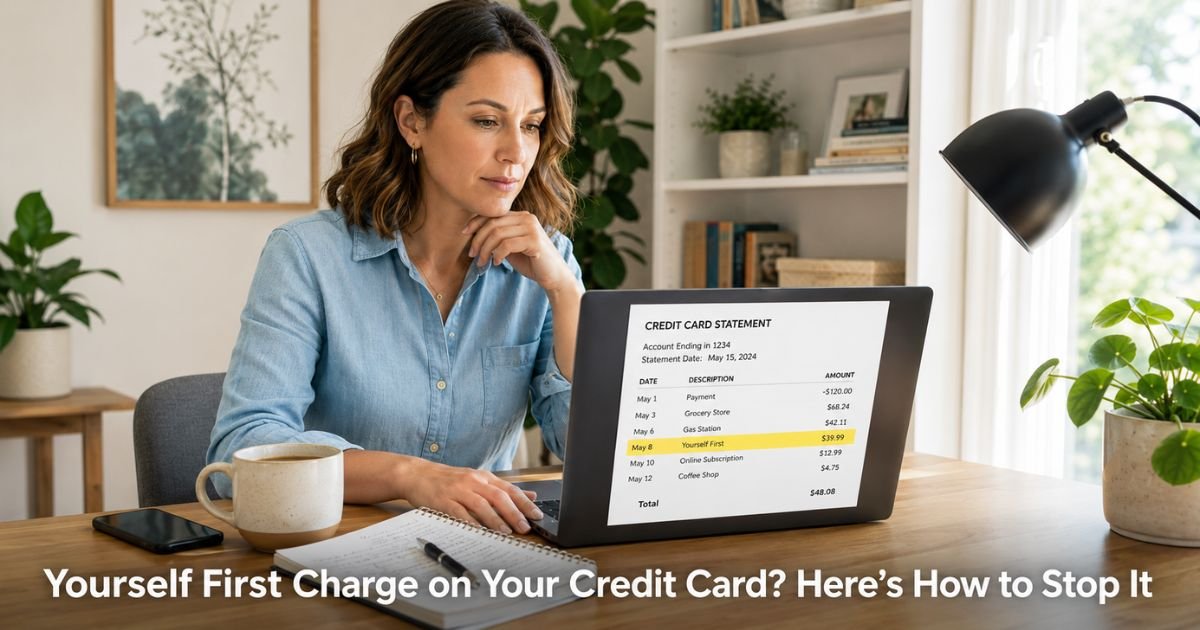
You took what looked like a harmless personality quiz or self-discovery test online. It seemed fun and low-risk, maybe just a couple of dollars at first. Then a charge labeled “Yourself First,” “Yourselffirst,” or something similar started showing up on your credit card statement every month.
A Yourself First charge on credit card almost always comes from yourselffirst.com, a site that offers personality tests, IQ quizzes, and self-development tools.
This guide walks you through exactly what is happening, why these charges appear, and the fastest ways to cancel the subscription or dispute the charges.
Table of Contents
What Is a Yourselfirst Charge on Credit Card?
Yourselffirst.com runs a platform with hundreds of personality tests and quizzes. The site (and its related apps) often starts with a low one-time fee, sometimes as little as $1.99 or a few dollars, to unlock your results.
What many users discover later is that this small payment can quietly enroll them in a recurring monthly subscription.
The charges then appear under names like “Yourself First,” “Yourselffirst,” or “Yourself First Vilinus” because of how the payment processor labels the transaction.
These recurring charges commonly range from about $30 to $50 per month. The problem is that many people say they never clearly agreed to ongoing billing, and canceling proves frustrating because support responses are slow or the website loops you in circles.
Why Did Yourself First Charge My Card?
Here are the usual reasons this charge shows up:
- You completed a personality test or quiz and the small initial payment converted into a full subscription without a clear warning.
- The site uses a negative-option model where continuing after the trial or first payment automatically enrolls you.
- You may have used an app version through Google Play or another platform, and the subscription attached to your payment method there.
- In some cases the charge appears even when someone only browsed or started a test without finishing payment.
The pattern is common enough that forums and review sites are full of similar stories. The good news is you have strong options to stop it.
How to Cancel a Yourselfirst Subscription
Start with these steps in order. Many people successfully stop the charges without needing to call anyone.
- Go to app.yourselfirst.com and try to sign in with the email address you used for the test. Check your email inbox (and spam folder) for any login or welcome messages from them.
- Once logged in, look under Profile or Account settings for “Manage Plans” or “Subscriptions.” Cancel any active plan you find.
- If you cannot log in or find the option, email hello@yourselfirst.com and clearly state you want to cancel all subscriptions and request a refund for recent charges. Keep copies of every message.
- If the charge came through Google Play on an Android phone, open the Play Store app, tap your profile, go to Payments & subscriptions, and cancel it there as well.
Pro Tip: Take screenshots of every screen during this process, especially the cancellation confirmation. These records help enormously if you later need to dispute charges with your credit card company.
What to Do If the Yourselfirst Charge Was Unauthorized
If you never signed up for anything or the site will not let you cancel, treat it as an unauthorized recurring charge.
Call the number on the back of your credit card right away. Explain that you do not recognize the Yourself First charges and want to dispute them.
Most major issuers will remove the recent charges under their zero-liability policies and block future ones from this merchant. They can also issue you a new card number to prevent any further attempts.
While the dispute is processing, keep watching your statements. Set up instant transaction alerts on your banking app so you get notified the moment anything posts.
Common Mistake: Relying only on the company’s support and waiting weeks for a reply. Credit card disputes usually move much faster and give you stronger protection. Start the dispute the same day you decide the charges were not authorized.
Quick Action Plan for Yourselfirst Charges
| Step | Action | Expected Result |
|---|---|---|
| 1 | Search email for “yourselffirst” or “personality test” | Locates login details or original confirmation fast |
| 2 | Log into app.yourselfirst.com and cancel subscription | Stops future billing at the source |
| 3 | Cancel through Google Play if applicable | Covers app-based subscriptions |
| 4 | Email hello@yourselfirst.com for written cancellation | Creates a paper trail |
| 5 | Call your credit card issuer to dispute | Removes recent charges and blocks the merchant |
| 6 | Request new card number | Prevents any further unauthorized use |
Protecting Your Card from Similar Quiz and Test Scams
These “fun personality test” offers are a common way unexpected subscriptions start. Before you enter your card on any quiz site, read the fine print around billing and look for words like “recurring,” “subscription,” or “auto-renew.”
Use a virtual card number for one-time tests when your bank offers one. Review your statements weekly and turn on purchase notifications. These habits take almost no time but save you from months of unwanted charges.
FAQs: Yourself First Charge on Credit Card
Q. How do I cancel the recurring Yourselfirst charge on my credit card?
A. Log into app.yourselfirst.com with the email you used for the test and cancel under Manage Plans. Also check Google Play subscriptions if you used an Android app. If you cannot cancel online, email hello@yourselfirst.com to request cancellation and keep records. You can also dispute the charges directly with your credit card issuer for faster results.
Q. Is the Yourselfirst charge on my statement a scam?
A. Yourselffirst.com runs real personality tests, but many users report being enrolled in expensive recurring subscriptions without clear consent. The initial small charge often leads to automatic monthly billing that is hard to stop. If you never agreed to ongoing payments, dispute the charges with your credit card company immediately.
Q. What should I do first if I see a Yourself First charge I do not recognize?
A. Search your email for any messages from yourselffirst.com or the personality test. Try logging into app.yourselfirst.com to cancel any active subscription. If you cannot stop the charges yourself, call your credit card issuer the same day, dispute the transactions, and ask for a new card number to protect your account.
Conclusion
You now have a clear, step-by-step plan for the Yourself First charge on credit card. Start with the email search and login attempt today. In most cases you can stop the recurring charges quickly and recover recent payments through a dispute if needed.
Check your latest statement again this week. Catching these early makes everything simpler. You deserve to feel in control of what hits your card.
Disclaimer: The content on ExplainCharges.com is for informational and educational purposes only and does not constitute financial, legal, or professional advice. We are not affiliated with any companies or services mentioned. The information provided may not apply to your specific situation. If you suspect unauthorized charges or fraud, contact your bank or credit card issuer immediately. Always verify details directly with the source and consult a qualified professional if needed.
Meet the Author
