
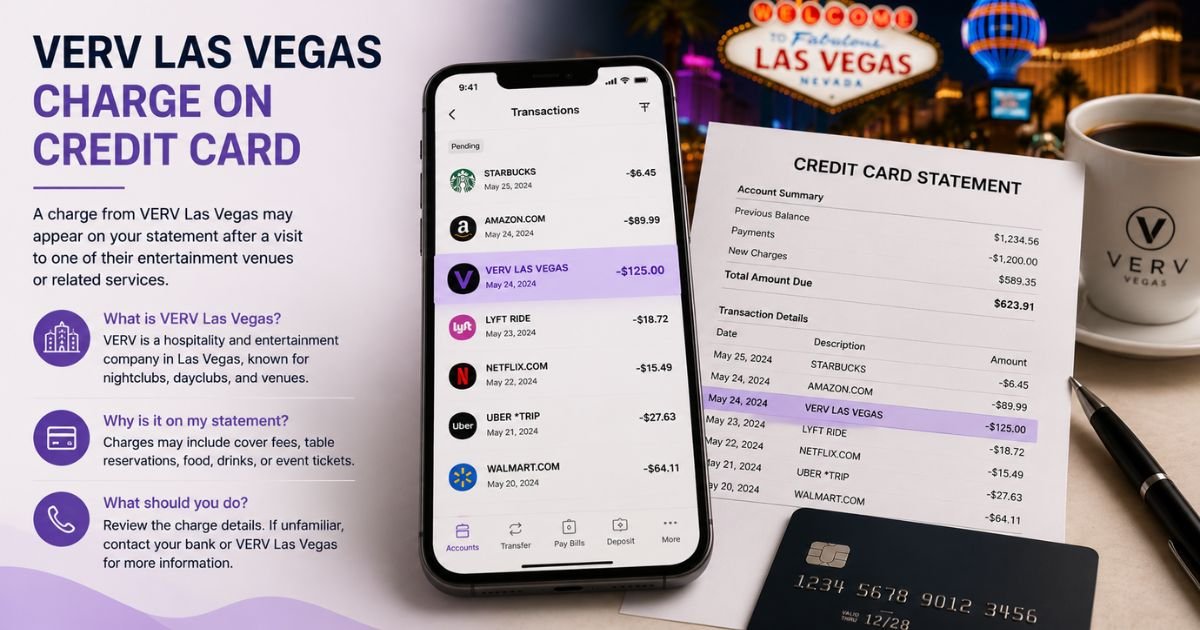
Spotting a Verv Las Vegas charge on credit card can feel confusing if you do not recall signing up for a fitness app. These charges are usually tied to a digital health or wellness subscription.
This guide explains what it means and what you can do about it.
Table of Contents
What Is the Verv Las Vegas Charge?
Verv (also shown as VERV) is a company based in Las Vegas, Nevada, that develops health and fitness mobile apps. Their apps focus on walking plans, weight loss, workouts, nutrition, and related wellness tracking.
The “Las Vegas” part of the descriptor comes from the company’s location used for billing. The charge is typically for a premium subscription that unlocks full features after a free or low-cost trial.
Common statement names include:
- Verv Las Vegas
- VERV Las Vegas
- Verv or VERV with a related identifier
Amounts often fall in the range of roughly $20 to $40 for monthly or multi-month plans, though exact prices can vary by app and offer.
Why Did This Charge Appear?
Most people see this charge after downloading or trying one of Verv’s apps.
Common reasons include:
- Starting a free trial that converted to a paid subscription
- Upgrading to a premium plan inside a walking, weight-loss, or fitness app
- An automatic renewal of a subscription you started earlier
- Someone else in your household using the device and enrolling
- Billing that continues if cancellation was not fully processed
Search your email for messages from Verv or the specific app name around the charge date. Also check the App Store or Google Play subscriptions on any devices you use.
How to Verify the Charge
Follow these steps:
- Note the exact date, amount, and full descriptor on your statement.
- Search your email (including spam) for confirmation or receipt messages from Verv or related app names.
- On your phone, open the App Store or Google Play and review active subscriptions.
- Look for any fitness or walking apps that may be linked to Verv.
- Call the number on the back of your credit card if you need additional merchant details.
Matching the amount and date to an app subscription or email confirms the source in most cases.
Is the Charge Legitimate or Fraud?
Verv is a real company that offers fitness and wellness apps. Many charges are legitimate subscription renewals.
Common legitimate explanations
- A premium plan that auto-renewed after a trial
- An in-app subscription for walking, weight-loss, or workout features
Warning signs
- No matching email or subscription record on any of your devices
- Charges that continue after you believe you canceled
- Multiple unrecognized Verv-related charges
When to contact the bank
If nothing in your accounts or devices matches the charge, report it to your card issuer as possible unauthorized activity.
How to Cancel Verv Las Vegas (or Stop the Charges)
Cancellation can usually be done through the app platform or by contacting the company.
- Open the App Store (iPhone) or Google Play Store (Android) and go to your subscriptions list.
- Find any Verv-related or fitness app subscription and select Cancel.
- Confirm the cancellation and note the end date of the current period.
- If the subscription does not appear there, email support at the address associated with Verv (commonly support@verv.health) or use any contact form on their site and request cancellation.
- Keep records of your cancellation request.
Cancel before the next renewal date to avoid another charge. After canceling, watch your next statement to confirm it stops.
Can You Get a Refund?
Refund availability depends on timing and the specific plan.
Contact Verv support with the charge details and explain the situation. Recent charges or unused trials are more likely to qualify for a refund or credit.
If the company cannot help or the charge was unauthorized, open a dispute with your credit card issuer. Provide the statement information, any app screenshots, and notes from your contact with Verv.
Credit card protections generally give you options when you act within the required time frames.
What to Do If the Charge Is Unauthorized
Take these steps right away:
- Call the number on the back of your card and report the charge as unauthorized.
- Ask the issuer to open a dispute and, if available, issue a provisional credit.
- Cancel any related subscription through the App Store, Google Play, or company support.
- Change passwords on related accounts and review devices signed in to your Apple or Google account.
- Monitor your statements for additional charges and consider a card replacement if needed.
Keep a written log of every conversation.
Prevention Tips
- Read the full terms before starting any free trial inside a fitness app.
- Set a calendar reminder to cancel trials before they convert.
- Review active subscriptions in the App Store and Google Play regularly.
- Turn on real-time transaction alerts from your bank.
- Use a virtual card number for app trials when the option is available.
- Uninstall apps you no longer use and confirm related subscriptions are canceled.
FAQs: Verv Las Vegas Charge on Credit Card
Q. What is the Verv Las Vegas charge on my credit card?
A. It is typically a subscription payment for a Verv health or fitness app, such as a walking or weight-loss program. The “Las Vegas” part reflects the company’s billing location.
Q. How do I cancel a Verv subscription?
A. Check your App Store or Google Play subscriptions first and cancel there. If it does not appear, contact Verv support and request cancellation in writing.
Q. Can I get a refund for a Verv Las Vegas charge?
A. Contact Verv support with the charge details. If that does not resolve it, dispute the charge with your credit card issuer and provide supporting information.
Q. Is Verv Las Vegas a legitimate company?
A. Yes, Verv is a real company that develops fitness and wellness apps. However, many users report challenges with unexpected renewals and cancellation, so verify any charge carefully.
Conclusion
A Verv Las Vegas charge on credit card is most often a subscription to one of Verv’s fitness or wellness apps. Check your email and device subscriptions first.
Cancel through the App Store, Google Play, or company support, and contact your card issuer if the charge looks unauthorized.
Reviewing app subscriptions regularly and watching trial terms closely helps prevent unexpected renewals.
Disclaimer: This article is for informational purposes only and is not financial or legal advice. Subscription prices, terms, and refund policies can change. Always verify details directly with the company or your card issuer for your specific situation.
Meet the Author
