
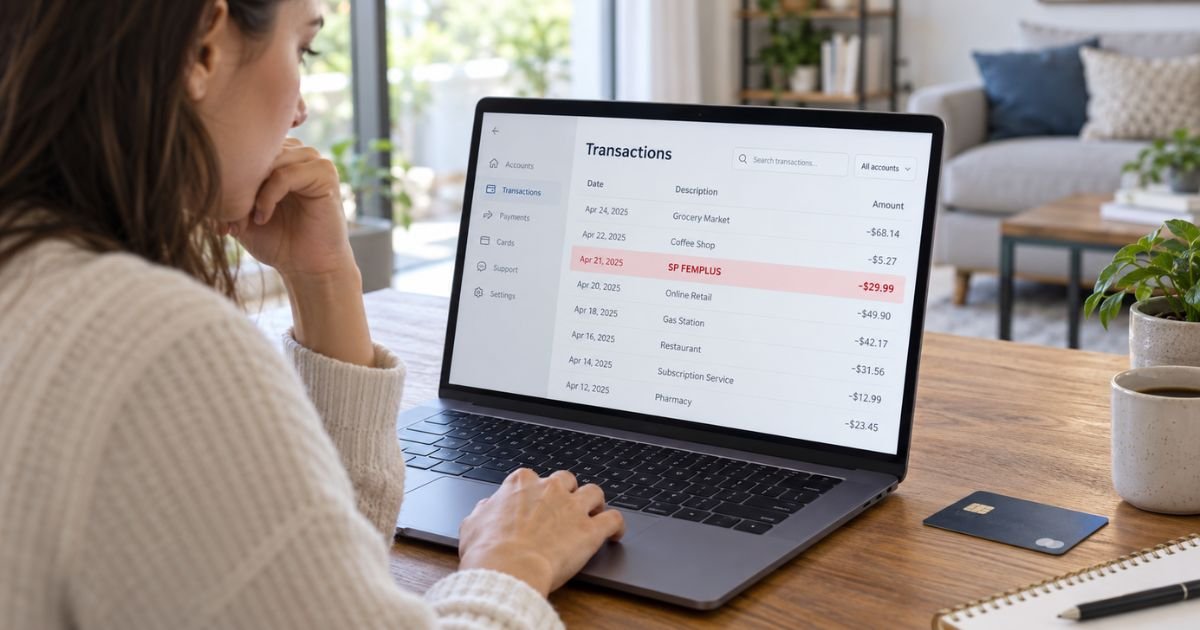
Seeing an SP Femplus charge on your credit card can feel confusing if you don’t recall signing up for anything. Unfamiliar billing names are often tied to a legitimate online purchase, but you should still verify the transaction.
The charge appears to be connected with FEM+, an online women’s wellness brand. Below, you’ll learn what the descriptor means, what may cause repeat charges, and what to do if you don’t recognize it.
Table of Contents
What Is the SP Femplus Charge on Your Credit Card?
An SP Femplus charge on credit card generally points to a purchase from FEM+, an online wellness retailer selling products such as lymphatic drainage drops. The company operates online stores at FEM+ branded websites.
The SP portion is an important clue. Shopify states that purchases from stores using Shopify Payments may appear as SP * followed by the store name on a card statement.
That means your statement could show a variation such as:
- SP FEMPLUS
- SP * FEMPLUS
- SP FEM PLUS
- FEMPLUS
- FEM+
- Capital Deor LLC
The exact wording may vary by your card issuer and payment network. FEM+ identifies its business entity as Capital Deor LLC on its current website.
FEM+ currently markets botanical wellness products, including its Lymphatic Drainage Drops. The company says its products are dietary supplements rather than treatments for medical conditions.
Why Does SP Appear Before Femplus?
The letters SP generally indicate that Shopify Payments helped process the purchase. Shopify provides payment processing to many independent online stores.
You therefore may not remember buying something called “SP Femplus.” You may instead remember seeing a FEM+ advertisement, visiting its website, or ordering a wellness product online.
| Statement text | What it may indicate |
|---|---|
| SP FEMPLUS | FEM+ purchase processed through Shopify Payments |
| SP * FEMPLUS | Another common Shopify descriptor format |
| FEM+ | Direct merchant descriptor |
| CAPITAL DEOR LLC | Business entity associated with FEM+ |
| Repeating FEM+ amount | Possible subscription renewal |
The descriptor alone doesn’t prove that a charge is authorized. You should match the amount and date to an actual purchase before treating it as legitimate.
What Does FEM+ Sell?
FEM+ currently promotes women’s wellness products. One prominently advertised item is a botanical liquid product called Lymphatic Drainage Drops.
The company’s website has offered both one-time purchases and subscription options. Prices and promotions can change, so you shouldn’t identify your charge solely by matching it to a price found online.
Look instead for an email receipt containing the same total as the card transaction. Search for terms such as FEM+, Femplus, tryfemplus, or the exact dollar amount.
Pro Tip: Search every email account you use for online shopping. A receipt may have gone to a secondary email address, spam folder, or an address saved in Shop Pay.
Why Did Femplus Charge My Card Again?
A second SP Femplus charge may be connected with a subscription renewal.
FEM+’s current website states that subscription purchases renew automatically. Its current product page says renewal timing can depend on the offer selected, while customers can generally manage or cancel future renewals through their account.
This matters if you initially thought you were making only a one-time purchase. Review your original order confirmation to see whether the checkout identified the order as a subscription.
Common reasons for another charge may include:
- You selected a subscribe-and-save option.
- An automatic shipment reached its renewal date.
- Another person with access to your card placed an order.
- You placed more than one FEM+ order.
- An earlier transaction posted later than expected.
- Your card details were used without your permission.
Don’t assume every repeating charge is fraud. First compare the transaction with your FEM+ account, receipts, and previous card statements.
How to Verify an SP Femplus Charge
Start with the transaction details available through your bank or card app. Note the exact amount, transaction date, posting date, and complete merchant descriptor.
Then check:
- Your email. Search for FEM+, Femplus, Shopify, Shop Pay, order confirmations, and the exact transaction amount.
- Your FEM+ account. Look for previous orders and active subscription information.
- Your household. Ask authorized card users whether they ordered a wellness product.
- Your browser history. Look for recent visits to FEM+ websites or purchases made after clicking an advertisement.
- Previous statements. Check whether the same merchant has charged you before.
Shopify also provides an official charge information page for consumers trying to identify Shopify-related transactions.
Common Mistakes: Don’t dispute a charge based only on the unfamiliar “SP” prefix. SP may simply identify Shopify Payments, while Femplus is the merchant name you need to investigate.
How to Cancel a FEM+ Subscription
If you identify the charge as yours but no longer want recurring shipments, cancel the subscription before another renewal processes.
FEM+’s website currently provides a subscription-management option through the customer’s account. Its cancellation information says customers may cancel future subscription renewals through the account portal or by contacting customer support.
The company currently lists customer support through its official contact page. Because contact information and policies can change, use the details displayed on the official FEM+ website rather than relying on an old receipt or third-party directory.
After canceling, keep:
- Your cancellation confirmation.
- Screenshots of the subscription page.
- Your order number.
- Copies of emails with customer support.
- The date you requested cancellation.
Canceling a subscription typically stops future renewals. It doesn’t necessarily reverse a charge that has already been processed.
Can You Get an SP Femplus Charge Refunded?
A refund may depend on why you were charged and where the order is in the fulfillment process.
FEM+ currently publishes refund, shipping, and cancellation policies on its websites. The exact eligibility requirements may differ between orders or promotions, so check the policy associated with your specific purchase.
If you believe the charge resulted from a subscription you didn’t intend to continue, contact FEM+ promptly. Explain the transaction date, amount, and order number without sending your full credit card number by email.
If the merchant approves a refund, processing time before the credit appears can still depend on the card network and issuer.
What Are Consumers Saying About FEM+?
There are notable consumer complaints involving FEM+ online.
As of September 2026, the Better Business Bureau profile for FEM+ lists the business as not BBB accredited and gives it an F rating. BBB cites concerns about business practices and unresolved complaints.
Trustpilot also shows multiple recent negative consumer reviews. Some reviewers allege unexpected recurring charges, difficulties canceling subscriptions, shipment problems, or trouble getting responses. These reviews represent individual experiences and don’t prove that every FEM+ transaction is unauthorized.
BBB Scam Tracker also contains consumer-submitted reports mentioning FEM+ or related branding. Scam Tracker reports are submitted by users and shouldn’t be treated as independent findings that a company committed fraud.
These reports do make it especially important to review the checkout terms and keep documentation if you’re questioning a recurring charge.
What If You Never Bought Anything From Femplus?
Treat the charge more seriously if you can’t connect it to any order after checking your receipts and household purchases.
Contact your credit card issuer using the number printed on the back of your card. Tell the issuer you don’t recognize the transaction and ask what additional merchant details it can see.
Your issuer may recommend:
- Disputing the transaction.
- Locking or replacing your card.
- Blocking additional merchant transactions when supported.
- Reviewing nearby purchases for other unauthorized activity.
- Updating recurring payments after receiving a replacement card.
Federal protections and card-network procedures may apply differently depending on whether you’re using a credit card or debit card. Reporting an unauthorized transaction promptly generally gives your issuer more time to investigate.
Don’t contact a phone number contained in a suspicious text or email claiming to represent the merchant. Use the official merchant website or the number on your card.
FAQs: SP Femplus Charge on Credit Card
Q. Is SP Femplus the same as Shopify?
A. Not exactly. FEM+ appears to be the merchant, while SP generally indicates that Shopify Payments processed the online purchase. Shopify says purchases from merchants using its payment system may appear as SP followed by the store name.
Q. Is SP Femplus a recurring subscription?
A. It can be. FEM+ currently offers subscription purchasing and states that subscription orders automatically renew according to the selected schedule. Check your original receipt or FEM+ account to confirm whether your specific order was recurring.
Q. How do I stop future Femplus charges?
A. Cancel any active FEM+ subscription through the company’s subscription-management system before your next billing date. Keep the confirmation, and contact your card issuer if charges continue after a confirmed cancellation.
Q. Should I dispute an SP Femplus charge?
A. Consider a dispute if you can’t identify or authorize the transaction after checking your orders, email, account, and other authorized card users. Your bank or credit card issuer can explain its dispute process and may have additional merchant information.
Conclusion
An SP Femplus charge on credit card generally appears to be connected with a FEM+ online purchase processed through Shopify Payments. It may represent a one-time wellness-product order or an automatic subscription renewal.
Check your email, FEM+ account, and previous statements first. If you still can’t recognize the charge, contact your card issuer promptly and follow its instructions for protecting your account or disputing the transaction.
Disclaimer: This article is for informational purposes only and isn’t financial or legal advice. Merchant policies and card issuer procedures may change. Verify account-specific questions directly with FEM+ or your bank.
Meet the Author
