
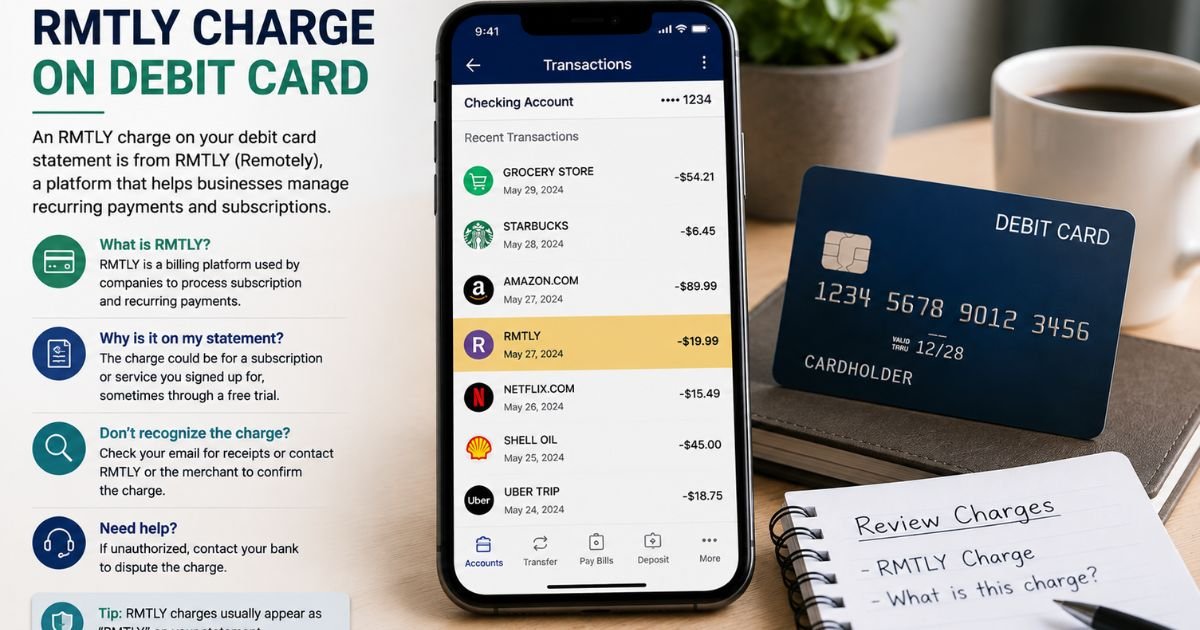
Seeing an RMTLY charge on debit card can feel confusing if you don’t recall the transaction. Unfamiliar charges are often legitimate. This guide explains what the charge usually means, why it appears, and the steps to verify or stop it.
Table of Contents
What Is the RMTLY Charge?
An RMTLY charge on your debit card is typically linked to Remitly, a U.S.-based international money transfer company. Remitly lets people send money to family and friends in more than 170 countries through its app or website.
Banks often shorten longer merchant names on statements. RMTLY is a common shortened form of Remitly. You may also see variations such as RMTLY*RFAD, RMTLY PAYMENT, RMTLY SERVICE, or RMTLY SUBSCRIPTION.
Typical amounts vary. A one-time money transfer can range from a few dollars in fees up to the full transfer amount. A recurring membership charge is often around $9.99 for Remitly One.
Why Did This Charge Appear?
The charge posts when you use Remitly services that pull from your debit card.
Common reasons include:
- You paid for an international money transfer with your debit card.
- You enrolled in Remitly One, the monthly membership that offers extra benefits like cash advances and rewards.
- A transfer fee or service fee was processed.
- Activity occurred on a Remitly Debit Card linked to your account (issued by Lead Bank).
- Someone with access to your card or account initiated a transfer.
Remitly is a publicly traded company (Nasdaq: RELY) headquartered in Seattle and regulated as a money transmitter.
How to Verify the Charge
Follow this checklist:
- Open your bank or debit card app and note the exact date, amount, and full descriptor.
- Open the Remitly app or log into remitly.com with the email or phone number tied to your account.
- Check your transfer history for a matching date and amount.
- Look under Membership or Remitly One details for any recurring subscription charges.
- Search your email for confirmation messages from Remitly around the same date.
- If you cannot find a match, contact Remitly support through the app or website and ask them to identify the transaction.
Matching the amount and date inside the Remitly app is the fastest confirmation method.
Is the Charge Legitimate or Fraud?
In most cases the charge is legitimate if you or someone in your household uses Remitly. The company is well-established and serves millions of customers.
Common legitimate explanations
- A completed money transfer you authorized
- The monthly Remitly One membership fee
- A transfer-related fee shown at checkout
Warning signs
- No matching transfer or membership in your Remitly account
- You never created a Remitly account
- Multiple unexpected RMTLY charges appear
- The amount does not match any known activity
When to contact the bank: Call your bank right away if nothing in your Remitly account matches the charge. Report it as potentially unauthorized so they can investigate and protect the account.
How to Cancel RMTLY / Remitly Charges
For one-time transfer charges there is usually nothing to cancel after the money has been sent. For recurring charges, cancel the membership.
- Open the Remitly app.
- Go to Manage or Explore, then select Remitly One or Membership Details.
- Choose Cancel Remitly One (or the equivalent option shown in the app).
- Confirm the cancellation. Requests generally need to be made at least one business day before the next billing date.
- Check that the membership status shows as canceled.
- Watch your next statement to confirm no further charges post.
You can still use basic Remitly transfer services after canceling the paid membership.
Can You Get a Refund?
Refunds depend on the type of charge.
Transfer fees are often non-refundable once the money has been delivered, though Remitly may refund fees in certain error cases. Membership fees may be refundable if you cancel promptly and request a review.
Contact Remitly support first through the app chat or help center and provide the transaction details.
If the company does not resolve it and you believe the charge was unauthorized, dispute it with your bank under Regulation E (debit card protections).
Banks typically investigate and can reverse unauthorized transactions when reported quickly. Policies and timelines vary by issuer.
What to Do If the Charge Is Unauthorized
- Contact your bank or credit union immediately using the number on the back of your card or in the app.
- Report the RMTLY charge as unauthorized and ask them to start a dispute or provisional credit process.
- Log into your Remitly account (if you have one) and review recent activity or change your password.
- Contact Remitly support to report the issue and request any available records.
- Monitor the account for additional activity and consider requesting a new debit card number.
- Keep records of all conversations and reference numbers.
Act quickly. Debit card rules give strong protections when unauthorized activity is reported promptly.
Prevention Tips
- Review your debit card transactions weekly so new charges stand out.
- Turn on real-time alerts in your banking app for every transaction.
- Use a dedicated or virtual card number for money transfer services when possible.
- Cancel unused memberships inside the Remitly app as soon as you no longer need them.
- Keep transfer confirmation emails in a dedicated folder for easy matching later.
- Never share your Remitly login or debit card details with anyone you do not trust.
FAQs: RMTLY Charge on Debit Card
Q. What does RMTLY stand for on my statement?
A. RMTLY is a shortened billing descriptor commonly used for Remitly, the international money transfer company. Banks often truncate longer merchant names this way.
Q. Is the RMTLY charge a subscription?
A. It can be. One-time charges are usually for money transfers. Recurring charges around $9.99 often relate to the optional Remitly One membership. Check the app to confirm.
Q. How do I stop future RMTLY charges?
A. Open the Remitly app, go to Membership or Remitly One details, and cancel the paid plan. Confirm the cancellation takes effect before the next billing date. One-time transfer charges cannot be stopped after they process.
Q. Can I dispute an RMTLY charge with my bank?
A. Yes. If you did not authorize the charge, contact your bank right away and file a dispute under debit card rules. Provide any evidence that the transaction was unauthorized. Outcomes depend on the specific facts and your bank’s investigation.
Conclusion
An RMTLY charge on debit card is usually tied to Remitly, a legitimate money transfer service. It often appears when you send money internationally or pay for the optional Remitly One membership.
Checking the Remitly app for a matching transfer or membership is the quickest way to confirm it belongs to you.
If the charge is expected, no further action is needed. If it is a subscription you no longer want, cancel it inside the app. If nothing matches your records, report it to your bank promptly.
Staying on top of statement details and membership settings keeps your debit card activity clear and under your control.
Disclaimer: This article is for informational purposes only and is not financial or legal advice. Billing descriptors, fees, and refund policies can vary by issuer and the specific Remitly product used. Always verify account-specific questions with Remitly or your bank.
Meet the Author
