
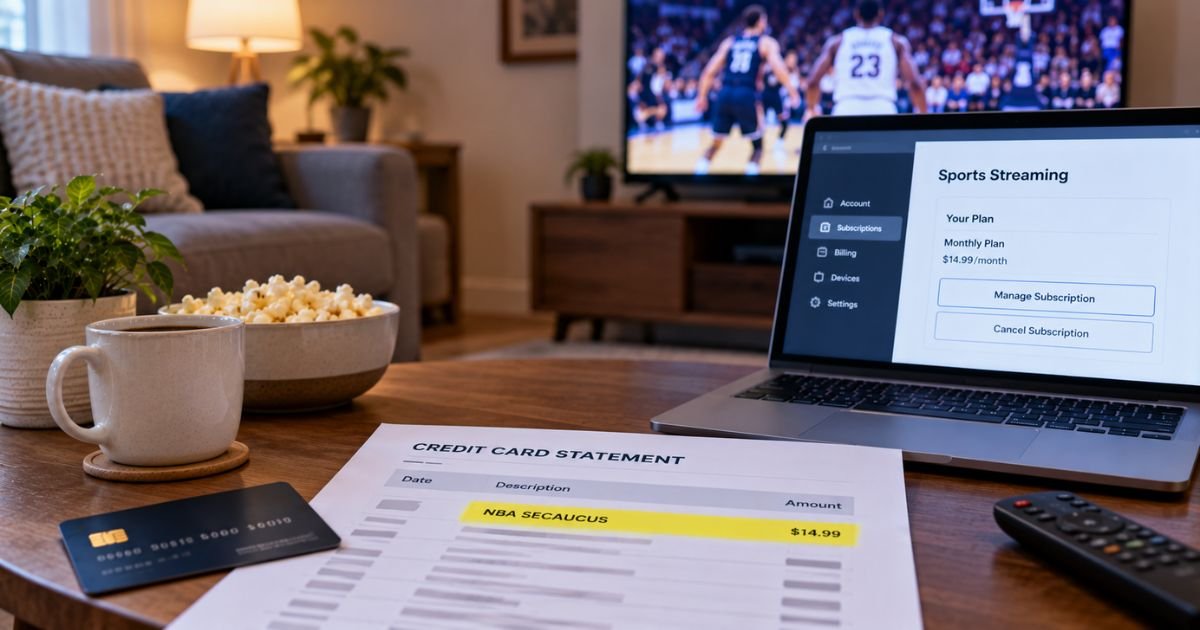
Seeing an NBA Secaucus charge on credit card can feel confusing if you don’t recall shopping in New Jersey. In many cases the line is a real NBA payment, not a random store in Secaucus.
This guide explains what the charge typically means, how it may appear, and the steps most people take to verify or cancel it.
Table of Contents
What Is an NBA Secaucus Charge on Credit Card?
An NBA Secaucus charge on credit card is typically a payment billed through the National Basketball Association using a New Jersey business address. Secaucus is not a team arena. It is a long-running NBA operations hub.
Public reporting and league materials place NBA work in Secaucus for more than 30 years. The town hosts the NBA Replay Center. It also houses media, entertainment, and NBA Properties operations.
BBB listings for the National Basketball Association include a Secaucus address at 450 Harmon Meadow Blvd. News coverage of a 2025 lease extension also points to 100 Plaza Drive in Secaucus.
Card networks often print the city where the merchant is registered. That is why “SECAUCUS” can show up even if you bought the service from your couch in another state.
This is generally not a tax, a bank fee, or a charge from the town of Secaucus itself.
How the Charge Usually Appears
Issuers shorten names. Read the city, the letters NBA, and the amount together.
| Statement text | What it often points to |
|---|---|
| NBA SECAUCUS or NBA SECAUCUS NJ | NBA billing tied to the New Jersey hub |
| NBA LEAGUE PASS or LEAGUE PASS | Streaming plan billed on NBA.com or the NBA app |
| NBA TV | Separate NBA TV add-on or plan |
| NBA.COM or NBA DIGITAL | Account purchase on the league site |
| NBA STORE or FANATICS | Jersey or gear order, often billed by the store vendor |
| APPLE.COM/BILL, GOOGLE, ROKU, or AMAZON | League Pass bought inside a device store |
NBA.com currently lists League Pass around $16.99 a month and League Pass Premium around $24.99 a month. NBA TV is listed around $8.99 a month.
Season-long prices also appear on plan pages and can change. Use your receipt, not a remembered ad.
If you bought inside Apple, Google Play, Roku, or Amazon, the statement may never say Secaucus. It may show that platform instead.
Why You Might See This Charge
These are the usual reasons.
- You started NBA League Pass on NBA.com or in the NBA app.
- A monthly plan renewed after about 30 days.
- A season-long plan renewed before the next season.
- You added NBA TV.
- Someone in your household used your card or a shared TV login.
- You bought tickets or a digital add-on billed through NBA Properties.
- You ordered gear, and the processor printed an NBA New Jersey location.
Official League Pass help says monthly NBA.com plans renew automatically every 30 days. Season-long plans renew at the full season price before the next season, with an email notice before that charge. In-app plans follow the store you used, such as Apple or Google.
The NBA Store on NBA.com is different. League terms say Fanatics fulfills store orders and bills for merchandise.
Store questions are directed to the store contact path, including customerservice@nbastore.com and 1-866-SHOP-NBA on the official terms page. A store order may still confuse you if the line only shows NBA and a New Jersey city.
BBB files for the NBA include League Pass renewals that fans did not expect. The league is listed with an A+ BBB rating and is not BBB accredited.
Those files show some refunds after the fan contacted support. They also show auto-renew language the league cited in replies.
How to Verify the Charge
Match the date and amount to an NBA ID, not only to the city name.
- Search email for League Pass, NBA TV, NBA.com, or “NBA ID.”
- Check spam and the promotions folder.
- Sign in at NBA.com and open My Account.
- Look at Manage Plan and billing history.
- Check Apple, Google Play, Roku, Amazon, and Prime Video subscriptions.
- Ask anyone who uses your TV, phone, or card.
- Compare the amount with the plan on your receipt.
If you see a jersey or shipping email, check store.nba.com order history as well.
Pro Tip: Open both NBA.com and the device store you use for apps. League Pass cancel steps depend on where you first paid.
How to Cancel and Stop Future Charges
Cancel in the same place you subscribed.
Official NBA help for an NBA.com plan is:
- Sign in with your NBA ID on NBA.com.
- Open My Account.
- Select Manage Plan next to the subscription.
- Choose Cancel Subscription and finish the prompts.
- Save the confirmation email.
If you bought in the Apple App Store, cancel under Apple ID, then Subscriptions, then NBA. If you bought in Google Play, cancel in Google Play subscriptions.
Roku, Fire TV, and some TV providers have their own cancel path. Official help says a TV-provider plan must be managed with that provider, not only inside the NBA app.
Canceling generally stops the next renewal. Official pages do not promise a refund for unused days on every plan. Access may last until the period you already paid for.
Update or remove the card on file in My Account if the plan was billed on NBA.com. If it was billed by Apple or Google, change the card there.
What to Do If You Do Not Recognize It
Stay calm and document first.
- Save the statement line, date, and amount.
- Search every email and streaming account you share.
- Cancel any active NBA plan you find.
- Use the NBA help center contact form if you cannot see the plan.
- Call the number on the back of your card if nothing matches.
If you never created an NBA ID and no one in the house watches League Pass, treat the charge as possible unauthorized use. Lock the card and review other new merchants from the same days.
Credit cards have federal billing-error rights. Under the Fair Credit Billing Act, you generally have 60 days from the statement that first shows the charge to send a written billing-error notice.
Issuers typically acknowledge a written notice within 30 days and resolve it within two billing cycles, not more than 90 days. Ask your issuer for the disputes address on your statement.
Debit cards follow different electronic-transfer rules. Report those quickly. Results vary by bank.
Do not assume a full refund just because Secaucus looks unfamiliar. The city is a normal NBA billing location. The issue is whether you authorized that plan or order.
Common Mistakes: Canceling only in the NBA app when Apple or your cable company still bills the plan. Ignoring a September charge that is a season renewal. Mixing an NBA Store order with League Pass. Waiting past the 60-day written-notice window.
FAQs: NBA Secaucus Charge on Credit Card
Q. What does an NBA Secaucus charge on credit card mean?
A. It typically means the NBA billed your card using its New Jersey operations address. Secaucus hosts NBA Properties, media units, and the Replay Center. The amount is often League Pass, NBA TV, or another NBA.com purchase. Confirm in your NBA ID account and your email.
Q. Is NBA Secaucus a scam?
A. No. The National Basketball Association is a real league with a documented Secaucus hub. Unfamiliar city text on a statement is common for this merchant. A real charge can still be a plan you forgot. If you have no NBA account and no household user, contact your issuer.
Q. How do I cancel an NBA Secaucus charge?
A. Sign in on NBA.com, open Manage Plan, and cancel if you bought there. If you bought in Apple, Google Play, Roku, Amazon, or a TV package, cancel on that platform. Official help says you should get a cancel email after an NBA.com cancellation.
Q. Can I get a refund for an NBA Secaucus charge?
A. Official cancel pages focus on stopping the next renewal. They do not promise a refund for time already billed. Some BBB files show refunds after support reviewed the account. Ask NBA support or the store vendor for your order. Your card issuer is a separate path under federal billing-error rules.
Conclusion
An NBA Secaucus charge on credit card usually comes from league billing in New Jersey, not from a walk-in shop in that town. Most fans are looking at League Pass, NBA TV, or a related NBA.com purchase. Gear orders may show a different store name.
Check your NBA ID, cancel in the same place you paid, and keep the confirmation. Use your issuer if the charge does not belong to anyone in your home.
Disclaimer: This article is for general information only. It is not financial, legal, or tax advice. Plan prices, renewal dates, and refund rules vary by platform and can change. Confirm details in your NBA account and with your bank or card company.
Meet the Author
