
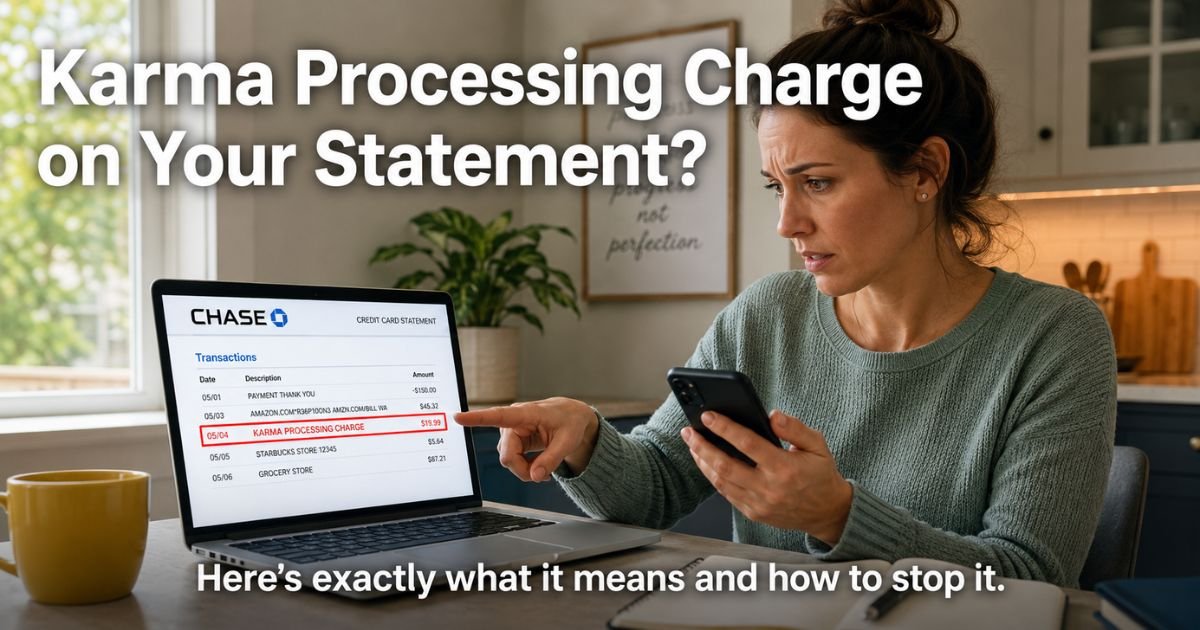
You open your credit card statement or app and there it is again: “KARMA PROCESSING CHARGE” for $19.99 or maybe $29.97. Your heart sinks a little.
You know you didn’t buy anything from a company called Karma. So what on earth is this mysterious line item doing on your bill?
You are not alone. Thousands of people every month spot this exact charge and wonder if it is fraud, a glitch, or something they signed up for and forgot.
The good news? It is almost always a real, legitimate processing fee from a payment company that many online merchants use behind the scenes.
The bad news? It often hides a subscription you started during a free trial or one-time purchase and never meant to keep.
I will walk you through exactly what the Karma Processing Charge on credit card means, why it shows up instead of the actual merchant name, and the quickest ways to track it down, cancel it, or get your money back.
Table of Contents
What Is a Karma Processing Charge?
Karma Processing Charge is the billing descriptor that appears when a merchant uses Karma Processing Incorporated to handle your credit card payments.
Karma Processing is a Delaware-based payment processor that works with hundreds of online stores, especially those selling subscriptions for health supplements, diet programs, habit trackers, and wellness apps.
Think of it like this: when you buy something online, the store does not always swipe your card itself. It sends the transaction through a specialized processor like Karma.
That processor then shows up on your statement as “KARMA PROCESSING” or “KARMA PROCESSING CHARGE” instead of the store’s name. This keeps things secure and efficient for the merchant, but it leaves you scratching your head.
These charges are usually recurring. They often start small, like a low trial price that jumps after a week or two, or a monthly membership fee you never noticed.
Why Does It Show Up on Your Statement?
Many online merchants choose Karma because it handles high-volume recurring billing smoothly. The actual seller might be a small company or even based overseas. They pick a short, clean descriptor to fit on statements and avoid extra fees.
The result? You see Karma instead of “DoFasting Monthly” or “ColonBroom Subscription.” It is completely legal and common, but it creates confusion. Banks and card issuers simply display whatever descriptor the processor provides.
Bottom line: The charge is real and tied to a purchase you (or someone with your card) made, but the name makes it hard to recognize without a little detective work.
How to Identify Which Subscription Caused the Charge
Do not panic and dispute it right away. Most of the time you can find the source in under five minutes.
- Check your email inbox for the date of the charge. Search words like “receipt,” “order confirmation,” “subscription,” or the exact dollar amount.
- Look in your spam or promotions folder too, many confirmation emails land there.
- Review your recent online purchases around that first charge date.
- Log into your credit card app and tap the transaction for more details. Some apps show a phone number or reference code.
Take a 38-year-old teacher. She spotted a $24.99 Karma Processing Charge every month and had no idea why. She searched her email for “24.99” and found a welcome email from a keto supplement site she had tried during a “free shipping” promotion three months earlier. The trial had rolled into a full subscription without her realizing it. Within ten minutes she logged into the account, canceled, and requested a refund for the last two months.
How to Cancel a Karma-Linked Subscription
Once you find the merchant, canceling is straightforward.
- Log into the website or app where you originally signed up.
- Go to your account settings or billing page and look for “cancel subscription” or “manage membership.”
- Follow the prompts and keep a screenshot of the confirmation.
- If you cannot find the login, use the “forgot password” link with the email tied to the charge.
If the merchant site is difficult to navigate or you get no response, contact them directly through the support email listed on their terms page or receipt.
Pro Tip: Set a calendar reminder to check your credit card statements every single month. Catching a new subscription in the first billing cycle makes cancellation and refunds much easier. A quick five-minute review can save you hundreds a year.
What to Do If the Charge Looks Unauthorized
Sometimes the charge really is not yours. Maybe a family member used your card, or fraud slipped through.
Contact your card issuer immediately (the number on the back of your card). Explain you do not recognize the merchant behind “Karma Processing.”
Most banks will open a dispute, freeze the charge while they investigate, and often reverse it if the merchant cannot prove you authorized it.
You can also reach out to Karma Processing support if you locate their contact details on the merchant site, but your bank is usually faster and more consumer-friendly.
Common Mistake: Many people ignore the charge for months thinking it will go away, then lose their chance at a refund because too much time has passed. Acting within 60 days of the statement date gives you the strongest protection under federal rules.
Typical Amounts and What They Usually Cover
Here is a quick look at common Karma Processing Charges people report:
| Charge Amount | Likely Source | Typical Billing Cycle |
|---|---|---|
| $9.99–$14.99 | Trial offer for supplements or apps | Monthly after trial |
| $19.99–$29.99 | Monthly wellness or diet program | Recurring |
| $39.99+ | Premium subscription or bundle | Every 30 days |
| One-time $4.99–$9.99 | Shipping or handling fee | Single charge |
These numbers are averages based on consumer reports. Your exact amount depends on the merchant you originally bought from.
How to Prevent Future Surprise Charges
The best defense is a little prevention. Use a virtual card number for any free-trial offers. Many banks now let you create temporary numbers that you can pause or delete instantly.
Read the fine print before you hit “submit.” And keep a simple spreadsheet or note on your phone that lists every subscription and its renewal date.
FAQs: Karma Processing Charge on Credit Card
Q. Why do I keep seeing Karma Processing Charge every month even though I never signed up for anything?
A. It usually means you started a free trial or one-time purchase that quietly converted to a paid subscription. The merchant uses Karma as its payment processor, so the descriptor never shows the actual service name. Check emails from the exact date of the first charge to find the original order.
Q. Can I dispute a Karma Processing Charge with my bank and win?
A. Yes, in most cases. If you did not authorize the ongoing charges or the merchant made it hard to cancel, your bank will usually side with you. Provide the statement date, amount, and any proof you tried to cancel. Act quickly, the sooner you dispute, the better your chances.
Q. Is Karma Processing a scam or a legitimate company?
A. Karma Processing Incorporated is a legitimate payment processor based in Delaware that works with many real online merchants. The confusion comes from the unclear descriptor, not from fraud on their end. Still, always verify the underlying subscription and cancel anything you no longer want.
Conclusion
The Karma Processing Charge on credit card is almost always a sign of a hidden subscription processed through a third-party company. Once you know how to trace it back to the actual service, canceling is simple and you can often recover recent payments.
Take a deep breath, grab your statement, and spend ten minutes searching your email right now. You will probably solve the mystery today and free up that monthly amount for something you actually enjoy.
Keep checking your statements regularly, use virtual cards for trials, and never hesitate to dispute charges you do not recognize. Your wallet will thank you.
If another confusing fee pops up later, come back and explore more guides here at ExplainCharges.com.
Disclaimer: The content on ExplainCharges.com is for informational and educational purposes only and does not constitute financial, legal, or professional advice. We are not affiliated with any companies or services mentioned. The information provided may not apply to your specific situation. If you suspect unauthorized charges or fraud, contact your bank or credit card issuer immediately. Always verify details directly with the source and consult a qualified professional if needed.
Meet the Author
