
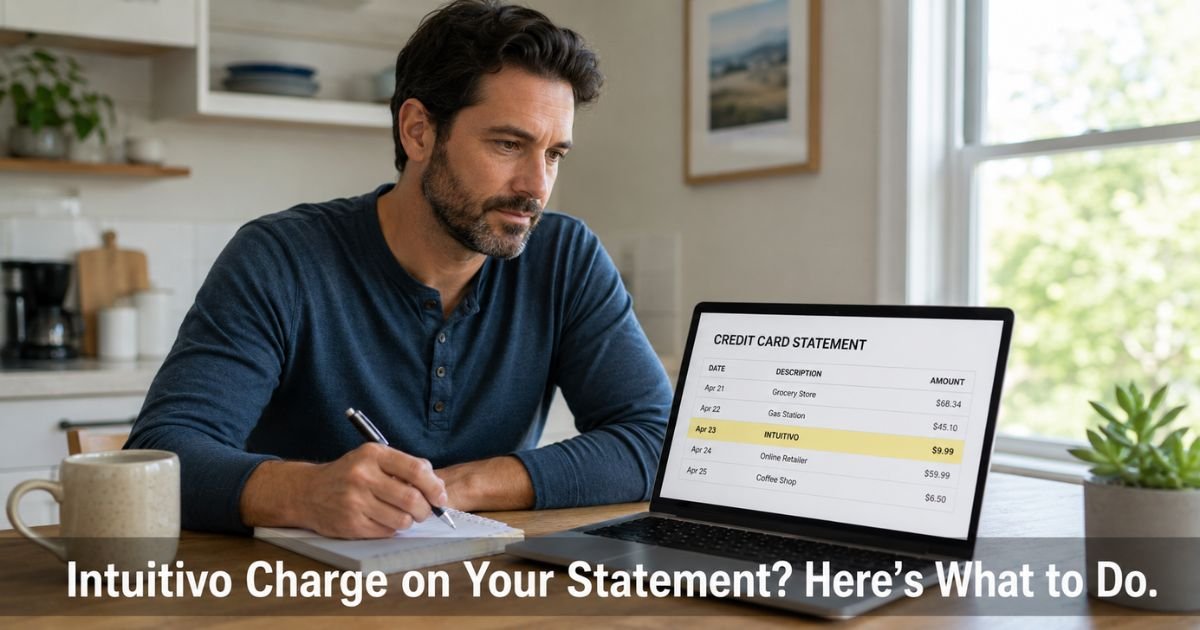
You open your latest credit card statement and spot a charge from Intuitivo that you do not immediately recognize. The amount might be small, for snacks or drinks, yet it leaves you wondering where it came from.
This situation happens more often than you might think with new types of unattended retail.
This guide explains exactly what an Intuitivo charge on credit card means, why it might show up unexpectedly, and what practical steps you can take right now to get a refund if the charge was incorrect or to prevent future surprises.
Table of Contents
What Is an Intuitivo Charge on Credit Card?
Intuitivo is a technology company based in Miami that provides AI software for smart retail coolers. Instead of traditional vending machines with buttons and change, these units let you simply open a door, grab items, and walk away. The AI identifies what you took and processes the payment.
When the system charges your card, the transaction usually appears as Intuitivo, Intuitivo AI, or a similar variation on your statement. The charge covers the exact items the computer vision detected after you closed the door.
Most charges are legitimate purchases made through one of these smart coolers. However, because the process feels so seamless, people sometimes forget they used one or do not realize a coworker or family member used their card or a shared payment method.
How Intuitivo Processes Payments
Here is what typically happens during a transaction:
- You scan the QR code on the cooler with your phone or tap a supported card.
- The system places a temporary authorization hold on your card to confirm it is valid.
- The door unlocks for a short time. You open it and remove one or more items.
- You close the door. The AI analyzes a short video of what was taken.
- Within about 5 to 10 minutes, the final charge posts to your card.
- A receipt usually arrives by email if you provided one during registration.
The temporary hold often releases quickly, but the actual charge appears later. This timing can make the charge feel unexpected when you review your statement days afterward.
Common Reasons You See an Intuitivo Charge
Several situations explain why this name shows up on your statement.
- You used a smart cooler in an office, gym, apartment building, or shared workspace and forgot about the quick transaction.
- Someone else with access to your card or phone used the cooler (a colleague, family member, or visitor).
- The AI misidentified an item, resulting in a charge for something you did not take or the wrong amount.
- You registered for the service during a previous use and later received a charge from a new location.
These coolers are becoming more common in workplaces, which increases the chance of seeing Intuitivo charges on statements.
How to Request a Refund for an Intuitivo Charge
If the charge looks incorrect or you did not make the purchase, contact Intuitivo support promptly. They have a specific process for wrongly charged purchases.
Reply to the receipt email if you received one, or send a message to contact@intuitivo.com. Include the following details for faster help:
- The date and amount of the charge
- Your card type and last four digits (if comfortable sharing)
- A description of what happened or why you believe the charge is incorrect
- Any receipt or order number you have
Support typically reviews these requests and can issue refunds for valid cases. Act quickly, as many companies have time limits for refund requests.
Pro Tip: Keep the receipt email from Intuitivo and a screenshot of the charge on your statement. Having both ready makes the refund process smoother and gives you clear documentation.
What to Do If You Cannot Resolve It Directly
When Intuitivo support does not respond or cannot correct the charge, dispute it with your credit card issuer. Call the number on the back of your card and explain that the charge came from an unattended smart cooler and appears incorrect.
Provide copies of your communications with Intuitivo and any evidence that the items do not match what you took. Credit card companies often side with cardholders in cases of disputed automated charges when you have tried to resolve it with the merchant first.
Monitor your statement for any new Intuitivo charges while the dispute is open. You can also ask your bank about blocking future transactions from this merchant if problems continue.
Common Mistake: Assuming every small charge from a new name is fraud and disputing it immediately without first contacting the company. Reaching out to Intuitivo support often resolves the issue faster and keeps your account in good standing.
Intuitivo Charge Quick Resolution Guide
| Situation | Likely Cause | Recommended First Step | Next Action if Needed |
|---|---|---|---|
| Small charge after office visit | You or a colleague used a smart cooler | Check recent locations and email for receipt | Email contact@intuitivo.com for refund |
| Charge for items you did not take | AI detection error | Gather statement details and contact support | Dispute with your credit card issuer |
| Recurring or multiple charges | Multiple uses or registration issue | Review all recent cooler visits | Cancel any linked account access |
| No receipt or explanation | Unrecognized or shared card use | Contact support with charge date and amount | Dispute if support cannot verify |
Source: Based on Intuitivo’s public help resources and common customer experiences with automated retail systems.
FAQs: Intuitivo Charge on Credit Card
Q. How do I get a refund for an incorrect Intuitivo charge on my credit card?
A. Email contact@intuitivo.com with the charge date, amount, and why you believe it is wrong. Include any receipt you received. They review these requests and can issue refunds for valid cases. Keep records of your communication in case you need to escalate to your card issuer.
Q. What is Intuitivo and why did it charge my card?
A. Intuitivo provides AI technology for smart coolers in offices and shared spaces. You scan a QR code, open the door, take items, and the system automatically charges your card using computer vision. The charge appears later on your statement, which is why it can feel unexpected even if you used the cooler.
Q. How can I prevent future Intuitivo charges on my credit card?
A. Only use your card with smart coolers when you intend to buy something. Check with coworkers or family members who might have access to your card or phone. Review your statements regularly for new merchant names, and contact Intuitivo support immediately if you see a charge you do not recognize.
Conclusion
An Intuitivo charge on credit card almost always comes from using or someone else using one of their AI-powered smart coolers.
These grab-and-go units make quick purchases easy, but the automatic charging can lead to surprises on your statement days later.
Start by checking your email for a receipt and contacting contact@intuitivo.com with the details if the charge seems incorrect.
Most issues resolve quickly once you reach their support team. If that does not work, dispute the charge with your credit card issuer and keep monitoring your account.
Disclaimer: The content on ExplainCharges.com is for informational and educational purposes only and does not constitute financial, legal, or professional advice. We are not affiliated with any companies or services mentioned. The information provided may not apply to your specific situation. If you suspect unauthorized charges or fraud, contact your bank or credit card issuer immediately. Always verify details directly with the source and consult a qualified professional if needed.
Meet the Author
