
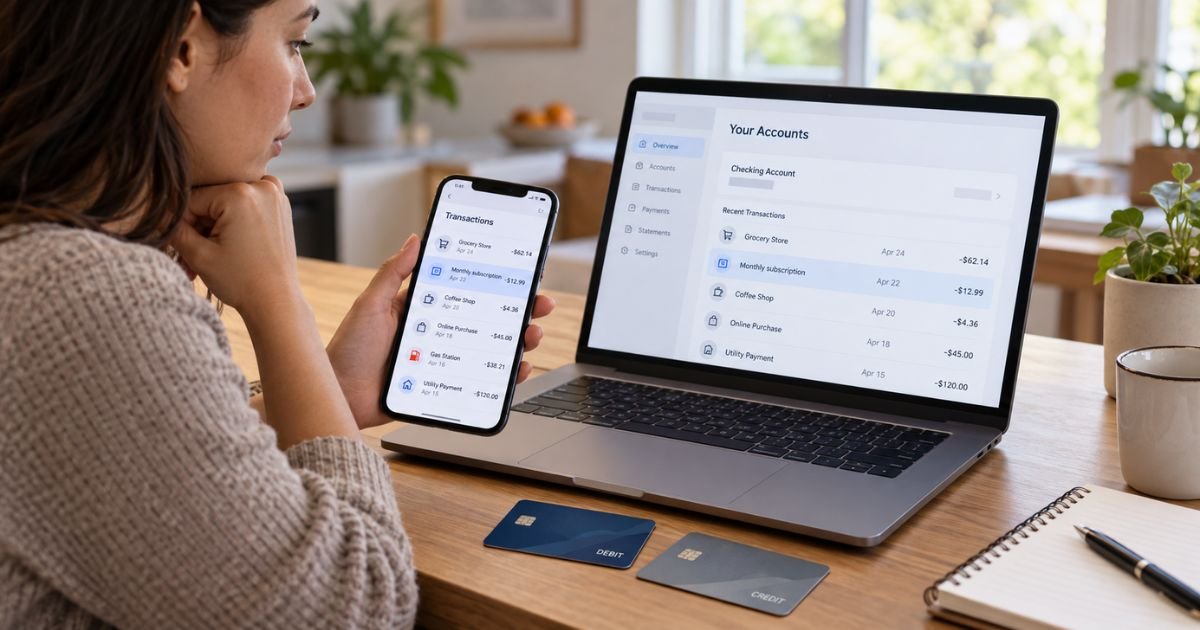
Learning how to hide OnlyFans on bank statement records can feel important if you share finances or simply want more payment privacy. The key point is that you generally can’t erase or secretly rename a legitimate transaction after your bank has posted it.
You can still protect your privacy for future purchases. This guide explains how OnlyFans charges may appear, what your bank can change, and which options may keep future activity separate.
Table of Contents
How to Hide OnlyFans on Bank Statement: What Is Actually Possible?
You generally can’t remove a completed OnlyFans transaction from your official bank statement. Banks keep transaction records so you can identify payments and reconcile your account.
For U.S. checking and debit accounts, Regulation E generally requires periodic statements to identify the third party receiving an electronic transfer.
The CFPB also says the statement may use either a business’s operating name or its parent company’s name, depending on the transaction information supplied.
Credit card statements follow similar identification rules. Regulation Z generally requires enough seller information for you to recognize the transaction.
That means your bank generally can’t simply replace an OnlyFans transaction with a made-up merchant name because you ask.
What Does OnlyFans Look Like on a Bank Statement?
The exact merchant descriptor may vary by bank, card network, processor, and transaction.
Recent consumer reports and billing references commonly describe entries such as:
| Possible descriptor | What it may mean |
|---|---|
| ONLYFANS | Direct OnlyFans merchant identification |
| ONLYFANS.COM | Website-based merchant descriptor |
| FENIX INTERNATIONAL | Corporate name associated with OnlyFans |
| FENIX INTERNATIONAL LTD | Longer corporate version |
| An abbreviated variation | Your bank may shorten transaction text |
Fenix International Limited is an active U.K. company. Archived OnlyFans terms identify Fenix International Limited as the operator of OnlyFans.
OnlyFans doesn’t currently provide a public page I could verify that guarantees one specific U.S. statement descriptor. Recent third-party research and user reports therefore provide the best available indication of how individual banks display the charge.
The transaction generally won’t identify the individual creator or describe what you purchased. It will normally identify the merchant or billing company.
Pro Tip: Don’t rely on a specific descriptor staying the same. Your bank, payment processor, or merchant may change how transaction information appears over time.
Can Your Bank Remove an OnlyFans Charge?
Usually not if the transaction is legitimate and has already posted.
Your bank may let you add a personal note, category, or label inside its app. That kind of customization generally changes only how you see the transaction inside the budgeting interface.
It normally doesn’t rewrite the original merchant information on your official statement or transaction history.
You also shouldn’t dispute a purchase simply because you want the merchant name removed. A card dispute is intended for situations such as unauthorized transactions, duplicate billing, or other genuine billing problems.
If you made the purchase yourself, describe it accurately if you contact your bank.
Can You Rename the Transaction?
Some banking or budgeting apps let you rename merchants for personal organization. For example, you might change how a transaction appears in a spending dashboard.
That doesn’t usually change the financial record held by the bank. A downloadable statement, transaction export, or bank employee’s internal records may still show the original descriptor.
Visa’s merchant standards also emphasize that merchant names should help cardholders recognize who charged them. Visa specifically discourages changing merchant names to mask the merchant’s identity.
So a cosmetic label isn’t the same as actually hiding OnlyFans from your bank statement.
What About a Refund?
A refund usually doesn’t erase the original transaction.
If OnlyFans or another merchant refunds a payment, your statement may show both the original charge and a separate credit. That means asking for a refund solely to remove the transaction generally won’t accomplish that goal.
A pending authorization may sometimes disappear if a merchant never completes it. However, once a transaction has posted, the historical entry typically remains.
You should only request a refund when you have a legitimate billing or service issue.
Use a Separate Account for Future Privacy
If your main concern is keeping future discretionary spending separate from a shared checking account, a separate financial account may be the simplest option.
You could use an individual checking account or credit card that only you control. The OnlyFans merchant descriptor would still appear on that account, but it wouldn’t appear on a different joint account that you aren’t using for the purchase.
This doesn’t hide the transaction from your bank. It simply separates private spending from shared finances.
You should also consider fees, minimum balances, and credit implications before opening another account.
Can a Virtual Card Hide OnlyFans?
A virtual card creates a different card number from your physical card. Some virtual card services also act as an intermediary between the merchant and your primary payment source.
Whether that changes what appears on your primary statement depends entirely on the provider. Some funding transactions may show the virtual card provider, while others may still pass merchant information through.
OnlyFans may also restrict certain prepaid or virtual payment methods. Acceptance can change, so you shouldn’t assume a particular card will work until the platform and issuer confirm it.
Most importantly, a virtual card isn’t a way to delete existing OnlyFans transactions. It would only affect future payments.
Do Prepaid Cards Work?
Prepaid cards may provide some separation from your normal checking account, but acceptance isn’t guaranteed.
Subscription platforms commonly require cards that support recurring online transactions. Some prepaid products don’t allow recurring billing, international processing, or age-restricted merchant categories.
You should check the prepaid card’s terms before adding money. Don’t buy a card based only on an online claim that it works with OnlyFans.
Even when a prepaid card works, its own transaction history may still display the merchant.
What If You Share a Bank Account?
Anyone who legally owns a joint account can typically review activity on that account.
You generally can’t make one transaction invisible to another joint owner while keeping it visible to yourself. The bank maintains one shared transaction history for the account.
For future discretionary purchases, separate individual accounts may provide clearer privacy. You should still follow any financial agreements you have with another account owner.
Common Mistakes: Don’t download a bank statement, edit out a transaction, and submit the altered document to a lender, landlord, bank, court, or other organization. Changing an official financial record can create serious problems and may amount to misrepresentation or fraud depending on how you use it.
What If You Need a Statement for a Mortgage or Loan?
You shouldn’t alter the statement.
Mortgage lenders may request full statements to verify assets, deposits, liabilities, and cash flow. If an official statement contains an OnlyFans transaction, submitting a modified version could cause a much larger problem than the transaction itself.
A legitimate personal subscription usually isn’t the same thing as unexplained debt or an undisclosed loan.
If a lender asks about a transaction, answer accurately. Requirements vary by lender and loan program.
Can OnlyFans Change the Billing Name for You?
There doesn’t appear to be a consumer setting that lets you choose your own OnlyFans billing descriptor.
Payment networks generally expect a merchant descriptor to identify the business clearly enough that you can recognize it. Visa states that merchants should use the name customers normally associate with the business.
Your bank may abbreviate or format that information differently. However, you generally don’t control the descriptor.
Consumer discussions also repeatedly report seeing OnlyFans or Fenix-related wording rather than a customizable neutral name. These Reddit posts are anecdotal, so your bank may display something different.
Cancel Future OnlyFans Charges If Needed
If privacy isn’t your only concern and you also want to stop future billing, check your active subscriptions inside your OnlyFans account.
Canceling a subscription generally affects future renewals rather than deleting past transactions. Keep any cancellation confirmation for your records.
If you don’t recognize an OnlyFans charge at all, don’t assume it’s yours just because the descriptor matches the platform. Review your account and contact OnlyFans support or your bank when appropriate.
BBB complaints involving Fenix International include consumer reports about billing, refunds, chargebacks, and account access. These complaints represent individual allegations rather than proof of a general problem with the company.
Trustpilot reviews also include recurring complaints about subscription billing and refunds. Trustpilot currently notes that reviews represent individual consumer opinions and may not reflect every customer’s experience.
Is OnlyFans a Legitimate Charge?
A descriptor connected to Fenix International may be legitimate if you recently used OnlyFans.
Fenix International Limited is an active company registered in the United Kingdom. Public company records confirm its current corporate registration.
You should still compare the amount and date with your OnlyFans activity. Don’t assume every unfamiliar Fenix or OnlyFans charge is automatically authorized.
If you never used the service, contact your bank promptly and report the transaction accurately as potentially unauthorized.
FAQs: How to Hide OnlyFans on Bank Statement
Q. Can you delete OnlyFans from your bank statement?
A. Generally, no. Once a legitimate transaction posts, your bank normally keeps it as part of your account’s financial record.
Q. Does OnlyFans show the creator’s name on your statement?
A. Typically, no. Consumer reports generally show merchant descriptors linked to OnlyFans or Fenix International rather than the individual creator you paid.
Q. Can you ask your bank to rename an OnlyFans charge?
A. You may be able to add a personal label inside some banking apps. However, that generally doesn’t change the original merchant information on your official statement.
Q. Can you keep future OnlyFans charges off a shared bank account?
A. You can generally avoid putting future charges on the shared account by using a separate payment account that you legally control. The transaction will still appear wherever the payment is actually processed.
Conclusion
If you’re researching how to hide OnlyFans on bank statement records, the most important point is that a posted legitimate transaction generally can’t be erased or secretly renamed. Your bank usually needs to maintain an accurate record identifying the merchant or receiving party.
For future privacy, you can consider keeping discretionary spending in a separate individual account or reviewing other legitimate payment options before purchasing. Avoid altering official statements or filing a false dispute simply to conceal a transaction.
Disclaimer: This article is for informational purposes only and isn’t financial or legal advice. Banking records, payment descriptors, card acceptance, and privacy features vary by issuer and provider, so verify account-specific questions with OnlyFans or your financial institution.
Meet the Author
