
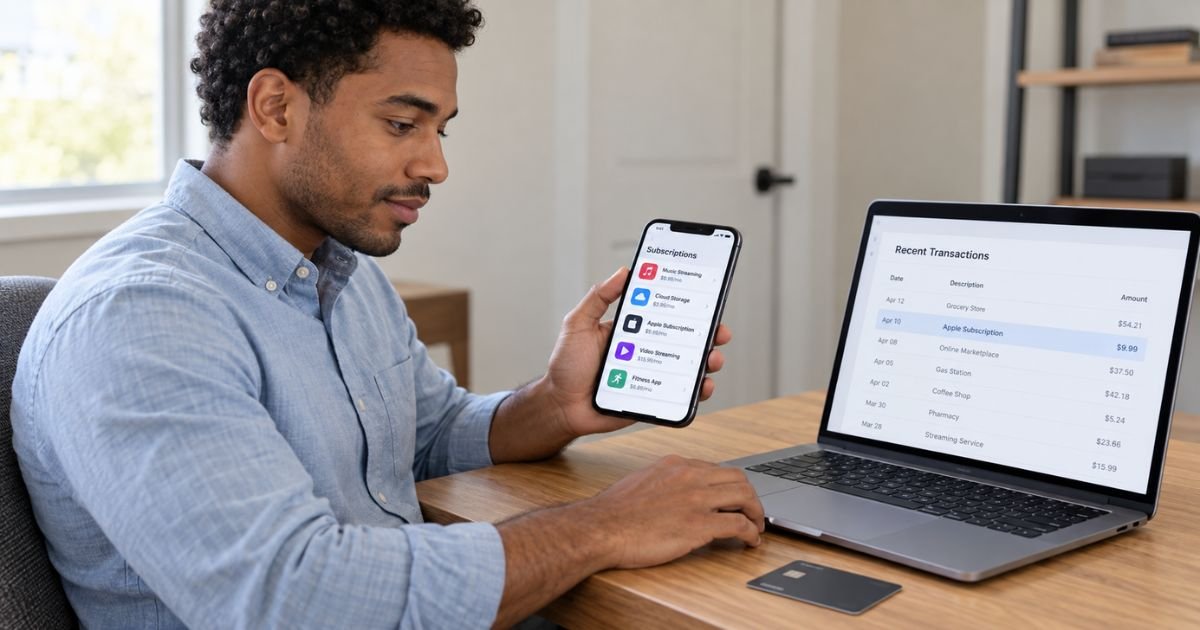
Learning how to dispute an Apple subscription charge can help when you notice a renewal you did not expect or a subscription you no longer use.
An unfamiliar Apple charge is often legitimate, but you should still check what caused it before assuming it is correct.
Apple provides separate tools for canceling subscriptions and requesting refunds. You can also contact your bank or card issuer if the charge appears unauthorized or Apple cannot resolve the problem.
Table of Contents
How to Dispute an Apple Subscription Charge
To dispute an Apple subscription charge, first identify the subscription in your Apple purchase history. You can then cancel future renewals and submit a refund request through Apple’s Report a Problem service if the purchase may qualify.
Canceling and disputing are not the same action. Canceling generally stops the next renewal, while requesting a refund asks Apple to return money for a charge that has already occurred.
A refund is not guaranteed. Apple states that some App Store purchases, subscriptions, and other digital content may be eligible, with eligibility varying by country or region.
Step 1: Identify What Apple Charged You For
Start by reviewing your Apple purchase history. You can generally sign in to Apple’s Report a Problem website and see purchases connected to your Apple Account.
If you know the amount but not the subscription name, Apple allows you to search your purchase history by amount. This may help when your statement only shows a general Apple billing descriptor.
Apple says unfamiliar charges may also come from grouped purchases or purchases made by family members. Checking those possibilities first can prevent you from disputing a legitimate transaction.
| What you see | What you should check |
|---|---|
| APPLE.COM/BILL | Apps, subscriptions, media, or other Apple purchases |
| Several items combined | Apple may have grouped purchases |
| Unknown subscription | Review purchase history and subscriptions |
| Family purchase | Check Family Sharing purchases |
| No matching Apple purchase | Check whether another Apple Account was used |
Pro Tip: Search your email for Apple receipts before starting a dispute. The receipt may show the subscription name, Apple Account, amount, and purchase date.
Step 2: Cancel the Subscription to Stop Future Charges
If you no longer want the subscription, cancel it separately from your refund request. On an iPhone, you can generally open Settings, tap your name, select Subscriptions, choose the subscription, and tap Cancel Subscription.
If there is no Cancel button, Apple says the subscription may already be canceled. You may instead see an expiration date showing when access will end.
Apple also recommends canceling a free or discounted trial at least 24 hours before it ends if you do not want it to renew. Your subscription terms may vary.
Canceling after a renewal does not normally erase the charge automatically. You generally need to request a refund separately if you want Apple to review the completed purchase.
Step 3: Request a Refund From Apple
Apple’s official refund process generally starts at Report a Problem. After signing in, choose I’d like to, select Request a refund, choose your reason, select the subscription, and submit the request.
You should choose the reason that most accurately describes what happened. Do not describe an authorized renewal as fraud simply because you forgot to cancel it.
Apple says you should generally receive an update on a refund request within 24 to 48 hours. Approval is not automatic, and Apple may decide that a purchase is not eligible.
If you cannot see the subscription on the refund page, check whether you used another Apple Account. Apple also notes that you may need to wait until you receive an Apple receipt before requesting a refund.
How Long Does an Apple Refund Take?
Apple says the initial refund decision generally takes about 24 to 48 hours. If approved, the time required for the money to reach you depends on your payment method.
For credit cards, debit cards, Apple Pay, Apple Cash, and many other payment methods, Apple says an approved refund may take up to 30 days to appear. Apple Account credit may generally appear within 48 hours.
Calling or chatting with Apple after submitting the request generally will not speed up an existing refund review. Apple recommends checking the claim status through Report a Problem.
What If Apple Denies Your Refund?
A denied request does not necessarily mean the original charge was fraudulent or incorrect. Apple may determine that the subscription purchase does not qualify for a refund under its applicable policies.
If you need more help with a refund that cannot be requested through Report a Problem, Apple’s support page provides options for contacting Apple Support.
Keep your receipts, cancellation confirmation, refund decision, and any conversations with support. These records may be useful if you later contact your financial institution.
Common Mistakes: Do not assume canceling a subscription automatically refunds the most recent payment. Cancellation generally addresses future renewals, while a refund requires a separate request.
What If You Do Not Recognize the Apple Subscription?
First, check your purchase history and Family Sharing activity. Apple says a charge shown as apple.com/bill can relate to apps, subscriptions, music, movies, or other Apple purchases.
You should also check any other Apple Accounts you use. A subscription can be connected to a different account than the one currently signed in on your device.
If you believe someone gained access to your Apple Account, Apple recommends changing your password and reviewing the devices connected to the account. Remove devices you do not recognize and check your account security information.
If the transaction truly was not authorized, contact your bank or card issuer promptly as well. Reporting quickly may matter for your legal and account protections.
What If the Subscription Was Purchased Outside Apple?
Not every subscription used on an iPhone is billed by Apple. Some apps may direct customers to subscribe through the developer’s own website or another payment system.
Apple says it generally cannot provide billing or refund support for purchases that were not processed through the App Store or Apple In-App Purchase. In that situation, you usually need to contact the company that billed you.
Check the merchant name on your card statement and your email receipt. If the payment went directly to Spotify, Netflix, Adobe, or another service, for example, that company may control the cancellation and refund process.
Can You Dispute the Charge With Your Credit Card Company?
If Apple cannot resolve a billing problem, you may be able to dispute the transaction with your credit card issuer. The Consumer Financial Protection Bureau recommends contacting the card company promptly when you identify a billing error.
For certain U.S. credit card billing disputes, you generally need to send a written billing error notice within 60 calendar days after the issuer sent the statement containing the disputed charge. Your issuer’s procedures may vary.
A chargeback should not be used simply because Apple denied a refund for an otherwise valid purchase. Explain the facts accurately to your issuer and let it determine whether the transaction qualifies for a dispute.
For unauthorized debit-card transactions, reporting speed can also affect your protections. The CFPB recommends contacting your bank or credit union promptly when you discover an unauthorized transfer.
What Evidence Should You Save?
Good documentation can make a billing review easier. Keep records until the issue is fully resolved.
- Apple purchase receipt
- Subscription name and renewal date
- Screenshot of your subscriptions page
- Cancellation confirmation
- Refund request confirmation
- Apple’s refund decision
- Credit or debit card statement
- Apple Support messages
- Dates of phone or chat conversations
Your bank may ask why you believe the transaction is incorrect or unauthorized. Clear records help you explain what happened without relying on memory.
What Do Consumer Reports Show?
BBB complaints involving Apple include billing and refund disputes, including reports from consumers who disagreed with subscription refund decisions. These complaints represent individual experiences and do not establish that Apple acted incorrectly in every case.
Trustpilot also contains reports about recurring charges, refund denials, and customer support experiences. Its reviews are user-submitted, so they should generally be treated as anecdotal rather than proof of how Apple will handle your request.
Reddit discussions show mixed outcomes. Some users report approved refunds after accidental renewals, while others describe denials, which suggests results can vary based on the transaction and circumstances.
FAQs: How to Dispute an Apple Subscription Charge
Q. Can you dispute an Apple subscription after canceling it?
A. Yes, you can generally request a refund separately after canceling. Cancellation typically stops future renewals but does not automatically reverse a charge that already occurred.
Q. Where do you request an Apple subscription refund?
A. Apple’s standard refund process generally uses Report a Problem. Sign in with the Apple Account used for the purchase, choose Request a refund, select the subscription, and submit your reason.
Q. Does Apple guarantee refunds for accidental subscription renewals?
A. No. Apple says some purchases may be eligible for refunds, but eligibility can vary by purchase and region, so approval is not guaranteed.
Q. What should you do if an Apple subscription charge is unauthorized?
A. Check your Apple purchase history and Family Sharing activity first. If you still do not recognize the transaction, secure your Apple Account and contact your bank or card issuer promptly to discuss its unauthorized-transaction process.
Conclusion
Knowing how to dispute an Apple subscription charge starts with identifying the purchase and deciding whether you need to cancel, request a refund, or report an unauthorized transaction. These are separate actions, so completing one does not necessarily complete the others.
Start with your Apple purchase history and Report a Problem. If the issue remains unresolved or the charge was genuinely unauthorized, contact your card issuer promptly and keep copies of all supporting records.
Disclaimer: This article is for informational purposes only and is not financial or legal advice. Apple policies and card-issuer dispute rules may vary by account, transaction, and location. Verify account-specific questions with Apple or your bank.
Meet the Author
