
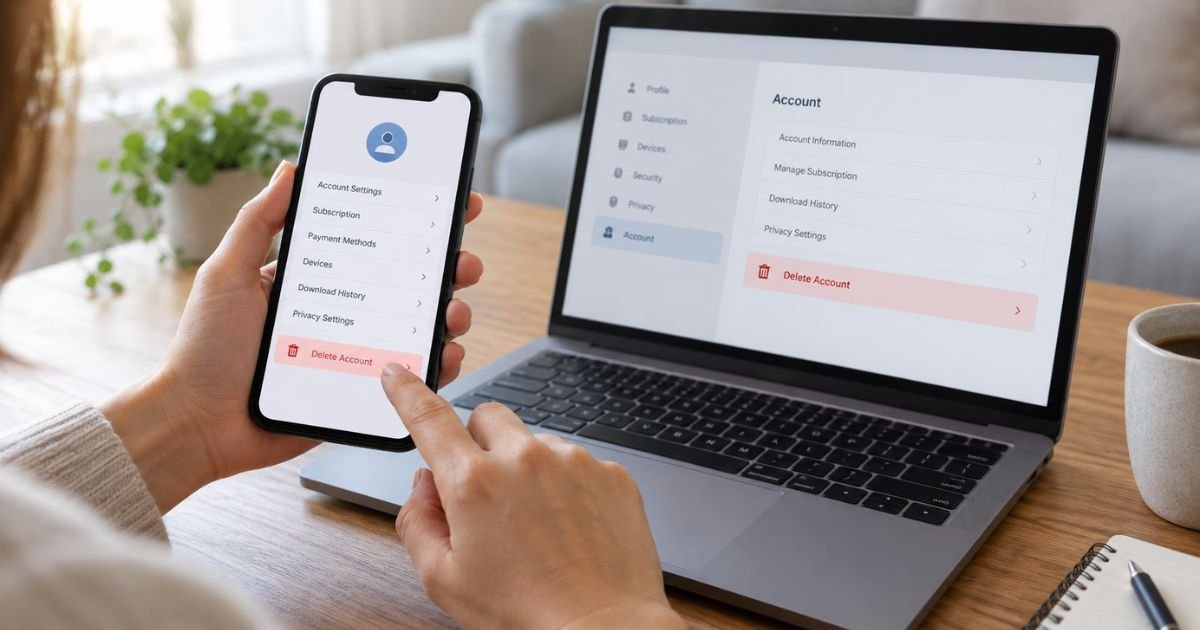
If you want to know how to delete Netflix account permanently, you can submit a deletion request from the Security section of your Netflix account or through the Netflix mobile app. Netflix will ask you to complete a security check and confirm permanent deletion.
Deleting an account is different from simply canceling Netflix. Cancellation stops the membership, while account deletion removes the account and associated activity, preferences, and other information.
Netflix currently says canceled accounts are normally deleted automatically after 24 months if you do not request earlier deletion.
Table of Contents
How To Delete Netflix Account Permanently
Before deleting your Netflix account, decide whether you want to leave Netflix temporarily or permanently. If you may return, canceling your membership may be a better choice because Netflix keeps certain account information for a limited period to make restarting easier.
If you want your account permanently removed, Netflix provides a dedicated deletion process.
For an active membership, requesting deletion normally causes the membership to end at the close of the current billing period. The account is then permanently deleted. You may also be able to request earlier deletion.
Once permanent deletion is completed, you cannot simply reactivate the old account. You would need to create a new Netflix account if you decide to return.
How to Delete a Netflix Account in a Web Browser
Using a browser is one of the simplest ways to submit an account deletion request.
Follow these steps:
- Sign in to your Netflix account.
- Open your Account page.
- Go to the Security section.
- Select Delete account.
- Complete the required security check.
- Read the information explaining what deletion means.
- Check the confirmation box.
- Select Permanently Delete.
- Check your email for confirmation of the deletion request.
Netflix may require you to verify your identity before allowing the request. This helps prevent someone who briefly gains access to your account from deleting it without permission.
If your membership is still active, Netflix normally schedules permanent deletion after your current paid billing period ends.
How to Delete Netflix Account on the Mobile App
You can also request account deletion from the Netflix app on a supported phone or tablet.
The current process is:
- Open the Netflix app.
- Tap My Netflix in the lower-right corner.
- Tap your profile name at the top.
- Select Account.
- Scroll to Settings.
- Tap Delete account.
- Complete the security check.
- Check the box confirming your decision.
- Tap Permanently Delete.
- Look for the confirmation email from Netflix.
The exact appearance of the menus can change as Netflix updates its app, but the account deletion option should be available within the account settings for eligible accounts.
Do not confuse Delete account with deleting a Netflix profile. Removing a profile only affects that individual profile within the account.
Does Deleting Netflix Cancel Your Subscription?
If you have an active Netflix membership and request permanent account deletion, Netflix says the membership will normally be canceled at the end of the current billing period, followed by permanent account deletion.
For example, suppose your billing period ends on October 20 and you request deletion on October 10. You may continue to have Netflix access until October 20, after which the membership can end and the account can be deleted.
Netflix also allows you to cancel your membership separately.
If you only want to stop future charges without permanently removing your account history, cancellation is the more appropriate option.
To cancel a normal Netflix membership:
- Sign in to Netflix.
- Open your membership management settings.
- Select Cancel.
- Choose Finish Cancellation.
Simply signing out or uninstalling Netflix does not cancel the membership.
What if Netflix Is Billed Through a Third Party?
Some Netflix memberships are billed through another company or included as part of a package.
If a third party manages your billing, you may need to cancel the membership with that provider before Netflix can complete account deletion.
Check your Netflix Account page for billing information and instructions. Your payment history can also help you identify when the current billing period ends.
Once cancellation through the third party takes effect, the Netflix account can be deleted.
Do not assume that deleting a Netflix app or changing your payment card automatically cancels a third-party subscription. Follow the cancellation procedure provided by the company that bills you.
How to Delete a Canceled Netflix Account Early
Netflix currently states that it normally deletes canceled accounts automatically after 24 months.
You do not have to wait that long if you want the canceled account deleted sooner.
Former members can request earlier deletion by contacting Netflix at privacy@netflix.com from the email address associated with the Netflix account.
Using the correct email address matters. Sending a request from a different address while merely typing your Netflix email in the message may not be sufficient for account verification.
If you recently canceled but your paid membership period has not ended, deletion may occur when that period ends unless you specifically request earlier deletion.
What Happens When You Delete Your Netflix Account?
Permanent deletion has broader consequences than membership cancellation.
You can lose access to information associated with the account, including:
- Netflix profiles
- Viewing activity
- Viewing preferences
- Recommendations
- Ratings
- Account activity
- Personalized settings
- Information used to make returning to Netflix easier
Netflix also says that once the account has been permanently deleted, you will need to create a new account if you want to use the service again.
For this reason, permanent deletion is best suited to someone who no longer wants the old Netflix account rather than someone simply taking a short break.
Netflix may still retain certain information where required or permitted by law, such as information necessary for billing, records, legal obligations, or other legitimate purposes.
Canceling Netflix vs. Deleting Your Account
Canceling and deleting are not the same action.
When you cancel Netflix, your paid membership stops renewing. Netflix currently retains certain information connected with the canceled account for up to 24 months, which can make it easier to restart.
That retained information may include your profiles, viewing preferences, recommendations, ratings, and Continue Watching information.
When you delete your Netflix account, you request permanent removal of the account instead of preserving it for a possible return.
If you expect that you may subscribe again within the next year or two, cancellation may be more convenient. If you want the old account permanently removed, use the deletion process.
Can You Undo a Netflix Account Deletion Request?
If you requested deletion while your Netflix membership is still active, Netflix says you can undo the request before the end of your current billing period.
Go back to your Netflix Account page and look for the option related to the pending deletion request.
Once the account has been permanently deleted, however, the old account cannot simply be restored. You would need to sign up again.
If you are uncertain, canceling your membership instead of deleting the account gives you more flexibility.
Does Deleting the Netflix App Delete Your Account?
No. Removing the Netflix application from your phone, tablet, smart TV, or another device does not delete your Netflix account.
It also does not automatically cancel an active membership.
Deleting the app generally only removes the application and locally stored Netflix data from that device. Downloads saved through the app may also be removed.
To permanently remove your Netflix account, use the Delete account option in your Netflix account settings or follow Netflix’s privacy deletion procedure.
How to Delete a Netflix Profile Instead of the Whole Account
You may not need to delete the entire account if you only want to remove one profile.
Netflix accounts can contain multiple profiles for different household members. Deleting one profile removes information associated with that profile without closing the main Netflix account.
Profile deletion may remove that profile’s viewing history, recommendations, settings, and certain saved information.
Before choosing Delete account, make sure you are not simply trying to remove an old or unused profile.
If several people use the Netflix membership, deleting the entire account affects everyone who depends on that account.
What if You Cannot Access Your Netflix Account?
Account deletion can be more complicated if you cannot sign in.
First, try Netflix’s account recovery or password reset process. Regaining access usually gives you the simplest path to the account settings and deletion option.
If you are a former member and cannot use the normal deletion tools, Netflix directs account deletion requests to privacy@netflix.com.
Use the email address associated with the Netflix account whenever possible.
If you started Netflix registration but never completed the signup process, you can also contact the privacy email address to request deletion of the information submitted during signup.
Should You Remove Your Payment Method First?
You generally do not need to remove a payment method before submitting a legitimate Netflix account deletion request.
If your goal is to stop charges, focus first on properly canceling the membership or completing the deletion process.
Netflix may restrict removal of the only payment method on an active account unless another payment method is added. Some third-party payment methods may also have different rules.
Removing a card should not be used as a substitute for canceling a subscription. An unresolved membership can create billing complications even if you change payment information.
What to Do Before Permanently Deleting Netflix
Before confirming permanent deletion, take a few minutes to make sure you will not need anything associated with the account later.
Consider these steps:
- Confirm that you really want permanent deletion rather than cancellation.
- Check when your current billing period ends.
- Tell other people using the account that access will end.
- Review any information you may want to keep.
- Confirm that third-party billing has been canceled if applicable.
- Submit the account deletion request.
- Save the confirmation email until deletion is complete.
These steps can help prevent accidentally losing an account you intended only to pause.
FAQs: How To Delete Netflix Account Permanently
Q. How long does Netflix keep an account after cancellation?
A. Netflix currently states that canceled accounts are normally automatically deleted after 24 months. You can request earlier deletion if you do not want to wait.
Q. Can I permanently delete Netflix without canceling first?
A. Yes, eligible active members can request permanent deletion from Netflix account settings. The membership normally ends at the close of the current billing period before permanent deletion occurs.
Q. Can I delete Netflix immediately?
A. Netflix may schedule deletion for the end of an active billing period. If you want earlier deletion, follow the account deletion instructions or contact Netflix about an earlier privacy deletion request.
Q. Will uninstalling Netflix stop my subscription?
A. No. Uninstalling the app does not cancel your membership or delete your account. Use Netflix’s membership cancellation or permanent account deletion controls instead.
Conclusion
If you are learning how to delete Netflix account permanently, use the Delete account option under Netflix’s Security or app settings, complete the security check, and confirm permanent deletion.
Remember that deleting an account is different from canceling Netflix. If you simply want to stop paying but may return later, cancellation preserves certain account information for a limited period.
Choose permanent deletion only when you are comfortable losing access to the old account and its associated preferences.
Disclaimer: This article provides general educational information about Netflix account management. Netflix may change its menus, deletion procedures, billing rules, and data-retention practices. Review the current options shown in your Netflix account before requesting permanent deletion.
Meet the Author
