
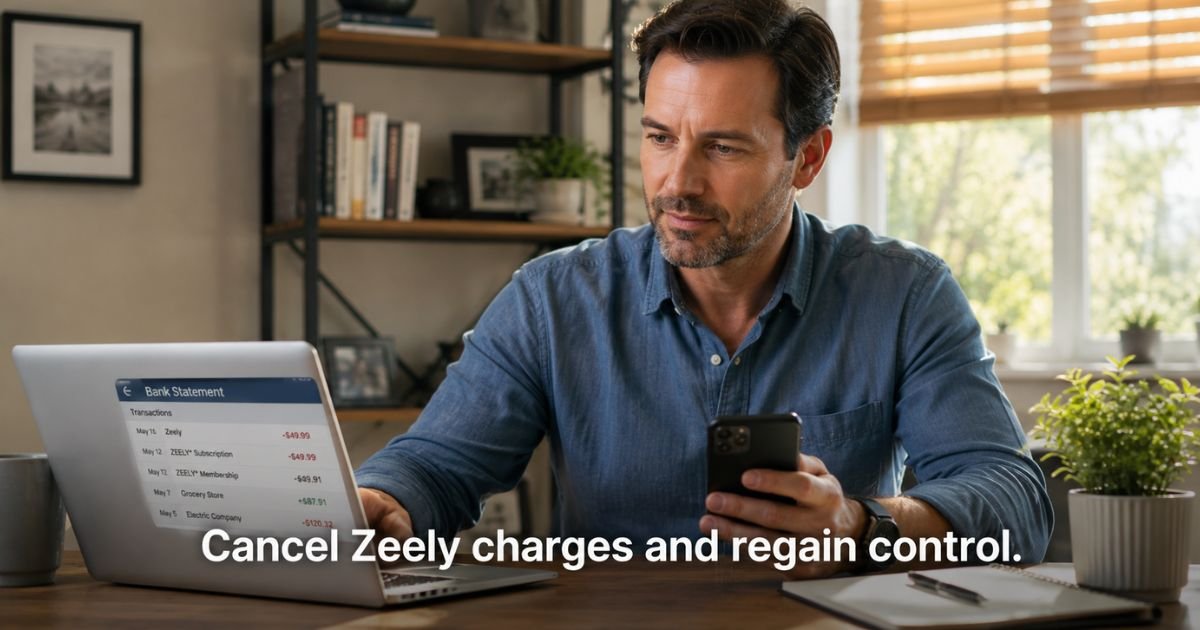
You pull up your bank or credit card statement and spot a charge from Zeely or Zeely AI. Maybe you tried their AI tool to create ads or social posts for a side project or small business. Now the charge keeps showing up and you want it to stop.
This situation feels confusing at first, especially when the name on the statement does not immediately ring a bell.
Zeely is an AI marketing platform that helps users generate promotional videos, ads, and content. Many people sign up for a trial or discounted plan, then the subscription renews automatically.
The good news is you can cancel your Zeely subscription yourself without calling anyone. This article explains what the charge means, how to verify it, and the exact steps to stop future billing whether you use the app or the web version.
Table of Contents
What Is the Zeely Subscription Charge?
The Zeely charge on your statement comes from Zeely AI, an AI-powered marketing platform. Users subscribe to create ads, videos, and promotional content for social media, ecommerce stores, and small businesses.
Billing descriptors usually appear as “Zeely,” “Zeely AI,” or similar variations. When you subscribe through the Apple App Store or Google Play, the charge may route through those processors and show as an app store billing line item. Direct card or PayPal payments appear under the Zeely name.
This is a standard recurring subscription for access to premium AI features and credits within the platform.
Why Does This Charge Appear?
Zeely subscriptions most often show up for these common reasons:
- You started a free or discounted trial that converted to a paid monthly plan.
- Your subscription renewed automatically at the end of the billing cycle.
- You or someone with access to your device or payment method created an account to test the AI ad tools.
- You subscribed directly on the website or inside the app for a specific plan (Starter, Growth, or Plus).
Zeely offers introductory pricing that often renews at the regular rate, such as around $79.95 per month after the first period. Many users try the tool during a busy season for their business and then forget to cancel before the next charge.
Is the Charge Legitimate or Fraud?
In the majority of cases the Zeely subscription charge is legitimate. It reflects an active or recently renewed plan for their AI marketing services.
People frequently sign up while exploring tools to grow an online store or social presence, then the renewal catches them off guard.
Fraud is possible but less common. If you have never downloaded the Zeely app, visited their website, or authorized anyone to use your card for this service, treat the charge as potentially unauthorized.
In that case, contact your bank or card issuer promptly to dispute it and request a stop on future payments.
Most readers who reach this page simply need clear cancellation steps rather than fraud protection.
How to Verify the Charge
Take these steps to confirm the Zeely subscription belongs to you or someone in your household:
- Search your email inbox and spam folder for messages from Zeely, Zeely AI, or support@zeely.app that mention subscription, trial, receipt, or welcome.
- Open the Zeely app if it is installed and check your account or plan status on the home screen.
- Log in at app.zeely.ai on a browser and look under your account menu for the current subscription details.
- On iPhone, go to Settings > [Your Name] > Subscriptions and scan the list for Zeely AI.
- On Android, open the Google Play app, tap your profile icon, then Payments & subscriptions > Subscriptions to check for Zeely.
If you find an active plan, note the renewal date and price before you cancel.
How to Stop Future Charges
You can cancel your Zeely subscription directly in the app or on the web. The process takes only a few minutes and stops automatic renewal. You keep access to paid features until the end of your current billing period.
Pro Tip: After you complete cancellation, screenshot the confirmation screen that shows your exact expiration date. Keep the email receipt too. This gives you proof if any later charge appears.
Here is a quick comparison of the main cancellation methods:
| Method | Steps to Cancel | Notes |
|---|---|---|
| Zeely Mobile App (iOS or Android) | Open app → tap green current plan button on home screen → Manage Subscription → Change Plan → scroll to Cancel subscription → pick reason → Continue → confirm Downgrade | Shows expiration date on screen. Works for most direct subscriptions. |
| Web Version (app.zeely.ai) | Log in → click account icon (top right) → select email → Subscription → Change plan → Manage subscription → Downgrade → pick reason → confirm | Same result as app. Access continues until shown expiration date. |
| Apple App Store | iPhone Settings → [Your Name] → Subscriptions → Zeely AI → Cancel Subscription | Use this if you subscribed through in-app purchase. Zeely cannot cancel it for you. |
| Google Play | Google Play app → profile icon → Payments & subscriptions → Subscriptions → Zeely → Cancel subscription | Required for Google in-app subscriptions. |
Common Mistake: Thinking that deleting the Zeely app or sending one email to support fully cancels everything. Deleting the app does not stop billing. Always cancel inside your account or through the correct app store settings and confirm the end date.
If you subscribed with a bank card or PayPal directly through Zeely, the app or web cancellation is the fastest route. For Apple or Google subscriptions, you must cancel through those platforms.
What Should You Do If You Don’t Recognize the Charge?
Start with the verification steps above. Check your email receipts and subscription lists in the app, on the web, and in your phone’s app store settings.
If nothing matches:
- Email support@zeely.app with your billing details and ask them to confirm whether an account exists under your information.
- Review recent device logins or shared family accounts in case someone else started the trial.
- If you still cannot explain the charge and suspect unauthorized use, contact your bank or credit card issuer right away to dispute it and block future Zeely payments.
Bottom line: Most Zeely subscription charges are expected once you locate the account, and you can cancel them the same day you find them.
FAQs: How to Cancel Zeely Subscription
Q. How do I cancel my Zeely subscription in the app?
A. Open the Zeely app and tap the green button showing your current plan on the home screen. Select Manage Subscription, then Change Plan. Scroll down, tap Cancel subscription, choose a reason, tap Continue, and confirm by selecting Downgrade. You will see the date your access ends.
Q. What happens if I cancel my Zeely subscription mid-month?
A. Your subscription stays active until the end of the current billing period shown on the confirmation screen. You keep full access to paid features during that time. No new charges occur after the period ends, and refunds for partial periods are not automatic under Zeely’s policy.
Q. Can I get a refund after I cancel my Zeely subscription?
A. Zeely’s policy states that payments are generally non-refundable for partial periods. You can request a review by emailing support@zeely.app, and they consider requests on a case-by-case basis. If the charge feels unauthorized, contact your bank or card issuer to dispute it directly.
Conclusion
Canceling a Zeely subscription is simple once you follow the steps inside the app or on the web version. You stop future charges while keeping access until your current period ends.
Take a moment today to open your Zeely account or check your phone’s subscription list. A quick review now prevents surprise renewals later and gives you full control over what you pay for.
Disclaimer: The content on ExplainCharges.com is for informational and educational purposes only and does not constitute financial, legal, or professional advice. We are not affiliated with any companies or services mentioned. The information provided may not apply to your specific situation. If you suspect unauthorized charges or fraud, contact your bank or credit card issuer immediately. Always verify details directly with the source and consult a qualified professional if needed.
Meet the Author
