
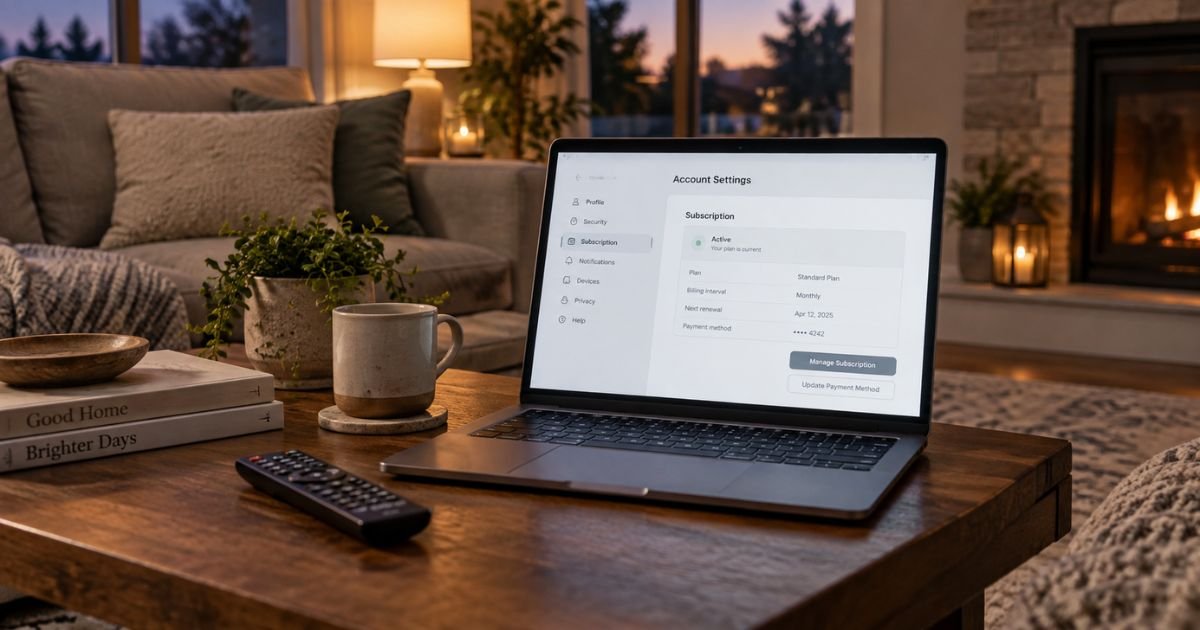
Looking up how to cancel a Fubo subscription can feel confusing if you don’t recall which device billed you. The charge may say Fubo or FuboTV. Deleting the app does not stop the bill.
This guide follows Fubo’s official cancel steps, shows how to confirm the end date, and explains what to do if another charge posts.
Table of Contents
How to cancel a Fubo subscription
How to cancel a Fubo subscription depends on where you signed up. Official Fubo help says the steps change if you joined on the Fubo website or through Roku. You must finish every screen before the plan is actually canceled.
Fubo’s cancellation policy says you can cancel at any time so the plan does not renew after the current period. Access generally lasts through the billing cycle you already paid. Fubo also says it does not provide refunds for prepaid or partial months of service.
Most plans do not add a cancellation fee. A promotional offer with a commitment period may charge an early fee if you leave before that period ends. Check the offer terms in your account or Fubo’s Terms of Service.
Fubo does not pause subscriptions. Official help says you cancel instead, keep watching until the paid period ends, then restart later if you want.
Cancel on the Fubo website
Use this path when My Account shows Fubo billing, not Roku or a store.
- Sign in at fubo.tv/signin with your Fubo email and password.
- Choose any profile on the Who’s Watching screen.
- Open the settings icon and select My Account.
- Select Subscription.
- Scroll to the bottom and select Cancel.
- If you see a discount offer, the plan is not canceled yet. Select Cancel Subscription, not Redeem Offer.
- Wait for the confirmation page, then select OK.
Official help warns that a mid-trial cancel ends the trial right away. You generally will not get another free trial.
Write down the date your access ends. Fubo’s help example is simple. If renewal is on the 15th and you cancel on the 5th, you can usually watch until the 15th, then billing stops.
Cancel if Roku bills you
Log in at fubo.tv/subscription first. If it says Roku Subscription, cancel with Roku, not only inside the Fubo app.
On the web
- Sign in at my.roku.com and open subscriptions.
- Select Unsubscribe next to Fubo.
- Confirm with Yes, Unsubscribe.
On a Roku device
- Press Home on the remote.
- Highlight the Fubo app.
- Press the Star button.
- Select Manage subscription.
- Select Cancel subscription and confirm.
You should see the date you can keep watching. Fubo cannot change a Roku-billed plan from the Fubo website.
If Apple, Google, or Amazon bills you
Fubo’s still-charged help page says third-party billing must be canceled with that provider. If My Account points to Apple, Google Play, or Amazon, use that store’s subscription list.
On iPhone or iPad, open Settings, tap your name, then Subscriptions, then Fubo. On Android, open Play Store, then Payments & subscriptions. On Amazon, use Manage Your Subscriptions and find Fubo.
Store refunds follow that store’s rules, not only Fubo’s prepaid policy. Keep the store confirmation email.
| Where you signed up | Where to cancel | What you should see |
|---|---|---|
| fubo.tv website | My Account > Subscription > Cancel | End date in Fubo account |
| Roku | my.roku.com or the Roku Star menu | Roku unsubscribe confirmation |
| Apple, Google, or Amazon | That store’s subscriptions page | Store cancel email |
Deleting the Fubo app only removes the icon. Auto-renew keeps running until you cancel in the right place.
Pro Tip: Take a screenshot of the confirmation page and search email for the cancel note. If a discount screen appears, you are not done until you tap Cancel Subscription.
How Fubo billing usually looks
Fubo help says paid plans bill in advance on a monthly cycle unless you chose a quarterly or annual plan. The bill date is generally the date you first became a paying subscriber. Check Billing Summary in My Account for the next charge date.
Statement wording varies by bank. You may see Fubo, FuboTV, or a similar short name. Match the amount and date to Billing History before you assume it is a different service.
A temporary $1 authorization can appear when Fubo checks a card. Official help says that check is refunded within 7 to 10 business days. It is not the monthly plan by itself.
Add-ons are separate from a full cancel. Fubo help says removing an add-on usually takes effect at the next bill cycle, and you keep that extra until then. Plan changes on the website can start sooner. Roku-billed accounts cannot change plans on fubo.tv.
If you are still charged after you cancel
Official Fubo help lists four usual causes:
- The cancel screens were not finished, often because an offer was accepted
- You canceled after the cycle already billed
- A second Fubo account uses another email
- Roku or another store is still set to renew
Log in and look for an end date or a “welcome back” restart screen. If the plan still looks active, run the cancel steps again in the same place you subscribed.
Fubo says it does not refund prepaid or partial months when you thought you had already canceled. If the charge is a true duplicate or you never opened a Fubo account, Fubo asks you to contact support with the date, amount, last four card digits, and any email on the account.
Official U.S. support listed on Fubo’s contact page:
- Live chat on support.fubo.tv, 10:00 a.m. to 10:00 p.m. ET, seven days a week
- Phone 844-441-3826, same hours (holiday hours may vary)
- 24/7 virtual assistant and a support request form
Use those channels. Do not send card numbers in a social-media comment.
If Fubo will not fix a charge you never authorized, call your card issuer. On a credit card, send a written billing-error notice so it arrives within 60 days after the first statement that showed the charge. Pay any undisputed balance on time.
Common Mistakes: Stopping at the discount offer screen. Canceling in the Fubo app while Roku still bills you. Deleting the app and assuming auto-renew died. Disputing the last prepaid month that Fubo already said you can keep watching.
FAQs: How to Cancel Fubo Subscription
Q. Does canceling Fubo stop the charge the same day?
A. Not usually. Official policy is that a paid plan runs through the current billing cycle. You keep the channels until that end date. The next auto-renew should stop if the cancel finished.
Q. Can I pause Fubo instead of canceling?
A. No. Fubo’s help page says it does not offer pause or suspend. Cancel, use the days you already paid, then reactivate from My Account if you want the service again.
Q. Will Fubo refund the unused days?
A. Fubo’s published cancellation policy says it does not provide refunds for prepaid or partial months. Store-billed plans may follow Apple, Google, Amazon, or Roku refund rules instead. Ask that store if the receipt came from them.
Q. Why can I still watch after I canceled?
A. That is expected until the paid period ends. Official help says to check the expiration date on your account page. After that date, access should drop and new bills should stop.
Conclusion
How to cancel a Fubo subscription is a website or store task, not an app-delete task. Use My Account on fubo.tv when Fubo bills you. Use Roku, Apple, Google, or Amazon when that partner bills you.
Finish the Cancel Subscription screen, save the end date, and watch one more cycle. If a new charge appears after that date, contact Fubo support or your card issuer with the confirmation in hand.
Disclaimer: This article is for general information only. It is not financial or legal advice. Fubo plans, promo fees, third-party billing, and refund rules can change. Confirm account-specific steps in your Fubo or store account, or with official Fubo support.
Meet the Author
