
Condé Nast publishes many well-known magazines and websites, including The New Yorker, Vogue, Condé Nast Traveler, Wired, Vanity Fair, and Architectural Digest.
Whether you have a digital subscription, print delivery, or both, canceling is usually possible, but the exact steps depend on how and where you originally signed up.
Many people find the process confusing because Condé Nast uses different systems for digital access versus traditional print fulfillment.
If you’re searching for how to cancel Condé Nast subscription, this guide breaks it down clearly so you can stop recurring charges without unnecessary hassle.
Table of Contents
Quick Answer
To cancel a Condé Nast subscription, first identify whether it’s digital (website access) or print (physical magazine).
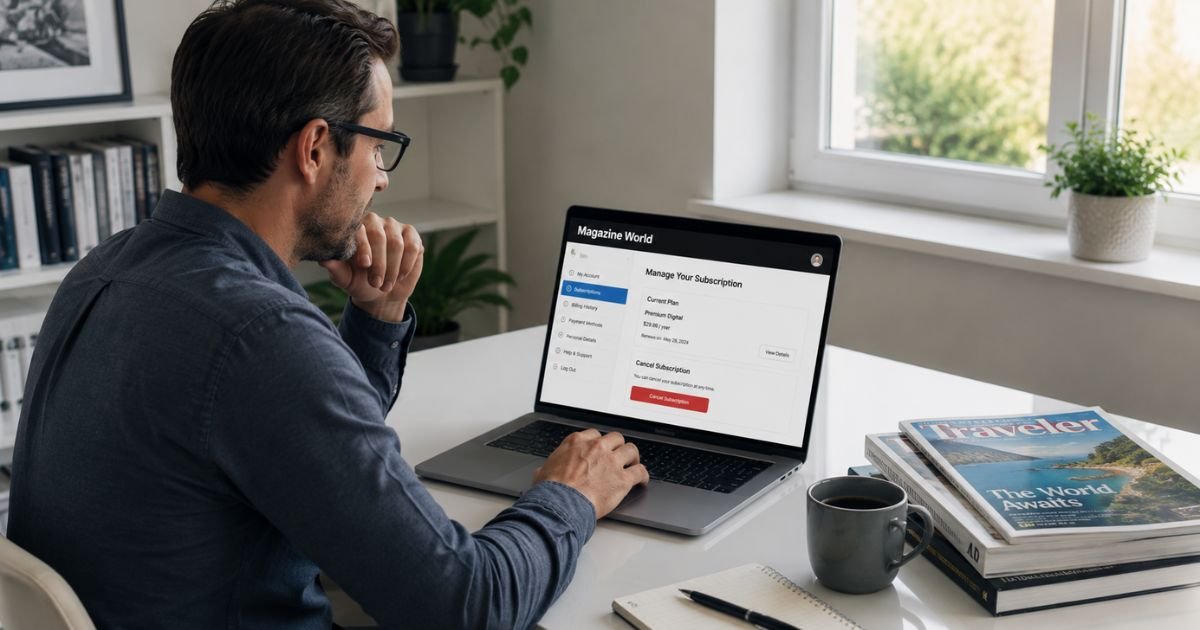
For digital subscriptions like The New Yorker or Vogue, log into the specific website, go to My Account → Manage Subscription, and cancel there.
For most print subscriptions, use the publication’s customer service portal with your account number (found on your mailing label) or contact Condé Nast customer service at 800-405-8085.
Cancellation stops future billing, but you keep access until the end of your current paid period. Refunds are rarely offered.
Digital vs. Print Subscriptions: Know the Difference
Condé Nast handles two main types of subscriptions:
- Digital subscriptions – Access to the website or app content (e.g., unlimited articles on newyorker.com or vogue.com). These are managed directly on the brand’s website.
- Print subscriptions – Physical magazines delivered by mail. These often use older fulfillment systems and may require your account number from the mailing label.
Some subscriptions combine both print + digital. Always check the specific publication you subscribed to.
How to Cancel Digital Condé Nast Subscriptions
Digital subscriptions for major titles are straightforward.
The New Yorker
- Go to newyorker.com and sign in.
- Click My Account (or your profile icon) in the top right.
- Select Manage Subscription.
- Follow the prompts to cancel subscription.
You can also use the live chat widget at the bottom right of the page for assistance.
Vogue (and similar digital sites)
- Sign in to vogue.com.
- Click My Account → My Profile in the top right.
- Go to the subscription or membership section.
- Choose the option to cancel.
Vogue also offers live chat support on their site.
Note for other titles: Most Condé Nast digital properties follow a similar pattern, look for My Account, Profile, or Manage Subscription after logging in.
How to Cancel Print Condé Nast Subscriptions
Print subscriptions are often managed through customer service portals rather than the main magazine website.
General steps:
- Locate your account number – It’s usually printed on the mailing label of your magazine or in previous emails from Condé Nast.
- Visit the specific publication’s subscriber services or FAQ page (search “[Magazine Name] cancel subscription”).
- Look for a “Cancel Subscription,” “Manage Account,” or “Customer Care” link.
- Enter your account number or email + zip code to access your details.
- Follow the prompts to cancel.
Examples:
- Condé Nast Traveler: Use the cancel link in their FAQ or customer care portal, or call 1-800-777-0700.
- Many titles direct you to portals like buysub.com or cdsfulfillment.com.
If you can’t find the right page, use the general Condé Nast subscription support:
- Phone: 800-405-8085 (U.S.)
- Email: condenast.direct@cdsfulfillment.com
What Happens After You Cancel
- Billing stops for future periods.
- You keep access (digital content or remaining print issues) until the end of your current paid term.
- Cancellation is usually processed within a few days, though you may still receive one or two final issues or see pending charges temporarily.
- No automatic refunds in most cases.
If you cancel by mistake, contact support quickly, they can sometimes reverse it if it hasn’t fully processed.
Common Problems and How to Solve Them
Many subscribers report frustration with Condé Nast cancellations. Here are frequent issues and fixes:
- Can’t find the cancel button – The websites can feel outdated. Try searching the exact magazine name + “manage subscription” or “customer care.”
- Need account number – Check the mailing label on your most recent magazine or old confirmation emails.
- Portal doesn’t recognize you – Use the email + zip code option or try live chat/phone support.
- Still getting billed after canceling – It can take several days for the system to update. Keep records of your cancellation confirmation and follow up if needed.
- Purchased through Apple/Google – Cancel directly in your phone’s subscription settings instead of the Condé Nast site.
Tip: Always take a screenshot of the cancellation confirmation screen and save any confirmation email.
Refund Policy
Condé Nast generally does not offer refunds for cancellations. You can cancel anytime, but you won’t receive money back for the unused portion of your subscription. Your access simply continues until the end of the current billing cycle.
Exceptions are rare and usually only considered for billing errors or very recent sign-ups. Contact customer service if you believe you qualify for special consideration.
Expert Tips for Easy Cancellation
- Cancel at least a few days before your renewal date to avoid any processing delays.
- Use live chat on the publication’s website when available — it’s often faster than phone calls.
- If you have multiple Condé Nast subscriptions, cancel each one separately.
- Keep your account number and cancellation confirmation in a safe place.
- For future subscriptions, set a calendar reminder one week before renewal.
FAQs: How to Cancel Condé Nast Subscription
Q. Can I cancel my Condé Nast subscription anytime?
A. Yes. You can cancel at any time through your account or by contacting support. Your subscription remains active until the end of the current paid period.
Q. Will I get a refund if I cancel?
A. No. Most Condé Nast subscriptions are non-refundable. You simply stop future charges and keep access until your term ends.
Q. What if I can’t find my account number?
A. Check the mailing label on your magazine, previous emails from the publisher, or try logging in with your email address and zip code on the customer care portal.
Q. How long does cancellation take to process?
A. It’s usually immediate in the system, but it can take a few days for billing to fully stop and for any final issues to be delivered.
Q. Can I cancel a gift subscription?
A. Yes. The recipient or purchaser can usually cancel it through the Manage Subscription section or by contacting customer service.
Conclusion
Canceling a Condé Nast subscription is manageable once you know whether it’s digital or print and which specific title you have.
Digital subscriptions are handled directly on the brand’s website through My Account, while print ones often require the customer service portal and your account number.
Remember to cancel a few days before renewal, keep proof of your cancellation, and use live chat or phone support if the online process feels confusing. You’ll keep access until the end of your current period, and no further charges will occur after that.
If you run into any trouble, the quickest help usually comes from the live chat on the specific magazine’s website or by calling Condé Nast customer service at 800-405-8085.
Taking a few minutes to cancel unwanted subscriptions helps protect your budget and keeps things organized.
This guide is based on official Condé Nast and publication help pages as of July 2026. Processes can vary slightly by title and may change, so always verify the latest steps on your specific magazine’s website or by contacting their support team.
Meet the Author
