
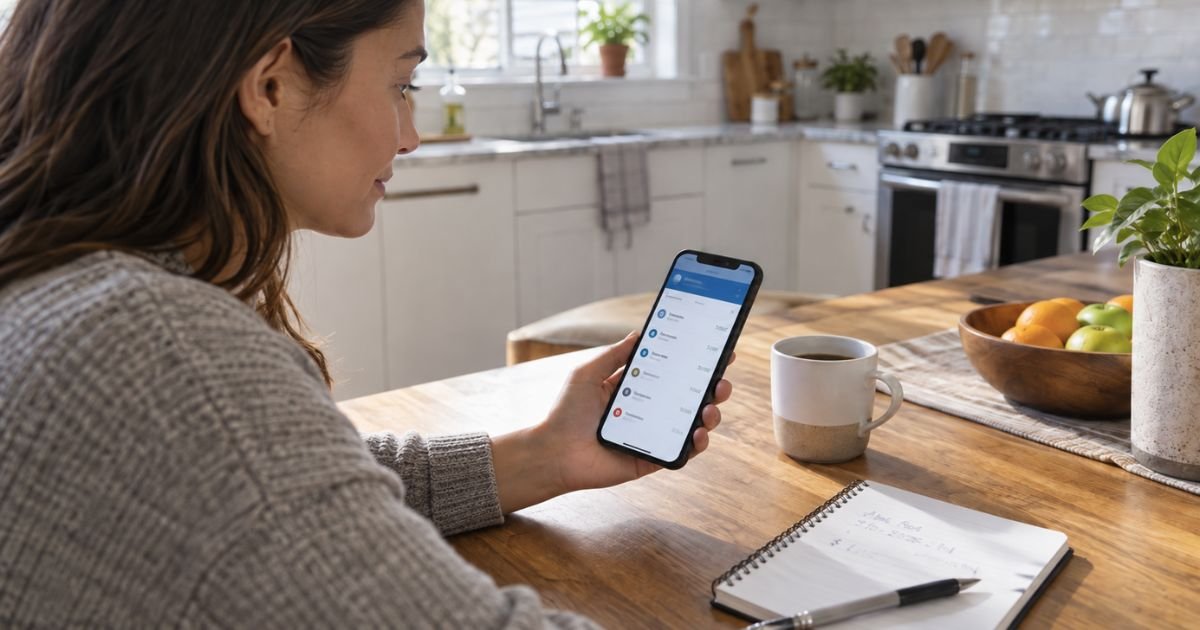
You can cancel a Zelle payment only while it is still pending. That usually happens when the person you paid has not enrolled the email or U.S. mobile number you used. Open Zelle in your bank or credit union app, go to Activity, tap the pending payment, and choose Cancel This Payment.
If that person is already enrolled, the money typically lands in their bank account within minutes. Zelle says those payments cannot be canceled or reversed. There is also no purchase-protection program for authorized sends, such as a sale that never arrives.
This guide shows the official cancel steps, what to do if the money already moved, and when to call your bank about a wrong number, a scheduled payment, or an unauthorized transfer.
Table of Contents
How to Cancel a Zelle Payment
Treat Zelle like handing someone cash. The network is built for people you know. Speed is the point, which is why a completed send is so hard to undo.
Check the payment status first. Pending means the recipient has not enrolled that email or mobile number yet, so the funds have not posted to their account. Completed means the money is already there. If you are unsure, call the number on the back of your debit card.
Most people now send Zelle from their bank or credit union app. The standalone Zelle app stopped sending and receiving on April 1, 2025. Enroll through a participating institution at enroll.zellepay.com if you still need access.
Cancel a pending payment in your banking app
Do this as soon as you see the mistake. The recipient can enroll at any moment. Once they do, the pending option disappears.
- Open your bank or credit union mobile app or online banking.
- Open Zelle. Labels vary. Common paths are Transfer & Pay, Send money, or Send & request money with Zelle.
- Open Activity or the pending payments list.
- Select the payment that still shows as pending.
- Tap Cancel This Payment or Cancel payment.
- Confirm. Some apps ask you to tap Yes, cancel.
- Watch your available balance. The hold should clear back to the sending account.
U.S. Bank’s help pages use that same flow: Transfer & Pay, Activity, pending payment, Cancel payment. Other banks use almost identical wording because it comes from the Zelle network.
If you do not see Cancel, the payment is processing or already complete. Calling the bank will not create a cancel button that the network does not allow. Ask the agent to confirm the status anyway, in case the app is slow to refresh.
There is typically no fee to cancel a pending Zelle send.
What happens if the recipient never enrolls
An unenrolled person gets an email or text that money is waiting. They must enroll that same email or U.S. mobile number to claim it.
If they do not enroll within 14 days, Zelle says the payment expires and the funds return to your account. You can still cancel during those 14 days from Activity. Do not wait for the automatic return if you already know the contact is wrong.
Confirm the money is back before you send again. Use a new payment. Do not try to “edit” a pending send. Banks that allow a change tell you to cancel first, then create a new payment.
Cancel a scheduled or recurring Zelle payment
A future-dated or repeating payment is different from a send that already posted.
If the next payment has not processed, you can usually cancel that one payment or the whole series from Activity or a Scheduled tab. U.S. Bank, for example, lets you edit or cancel the next payment or the entire series before it runs. Payments already processed or claimed cannot be canceled that way.
Steps look like this in many apps:
- Open Zelle, then Activity or Scheduled.
- Select the series or the upcoming payment.
- Choose Cancel payment or Edit payment.
- Say whether the change applies to the next payment only or to every remaining payment.
- Confirm.
Check the next draft date after you save. Recurring rent or roommate splits keep running until you stop the series.
If the payment already completed
You cannot cancel it through Zelle. Official help is blunt: payments to an enrolled recipient cannot be reversed.
Do these things in order.
Ask the recipient to send the money back.
Use the correct email or number. A return send is a new Zelle payment from them to you. Banks often recommend this first when you typed the wrong contact for someone you actually know.
Call your bank the same day.
Use the number on your card or statement, not a number from a text. Tell the agent the date, amount, and whether you meant to send that payment. They cannot force a reversal, but they can confirm status, watch the account, and open a case.
Know what Zelle will not cover.
Zelle does not offer purchase protection for authorized payments. If you paid a stranger for tickets, a pet, or a product and never received it, that authorized send is not treated like a credit-card chargeback. Zelle tells consumers a credit card may be a better tool when you do not know the other person.
Report a scam.
Contact your bank’s fraud team. Zelle says qualifying imposter scams may be eligible for reimbursement through your bank or credit union. That is not a promise for every story.
You can also report the scam to the FTC at ReportFraud.ftc.gov. Zelle has a report-scam page on its site as well.
Never send a second payment to “unlock,” “verify,” or “reverse” the first one. Bank imposters use that script. Call the bank using a number you already trust.
Unauthorized transfers are a different problem
Cancel is the wrong word if you did not send the payment.
An unauthorized electronic transfer is money that left your consumer account without your approval. Examples include a stolen phone, a hacked banking login, or someone who used your credentials.
Those cases go to your bank under the Electronic Fund Transfer Act and Regulation E, not through the Zelle cancel button.
The CFPB explains the basic rules for consumer accounts:
- Notify your bank as soon as you see the problem.
- The bank generally has 10 business days to investigate (20 if the account is under 30 days old).
- If the investigation will take longer, the bank generally must give a temporary credit, minus as much as $50, while it keeps looking.
- If you report a lost or stolen access device within two business days of learning about it, your loss on unauthorized transfers is generally capped at $50, or the amount taken, whichever is less.
- Waiting longer can raise your share of later unauthorized transfers.
Say clearly that you did not authorize the Zelle send. Ask the bank to investigate it as an error. Follow up in writing and keep copies.
If you typed Send after a scammer talked you into it, banks often treat that as an authorized payment. Report it anyway.
Some banks review qualifying imposter cases. Regulation E’s automatic refund path is strongest when someone else used the account.
If the bank will not resolve an unauthorized claim, you can submit a complaint to the CFPB at consumerfinance.gov/complaint or call (855) 411-2372.
How to avoid needing a cancel next time
Confirm the email or U.S. mobile number with the person by a second channel before you tap Send. A single mistyped digit can enroll a stranger.
Send a small test amount to a new contact, then send the rest after they confirm it arrived.
Turn on bank alerts for Zelle activity. Review Activity the same day you send.
Do not use Zelle to pay people you have not met for online goods. Zelle is built for trusted contacts. It is not a buyer-protection network.
Keep send limits in mind. Each bank sets its own daily and monthly caps. Those limits do not create extra time to cancel.
If you still need help
Call your bank first. Zelle support is also listed at 844-428-8542, and the brand points users to zelle.com/support/contact. Hours on one official FAQ are listed as 10 a.m. to 10 p.m. ET, seven days a week. Your bank still controls the deposit account and the dispute.
Have this ready when you call:
- Date and exact amount
- Recipient name, email, or mobile number shown in Activity
- Whether the status is pending or completed
- Whether you tapped Send, or someone else used the account
FAQs: How to Cancel a Zelle Payment
Q. Can I cancel a Zelle payment after the money leaves my account?
A. Only if it is still pending because the recipient has not enrolled. Once it is completed, Zelle says it cannot be canceled or reversed.
Q. How long does a pending Zelle payment stay open?
A. Official Zelle help says the payment expires in 14 days if the recipient never enrolls, and the funds return to you. You can cancel sooner from Activity.
Q. Will my bank refund a Zelle scam?
A. Not automatically. Authorized payments have no Zelle purchase protection. Qualifying imposter scams may be reviewed by your bank. Unauthorized transfers you did not approve should be reported under Regulation E right away.
Q. Can I stop a Zelle request I sent to someone?
A. A request for money is not a payment. The other person has to approve a send. You can usually ignore or delete an outgoing request in Activity. That is separate from canceling money you already sent.
Conclusion
You can cancel a Zelle payment only while it is pending for an unenrolled email or U.S. mobile number. Use Activity and Cancel This Payment, or stop a scheduled series before it runs.
If the send already completed, ask the recipient to return it and call your bank the same day, especially if the transfer was unauthorized.
Disclaimer: This article is general educational information for U.S. consumers. Zelle is a network used inside many banks and credit unions, and app labels, time limits, and dispute results vary by institution and by the facts of the transfer. Review your bank’s Zelle terms and contact that bank for help with a specific payment. This is not legal, tax, or financial advice.
Meet the Author
