
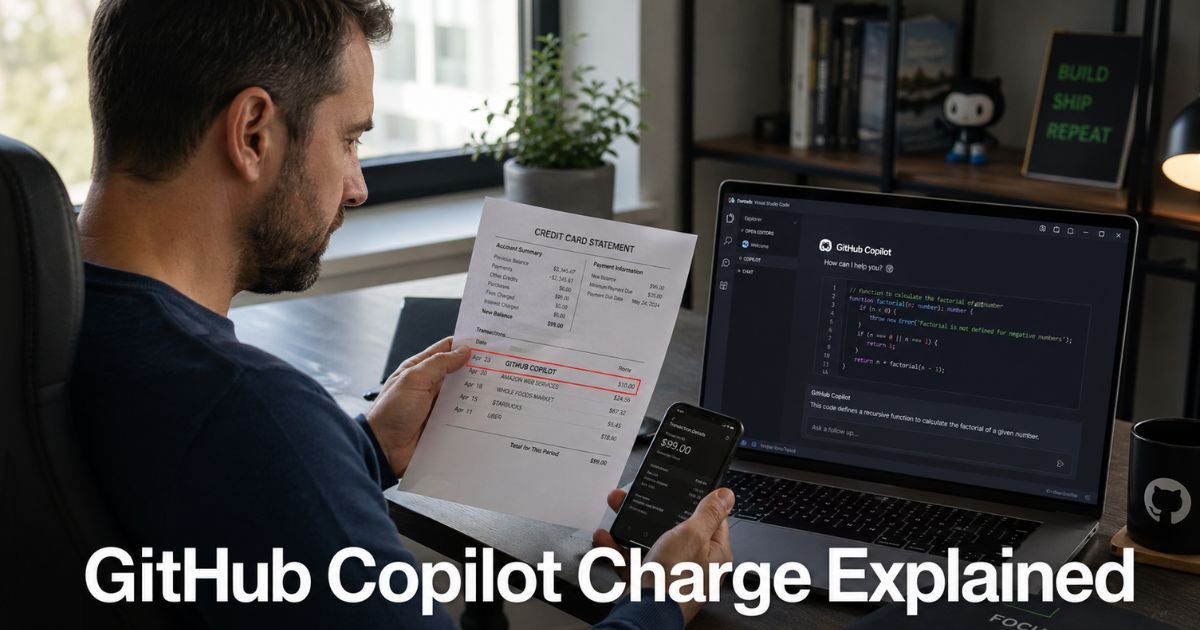
You check your credit card app or open the mail and there it is: GitHub Copilot. The amount is usually $10 or $39, and you might not remember signing up. Your first reaction is probably “What is this?”
You are not alone. Many developers and coders spot this exact line item and wonder if it is a mistake, an old trial, or something they meant to cancel.
The good news? It is a legitimate subscription for GitHub’s popular AI coding assistant, and you can stop it in just a few minutes.
Here you will learn precisely what the GitHub Copilot charge on credit card covers, how it lands on your statement, and the clear steps to cancel the subscription today.
Table of Contents
What Exactly Is GitHub Copilot?
GitHub Copilot is an AI-powered coding companion that suggests entire lines or blocks of code as you type. It works inside popular editors like VS Code, JetBrains, and Neovim. Microsoft and GitHub built it to help developers write code faster.
The tool comes in two main personal plans: Copilot Pro at $10 per month and Copilot Pro+ at $39 per month. Businesses have separate licensing. Once you start a free trial or subscribe, the service renews automatically every month.
On your credit card statement the charge usually appears as “GITHUB COPILOT,” “GITHUB INC,” or a very similar variation. That is the merchant name tied to GitHub’s billing system.
Why the Charge Feels Mysterious
Many people start with a 30-day free trial and forget to cancel. Others get added to a team or organization plan without realizing the personal card is still being charged. The billing descriptor does not say “Copilot subscription,” so it looks unfamiliar at first glance.
How the Subscription and Charges Work
GitHub Copilot bills on a monthly cycle. Here is what the most common charges look like:
| Plan | Typical Monthly Price | What You Get | Auto-Renews? |
|---|---|---|---|
| Copilot Pro | $10 | AI code suggestions, chat, and priority access | Yes |
| Copilot Pro+ | $39 | Everything in Pro plus advanced agents and higher usage limits | Yes |
| Organization add-on | Varies | Extra seats for team accounts | Yes |
| Authorization hold | $1 (temporary) | Pre-check when you start a trial | Reverses |
The subscription starts right after any trial ends unless you cancel. GitHub sends an email reminder before each renewal, but the message can easily get buried.
Bottom line: The GitHub Copilot charge is a recurring fee for continued access to the AI coding assistant you (or someone on your account) signed up for.
Real-Life Example: How Alex Stopped His Recurring Charge
Take Alex, a 34-year-old freelance web developer in Seattle. He tried Copilot Pro during a busy client project and loved the speed boost. Six weeks later a $10 GITHUB COPILOT charge showed up on his statement.
Alex had completely forgotten about the trial. He logged into GitHub, followed the cancellation steps, and the charge stopped after the current month. He even got a polite confirmation email within minutes.
Alex later told friends that the whole process took less than five minutes once he knew where to look. Stories like his are common on developer forums because the trial feels so seamless.
How to Cancel GitHub Copilot Subscription: Step-by-Step
You can cancel directly through your GitHub account. Here is the exact path that works right now:
1. Log In to GitHub
Go to github.com and sign in with the account tied to the subscription.
2. Open Billing Settings
Click your profile photo in the top right → Settings → Billing & licensing in the left sidebar.
3. Find the Copilot Section
Click Licensing. Scroll to the GitHub Copilot area. You will see your current plan and the next billing date.
4. Cancel the Subscription
Click Manage subscription or Edit next to your plan → Cancel subscription.
Confirm the reason and click Cancel plan.
Your access stays active until the end of the current billing cycle, so you will not lose any days you already paid for.
5. Double-Check
After you cancel, GitHub shows a confirmation screen and sends an email. Take a screenshot for your records.
Pro Tip: Set a calendar reminder for 25 days after any free trial starts. That tiny nudge keeps you from getting charged for tools you only needed for a short project.
What to Do If You Want a Refund
GitHub rarely issues refunds for monthly subscriptions once the billing cycle has begun. Your best move is to cancel immediately so the next charge never happens.
If the charge already posted and you feel it was unauthorized, contact your bank or credit card issuer. Provide the GitHub confirmation email and cancellation screenshot. Most banks will help reverse unwanted recurring fees.
Here is the timeline most people follow:
| Action | When to Do It | Expected Result |
|---|---|---|
| Cancel in GitHub settings | Today | Stops next month’s charge |
| Request refund from GitHub | Within 48 hours | Usually denied for active cycles |
| Dispute with your card issuer | After cancellation | High success if you show proof |
| Monitor next statement | Next 30 days | Confirm the charge is gone |
Common Mistake: Canceling in the wrong GitHub account. If you have multiple logins or an organization account, make sure you are in the exact one tied to the charge. Double-check the billing email before you click cancel.
How to Spot and Prevent Similar Charges in the Future
Developer tools and AI subscriptions add up quickly. Protect your wallet with these three easy habits:
- Review your GitHub billing page once a month along with your credit card app.
- Turn on transaction alerts for any charge over $5 so you catch things right away.
- Keep a simple note in your phone called “Active Subscriptions” and update it every time you start a trial.
These routines take almost no time but give you full control over what leaves your account.
FAQs: GitHub Copilot Charge on Credit Card
Q. Why does GITHUB COPILOT keep charging my card every month?
A. GitHub Copilot subscriptions are set to auto-renew by default. The charge continues until you manually cancel it in your account settings, even if you stop using the tool.
Q. Can I cancel GitHub Copilot subscription without losing access right away?
A. Yes. After you cancel, you keep full access until the end of your current paid month. You will not be charged again after that date.
Q. Is the GitHub Copilot charge a scam or legitimate?
A. It is completely legitimate. The charge comes directly from GitHub for their official AI coding service. The only surprise is usually the automatic renewal after a free trial.
Conclusion
A GitHub Copilot charge on credit card simply means you have an active subscription for one of the most popular AI coding tools available. The important thing is that canceling it is straightforward and quick.
Take five minutes right now to log into GitHub, head to your billing settings, and cancel if you no longer need it. Keep a screenshot of the confirmation and watch your next statement to make sure the charge stops.
Small habits like reviewing subscriptions monthly will keep your budget clear of surprises. You have already taken the first step by looking this up—finish the job and enjoy the peace of mind.
If another unfamiliar charge appears later, come back to ExplainCharges.com. We have simple guides for all the common ones so you never have to wonder again.
Disclaimer: The content on ExplainCharges.com is for informational and educational purposes only and does not constitute financial, legal, or professional advice. We are not affiliated with any companies or services mentioned. The information provided may not apply to your specific situation. If you suspect unauthorized charges or fraud, contact your bank or credit card issuer immediately. Always verify details directly with the source and consult a qualified professional if needed.
Meet the Author
