
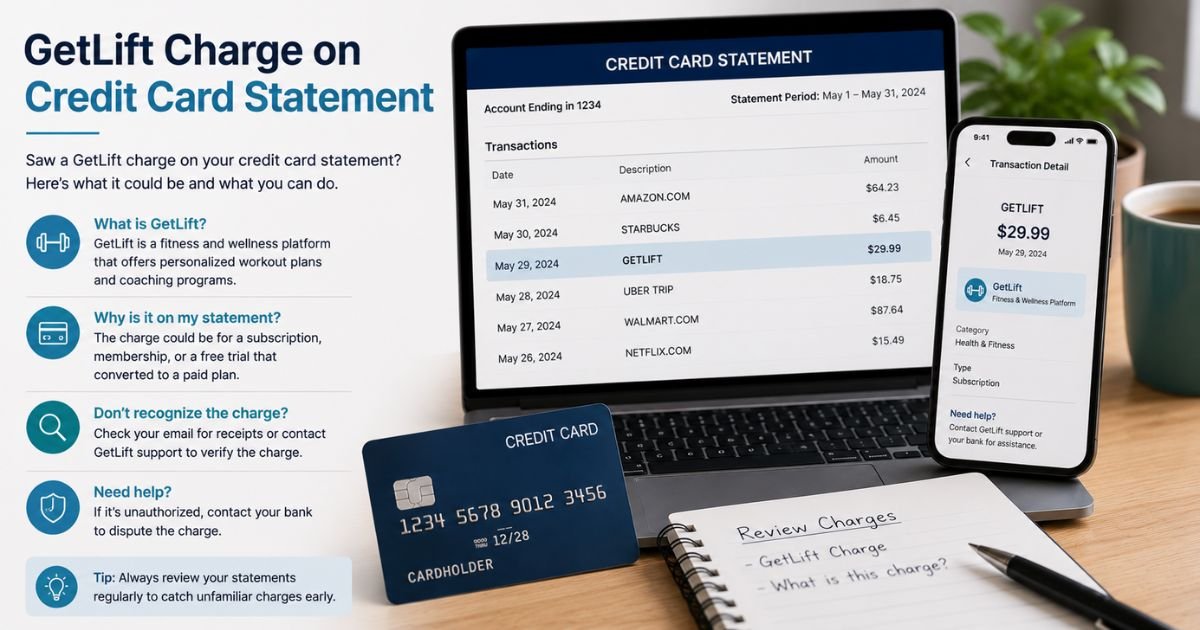
Seeing a GetLift charge on credit card statement can feel confusing if you don’t remember signing up for anything.
Unfamiliar charges are often legitimate. This guide explains what the charge means, why it appears, and the clear steps to verify or stop it.
Table of Contents
What Is the GetLift Charge?
A GetLift charge on credit card is typically a subscription payment for the Lift app (also linked to get-lift.app). Lift offers AI-powered photo and video editing tools, Instagram-related content features, templates, and related digital services.
The charge often appears after a free trial converts to a paid plan. It may show as GetLift, get-lift, GETLIFT, or similar variations depending on your bank.
Common descriptor variants include:
- GetLift
- get-lift
- GETLIFT
- Lift (sometimes mixed with Apple or Google billing)
Typical amounts range from about $5 to $20 or more per month, depending on the plan and whether it was purchased through the website or an app store. Some one-time add-ons or guides can also appear.
Why Did This Charge Appear?
The charge posts when a trial ends or a subscription renews. Many people sign up through ads or the website and later forget the free trial converts automatically.
Common reasons include:
- You started a free trial of the Lift app or web service and did not cancel before it ended.
- You purchased a subscription directly on get-lift.app.
- You bought access through the Apple App Store or Google Play and the plan auto-renewed.
- Someone in your household used the card for the service.
- An add-on such as an Instagram guide was purchased alongside the subscription.
The service uses automatic renewal. Deleting the app does not cancel the subscription.
How to Verify the Charge
Follow these steps:
- Note the exact date, amount, and full descriptor on your statement.
- Search your email for “Lift,” “get-lift,” or “subscription confirmation” around the same date.
- Check your Apple ID subscriptions (Settings → [Your Name] → Subscriptions) or Google Play subscriptions for “Lift.”
- Visit get-lift.app or the Lift web app and try logging in with emails you commonly use.
- Look for any recent Instagram or social media tool trials you may have started.
- Contact support@liftapp.ai with the transaction details if nothing matches.
Matching the amount and date to a confirmation email or active subscription is the quickest confirmation.
Is the Charge Legitimate or Fraud?
In many cases the charge is legitimate if you or someone with access to the card started a trial or subscription. However, numerous users report unexpected renewals and difficulty locating the subscription.
Common legitimate explanations
- Converted free trial from the Lift app or website
- Active monthly or yearly plan you authorized
- Purchase of an add-on guide or feature
Warning signs
- No matching email or account under any of your addresses
- Multiple cards charged without your knowledge
- You never downloaded the app or visited the site
- Cancellation attempts fail or support does not respond
When to contact the bank: Reach out right away if you cannot find any record of signing up. Ask your issuer to investigate while you also contact the merchant.
How to Cancel GetLift / Lift Subscription
Cancellation depends on how you paid. Deleting the app does not stop billing.
If you bought through the website (get-lift):
- Go to https://get-lift.app/cancel-subscription.
- Enter the email used for the purchase.
- Follow the link they send to confirm cancellation.
- Or log into the Lift web app → Settings → Subscription → Cancel Subscription.
- Email support@liftapp.ai if you need help and include your transaction details.
If you bought through Apple App Store:
- Open Settings on your iPhone or iPad.
- Tap your name → Subscriptions.
- Find Lift and tap Cancel Subscription.
- Confirm. Do this at least 24 hours before the next billing date.
If you bought through Google Play:
- Open the Google Play Store app.
- Tap your profile → Payments & subscriptions → Subscriptions.
- Select Lift and cancel.
After cancellation you typically keep access until the end of the current paid period.
Can You Get a Refund?
Refunds are not automatic. For App Store purchases, request a refund directly through Apple. For website or Google Play purchases, contact support@liftapp.ai and provide the charge details and reason.
If the company does not resolve the issue and you believe the charge was unauthorized or the trial terms were unclear, dispute it with your credit card issuer.
U.S. cardholders generally have strong protections under the Fair Credit Billing Act when they report promptly. Keep records of all emails and cancellation attempts.
What to Do If the Charge Is Unauthorized
- Contact your credit card issuer immediately using the number on the back of the card.
- Report the GetLift charge as unauthorized and request a dispute.
- Cancel any active subscription using the steps above if you can locate it.
- Email support@liftapp.ai with the transaction information and ask them to stop billing and investigate.
- Monitor the account for further charges and consider a card replacement if needed.
- Document every step and reference number.
Act quickly. Timely reporting improves your chances of a successful dispute.
Prevention Tips
- Set calendar reminders for the end of any free trial.
- Review Apple or Google subscription lists monthly.
- Use a virtual card number for new app or website trials when possible.
- Turn on real-time transaction alerts in your credit card app.
- Read the trial and renewal terms carefully before entering payment details.
- Keep confirmation emails in a dedicated folder so you can match charges later.
FAQs: GetLift Charge on Credit Card Statement
Q. What company is behind the GetLift charge?
A. The charge is typically from the Lift app / get-lift.app, a digital service offering AI photo and video editing tools and related subscription features. It is separate from the B2B marketing agency of a similar name.
Q. Why does the charge keep coming back after I deleted the app?
A. Deleting the app does not cancel the subscription. You must cancel through the original purchase method (website link, Apple ID, or Google Play) or by contacting support.
Q. How do I cancel if I can’t log in?
A. Use the direct cancellation page at https://get-lift.app/cancel-subscription with the email tied to the charge, or email support@liftapp.ai with your statement details and ask them to cancel it for you.
Q. Can I dispute the GetLift charge with my bank?
A. Yes. If you did not authorize it or the terms were unclear, contact your card issuer promptly and open a dispute. Provide any evidence of cancellation attempts or lack of signup confirmation.
Conclusion
A GetLift charge on credit card statement is usually a subscription payment for the Lift app or related digital service that began with a free trial. Many people overlook the automatic renewal.
Checking your email, Apple or Google subscriptions, and the get-lift cancellation page is the fastest way to confirm and stop it.
If the charge matches a trial or plan you started, cancel through the correct channel right away. If nothing matches your records, report it to your card issuer while also contacting the merchant.
Reviewing statements regularly and managing trials carefully keeps unexpected charges under control.
Disclaimer: This article is for informational purposes only and is not financial or legal advice. Subscription terms, refund policies, and billing descriptors can vary. Always verify details with the company or your card issuer for your specific situation.
Meet the Author
