
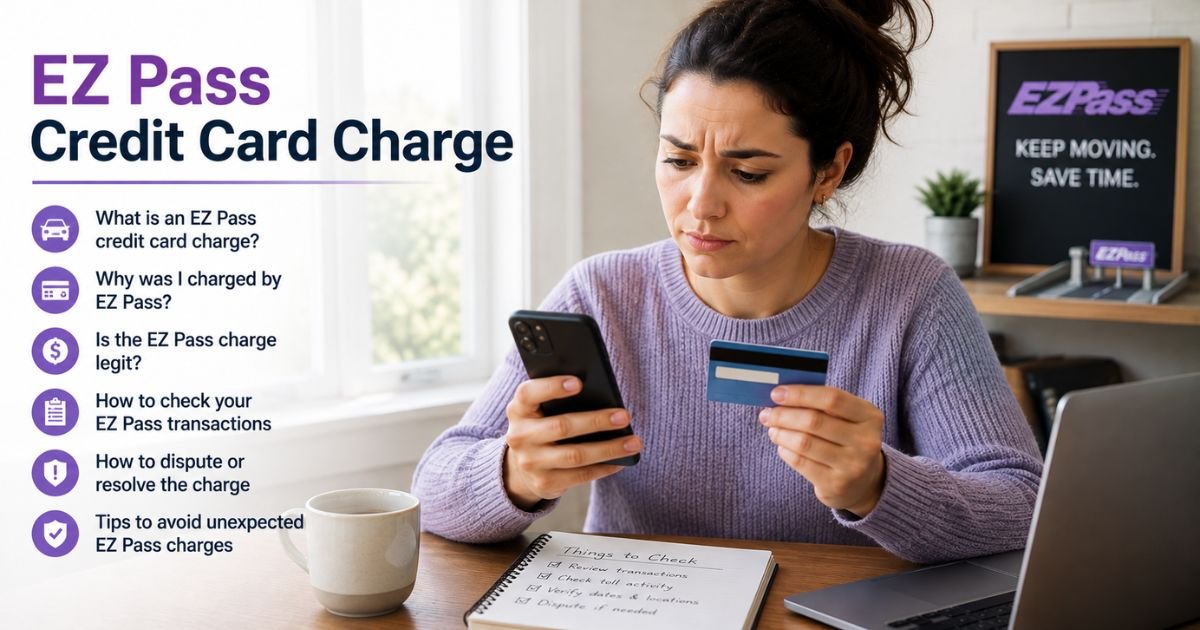
Seeing an EZ Pass or E-ZPass charge on credit card statement can feel confusing if you do not drive toll roads often. Many people wonder whether the charge is for actual tolls or something else.
These charges are usually legitimate and tied to your prepaid E-ZPass account. This guide explains what the charge typically means, how to check it, and what you can do next.
Table of Contents
What Is the EZ Pass Charge?
E-ZPass (often shown as EZ Pass or E-ZPass) is the electronic toll collection system used across many states in the Northeast and Mid-Atlantic.
Your credit card is typically charged when your prepaid E-ZPass account balance drops low and needs automatic replenishment.
The charge puts money into your E-ZPass account so future tolls can be deducted from that balance. Larger parking or facility charges through E-ZPass Plus may sometimes bill the card directly.
Common statement descriptors vary by the state agency that issued your account or tag. They often include:
- EZ PASS or E-ZPASS
- EZPASS REBILL or similar “auto re” language
- State-specific versions such as NJ E-ZPass, PA Turnpike E-ZPass, NY E-ZPass, or MA E-ZPass
- Agency or location codes alongside the name
Amounts typically reflect your replenishment threshold or recent usage. Exact wording and amounts can differ by bank formatting and the specific toll agency.
Why Did This Charge Appear?
Here are the most common reasons an EZ Pass charge shows up:
- Your E-ZPass account balance fell to the low threshold and triggered automatic replenishment
- You recently used toll roads, bridges, or tunnels that accept E-ZPass
- An E-ZPass Plus parking or facility charge met the threshold for direct card billing
- The agency adjusted your replenishment amount based on higher recent usage
- A family member or shared vehicle used a tag linked to the same account
E-ZPass accounts are prepaid. The system charges your card in advance so you can keep driving without stopping. Statements from the agency list the individual tolls that later draw down the balance.
How to Verify the Charge
Use this checklist to confirm the charge:
- Note the exact date, amount, and full descriptor on your credit card statement.
- Identify which state or agency issued your E-ZPass tag or account (check the tag itself, old statements, or welcome materials).
- Log into the official website for that agency (examples include ezpassnj.com, e-zpassny.com, or the Pennsylvania Turnpike E-ZPass portal).
- Review your account balance, recent transactions, and statements for matching dates and amounts.
- Compare the replenishment charge on your card to the deposit shown in your E-ZPass activity.
- Check for any related emails or mailed statements from the agency.
Matching the credit card charge to a replenishment or deposit in your E-ZPass account is the clearest confirmation. If you cannot locate an account or the activity does not match, dig deeper.
Is the Charge Legitimate or Fraud?
Most EZ Pass charges are legitimate when they match activity in an active E-ZPass account. The system is widely used and operated by state toll agencies.
Common legitimate explanations
- Automatic account replenishment when your balance runs low
- Tolls or E-ZPass Plus charges tied to your vehicles or tags
- Adjustments based on recent travel patterns
Warning signs
- No matching E-ZPass account or activity for the date and amount
- Charges continue after you have closed the account and returned the tag
- Unexpected texts or emails demanding immediate payment with a link (official notices usually come by mail or through your account portal)
- Multiple unexplained charges with no recent travel
When to contact the bank
If nothing matches your travel or account and you suspect unauthorized use, contact your card issuer using the number on the back of the card. Report the charge and ask about next steps.
Fake text messages claiming you owe tolls have circulated. Official E-ZPass agencies generally do not demand payment by text with clickable links.
How to Stop or Manage EZ Pass Charges
E-ZPass is not a traditional subscription you simply cancel online. You manage or close the account through the issuing agency.
Typical steps include:
- Log into your E-ZPass account on the official agency website.
- Update or remove the credit card on file for automatic replenishment if you want to stop auto-charges.
- Pay any outstanding balance so the account is current.
- If you no longer need the service, request account closure. Most agencies require you to return the transponder (often wrapped in foil or original packaging) by mail or in person.
- Follow any instructions the agency provides for returning remaining prepaid funds.
Processes and required steps vary by state. Check the help or account section of your specific agency’s website for exact instructions.
Closing the account usually stops future replenishment charges once the tag is returned and the balance is settled.
Can You Get a Refund?
Refunds depend on the situation and the agency’s rules.
If you close an account with a positive prepaid balance, agencies typically return the remaining funds (often to the original payment method or by check) after allowing time for any pending tolls to post. Time frames and methods vary.
For individual toll charges you believe are incorrect, most agencies accept disputes within a set window (sometimes 45 to 120 days from the statement or transaction date).
Provide supporting details such as the date, location, and any evidence the charge is wrong. Approved disputes are usually credited to the E-ZPass account.
Unauthorized credit card charges may also be disputed directly with your card issuer under applicable billing rules. Contact the agency first when the charge matches an account you control.
What to Do If the Charge Is Unauthorized
Take these steps:
- Review your E-ZPass account (or confirm you have none) for matching activity.
- Secure any linked accounts and change passwords if needed.
- Contact the customer service number for the relevant E-ZPass agency to report the issue and request investigation.
- Call the number on the back of your credit or debit card. Report the charge as unauthorized and ask about a dispute or new card if appropriate.
- Monitor both your card statement and any E-ZPass activity for additional charges.
- Be cautious of unsolicited texts or emails claiming to be from E-ZPass and asking for payment or personal information.
Acting promptly helps protect your accounts.
Prevention Tips
- Review your E-ZPass online statements regularly to catch issues early.
- Keep your payment method and vehicle information up to date in the account.
- Use a dedicated card with a reasonable limit for automatic replenishment if possible.
- Return or deactivate tags promptly when you sell a vehicle or no longer need the service.
- Ignore text messages demanding toll payment and go only to official agency websites.
- Set calendar reminders to check balances if you travel infrequently.
FAQs: EZ Pass Credit Card Charge
Q. Why is there an EZ Pass charge if I have not driven on a toll road recently?
A. The charge is usually an automatic replenishment that adds money to your prepaid E-ZPass account balance. It can occur when the balance drops low, even if recent travel has been limited. Check your account statement for the deposit and any pending activity.
Q. How do I know which E-ZPass agency charged me?
A. Look at the full descriptor on your statement for state or agency clues (such as NJ, PA, NY, or MA). Then log into the matching official website or call the customer service number listed on your tag packaging or prior statements.
Q. Can I stop automatic EZ Pass credit card charges?
A. Yes. Log into your account and remove or update the payment method used for replenishment. If you no longer need the service, close the account and return the transponder according to the agency’s instructions.
Q. What should I do if I think an EZ Pass charge is wrong?
A. Review the detailed transactions in your E-ZPass account first. Then contact the agency’s customer service to dispute the specific charge within their allowed time frame and provide supporting details. You can also dispute an unauthorized card charge with your bank.
Conclusion
An EZ Pass or E-ZPass charge on credit card is typically an automatic replenishment of your prepaid toll account or a related facility charge. Matching the amount and date in your E-ZPass online account is the best way to confirm it.
You can manage or stop future charges by updating the payment method or closing the account through the issuing agency. If the charge does not match any activity and you did not authorize it, contact both the agency and your card issuer.
Checking your E-ZPass statements and card activity regularly helps you stay on top of toll-related billing.
Disclaimer: This article is for informational purposes only and is not financial or legal advice. E-ZPass rules, descriptors, replenishment practices, dispute windows, and contact details vary by state agency and individual account. Always verify information with the official website or customer service for your specific E-ZPass issuer and with your bank or card issuer for account-specific questions.
Meet the Author
