
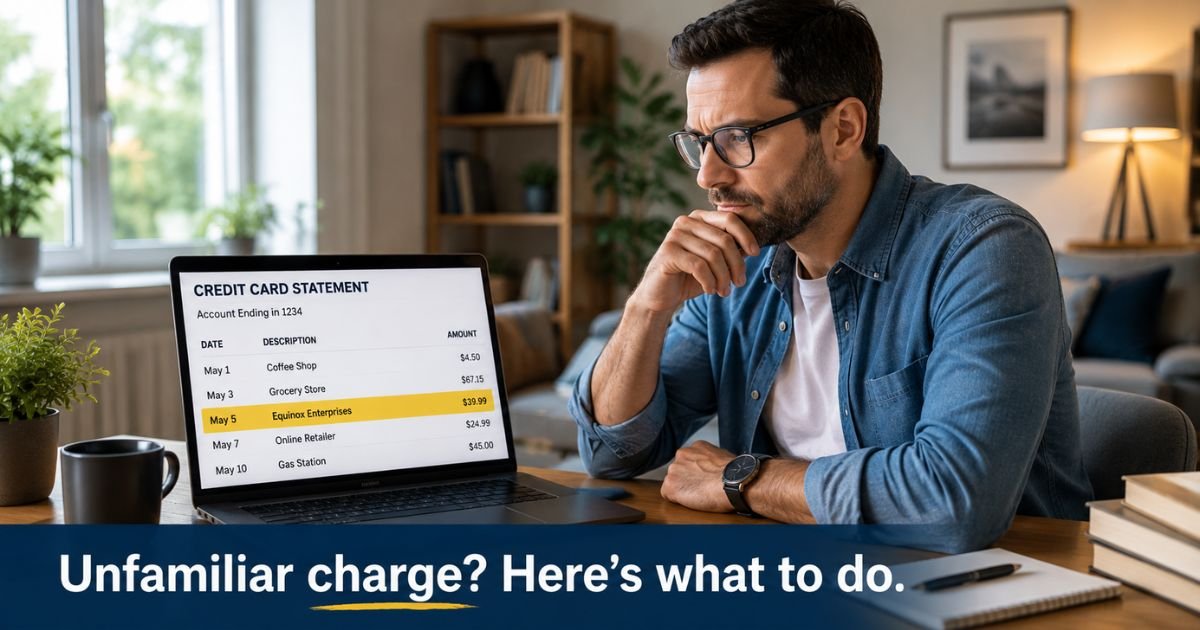
An Equinox Enterprises charge on a credit card can feel confusing if you don’t recall signing up for anything. The name is long, and your bank may cut it down.
Many people who search this line have an Equinox gym, Equinox+, or SoulCycle-related bill. That is not the only possibility.
This guide shows you how to match the charge, cancel a membership if you have one, and what to do if the merchant is not the club you know.
Table of Contents
What Is an Equinox Enterprises Charge on a Credit Card?
An Equinox Enterprises charge on credit card is a merchant line that uses the Equinox name plus the word Enterprises.
Banks shorten legal names. You may see EQUINOX ENTERPRISES, EQUINOX, EQUINOX+, EQUINOX MOTO, or a club city after the brand.
The best-known Equinox for U.S. cardholders is the luxury fitness company behind Equinox clubs and the Equinox+ app. That company bills monthly dues, digital subscriptions, personal training packs, spa visits, and shop orders.
Equinox’s own FAQ says you can update the card on file in the EQX+ app under Membership & Billing.
The exact phrase “Equinox Enterprises” is not clearly published on Equinox’s public billing pages. Treat it as a possible gym or app charge first. Then check whether a different business used a similar name.
Do not mix this line up with a Chevrolet Equinox car payment or with Equinox Collection Services, a separate debt collector.
How the Charge May Appear on Your Statement
Read the full text, the amount, and whether it repeats.
| Statement wording you might see | What it often means |
|---|---|
| EQUINOX ENTERPRISES | Unclear short name; start with gym or app dues |
| EQUINOX or EQUINOX+ | Club membership or digital subscription |
| EQUINOX MOTO plus a New York number | Commonly reported as Equinox club billing |
| EQUINOX plus a city or club name | In-club dues, cafe, spa, or retail |
| Shop or boutique Equinox line | One-time store order at shop.equinox.com |
A charge near $40 may match Equinox+ digital billing that reviewers have described. Club dues are often much higher and vary by city and plan. Confirm your own agreement. Do not treat posted sample prices as your rate.
Likely Sources of the Charge
Equinox club or Equinox+
If you toured a club, used a guest pass, started an Amex Platinum Equinox credit, or downloaded Equinox+, the bill may be membership dues.
American Express describes an annual statement credit of up to $300 for eligible Equinox club or Equinox+ charges when you enroll at platinum.equinox.com. That perk can hide a recurring membership under a name you barely notice.
Personal training or Pilates packs
Equinox’s FAQ says the app can auto-renew session packs when your balance hits zero and a session is still booked. People report surprise charges when that switch stays on.
A different merchant using the same words
Small firms and processors also use “Equinox” in their legal name. Equinox Payments makes card terminals for stores.
That company usually bills merchants, not shoppers. If you have no gym login and no Equinox email, the line may belong to another seller.
A collection company with a similar name
Equinox Collection Services is a debt collector, not the gym. A collector charge should come with a notice in your mail or on your credit report. Ask for validation in writing if that is the match.
How to Verify the Charge
Start with your own records.
- Search email for Equinox, Equinox+, SoulCycle, platinum.equinox.com, and “membership.”
- Open the EQX+ app or equinox.com/account and check Membership & Billing.
- Match the date and exact amount to a dues date or training pack.
- Ask anyone who shares the card if they joined a club or used a trial.
- Tap the transaction in your card app for extra merchant text or a phone number.
- Look at prior months. The same amount on about the same day is usually a membership.
If the amount matches a plan you started, even during a card-benefit trial, the charge is typically legitimate. If nothing matches, treat it as an unknown merchant.
Pro Tip: Check Amex or other card portals for an Equinox statement credit. A credit next to a similar debit often means you enrolled in the gym perk.
How to Cancel Equinox Billing
Cancel with Equinox first when the charge is a club or app membership. Equinox’s FAQ lists these paths:
- In club with a club manager
- By mail, as your Membership Agreement describes
- By email to Cancellations@Equinox.com
- By phone through Equinox Concierge
- By logging into your account on Equinox.com
Notice periods vary by state and by your agreement. Read that contract before you assume the next draft will stop this week.
Equinox also says you can ask Concierge@equinox.com for a copy of the agreement or about a freeze if you only need a short pause.
For Equinox+ digital billing, use the account settings on the service site or app, then confirm the plan shows as canceled. Save the email.
Turn off personal-training or Pilates auto-renew in Membership & Billing if you only wanted to stop session packs, not the whole club.
If “Equinox Enterprises” is not the gym, cancel with the merchant named on your receipt instead. Blocking the gym will not stop a different company.
Watch the next cycle after you cancel. If a new Equinox Enterprises charge on a credit card still posts, call the number on the back of your card and ask about a merchant block.
Common Mistakes: People cancel the card and skip the membership site. Gyms may keep billing or send the balance to collections. Another miss is leaving personal-training auto-renew on after the last session.
If You Do Not Recognize the Charge
Work through this list before you file a dispute.
- Confirm no one in the house used a guest pass or signed a club iPad.
- Search for a free trial tied to a premium credit card.
- Change the password on any Equinox or Equinox+ account you find.
- Call your issuer if there is no account and no email.
- Send a written billing-error notice within 60 days of the statement if you want the federal process.
New York’s attorney general announced a 2025 settlement with Equinox Group over membership disclosures and cancellation practices. That news does not automatically refund your bill. It does mean you should keep written proof of any cancel request.
You can dispute an unauthorized charge. A membership you signed and forgot is usually a cancel request, not fraud. Say so honestly when you call the bank.
Equinox Versus Similar Names
EQUINOX ENTERPRISES is not the same as EQUINOX COLLECTION SERVICES. One may be a merchant sale. The other is typically a collector.
EQUINOX MOTO is commonly tied to club billing in consumer reports. SHOP.EQUINOX.COM is usually a retail order. SoulCycle may bill under its own name even though it sits in the same corporate family on BBB listings.
A car payment for a Chevrolet Equinox will show a dealer or GM finance name, not Equinox Enterprises.
FAQs: Equinox Enterprises Charge on Credit Card
Q. Is an Equinox Enterprises charge on a credit card a scam?
A. Not automatically. Many Equinox lines are real gym or Equinox+ bills. A charge can still be unauthorized if you never joined.
Match the date and amount to a membership email before you dispute.
Q. How do I stop future Equinox Enterprises charges on a credit card?
A. Cancel through Equinox.com, Cancellations@Equinox.com, Concierge, or the club if it is a membership. Save the confirmation.
Then watch the next draft. Ask your issuer to block the merchant if it posts again.
Q. Why is the amount higher than I expected?
A. Club dues, taxes, initiation, and training packs can stack on one date. Auto-renew session packs can add another pull.
Ask Equinox for a billing breakdown. Compare it with your signed plan.
Q. Can I get a refund?
A. That depends on your agreement, your state’s health-club rules, and whether the charge was authorized. Ask Equinox in writing first.
If you never agreed to the plan, use your issuer’s dispute process. Do not count on a refund until the company or the bank confirms it.
Conclusion
An Equinox Enterprises charge on a credit card is often a shortened fitness or digital-membership bill, but the extra word “Enterprises” is not officially mapped on Equinox’s public FAQ. Match the amount to your EQX+ or club account first.
Cancel in writing if you want the plan to stop. Use the number on the back of your card if no Equinox account exists.
Disclaimer: This article is for general information only. It is not financial or legal advice. Merchant names, membership terms, and cancel rules vary by club, state, and issuer. Confirm the charge in your records and with Equinox or your bank.
Meet the Author
