
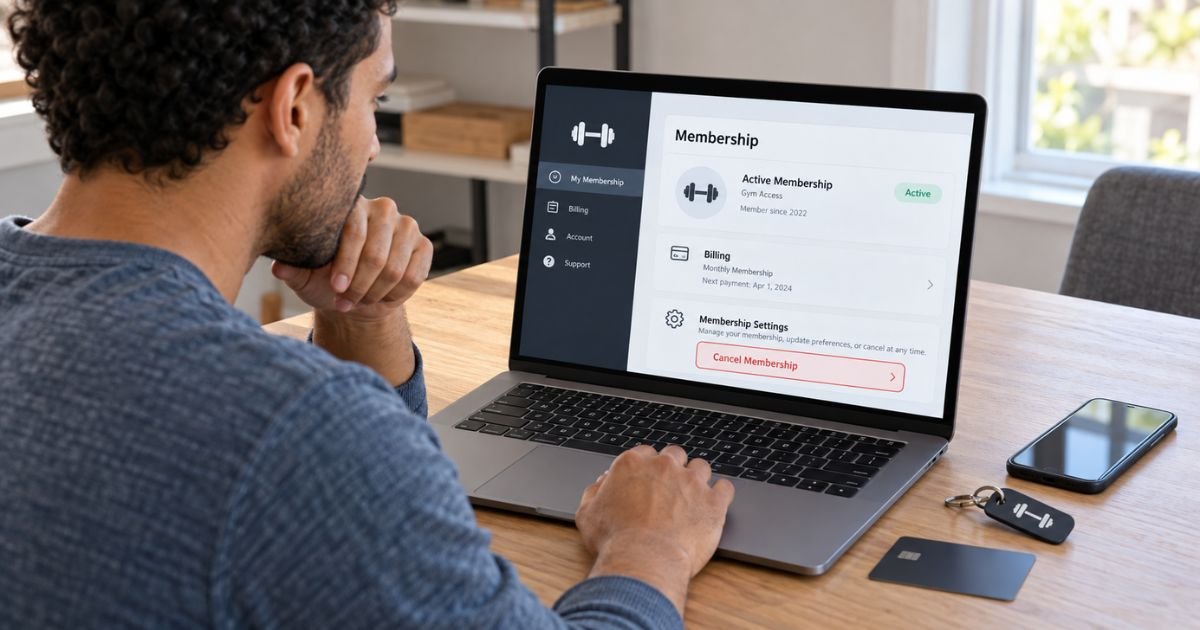
Learning how to cancel Planet Fitness membership online can save you a trip to your home club. Planet Fitness now generally lets members end eligible memberships through its website, although the exact options may vary by club and location.
Timing matters because monthly and annual charges have cancellation cutoffs. This guide explains the online steps, important billing dates, possible fees, and what to do if the cancellation option does not appear.
Table of Contents
How to Cancel Planet Fitness Membership Online
Planet Fitness currently says you can generally end your membership by logging into your account through the member portal on its website. You may also cancel by sending written notice to your home club or visiting the club in person.
Online cancellation availability can still depend on your location, membership agreement, and local rules. Planet Fitness locations are often independently owned and operated, so procedures may vary.
For most members who see the online cancellation option, the process is straightforward:
- Go to the official Planet Fitness website.
- Select My Account and sign in.
- Open your membership information.
- Choose the option to manage or end your membership.
- Review any remaining balance or buyout fee.
- Follow the cancellation prompts.
- Submit the request.
- Save the final confirmation.
Use the website rather than assuming the PF App will show the same cancellation controls. Planet Fitness specifically identifies its online member portal as an official cancellation method.
Pro Tip: Take a screenshot of the final confirmation page and save any confirmation email. You may need proof if another payment appears later.
Planet Fitness Online Cancellation at a Glance
| Question | Current general policy |
|---|---|
| Can you cancel online? | Generally yes, through the website member portal |
| Can you cancel at a club? | Yes, generally at your home club |
| Can you cancel by mail? | Yes, written notice can generally be mailed to your home club |
| Monthly billing date | Commonly the 17th |
| Monthly cancellation cutoff | Generally the 10th |
| Annual fee cutoff | Generally the 25th of the month before the fee date |
| Early cancellation fee | May be $58 if your agreement has an uncompleted minimum term |
Policies can vary by location. Your membership agreement and home club are generally the best sources for your specific account.
How to Find the Online Cancellation Option
Start by signing into your Planet Fitness account through a web browser. Make sure you use the email address or login connected to your active membership.
Open your account or membership details. Look for wording such as Manage Membership, Membership Details, or an option to end or cancel the membership.
Follow the prompts carefully. Planet Fitness may display your current billing information, membership term, outstanding balance, or cancellation effective date before you finish.
Do not close the page until you receive confirmation that the request was submitted.
Can You Cancel Planet Fitness Through the App?
The PF App lets you manage several account features, including billing information and payments. However, Planet Fitness’s main cancellation FAQ specifically tells members they can cancel online through the member portal on its website.
Because app features can vary, the website is generally the better option if your goal is cancellation.
If the app does not show a cancellation button, open PlanetFitness.com in a browser and sign into your account there.
When Should You Cancel to Avoid Another Monthly Charge?
Planet Fitness generally bills monthly membership dues on the 17th of the month.
Its current FAQ says your home club must generally receive your cancellation request by the 10th to stop the upcoming monthly billing. Planet Fitness says billing changes can take up to seven business days.
For example, if you want to avoid a monthly payment scheduled for October 17, you should generally make sure the club receives your cancellation by October 10.
A cancellation submitted after the cutoff may not stop the next scheduled payment.
Common Mistakes: Do not wait until the day before your regular payment and assume cancellation will stop it. Planet Fitness publishes an earlier cutoff because billing may already be processing.
How to Avoid the Planet Fitness Annual Fee
Planet Fitness memberships may also include an annual fee. The amount and billing date depend on your club and membership offer.
Planet Fitness currently says your cancellation request generally must reach the club by the 25th of the month before your annual fee date if you want to stop that annual fee.
For example, if your annual fee is scheduled for November, you may need to cancel by October 25.
Check your membership agreement or online billing information for the exact annual fee date. Do not assume every Planet Fitness member has the same schedule.
Will Planet Fitness Charge a Cancellation Fee?
It depends on your membership agreement.
Planet Fitness says memberships with a minimum term may have a $58 buyout fee if you cancel before completing that term. A membership advertised as “No Commitment” generally does not have that minimum-term cancellation fee.
Older memberships may have different terms. Check the agreement you accepted when you joined before assuming a fee applies.
If the website asks you to pay a buyout fee that you do not recognize, review your membership agreement and contact your home club before paying.
What If the Cancel Button Does Not Appear?
Online cancellation does not always work smoothly. BBB complaints and recent consumer discussions include reports from members who could not find the option or encountered website errors.
First, make sure you are signed into the correct Planet Fitness account. Confirm that the membership shown belongs to your current home club.
You can also try:
- Signing out and signing back in
- Using another browser
- Using the desktop website
- Turning off browser extensions temporarily
- Checking whether an outstanding balance appears
- Contacting your home club
If online cancellation remains unavailable, Planet Fitness says you can generally visit your home club or send written cancellation notice by mail.
How to Cancel Planet Fitness by Mail
Sending written notice can be useful if you have moved or cannot visit your home club.
Address the letter to your Planet Fitness home club. Include enough account information for the club to identify your membership.
You may include:
- Your full name
- Membership number, if available
- Home club
- Email address
- Phone number
- A clear request to cancel
- Date of the request
Using certified mail can give you delivery records. Keep a copy of the letter and proof that your club received it.
Can You Cancel by Phone or Email?
Do not assume a phone call alone will cancel your membership.
Planet Fitness’s central FAQ lists online cancellation, written notice by mail, and an in-person visit as its general methods. Individual clubs may have additional procedures based on local requirements.
Some BBB responses from individual Planet Fitness locations mention email cancellation in certain areas. That option is not universal, so confirm it directly with your home club.
What Happens After You Cancel?
Your online account should generally show that your cancellation has been submitted or scheduled. Save anything that shows the cancellation date and effective date.
You may still have access to the gym for the remaining part of a billing period you already paid for. The exact end date can vary based on your membership.
Continue checking your bank account after cancellation. If another charge appears, compare its billing date with the cancellation cutoff before assuming it is incorrect.
Can You Get a Refund After Canceling?
Canceling a membership does not automatically mean previous charges will be refunded.
Refund eligibility may depend on your club, membership agreement, when you canceled, and why the charge occurred. If you believe Planet Fitness billed you after a properly completed cancellation, contact your home club and provide your confirmation.
If you cannot resolve an incorrect bank or card charge with the club, you can ask your financial institution about its dispute process.
What If You Have an Outstanding Balance?
An overdue balance may complicate the process, but do not assume it means you should ignore cancellation.
Recent Planet Fitness responses to consumer complaints indicate that account balances and cancellation status may sometimes be handled separately. Procedures can vary by franchise.
Ask your home club for a written explanation of any balance. Keep proof of your cancellation request even if the account shows money owed.
How to Make Sure Your Membership Is Really Canceled
Do not rely only on a phone conversation.
After submitting your request:
- Save the confirmation page.
- Keep the cancellation email.
- Note the effective date.
- Check your online membership status.
- Review the next bank statement.
- Keep mailed cancellation delivery records.
If your account still shows active after the expected cancellation date, contact your home club and provide your documentation.
FAQs: How to Cancel Planet Fitness Membership Online
Q. Can you cancel Planet Fitness completely online?
A. Generally, yes. Planet Fitness currently lists its website member portal as an official way to end a membership, although procedures may vary by location.
Q. How early should you cancel Planet Fitness before the next payment?
A. Planet Fitness generally says your club should receive your cancellation by the 10th to stop monthly billing scheduled for the 17th. Submit it earlier when possible.
Q. Can you cancel Planet Fitness before the annual fee?
A. Yes, but timing matters. Planet Fitness generally says your cancellation request should arrive by the 25th of the month before the annual fee date to stop that charge.
Q. Why won’t Planet Fitness let you cancel online?
A. The issue may involve your membership type, home club, account status, local procedures, or a website problem. Contact your home club if the online cancellation option is missing or does not work.
Conclusion
Knowing how to cancel Planet Fitness membership online is generally easier now because Planet Fitness officially supports cancellation through its website member portal. Sign in, open your membership information, follow the cancellation prompts, and save your confirmation.
Pay close attention to billing deadlines. Planet Fitness generally uses the 10th as the monthly cancellation cutoff and the 25th of the prior month for stopping an upcoming annual fee. If online cancellation does not work, contact your home club or submit written notice by mail.
Disclaimer: This article is for informational purposes only and is not financial or legal advice. Planet Fitness membership terms, fees, cancellation methods, and billing policies may vary by club and location, so verify account-specific questions with your home club or financial institution.
Meet the Author
