Skip to content
Explain Charges
  • Home
  • Credit Card Charges
  • Cancel Subscriptions
  • Insurance Guide
  • Trending

Avatar of Pradeep AhalawatPradeep Ahalawat

Pradeep Ahalawat is the Founder and Editor-in-Chief of ExplainCharges.com. He helps readers understand unfamiliar bank and credit card charges, recurring subscriptions, and everyday billing issues. With over 15 years of experience in IT and 7+ years in blogging, Pradeep specializes in turning complex financial topics into simple, practical guides. His content helps readers identify unknown charges, cancel subscriptions, avoid unnecessary fees, and make informed financial decisions.

How to Request a Bank Statement Online? [Explained]

September 26, 2026 by Pradeep Ahalawat
How to Request a Bank Statement Online

… Read more

Best Ways to Request a Chargeback at Your Bank [Explained]

September 26, 2026 by Pradeep Ahalawat
Best Ways to Request a Chargeback at Your Bank

… Read more

What is a Charge back on a Bank Statement? [Explained]

September 26, 2026 by Pradeep Ahalawat
What is a Charge back on a Bank Statement

… Read more

How to Activate TD Bank Debit Card [Explained]

September 25, 2026 by Pradeep Ahalawat
How to Activate TD Bank Debit Card

… Read more

How to Activate a BMO.com Debit Card [Explained]

September 25, 2026 by Pradeep Ahalawat
How to Activate a BMO.com Debit Card

… Read more

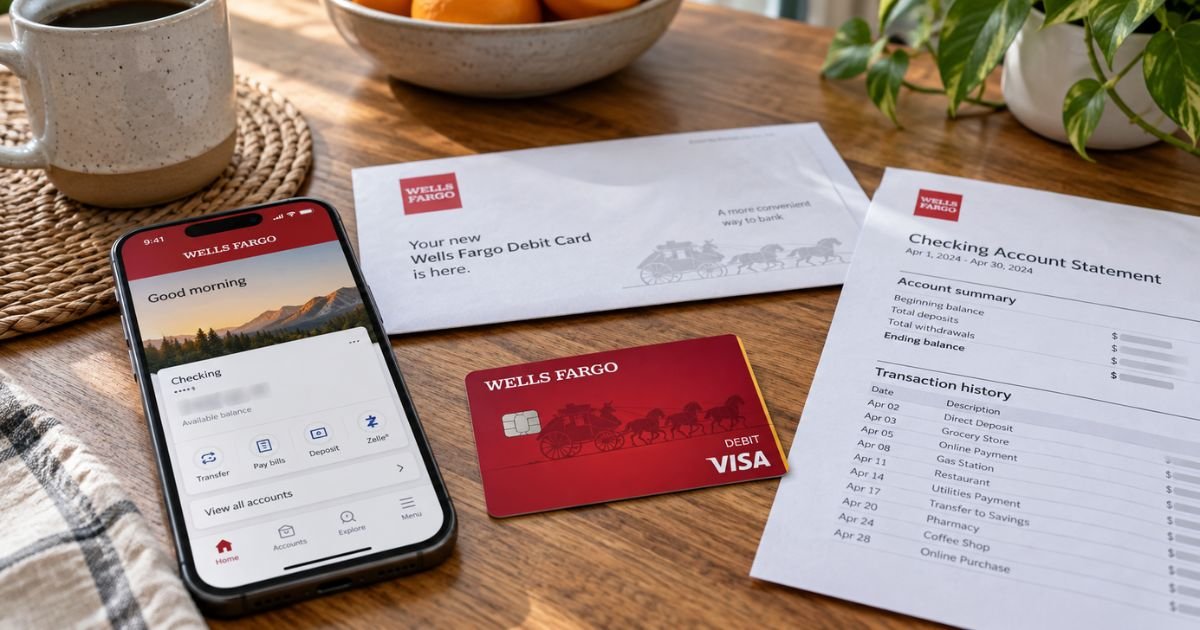
How to Activate Wells Fargo Debit Card [Explained]

September 25, 2026 by Pradeep Ahalawat
How to Activate Wells Fargo Debit Card

… Read more

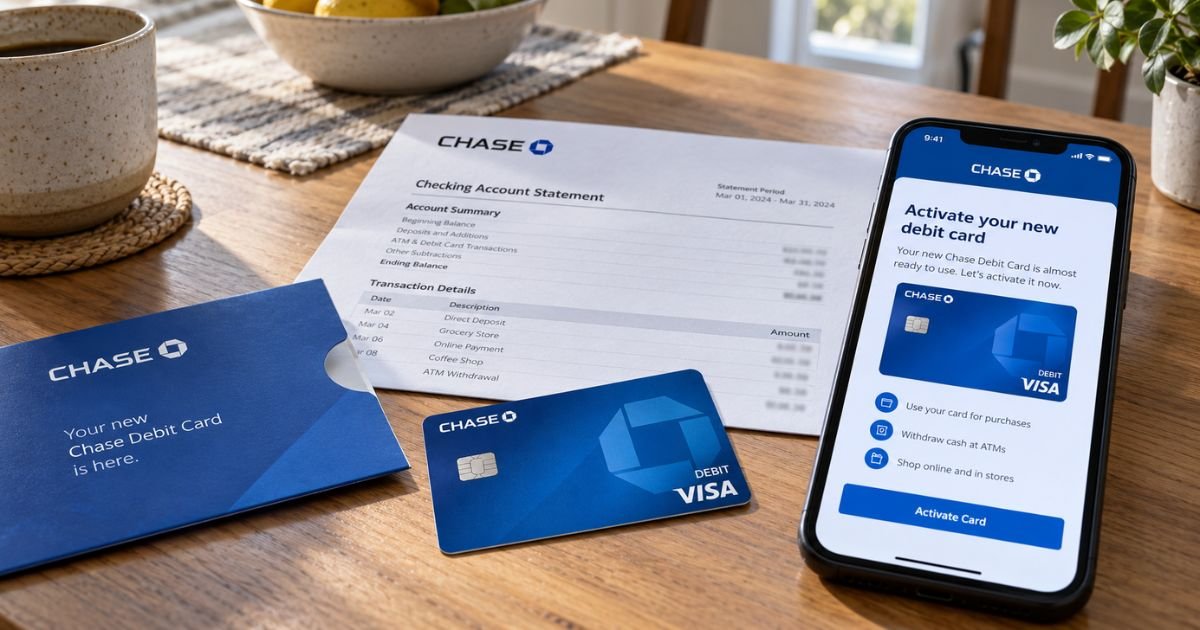
How to Activate Chase Debit Card [Explained]

September 25, 2026 by Pradeep Ahalawat
How to Activate Chase Debit Card

… Read more

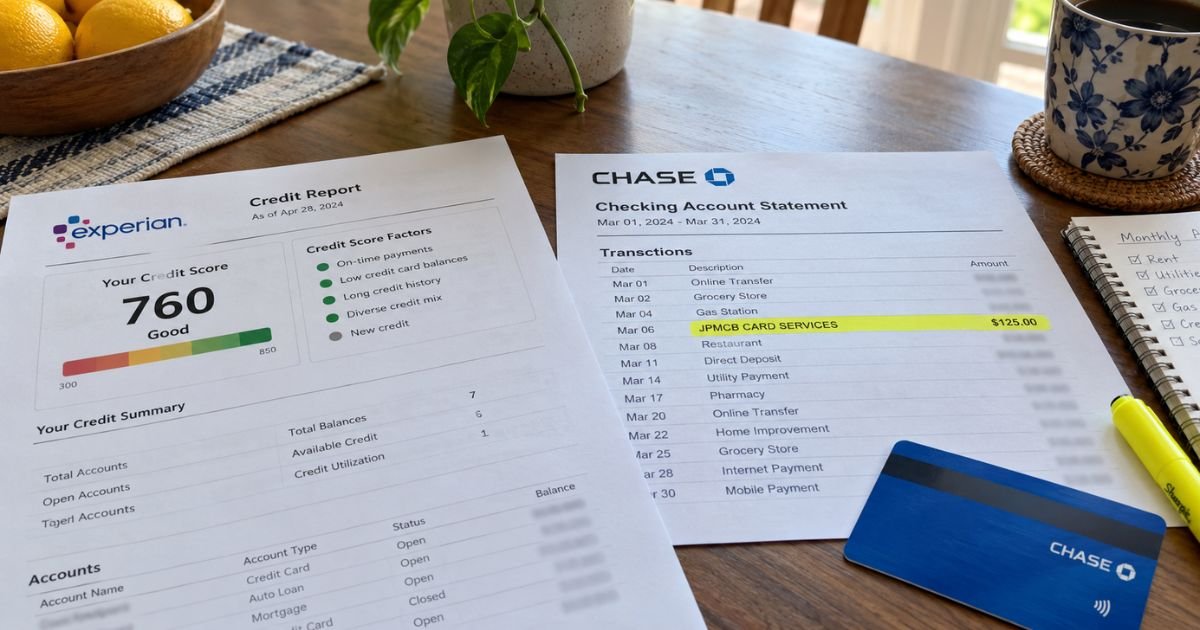
JPMCB Card Services on Credit Report [Explained]

September 25, 2026 by Pradeep Ahalawat
JPMCB Card Services on Credit Report

… Read more

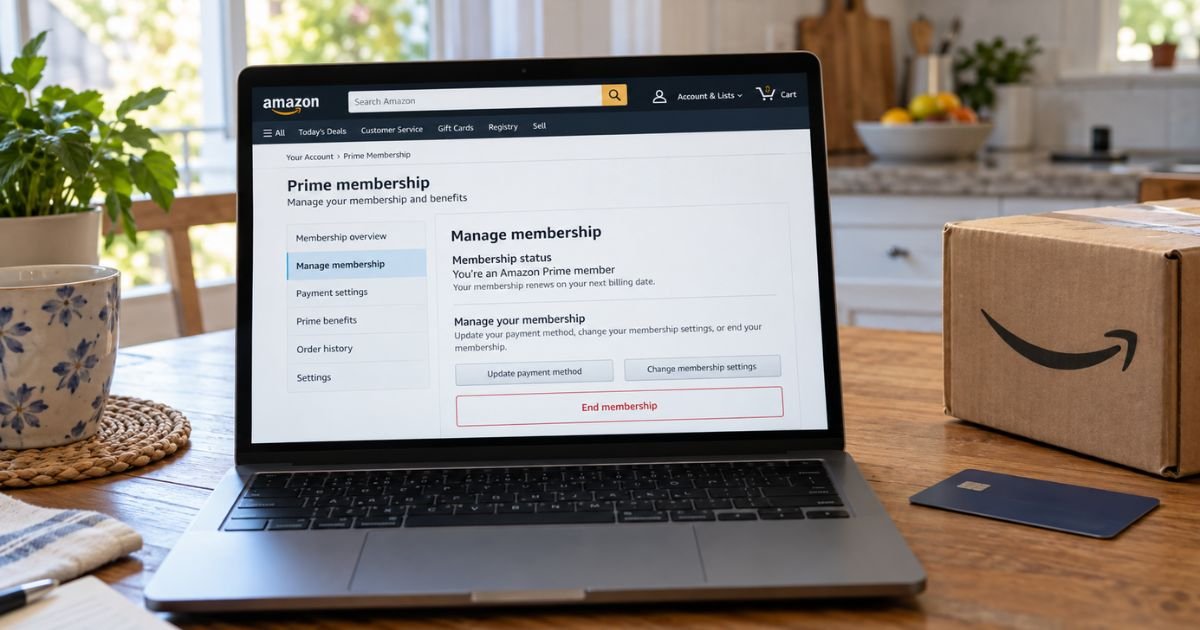
How to Cancel Amazon Prime Subscription? [Explained]

September 25, 2026 by Pradeep Ahalawat
How to Cancel Amazon Prime Subscription

… Read more

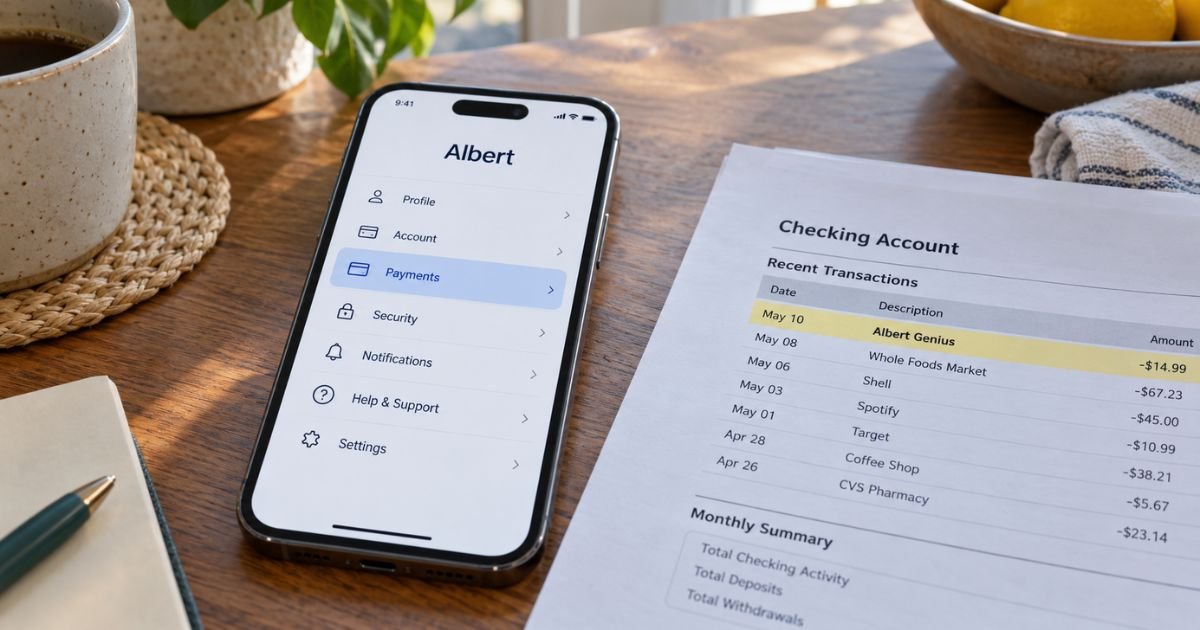
How to Cancel Albert Genius Subscription? [Explained]

September 25, 2026 by Pradeep Ahalawat
How to Cancel Albert Genius Subscription

… Read more

Older posts
Newer posts
← Previous Page1 … Page10 Page11 Page12 … Page89 Next →
Explain Charges Logo

Empowering consumers with clear, trustworthy explanations of unfamiliar charges, recurring subscriptions, and merchant billing practices.

About

  • About Us
  • Contact Us

Legal

  • Privacy Policy
  • Cookie Policy (EU)
  • Disclaimer
  • DMCA Policy
  • Terms and Conditions

Editorial & Transparency

  • Editorial Policy
  • Corrections Policy
  • Fact-Checking Policy
  • Advertising Disclosure
© 2026 Explain Charges • All Rights Reserved
Next Page »
Manage Consent

We use cookies and similar technologies to improve your experience, analyze site usage, and support certain features. You can accept, deny, or manage your preferences at any time. Some features may not work properly without consent.

Functional Always active
The technical storage or access is strictly necessary for the legitimate purpose of enabling the use of a specific service explicitly requested by the subscriber or user, or for the sole purpose of carrying out the transmission of a communication over an electronic communications network.
Preferences
The technical storage or access is necessary for the legitimate purpose of storing preferences that are not requested by the subscriber or user.
Statistics
The technical storage or access that is used exclusively for statistical purposes. The technical storage or access that is used exclusively for anonymous statistical purposes. Without a subpoena, voluntary compliance on the part of your Internet Service Provider, or additional records from a third party, information stored or retrieved for this purpose alone cannot usually be used to identify you.
Marketing
The technical storage or access is required to create user profiles to send advertising, or to track the user on a website or across several websites for similar marketing purposes.

  • Manage options
  • Manage services
  • Manage {vendor_count} vendors
  • Read more about these purposes
View preferences
  • {title}
  • {title}
  • {title}