
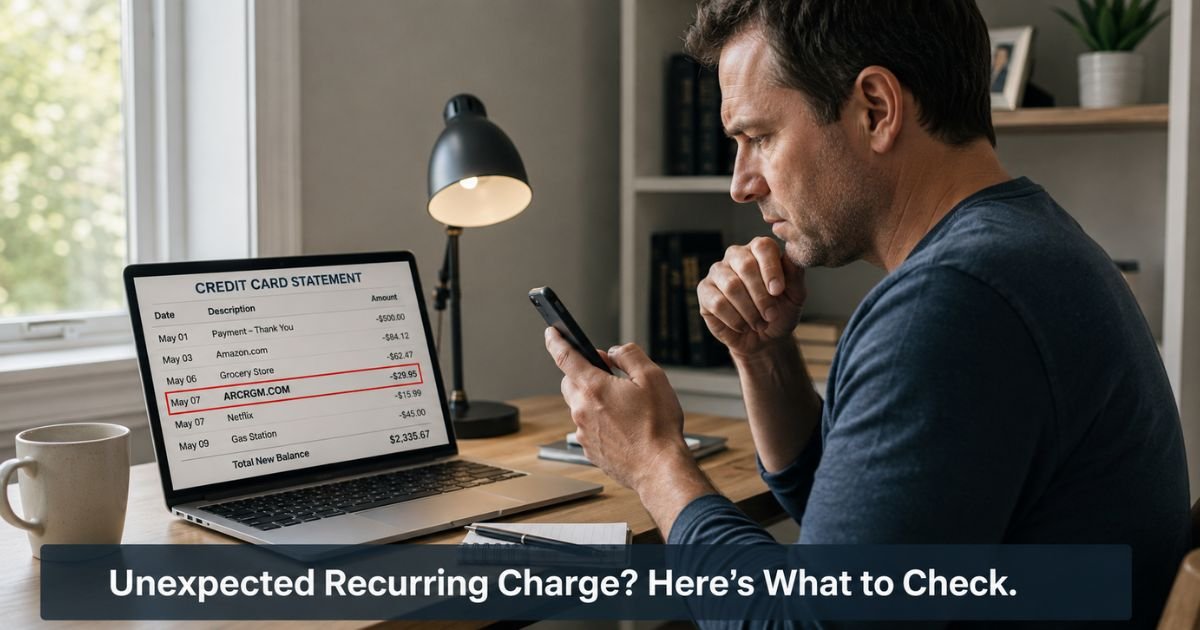
You open your credit card or bank statement and spot a recurring ARCRGM.COM charge on credit card that you don’t remember authorizing.
These charges often appear monthly and can feel especially frustrating when you have no recollection of signing up for anything.
This guide explains what these charges typically represent, why they show up, and the practical steps you can take to verify the charge and stop any future billing.
Table of Contents
What Is the ARCRGM.COM Charge?
ARCRGM.COM (sometimes appearing as ARCGM.NET on statements) is linked to a membership service that claims to provide technical support, customer service assistance, and in some cases automotive-related services. The site promotes different membership levels with options for auto-renewal.
When you see this charge, it usually represents a recurring monthly membership fee. Reported amounts vary but commonly fall in the $30 to $90 range per month, depending on the level selected at signup. The descriptor on your statement is the merchant’s shortened name and does not always include the full company details.
These types of membership services often enroll people through online advertisements, “free trial” offers, or bundled sign-ups that can be easy to miss or misunderstand.
Why Does This Charge Appear?
Several situations commonly lead to an ARCRGM.COM charge on a statement.
You or someone with access to your card may have signed up for a technical support membership or trial that converted to a paid recurring plan. Many of these offers appear in pop-up ads, search results, or during software downloads.
The charge can also result from unauthorized enrollment. Some consumers report no memory of visiting the site or agreeing to any membership, yet still see monthly charges. Independent scam-checking sites have given arcrgm.com very low trust scores and flagged potential risks.
In other cases, the charge stems from a “free trial” that automatically converts to a paid subscription unless canceled within a short window. These trial offers sometimes appear tied to app downloads or other online services.
Because the billing is recurring by design, once the charge starts it continues each month until canceled.
Is the Charge Legitimate or Fraud?
The website exists and describes itself as a legitimate membership service. However, the combination of low trust scores from scam-checking tools and numerous consumer reports of unrecognized charges means you should approach any unfamiliar ARCRGM.COM transaction with caution.
Signs it may be legitimate
- You or a household member recently searched for technical support, computer help, or similar services online
- You signed up for a trial or membership and received a confirmation email (check spam)
- You recognize the phone numbers or support email associated with the charge
Signs it may be unauthorized
- No confirmation email or receipt exists after thorough searching
- You have not downloaded any apps, visited tech support sites, or signed up for new services recently
- The charge is recurring and you have no record of agreeing to ongoing billing
- Multiple unfamiliar small or recurring charges appear around the same time
When recurring charges appear without clear authorization, many people successfully stop them by working directly with their card issuer.
How to Verify the ARCRGM.COM Charge
Work through these steps methodically. Most people can determine whether the charge belongs to them within a short time.
- Search your email inbox and spam folder for “arcrgm.com”, “support@arcrgm.com”, “ARCGM”, or any mention of technical support membership or trial.
- Check your phone or tablet for recent app downloads or subscriptions in the App Store or Google Play that might have included a bundled support service.
- Review your browser history and any saved passwords or autofill entries for visits to arcrgm.com or similar domains around the time the first charge appeared.
- Ask other authorized users of the card whether they signed up for any online support or membership service.
- Contact the merchant using the details listed on their site: call +1-877-849-2063 or +44-808-164-9051, or email support@arcrgm.com. Ask for the specific account details tied to your card and request cancellation if the charge is not yours.
- Log into your card issuer’s app or website and look for any notes or alerts related to the transaction.
Pro Tip: When speaking with the merchant, ask for written confirmation of any cancellation and note the date, time, and representative name or reference number. Keep this documentation until you see the charges actually stop on your statement.
How to Stop Future ARCRGM.COM Charges
If you confirm the charge is yours and want to cancel, contact the merchant directly using the phone numbers or email above.
Request cancellation of the membership and ask for written confirmation. Some people report success this way, especially if they act during any trial period.
If you do not recognize the charge or the merchant is difficult to reach, contact your credit card issuer or bank immediately.
Explain that you have an unrecognized recurring charge and request both a dispute for recent payments and a block on future charges from this merchant. Most issuers can stop recurring billing quickly once you report it as unauthorized.
You can also ask your issuer to issue a new card number as an added precaution, especially if you suspect your card details were used without permission.
Common Mistake: Trying to cancel only through the merchant and then waiting to see what happens next month. With recurring charges you do not recognize, it is often faster and safer to involve your bank or credit card issuer at the same time.
What Should You Do If You Don’t Recognize the Charge?
Begin with the verification steps above. If you find no record of signing up and no confirmation email, treat the charge as potentially unauthorized.
Contact your card issuer right away rather than spending too much time trying to resolve it solely with the merchant. Banks and credit card companies deal with recurring unauthorized charges regularly and can often issue provisional credits while they investigate. They can also prevent future charges from posting.
Monitor your statements closely for the next one or two billing cycles and set up transaction alerts if your issuer offers them. Report the experience to consumer protection sites if you believe the enrollment was misleading.
Bottom line: An unrecognized recurring ARCRGM.COM charge is worth addressing promptly with your card issuer. Quick action usually stops the billing and limits any financial impact.
Practical Steps Summary
- Search email and device subscriptions thoroughly
- Note the exact descriptor and amount on your statement
- Call the merchant at +1-877-849-2063 to inquire and request cancellation if appropriate
- If the charge is unfamiliar, contact your bank or credit card issuer the same day
- Keep records of every call and confirmation number
Comparison of ARCRGM.COM Charge Situations
| Situation | Typical Pattern | Recommended First Step | Likelihood of Easy Resolution |
|---|---|---|---|
| Legitimate membership you signed up for | Recurring monthly fee | Contact merchant to cancel | High if done promptly |
| Trial that converted automatically | First small charge then recurring | Check email for trial terms, then cancel | Medium |
| Unrecognized recurring charge | No email or record | Contact card issuer immediately | Usually high with bank help |
| Possible unauthorized use | Multiple unfamiliar charges | Dispute with issuer and request new card | High with quick reporting |
FAQs: ARCRGM.COM Charge on Credit Card
Q. How do I cancel an ARCRGM.COM or ARCGM.NET recurring subscription?
A. You can request cancellation by calling +1-877-849-2063 or +44-808-164-9051 or by emailing support@arcrgm.com. Ask for written confirmation that the membership has been canceled and that no further charges will post. If the merchant is unresponsive or you do not recognize the subscription, contact your card issuer at the same time to dispute recent charges and block future billing.
Q. What should I do about an ARCRGM.COM charge I don’t recognize on my credit card?
A. Search your email and device for any record of signing up. If you find nothing, call your credit card issuer or bank immediately. Explain that you have an unrecognized recurring charge and request a dispute along with a stop on future payments from this merchant. Most issuers handle these situations quickly and can issue provisional credit for recent charges while they investigate.
Q. Is ARCRGM.COM a legitimate company or a scam?
A. The website presents itself as a membership service offering technical support and related services. However, multiple independent scam-checking sites give it very low trust scores, and many consumers report charges they never knowingly authorized. Whether a specific charge is legitimate depends on whether you or someone with access to your card signed up for the service. When in doubt, verify with your records and involve your card issuer if anything feels off.
Conclusion
Unexpected recurring charges from ARCRGM.COM or similar descriptors can be unsettling, especially when you have no memory of signing up. In many cases these stem from trial offers that converted automatically or from enrollment practices that were not entirely clear.
Start by checking your email and device activity. If you still cannot find any record of the membership, reach out to your card issuer without delay. They have the tools to stop the charges and often recover recent payments.
Disclaimer: The content on ExplainCharges.com is for informational and educational purposes only and does not constitute financial, legal, or professional advice. We are not affiliated with any companies or services mentioned. The information provided may not apply to your specific situation. If you suspect unauthorized charges or fraud, contact your bank or credit card issuer immediately. Always verify details directly with the source and consult a qualified professional if needed.
Meet the Author
