
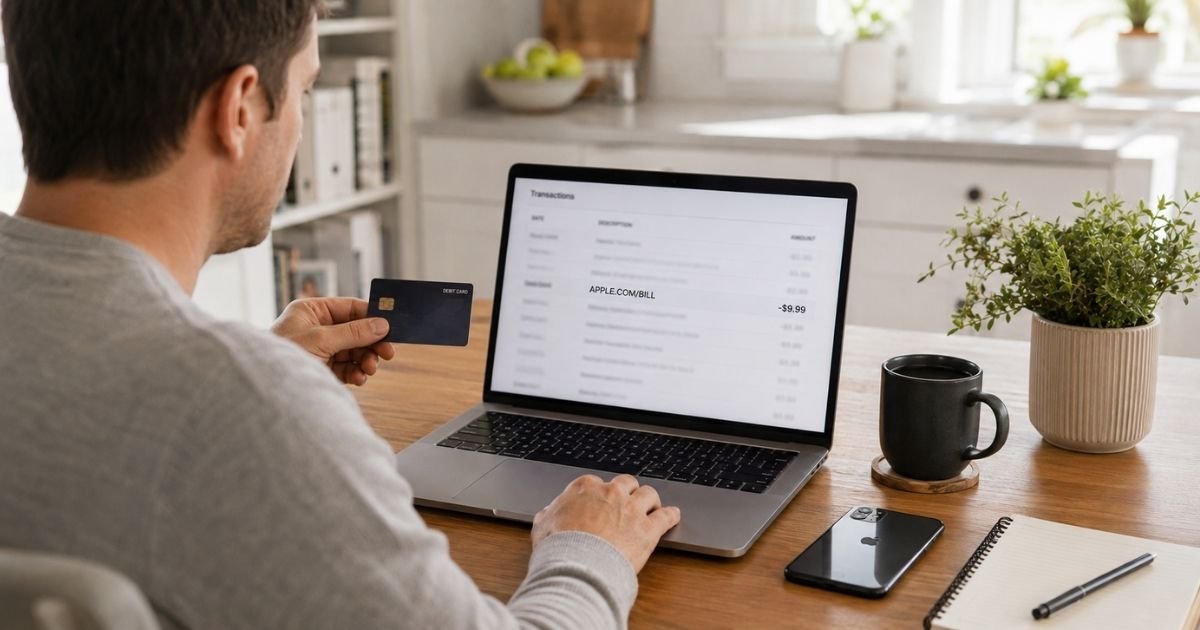
An Apple Cupertino charge on debit card can feel confusing if you don’t recall buying anything from a store in California. In many cases the line is a real Apple bill for an app, iCloud plan, or subscription tied to your Apple Account.
This guide explains what “Cupertino” usually means, how to match the amount to a purchase, and how to stop future charges if you no longer want the service.
Table of Contents
What Is an Apple Cupertino Charge on Debit Card?
An Apple Cupertino charge on debit card is typically a payment processed by Apple Inc. Cupertino, California is Apple’s headquarters city. Banks often print that city next to the merchant name even when you never visited an Apple Store.
Apple’s own help page says a statement line such as apple.com/bill can cover apps, subscriptions, music, movies, and more. The same bill can also include in-app purchases and family charges.
The wording on a debit statement is often shorter than Apple’s full name. You might see Apple, Apple.com, or a cut-off version such as “ONE APPL CUPERTINO.” That truncation is common on bank feeds. It does not, by itself, prove the charge is fake.
Apple is a real company. You can review purchases at reportaproblem.apple.com and manage plans at account.apple.com.
How the Charge May Appear on Your Statement
Your bank, not Apple, chooses how much text fits on the line. Debit cards also show pending holds before a charge posts. A small pending amount can later change or drop.
| What you may see | What it often means |
|---|---|
| APPLE.COM/BILL or APPLE.COM/US | Digital bill for apps, media, or subscriptions |
| APPLE COM BILL CUPERTINO CA | Same Apple bill, with Apple’s city added |
| ONE APPL CUPERTINO or similar cutoff text | Bank shortened Apple’s merchant name |
| ITUNES.COM/BILL | Older media or subscription wording that still appears for some people |
| APPLE.COM/ICLOUD | Often iCloud or iCloud+ storage |
| APPLE STORE plus a store code | In-person retail purchase, not just an app |
| APPLE CASH wording | Money sent, received, or added in Wallet, which is different from an App Store bill |
If the amount does not match one app price, Apple may have grouped several items into one debit. Apple says multiple purchases can post as a single charge, sometimes a few days later.
Why This Charge Shows Up
The most common reason is a purchase tied to your Apple Account. That includes a paid app, an in-app upgrade, a movie rental, or a renewing plan.
iCloud+ is a frequent source of small monthly debits. Apple’s U.S. iCloud+ page has listed 50 GB for about $0.99 a month and 200 GB for about $2.99 a month. Larger tiers cost more. Tax can change the posted total. Confirm your exact plan in Settings rather than guessing from these figures.
Apple services can also renew on their own. Apple Music, Apple TV+, Apple Arcade, Apple Fitness+, Apple News+, Apple One, and AppleCare plans generally keep billing until you cancel. Third-party apps you started on an iPhone, such as a news, fitness, or streaming app, may bill through Apple too.
Family Sharing can put another person’s buy on your card. If you are the family organizer and Purchase Sharing is on, Apple typically charges your payment method. A child iPad, an old iPhone, or a second Apple Account with the same debit card can create the same surprise.
Debit cards add one extra wrinkle. Apple notes that a temporary authorization hold can appear and later fall off. Your bank may also retry a failed debit, which can look like a duplicate for a day or two.
How to Verify the Charge
Start with Apple’s records, not a guess.
- Open reportaproblem.apple.com and sign in.
- Search the exact dollar amount from your bank line.
- Tap or click the date to open the full receipt, including tax.
- If you use Family Sharing, switch the Apple Account menu to a family member and check that history too.
On iPhone or iPad, you can also go to Settings, tap your name, then Media & Purchases, View Account, and Purchase History. On a Mac, open the App Store, click your name, then Account Settings and Purchase History.
Next, open Settings, tap your name, and tap Subscriptions. Match the renewal date to the debit date. Search email for “receipt from Apple” or “invoice from Apple.” Apple generally sends a receipt to the address on that Apple Account.
Check every Apple Account that might hold your debit card. An old iCloud login from years ago can still bill. Ask anyone who shares the card or uses your devices.
If the amount, date, and last four card digits line up with Apple’s receipt, the Apple Cupertino charge on debit card is generally a real Apple payment.
Pro Tip: If the bank amount is larger than one app price, add two or three nearby purchases from the same week. Apple often rolls those into one debit.
How to Cancel Unwanted Apple Billing
Cancel the plan that created the charge. Removing the debit card alone may not stop Apple from retrying another saved method.
On iPhone or iPad:
- Open Settings and tap your name.
- Tap Subscriptions.
- Tap the plan you want to stop.
- Tap Cancel Subscription and confirm.
You can also sign in at account.apple.com and open the subscriptions section. On a Mac, use App Store account settings, then Subscriptions.
Apple says you should cancel at least 24 hours before a trial or renewal date if you want to avoid the next bill. After you cancel, access typically continues until the current period ends. You should not see a new renewal after that period, unless another plan is still active.
If a phone carrier billed the plan, cancel with that carrier. Apple’s help pages say carrier-billed subscriptions are not always managed inside your Apple Account.
For a one-time app or in-app buy, canceling subscriptions will not reverse that posted debit. You can ask Apple for a refund at reportaproblem.apple.com. Refunds are not guaranteed. Eligibility can vary by item, timing, and store rules.
What If You Still Cannot Find the Charge?
Look at hardware and Wallet activity next. An Apple Store visit, an apple.com order, or an Apple Cash add from your debit card can use a related Apple name. Those are still Apple, but they will not always sit in App Store purchase history the same way.
If no Apple Account you control shows the debit, treat it as possible card misuse. Change your Apple Account password. Review devices signed in to the account. Turn on two-factor authentication if it is off.
Then contact your bank using the number on the back of your debit card. Ask whether the merchant category and reference match Apple. Request a block on future Apple debits only after you have canceled real subscriptions you still need.
Watch for a separate scam pattern. Security firms and Apple community threads describe fake texts or pop-ups that claim an Apple Pay or App Store charge and then urge you to call a number in the message.
Apple support is reached through support.apple.com, not through a surprise text. Do not give a one-time code or remote access to anyone who contacted you first.
Common Mistakes: People check only one Apple Account and miss an old iCloud login. Others cancel Music but leave iCloud+ running. A third group sees a pending debit hold and disputes it before Apple’s grouped receipt appears, which can delay a simple match.
Is an Apple Cupertino Charge a Scam?
Usually no. Apple is a legitimate company based in Cupertino, and banks often print that city on real bills.
Consumer complaint sites still show plenty of frustration. People report surprise app trials, Family Sharing buys, and refund denials.
Apple Inc.’s BBB file lists a large volume of complaints, which is common for a company of this size. Those reports are a reason to verify the line. They are not proof that every Cupertino debit is fake.
Be more cautious if the descriptor does not look like Apple at all, the amount never appears in any Apple purchase history, or someone is pressuring you by phone or text to “verify” the charge.
In those cases, use official Apple pages and your bank, not a number that arrived with the alert.
FAQs: Apple Cupertino Charge on Credit Card
Q. What is an Apple Cupertino charge on my debit card?
A. It is typically Apple billing your card for an App Store item, iCloud plan, media purchase, or subscription. “Cupertino” is usually Apple’s headquarters city on the merchant line. Match the amount at reportaproblem.apple.com before you dispute it.
Q. Why doesn’t the bank amount match one app price?
A. Apple may group several purchases or a subscription plus tax into one debit. The charge can also post a few days after you tapped Buy. Open the receipt date in purchase history to see the item list.
Q. How do I stop future Apple Cupertino charges?
A. Open Settings, tap your name, then Subscriptions, and cancel each plan you do not want. Cancel at least 24 hours before renewal when you can. If the plan was sold by a phone carrier, cancel with that carrier as well.
Q. Can I get a refund after the debit already posted?
A. You can request one through reportaproblem.apple.com. Apple reviews eligibility case by case. If the debit does not appear on any Apple Account you own, contact your bank about an unauthorized card use.
Conclusion
An Apple Cupertino charge on debit card is usually Apple collecting payment for storage, apps, or a subscription tied to your Apple Account. The city name is a billing label, not proof that you shopped in California.
Check purchase history and subscriptions first. Cancel what you do not use. Then watch the next statement to confirm the renewals stopped.
If the debit never shows in Apple’s records, lock the account and call your bank. A quick match now is easier than a long dispute later.
Disclaimer: This article is for general information only. It is not financial, legal, or tax advice. Merchant wording, prices, refunds, and cancellation rules may vary by Apple Account, country, bank, and product. Confirm details in your own Apple Account or with your bank before you act.
Meet the Author
