
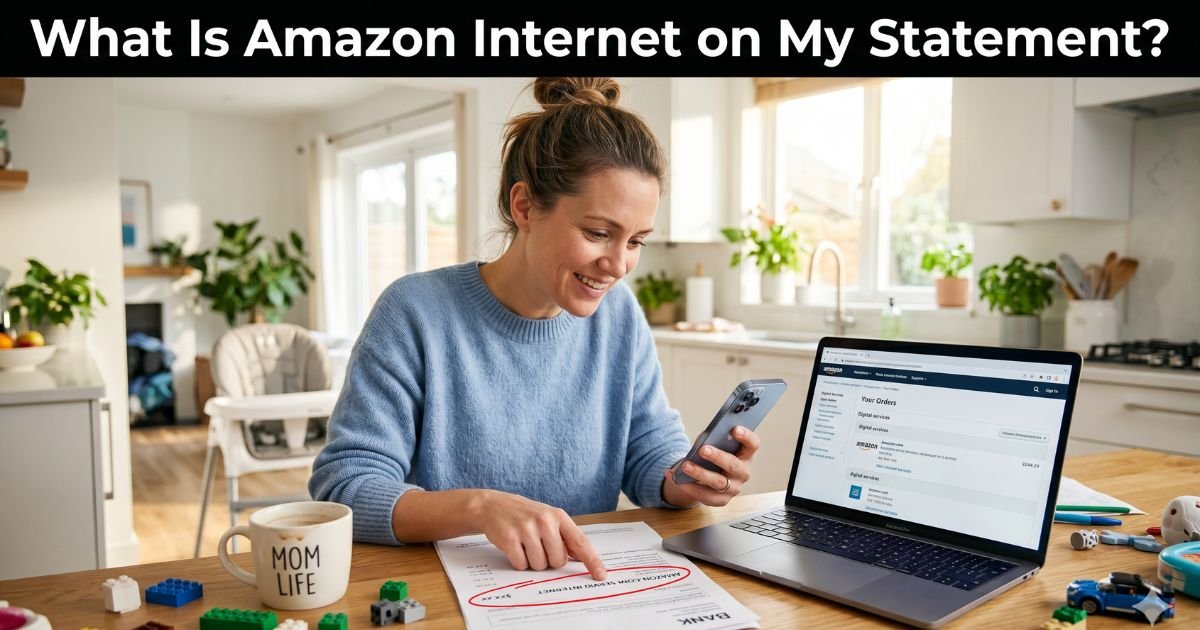
Have you opened your bank or credit card statement and spotted “Amazon Internet” or “Amazon.com Servi Internet”? Your heart probably skipped a beat. You’re not alone.
Every month, thousands of shoppers freeze at this exact line and wonder if it’s a scam, a glitch, or something they forgot buying.
The good news? The Amazon Internet charge on credit card (or more accurately on your bank statement) is almost always legitimate. But that doesn’t mean you should ignore it.
Table of Contents
Understanding Mysterious Charges Like Amazon Internet
If you’re staring at “Amazon.com Servi Internet” and thinking “What on earth is that?”, you’re asking the right question.
This descriptor pops up when you pay for something on Amazon using your bank account (checking account routing and account number) instead of a credit or debit card.
Amazon labels these electronic transfers as “Servi Internet” because they happen over the internet via ACH (Automated Clearing House) payments.
It has nothing to do with Amazon selling you internet service or Project Kuiper satellite internet. That’s a common mix-up that trips people up.
The charge simply means you bought something on Amazon.com and chose to pay directly from your checking account. Amazon processes it securely, but the shortened description on your statement makes it look mysterious.
Here’s the relatable truth most people don’t realize until it happens to them.
You might have added your bank info once for a big order, set up easy checkout, or paid for Subscribe & Save items. Months later, when the order ships or a recurring item bills, it shows up as Amazon Internet charge.
Life gets busy, and suddenly you’re questioning that random line item.
Why Amazon Uses the “Servi Internet” Descriptor
Amazon keeps things simple on statements to fit everything on one line. When you pay with a card, you’ll usually see clearer labels like “AMZN.COM/BILL” or “Amazon Prime.”
But when you link your bank account and pay via ACH, the system defaults to “Amazon.com Servi Internet” or very similar wording. It’s their internal code for internet-based bank transfers.
This method is popular because many folks prefer it over cards to avoid interest or for bigger purchases. It’s secure, fast, and often preferred for recurring buys.
Common Reasons You See an Amazon Internet Charge
Let’s make this crystal clear. These charges appear for everyday Amazon activities like:
- You paid for an order using your checking account instead of a card
- A Subscribe & Save item or monthly purchase processed from your bank info
- You bought something on sale or during a big order and chose bank payment
- Someone in your household used the shared Amazon account with your bank linked
- A delayed shipment finally charged after you placed the order weeks ago
I hear stories like this from readers all the time: “I bought a new tablet last month and picked the bank option to save on fees. Totally forgot until the statement hit.”
Sound familiar? That’s usually the simple explanation.
Is the Amazon Internet Charge Legitimate or Fraud?
In the vast majority of cases, it’s completely legitimate. Amazon is one of the most trusted companies out there, and this descriptor ties directly to real purchases you (or someone with access) made. Still, unauthorized charges can happen if your bank info got compromised or a family member shopped without telling you.
Quick comparison to help you decide fast:
| Situation | Likely Legitimate? | Next Step to Take |
|---|---|---|
| Recent Amazon order | Yes | Check your Amazon account history |
| No recent shopping on Amazon | Maybe not | Contact Amazon support immediately |
| Family member has account access | Yes | Ask them about recent purchases |
| Amount matches something you bought | Yes | Keep the order confirmation |
What to Do If You Don’t Recognize the Amazon Internet Charge
Don’t panic, but act quickly. Here’s your straightforward action plan:
- Log into your Amazon account right now and go to Your Orders or Your Payments > Transactions.
- Match the date and amount to any recent purchases you made with bank payment selected.
- Review linked payment methods under Account Settings to see if your bank is still saved.
- Contact Amazon support via chat or phone (they’re usually quick) and ask for details on the charge.
- Call your bank or card issuer if it truly doesn’t belong to you and dispute it immediately.
Amazon makes it easy to see every transaction tied to your account. Most people find the answer in under two minutes once they log in.
How to Stop or Prevent Future Amazon Internet Charges
Want peace of mind moving forward? These habits have saved my readers tons of stress:
- Remove your bank account from Amazon’s saved payments if you don’t use it often
- Switch future purchases to a credit or debit card for clearer statements
- Turn on email and text alerts for every Amazon order and charge
- Set a quick monthly reminder to review Your Payments in Amazon
- Use Amazon’s transaction history page to stay on top of everything
Small tweaks like these keep your statements clean and your wallet protected.
The Bigger Picture: Why Clear Billing Matters with Amazon
Shopping on Amazon is incredibly convenient, but the billing descriptors can sometimes cause unnecessary worry. This “Amazon Internet” label is just one example of how big companies simplify things on their end while leaving customers guessing.
The good news is that Amazon gives you full tools to track everything yourself.
If you ever run into issues, the Consumer Financial Protection Bureau has excellent free guides on disputing charges. Their official site is worth a quick bookmark for any future questions.
You’re already ahead of the game just by reading this. Knowledge really does equal power when it comes to your money.
FAQs: Amazon Internet Charge on Credit Card
Q. What Does Amazon Internet or Amazon.com Servi Internet Mean on My Statement?
A. Amazon Internet (full descriptor usually “Amazon.com Servi Internet”) appears when you pay for Amazon purchases using your checking account via ACH bank transfer instead of a credit or debit card. It’s Amazon’s internal label for secure electronic payments and has nothing to do with actual internet service.
Q. Is the Amazon Internet Charge a Scam or Legitimate?
A. The charge is almost always legitimate and tied to a real Amazon purchase you or someone with account access made using bank payment. Amazon is transparent once you log in and check your orders. Only treat it as potentially fraudulent if nothing matches your recent activity.
Q. How Do I Stop Amazon Internet Charges from Happening Again?
A. Log into Amazon, go to Your Account > Payment methods, and remove your linked bank account. For future buys, choose card payment instead so you get clearer descriptors. You can also set up transaction alerts through your bank for extra safety.
Conclusion
Seeing an Amazon Internet charge on credit card (or bank statement) doesn’t have to ruin your day. It’s usually just your own shopping catching up with you. Take a deep breath, check your Amazon account, and you’ll have it sorted in minutes.
Disclaimer: This article is for informational purposes only and is not intended as financial, legal, or medical advice. Always consult with your bank, credit card issuer, or a licensed financial advisor for guidance specific to your situation. Individual results may vary based on your unique circumstances.
Meet the Author
