
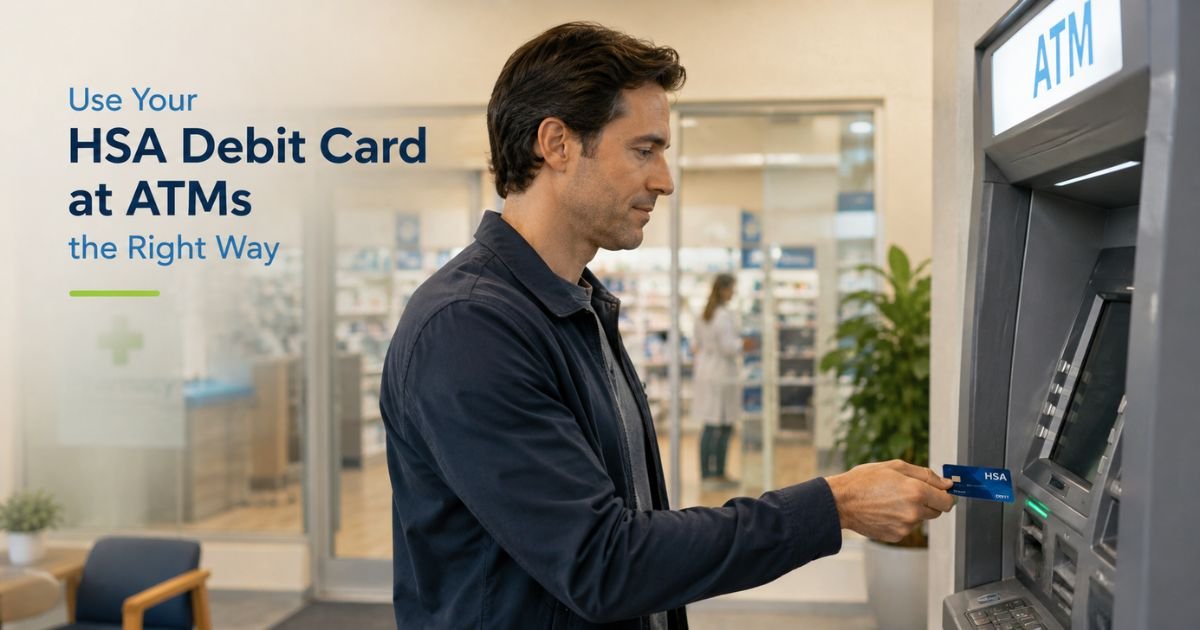
You have money sitting in your Health Savings Account and need cash for a medical expense, prescription, or co-pay.
Your HSA comes with a debit card, and you wonder if you can simply withdraw cash at an ATM the same way you would from a regular checking account.
This guide explains exactly how to withdraw money from your HSA at ATM while staying on the right side of the tax rules.
You will learn the simple steps, what counts as a qualified medical expense, and practical habits that help you avoid taxes and the 20% penalty that can surprise many account holders.
Table of Contents
How HSA Debit Cards Work at ATMs
Most HSA providers issue a debit card tied directly to your account. You can use this card at ATMs just like any other debit card to withdraw cash when you have available funds.
Insert or tap your HSA debit card at the ATM, enter your PIN, and select the withdrawal amount. The cash comes from your HSA balance.
Some providers participate in ATM networks that offer fee-free withdrawals, while others may charge small fees or reimburse them under certain conditions.
The key difference from a regular bank account is the tax treatment. The IRS only allows tax-free withdrawals for qualified medical expenses.
Using the ATM for non-medical purposes can trigger taxes and penalties.
Steps to Withdraw Money from Your HSA at an ATM
Follow these straightforward steps for a smooth transaction.
- Confirm you have sufficient funds in your HSA and that your debit card is activated. Log into your HSA provider’s app or website to check your balance.
- Locate an ATM. Many providers partner with networks that minimize or eliminate fees. Use your provider’s app or website to find in-network or fee-free locations when possible.
- Insert or tap your HSA debit card, enter your PIN, and choose the withdrawal amount. Review any displayed fees before confirming.
- Take the cash and the receipt. Save the receipt along with documentation of the qualified medical expense you plan to use the money for.
- Track the expense. Keep clear records (receipts, explanations of benefits, or prescriptions) in case you need to substantiate the withdrawal later.
Important Tax Rules for HSA ATM Withdrawals
Withdrawals used for qualified medical expenses are completely tax-free at any age. Qualified expenses include doctor visits, prescriptions, dental care, vision care, and many other IRS-approved medical costs.
If you withdraw cash for anything that is not a qualified medical expense and you are under age 65, the amount becomes taxable income plus a 20% penalty. After age 65, non-qualified withdrawals are still taxable as income but the penalty no longer applies.
Because ATM withdrawals give you cash, it becomes your responsibility to prove the money was used for qualified expenses. Paying medical providers directly with your HSA debit card whenever possible creates a cleaner record.
Pro Tip: Pay for medical expenses directly with your HSA debit card at the doctor’s office, pharmacy, or online whenever you can. This creates an automatic record with the merchant and often avoids the need for ATM withdrawals and extra tracking.
Real-World Example
Maria needed $120 for a specialist co-pay and prescription refill. Instead of using personal funds and reimbursing herself later, she used her HSA debit card at a fee-free ATM near the medical center.
She withdrew exactly the amount needed, paid the providers, and kept both the ATM receipt and the itemized medical bills. At tax time, everything was clearly documented as qualified expenses, so the withdrawal stayed completely tax-free.
Common Mistake: Many people withdraw cash from their HSA at an ATM for everyday spending and later forget to document the medical use. Without proper records, the IRS may treat the withdrawal as non-qualified, resulting in unexpected taxes and the 20% penalty. Always keep receipts and notes tied to each withdrawal.
HSA ATM Withdrawal Basics
| Aspect | Details | Tax Impact | Recommendation |
|---|---|---|---|
| Qualified medical use | Doctor visits, prescriptions, dental, vision, etc. | Tax-free at any age | Keep all receipts and documentation |
| Non-qualified use (under 65) | Everyday spending, non-medical items | Taxable + 20% penalty | Avoid or repay with personal funds |
| Non-qualified use (65+) | Same as above | Taxable as income, no penalty | Still document or consider other options |
| ATM fees | Vary by provider and network | Not tax-deductible | Use in-network ATMs when possible |
Rules follow current IRS guidelines. Confirm details with your specific HSA provider, as fees and networks differ.
FAQs: How to Withdraw Money from HSA at ATM
Q. How do I withdraw money from my HSA at an ATM using the debit card?
A. Insert or tap your HSA debit card at a compatible ATM, enter your PIN, and select the amount you want to withdraw. The cash comes directly from your HSA balance. Always save the receipt and document that the funds will be used for qualified medical expenses to keep the withdrawal tax-free.
Q. Will I pay taxes or penalties if I withdraw cash from my HSA at an ATM?
A. Only if the money is not used for qualified medical expenses. Withdrawals for approved medical costs are tax-free. Non-qualified withdrawals before age 65 are subject to income tax plus a 20% penalty. After age 65 the penalty disappears, but the withdrawal is still taxable as income.
Q. Can I avoid ATM fees when withdrawing from my HSA?
A. Many HSA providers offer fee-free or reimbursed ATM withdrawals through specific networks. Check your provider’s app or website for participating ATMs and any reimbursement policies. Using in-network machines and keeping withdrawals to the exact amount needed helps minimize extra costs.
Conclusion
Withdrawing money from your HSA at an ATM is simple when you use your HSA debit card and follow the rules for qualified medical expenses.
The process works like a regular debit withdrawal, but the tax benefits only apply when you use the funds for approved healthcare costs and keep good records.
Open your HSA provider’s app this week and check your available balance along with any fee-free ATM locations. A quick review now helps you access the money confidently and correctly the next time you need it for a medical expense.
Disclaimer: The content on ExplainCharges.com is for informational and educational purposes only and does not constitute financial, legal, or professional advice. We are not affiliated with any companies or services mentioned. The information provided may not apply to your specific situation. If you suspect unauthorized charges or fraud, contact your bank or credit card issuer immediately. Always verify details directly with the source and consult a qualified professional if needed.
Meet the Author
