
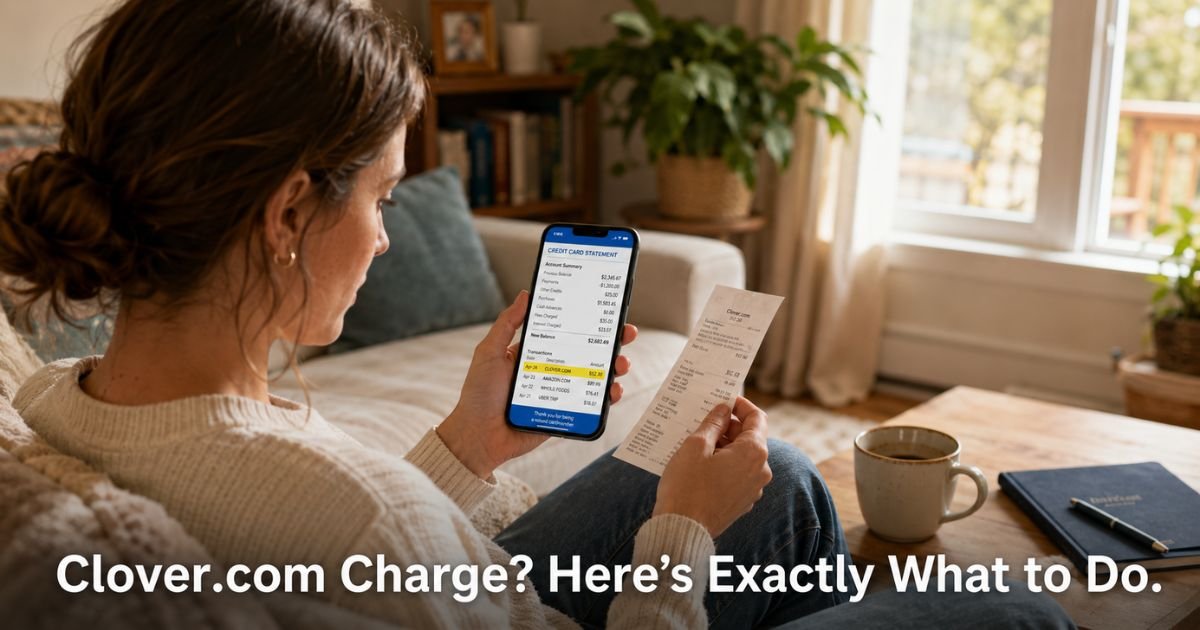
You open your credit card app and spot a charge labeled Clover.com or simply Clover. The amount looks familiar, maybe from a quick lunch or coffee run, but the name does not match the place you visited. It leaves you wondering what happened and whether everything is okay.
This article explains the Clover.com charge on credit card statements in plain terms. You will find out why this name appears, how to quickly figure out which business actually received your money, and what to do if the charge does not look right.
Table of Contents
What Is a Clover.com Charge on Credit Card?
Clover.com is not a store or a subscription service you signed up for. It is the name of a popular point-of-sale system and payment processor used by restaurants, cafes, food trucks, salons, retail shops, and many other small businesses.
When you pay with your credit or debit card at one of these places, the transaction often shows up on your statement under the Clover name instead of the exact business name. This happens because Clover handles the actual card processing for the merchant.
You might see variations such as CLOVER, CLOVER.COM, CLOVER PAYMENTS, or CLOVER followed by a location or reference number.
Why Does Clover Appear Instead of the Business Name?
Small businesses choose Clover because it offers reliable hardware like countertop terminals and portable devices, plus easy software for tracking sales and inventory. When they run your card, Clover processes the payment and sends the money to the business’s bank account.
The statement descriptor is often set to Clover or a shortened version because that is the processor handling the transaction behind the scenes. Many customers only notice it later when they review their full statement.
Some merchants also add a small surcharge or convenience fee for card payments. This fee gets bundled into the same Clover-processed charge, which can make the total look slightly higher than the menu price.
Is Clover.com Legitimate?
Yes. Clover is a well-established company owned by Fiserv, one of the largest financial technology firms in the United States. It serves hundreds of thousands of legitimate businesses across the country. The presence of a Clover charge does not mean you were scammed by Clover itself.
That said, any unfamiliar charge deserves a quick check. The name simply tells you the payment went through Clover’s system. It does not automatically confirm or deny whether you made the purchase.
How to Quickly Identify Which Business Charged You
Here are the fastest ways to match the charge to a real purchase:
- Check your recent receipts, emails, or text confirmations from the past week or two.
- Look at your credit card app or online banking for the exact date, time, and amount.
- Search your email or phone for keywords like the city, type of food, or service you used.
- Call or visit the business if you remember the name and ask them to look up the transaction.
- Some Clover receipts include a reference number or last four digits that match your statement.
If you still cannot connect it, move to the dispute steps below.
Pro Tip: Take a quick photo of every paper receipt right after you pay. A simple picture on your phone makes it easy to match charges days or weeks later without digging through your wallet.
What If the Clover Charge Looks Unauthorized?
Sometimes people see Clover charges they genuinely do not recognize. This can happen if someone else used your card, if details were entered incorrectly, or in rare cases if fraud occurred at a merchant location.
In these situations you have strong protections through your credit card issuer.
Common Mistake to Avoid: Many people assume an unfamiliar processor name automatically means fraud and panic. Others ignore small charges hoping they disappear. Both approaches waste time. Instead, calmly verify the purchase first, then act quickly with your issuer if something truly does not add up.
Steps to Dispute an Unknown Clover Charge
Follow these clear steps if the charge does not match any purchase you made:
- Gather your statement showing the exact date, amount, and Clover descriptor.
- Note any recent places you visited or online orders you placed around that date.
- Contact your credit card issuer using the number on the back of your card.
- Explain that you do not recognize the Clover charge and have no matching receipt or memory of the purchase.
- Ask them to open a dispute and request a temporary credit while they investigate.
- Follow up in writing through your issuer’s app or secure message center.
Most issuers handle these disputes smoothly and usually side with the cardholder when the merchant cannot prove the transaction was authorized.
Bottom line: Clover itself is a legitimate processor, but you still have every right to dispute any charge you did not make or authorize.
Quick Reference: Common Clover Charge Situations
| Situation | Likely Cause | Recommended Action | Expected Result |
|---|---|---|---|
| Charge matches a recent meal or purchase | Normal Clover processing at a small business | Match with receipt and note it | No further action needed |
| Amount slightly higher than expected | Merchant added a card surcharge or fee | Check receipt or ask business | Usually valid in many states |
| Completely unfamiliar charge | Possible mix-up, shared card, or fraud | Contact issuer and open dispute | Temporary credit while investigated |
| Recurring small Clover charges | Subscription or membership billed through Clover | Contact the actual business first | Cancel directly with merchant |
How to Prevent Confusion with Future Clover Charges
You cannot change how every business names its charges, but you can make verification easier:
- Always keep digital or photo copies of receipts.
- Use the same card for personal spending so patterns become familiar.
- Review your statement weekly instead of waiting for the monthly bill.
- When paying at a new place, ask the employee which system they use if you want to note it.
These habits take less than a minute and save headaches later.
FAQs: Clover.com Charge on Credit Card
Q. How do I find out which business made the Clover.com charge on my credit card statement?
A. Start by checking the exact date and amount on your statement, then match it against recent receipts, emails, or text messages. Many people also call the credit card issuer, who can sometimes provide the merchant’s name or location details tied to the Clover transaction.
Q. Is a Clover.com charge on my statement legitimate or could it be a scam?
A. Clover.com is a legitimate payment processor used by thousands of real small businesses. The charge itself usually reflects a normal purchase processed through their system. However, you should still verify it matches something you actually bought, just like you would with any other unfamiliar line item.
Q. What should I do if I see a Clover charge I do not recognize on my credit card?
A. First review your recent activity and receipts to see if it matches a purchase. If nothing connects, contact your credit card issuer right away, explain that the charge looks unfamiliar, and ask them to open a dispute. Acting quickly helps protect your account and usually leads to a refund if the charge was not authorized.
Conclusion
A Clover.com charge on credit card almost always comes from a small business that uses Clover’s payment system. In most cases it reflects a real purchase you made at a restaurant, cafe, shop, or service provider. A quick check against your receipts usually clears up any confusion.
If the charge does not match anything you recognize, reach out to your card issuer without delay. They have the tools to investigate and protect you.
Keep taking simple steps like photographing receipts and reviewing statements regularly. You now know exactly how to handle Clover charges and keep your finances clear and under control.
Disclaimer: The content on ExplainCharges.com is for informational and educational purposes only and does not constitute financial, legal, or professional advice. We are not affiliated with any companies or services mentioned. The information provided may not apply to your specific situation. If you suspect unauthorized charges or fraud, contact your bank or credit card issuer immediately. Always verify details directly with the source and consult a qualified professional if needed.
Meet the Author
