
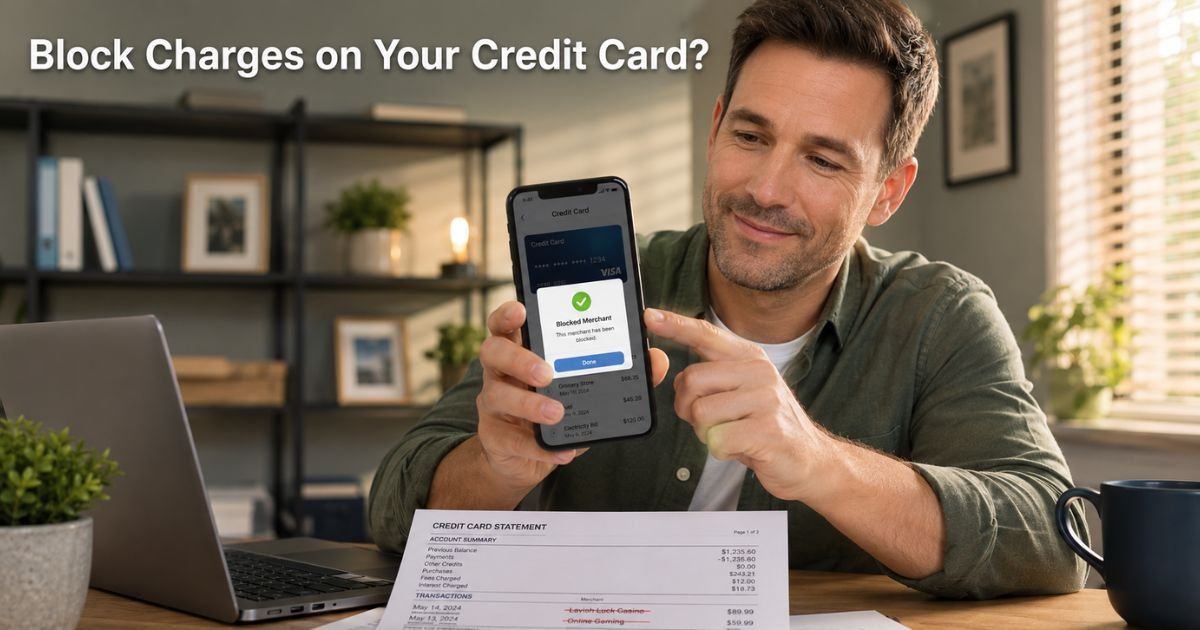
You open your banking app on a random Wednesday evening, scroll through recent activity, and there it is again: another $12.99 charge you do not remember signing up for. Your stomach drops.
Is it a forgotten subscription? A sneaky auto-renewal? Or worse, something fraudulent?
You are not alone. Millions of Americans spot mystery charges every month and wonder the same thing. The good news is you can take control right now.
We will walk you through exactly how to block charges on credit card, from stopping one-time surprises to killing recurring fees for good.
Table of Contents
What Does “Blocking Charges” Actually Mean?
Blocking charges on credit card means stopping a merchant from pulling money from your account, either right away or forever.
It is different from a simple dispute. A dispute fights one charge after it posts. Blocking prevents the next one from ever happening.
Most people run into this with subscriptions, in-app purchases, or sneaky auto-renewals. Think gym memberships, streaming add-ons, or those sweepstakes casino apps that quietly save your card.
The good news? Federal rules and modern bank tools make it easier than ever to shut them down.
Why Charges Keep Coming Back (And How to Stop Them)
Recurring charges use something called “account updater” services. When you get a new card because yours expired or was replaced, the system automatically shares the fresh details with merchants you once approved. That is why a canceled subscription can still bill you months later.
The fix is simple but requires two steps most people skip. First, cancel directly with the company. Second, tell your card issuer to revoke permission. Skip either one and the charges often return.
How to Block Charges on Your Credit Card: Step-by-Step
Follow this exact order for the fastest results.
Contact the merchant first
Log into the company’s website or app and cancel the subscription. Look for “Billing,” “Account,” or “Subscriptions.” Write down the confirmation number and save the email.
Reach out to your card issuer
Call the number on the back of your card or use the app chat. Ask them to “revoke authorization” or “place a stop payment” on that merchant. Many banks now let you do this instantly in the app.
Remove your card from the merchant’s file
Go back to the company site and delete your saved payment method.
Monitor and confirm
Check your statements for 30 days. Set up alerts so you get a text the moment anything posts.
Pro Tip: Turn on transaction alerts for every charge over $1 right now. Most apps let you customize this in under two minutes. It is the single easiest habit that catches 99 percent of unwanted charges before they grow.
Real-Life Example
Take a 43-year-old accountant. He downloaded a popular casino-style app one slow weekend and bought a small coin pack. Months later he spotted recurring $49.99 charges on his statement. He thought he had canceled it, but the app still had his card saved.
He first emailed the company and got a canned reply. Then he called his bank (Chase) and used their Stored Cards tool to see every merchant with access. The rep helped him revoke authorization on the spot.
Two weeks later the charges stopped completely, and he received a full refund for the last one. He now uses a virtual card number for every new subscription.
Your story might be different, but the process works the same whether the charge is $9.99 or $99.
Bank Tools That Make Blocking Charges Easy
Big issuers now offer built-in helpers so you do not have to fight alone.
- Chase Stored Cards – Shows every website that saved your card in the last nine months. Spot and block hidden subscriptions fast.
- Capital One Eno – Lets you create virtual card numbers and block future charges from specific merchants right in the app.
- US Bank Recurring Charges – Go to Account Services and stop any automatic payment with a few taps.
- Other banks – Most let you request a “merchant block” or “revoke recurring authorization” over the phone.
If the merchant ignores your cancellation, these tools cut them off at the source.
Common Mistake: Only calling your bank and skipping the merchant. Banks often ask you to contact the company first. When you skip that step, the issuer may deny your request or delay help. Always start with the merchant and keep records.
When to Request a New Card Number (The Nuclear Option)
Sometimes nothing else works. The merchant keeps charging, or the charges look fraudulent. Ask your issuer for a “security close.” You get a brand-new card number while keeping the same account open.
Make sure you specifically say you do not want the new card enrolled in account updater services. This stops automatic updates and kills stubborn recurring charges for good.
Bottom line: A security close is your clean break when polite requests fail.
Prevention Tips to Avoid Mystery Charges Forever
You do not have to wait for the next surprise. Build these habits today.
- Enable real-time text or email alerts for every transaction.
- Review your statements every Sunday for five minutes.
- Use virtual card numbers for subscriptions (Capital One and Citi make this simple).
- Never save your card on websites unless you trust them completely.
- Try free subscription manager apps like Rocket Money if you want extra help spotting everything at once.
Quick Comparison of Blocking Options
Here is a handy overview of your main choices and when each works best.
| Method | Best For | Time to Work | Success Rate | Extra Step Needed? |
|---|---|---|---|---|
| Cancel with merchant | Known subscriptions | Immediate–3 days | High | Get confirmation |
| Revoke via issuer app | Recurring payments | Same day | Very High | None |
| Merchant block | Stubborn repeat charges | 1–2 business days | Excellent | Phone or app |
| New card (security close) | Fraud or ignored cancellations | 3–7 days (new card arrives) | Highest | Request no updater |
| Virtual card number | New sign-ups | Instant | High | Use for one site only |
Data based on 2026 practices from major U.S. issuers and consumer reports.
FAQs: How to Block Charges on Credit Card
Q. How long does it take to block charges on credit card after I contact the issuer?
A. Most banks can block a specific merchant the same day you call or use the app. You will usually see the change within one to two business days. Always ask for a confirmation number and check your next statement.
Q. Can I block all future charges from one company even if I already canceled the subscription?
A. Yes. Ask your card issuer to revoke authorization or place a permanent merchant block. This stops the company from using your card details even if they somehow still have them saved. It works especially well for repeat offenders.
Q. What if the charge on my credit card looks fraudulent—should I still try to block it myself?
A. Contact your issuer immediately and report it as fraud. They will freeze the card, issue a new one if needed, and start the dispute process. You are protected by zero-liability rules, so you usually will not pay a dime while they investigate.
Conclusion
You now have a complete playbook for how to block charges on credit card. Start with the merchant, follow up with your issuer, and set up alerts so nothing slips through again. Small actions today save you time, money, and headaches tomorrow.
Check your statements every week, explore our guide on specific mystery charges and remember you are in control. Your finances stay simple when you stay proactive.
Disclaimer: The content on ExplainCharges.com is for informational and educational purposes only and does not constitute financial, legal, or professional advice. We are not affiliated with any companies or services mentioned. The information provided may not apply to your specific situation. If you suspect unauthorized charges or fraud, contact your bank or credit card issuer immediately. Always verify details directly with the source and consult a qualified professional if needed.
Meet the Author
