
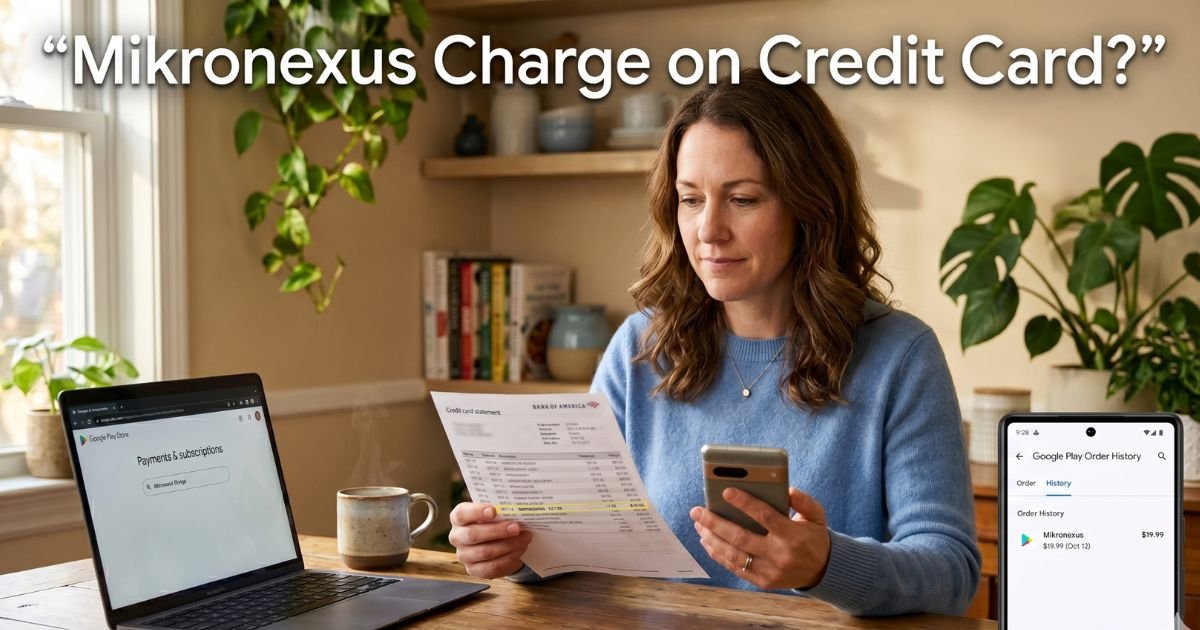
You open your credit card statement on a quiet Saturday morning and there it is: a line that reads GOOGLE *MIKRONEXUS for $9.99 or $14.99. Your first thought is, “What did I buy?”
You do not remember signing up for anything. Your heart races for a second. Is this fraud? Did your kid download an app? Or is it one of those sneaky subscriptions that quietly renews?
If you have spotted a mikronexus charge on credit card, take a deep breath. You are not alone, and it is almost certainly not fraud. We explain exactly what the charge is, where it comes from, and the clear steps you can take right now to stop it.
Table of Contents
What Is a Mikronexus Charge on Credit Card?
Mikronexus is a software company based in New York that builds mobile apps and online ordering tools for small businesses.
Think restaurants, diners, salons, and window-covering shops. They create branded apps that let customers place orders, track deliveries, or manage appointments.
The charge you see on your statement usually appears as GOOGLE *MIKRONEXUS because Mikronexus lists their apps in the Google Play Store. Google handles the billing for subscriptions and in-app purchases.
That is why the descriptor shows the developer name instead of the restaurant or salon name. It can feel confusing because the business you actually ordered from does not appear on the line item.
These charges are legitimate recurring fees for access to a business app or its premium features. They are not random. Someone with access to your Google account most likely signed up for the app, maybe you, maybe a family member, or maybe an employee if you run a small business.
Why Does GOOGLE*MIKRONEXUS Show Up on Statements?
Google Play uses a standard billing format for every app developer. When you subscribe to an app built by Mikronexus, the transaction posts as GOOGLE *MIKRONEXUS followed by the charge amount. This keeps things simple for Google but leaves many cardholders scratching their heads.
Common scenarios include:
- You downloaded a restaurant’s ordering app to skip the phone line and later forgot the free trial turned into a paid plan.
- Your business uses one of Mikronexus’s POS or delivery tools and the subscription renews automatically.
- An in-app purchase for extra features, such as priority delivery or premium calendar tools, got added without a clear confirmation.
The good news? These charges are easy to trace once you know where to look.
Real-Life Example
Take a 38-year-old teacher and mom of two in Ohio. Last summer she ordered takeout from a local diner through their new app. It promised faster service and a small discount. She signed up quickly, used her Google account to pay, and enjoyed the convenience. Months later she noticed a $12.99 mikronexus charge on her credit card every month. She had completely forgotten about the app.
She thought it was fraud at first. After a quick check in her Google Play account she realized it was the diner’s ordering subscription renewing automatically. Within five minutes she canceled it and even requested a refund for the last two months. The diner’s owner thanked her for the heads-up and switched her to a free tier. She now checks her subscriptions once a month and has not had a surprise charge since.
Her story shows how easy these charges are to miss and how quickly you can fix them.
Pro Tip
Set a recurring calendar reminder every 30 days to review your Google Play subscriptions. It takes less than two minutes and prevents small charges from adding up to big money over time. You can also turn on email receipts in Google Play settings so you get a heads-up every time a subscription renews.
How to Find and Cancel a Mikronexus Subscription in Minutes
You do not need to call anyone or wait on hold. Here is the exact process that works for almost every Google Play charge:
- Open the Google Play Store app on your phone or go to play.google.com on a computer.
- Tap your profile picture in the top right.
- Choose Payments & subscriptions, then Subscriptions.
- Scroll through the list and look for anything from Mikronexus or the name of the business you ordered from.
- Tap the subscription, then tap Cancel subscription.
- Follow the prompts and choose a reason (you can pick “I no longer want this”).
Google will confirm the cancellation and tell you the last day you can use the app. If you want a refund, tap the “Request a refund” option right there or contact Google support through the same menu.
Bottom line: Most Mikronexus charges stop the same day you cancel—no phone calls required.
What If the Charge Is Unauthorized?
Sometimes the subscription was started by a family member, an old employee, or even a device you no longer use. In rare cases it could be a compromised Google account.
If you do not recognize the charge at all:
- Check your Google Play order history for the exact date and app name.
- Change your Google account password and enable two-factor authentication.
- Contact your bank or credit card issuer and dispute the charge as unrecognized. Mention it is a Google Play billing entry.
- Reach out to Mikronexus support through their website if you need more details about the specific app.
Your bank usually sides with you on these disputes when you act quickly.
Common Mistake
Ignoring the charge because it is “only” $9.99. Small recurring fees add up fast—three or four of them can cost you over $400 a year. Always investigate every unfamiliar line on your statement, even the tiny ones.
Steps to Prevent Future Surprise Charges
You can stay ahead of unwanted billing with a few easy habits. First, review your Google Play subscriptions monthly.
Second, use a separate Google account for family or business devices so charges stay isolated.
Third, when you try a new app, note the trial end date in your phone calendar. Finally, consider linking a virtual card or prepaid card for app purchases if you want an extra layer of control.
These habits give you peace of mind without cutting off the convenience of mobile ordering.
| Charge Type | Typical Amount | What It Usually Covers | Best Action to Take |
|---|---|---|---|
| Monthly App Subscription | $9.99–$49.99 | Access to restaurant ordering or POS tools | Cancel in Google Play immediately |
| In-App Purchase | $4.99–$14.99 | Extra features like priority delivery | Review order history and request refund |
| Annual Plan Renewal | $99–$299 | Full-year access to business software | Cancel and switch to monthly if needed |
| Family or Employee Add-On | Varies | Additional user licenses | Check who has access to your Google account |
Common Mikronexus charges you might see and how to handle them quickly.
When to Contact Mikronexus or Your Bank
If the Google Play steps do not resolve the issue, visit onlineordering.mikronexus.com or their main site to find support contacts. They can confirm which business app is tied to your account.
For billing disputes, your credit card issuer has a 60-day window in most cases, so act fast. Most banks remove the charge and reverse it once you explain it is an unrecognized Google Play subscription.
FAQs: Mikronexus Charge on Credit Card
Q. Why does GOOGLE*MIKRONEXUS keep charging my credit card every month?
A. It usually means an active subscription to a Mikronexus-built app for online ordering or business tools. Google bills on behalf of the developer, so the descriptor shows their name. Check your Google Play subscriptions list to see the exact app and cancel it there.
Q. Is the Mikronexus charge on my credit card a scam or fraud?
A. No, it is a legitimate charge from a real software company. However, if you never signed up or do not recognize the business name, it could be an accidental subscription or an old device still linked to your account. Cancel it through Google Play or dispute it with your bank.
Q. How do I stop Mikronexus charges and get a refund on my credit card?
A. Open Google Play, go to Payments & subscriptions, find the listing, and cancel. Then request a refund directly in the app details. If the charge is recent and unauthorized, contact your card issuer to dispute it—they often refund right away once you provide the details.
Conclusion
You now know exactly what that mikronexus charge on credit card means and how to make it disappear. The key takeaway is simple: these charges come from handy business apps billed through Google Play, and they are easy to stop once you know where to look. Take five minutes today to review your subscriptions. You will feel lighter knowing your money stays where you want it.
While you are checking statements, consider reading our guide on other common Google Play charges or how to spot hidden restaurant app fees. Small habits like this protect your budget month after month.
Disclaimer: The content on ExplainCharges.com is for informational and educational purposes only and does not constitute financial, legal, or professional advice. We are not affiliated with any companies or services mentioned. The information provided may not apply to your specific situation. If you suspect unauthorized charges or fraud, contact your bank or credit card issuer immediately. Always verify details directly with the source and consult a qualified professional if needed.
Meet the Author
