
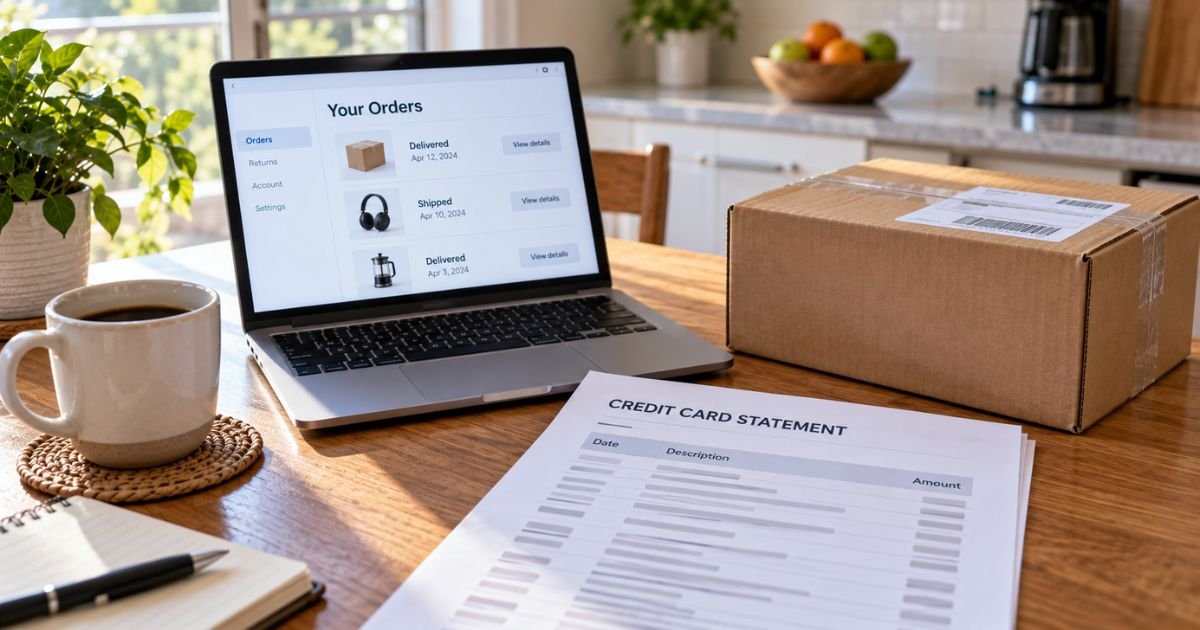
An unknown Amazon charge on a credit card can feel confusing if you do not recall placing an order that day. The bank line names Amazon, but it does not list the product. That gap is common.
In many cases the charge is legitimate and already sitting in Your Transactions. This guide shows how to decode the descriptor, where to look inside Amazon, and when to call your issuer instead.
Table of Contents
What Is an Unknown Amazon Charge on a Credit Card?
An unknown Amazon charge on credit card is typically any posted or pending line that uses an Amazon billing name you do not recognize at first glance.
Amazon’s own help page, “Identify an Amazon Charge,” says most surprises are a Prime payment, a digital service, an Amazon Pay order, an Amazon.com purchase, or a bank authorization.
The statement almost never prints the item name. It prints a short merchant code. Your job is to match the date and amount, not to guess the product from the letters.
Amazon generally charges when items ship, not always on the day you click Buy. One cart can become two card lines. A cancelled order can leave a hold that looks like a sale until the bank drops it.
How unknown Amazon charges may appear
Issuers shorten text and add WA, Seattle, or a website scrap. A code after an asterisk is often an Amazon reference, not a second company.
| Descriptor you may see | What Amazon’s help typically ties it to |
|---|---|
| AMAZON.COM, AMZN.COM/BILL, Amazon Merchandise | An Amazon.com purchase |
| AMZN MKTP US, AMAZON MKTPLACE PMTS | An Amazon.com purchase through marketplace payments |
| AMAZON RETAIL, AMAZON RETA, Amazon Retail LLC | Retail billing; official help lists LLC for some Books purchases |
| AMAZON PRIME, AMZ*Prime, amzn.com/bill | Prime membership |
| Amazon Digital Svcs, Video on Demand | Kindle, apps, video, music, or similar digital items |
| AmazonFresh, amzn.com/fresh | An Amazon Fresh grocery order |
| AMZ*(brand name), amzn.com/pmts, Amazon.com*PMT SVC | An Amazon Pay checkout on another site |
| Audible or adbl.co/bill | Audible, an Amazon company |
Whole Foods and AWS can also print Amazon-related names. Those are usually a grocery trip or a cloud bill, not a mystery store.
Why the charge is missing from Your Orders
Your Orders is not the full picture. Amazon splits activity across several screens.
Check these places in order:
- Your Transactions under Your Payments. This list is the closest match to the bank line.
- Your Orders, including older dates and archived orders. Shipping can lag checkout.
- Digital Orders for Kindle, apps, and video.
- Manage Your Prime Membership and Your Memberships and Subscriptions.
- Gift cards, Subscribe & Save, and Amazon Pay order history.
A Household profile or a saved card used by a spouse, child, or roommate can place a real order you did not click. Amazon treats that as an authorized account purchase until you change the password and remove the card.
Amazon Pay is easy to miss. You paid a different website, and the bank still says Amazon. Official help lists examples such as AMZ* plus the other company’s name.
Common reasons the amount looks wrong
A few ordinary Amazon habits create a mismatch.
- One checkout shipped as two packages, so two smaller charges posted.
- Tax or shipping changed after you placed the order.
- A Subscribe & Save box added items you forgot.
- A Prime Video channel or free trial converted to a paid plan.
- A pre-order finally shipped weeks later.
- A pending authorization later became a different final total.
Pending lines that vanish after a few days are typically holds. Amazon’s authorization help page says the bank reserves funds but that hold is not the final sale. Do not rush a dispute on a pending amount that may drop on its own.
Pro Tip: Sort Your Transactions by the last four digits of the card. An old saved Visa or a Household shopper is a frequent reason the bank line looks new to you.
Is an unknown Amazon charge legitimate?
Amazon is a real retailer. Most Amazon-named lines are ordinary billing. That does not make every dollar yours.
Treat the charge as likely legitimate if the amount sits in Your Transactions or in Amazon Pay history. Treat it as possible fraud if it is not on any account you control, if packages went to a strange address, or if you see a burst of small test charges.
Amazon generally cannot show you another customer’s order, even when that order used your card number. In that case your issuer is the better first call.
Look for phishing too. A text that says “unknown Amazon charge, tap here” is often a scam. Use the Amazon app or the website you typed yourself.
How to cancel or reverse a charge you found
You do not cancel a descriptor. You cancel the order or membership behind it.
- Unshipped items can often be cancelled from Your Orders.
- Shipped items follow Amazon’s return window for that product.
- Prime is managed at Manage Your Prime Membership.
- Channels, Kindle Unlimited, Music, and similar plans sit under Your Memberships and Subscriptions.
- Amazon Pay refunds generally go through the site where you checked out, plus Amazon Pay help.
Refund timing varies. A credit may post as a second Amazon line days later. That credit is not a new purchase.
What to do if you still cannot find it
Work this short list.
- Match date, amount, and last four digits in Your Transactions.
- Ask other people who share the account or the card.
- Search email for the exact total, including gift and digital receipts.
- Contact Amazon through Help in your signed-in account. Have the date, amount, and any statement code ready.
- If Amazon cannot find it on your login, use your issuer’s fraud or billing-error tools.
Credit card unauthorized-use rules are generally stronger than debit card rules. Federal billing-error notice for credit cards typically runs 60 days from the statement that first showed the charge. Issuers often let you tap Dispute in the app sooner.
If a stranger used the account, change the Amazon password, turn on two-step verification, review devices, and remove extra cards from Your Payments. Ask your issuer about a new card number if the card itself was copied.
Common Mistakes: Checking only recent Orders and skipping Transactions, Digital Orders, and Amazon Pay. Another misstep is disputing a pending hold that would have dropped after the order shipped or cancelled.
How to keep Amazon lines from surprising you
- Turn on issuer alerts for every posted amount.
- Review Your Transactions once a week if you shop often.
- Export an order history report if you place many small orders.
- Remove cards you no longer use.
- Watch trial end dates on Prime add-on channels.
You cannot stop Amazon from using short bank names. You can make the match faster by keeping receipts until the statement posts.
FAQs: Unknown Amazon Charge on Credit Card
Q. What is an unknown Amazon charge on a credit card?
A. It is usually an Amazon purchase, Prime bill, digital order, Amazon Pay checkout, or bank authorization that the statement does not itemize. Amazon’s “Identify an Amazon Charge” page is the official descriptor list.
Q. Why is there an Amazon charge but no order?
A. The sale may be digital, a gift card, Prime, Amazon Pay, or a shipment that posted after checkout. It may also be a pending hold. Check Your Transactions before you assume there is no order.
Q. Can someone use my card on their Amazon account?
A. Yes. If they have the card number, the charge can post under Amazon even when it is not in your login. Amazon generally will not show you that other account. Call your issuer.
Q. How do I dispute an unknown Amazon charge?
A. Match it inside Amazon first. If it is your order, use cancel or return tools. If it is not on any account you own, contact your card issuer with the date, amount, and exact descriptor.
Conclusion
An unknown Amazon charge on a credit card is often a real Amazon payment with a short bank label. Start with Your Transactions, then Orders, digital items, Prime, and Amazon Pay.
If the amount is on your account, handle it there. If it is not, treat it as possible unauthorized use and work with your issuer. The Amazon name alone does not tell you the product, and it does not prove fraud.
Disclaimer: This article is for general information only. It is not financial or legal advice. Amazon descriptors, refund timing, and issuer dispute rules vary. Verify any question about your statement with Amazon or your bank.
Meet the Author
