
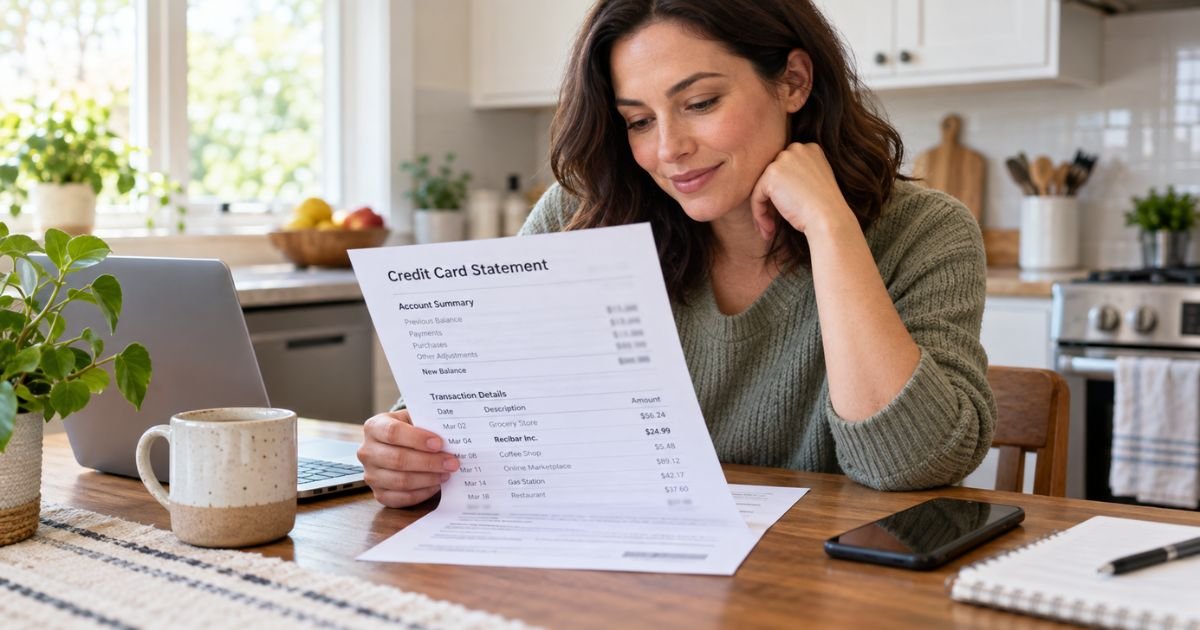
A Recibar Inc charge on a credit card can feel confusing if you don’t recall signing up for anything. Many people see the company name instead of the app or site they actually tried. That mismatch is common and does not, by itself, prove the line is fake.
Unfamiliar charges are often legitimate subscriptions that auto-renew after a trial. This guide explains what Recibar Inc typically is, how the line may appear, how to match it, and how to cancel or dispute it.
Table of Contents
What Is a Recibar Inc Charge on a Credit Card?
A Recibar Inc charge on credit card is typically a payment processed by Recibar Inc., a software company that lists Ohio addresses. Its corporate site, recibar.biz, describes educational products. The page highlights Boon, an interactive finance-learning app.
The Better Business Bureau of Dayton describes Recibar Inc. as a software firm that develops and operates AI-enabled applications. BBB lists Zenfy, Monivate, Proactify, and Cognicate as related names. Google Play lists “Zenfy – AI Tools Learning App” with Recibar Inc. as the developer.
Your statement often shows the parent company or a billing domain, not the product name. That is why a Zenfy or Boon signup can post as Recibar Inc. Recibar is generally the merchant of record, not a bank fee and not a collector.
Help pages on recibarbilled.me describe auto-renewing subscriptions and trial-to-paid conversions. The same help center also lists a Cancellation Bot and email support. Recibar does not publish one official public price sheet that covers every plan.
| What you may see | What it typically means |
|---|---|
| RECIBAR INC | Parent-company billing for a Recibar product |
| RECIBARBILLED.ME | Recibar help and billing domain |
| RECIBARCHARGE.APP | Recibar charge-support domain |
| Zenfy / zenfy.ac | AI-tools or remote-job style product tied to Recibar |
| Boon | Finance-learning app featured on recibar.biz |
How a Recibar Inc Charge May Appear on Your Statement
Issuers shorten merchant names. You may see Recibar Inc, Recibar, RECIBARBILLED.ME, or RECIBARCHARGE.APP. The city may show Ohio or may be blank.
The amount is not one fixed number. Consumer reports mention a small first charge, then a larger recurring amount. Third-party lookups also mention weekly, monthly, and course-style in-app prices. Treat those figures as reports, not an official Recibar menu.
A tiny pending amount can be a card check. Pending holds typically drop if the merchant does not capture them. A posted amount is a completed sale or renewal.
Why You Might See This Charge
Recibar’s own unrecognized-charge page lists three common reasons. Someone in your household may have used the card. You may have started a trial that later became a paid plan. You may have used a Recibar product before and forgotten an auto-renewing subscription.
Social ads and landing pages can send you to zenfy.ac or a similar site. The checkout name may not match the later statement name. Family Sharing, a saved wallet card, or a reused password can also create a surprise line.
Deleting an app generally does not stop billing. You usually have to cancel the plan in the store or with Recibar. If you paid through Apple or Google, that store typically owns the subscription.
How to Match a Recibar Inc Charge
Start with the date, amount, and last four digits of the card. Search email and texts for Recibar, Zenfy, Boon, Monivate, Proactify, Cognicate, recibarbilled, and recibarcharge. Check spam and promo folders.
Then check the place you paid:
- Google Play: Payments & subscriptions, then Subscriptions
- Apple: Settings, your name, Subscriptions
- PayPal or a wallet, if you used one at checkout
- Recibar help pages that ask you to log in with email and a confirmation code
Compare the receipt to the statement. One Recibar company can bill more than one product. A household member may have the welcome email you do not.
Pro Tip: Save a screenshot of the statement line, the receipt, and any cancel confirmation. Those three items help both Recibar support and your issuer.
Is Recibar Inc a Real Company?
Recibar Inc. has a public corporate site and a Google Play developer listing. Those pages show 4031 Colonel Glenn Hwy, Suite 450, Dayton or Beavercreek Township, Ohio 45431. BBB also lists a second Dayton address at 40 W 2nd St, Floor 2, Office 204.
BBB of Dayton is not the same as a government license check. Recibar, Inc. is not BBB Accredited. BBB opened a file on December 17, 2025. As of the public profile, BBB rated the business F. Reasons listed include 31 complaints and failure to respond to 29 of them.
BBB says it investigated in January 2026 after consumers alleged unauthorized fees tied to Recibar apps. BBB also said the listed address is known as virtual office space. It checked recibarcharge.app on January 29, 2026, and said that site was created June 26, 2025 and registered in Ireland.
BBB wrote the company in February and March 2026 and said it had not received a response. BBB states it cannot confirm the legitimacy of Recibar.
That BBB note is a caution, not a verdict on your specific charge. A real billing entity can still post a line you did not mean to keep. A low rating also does not automatically make every charge fraud.
Trustpilot reviews for recibar.biz are few and include complaints about billing after a claimed cancel. Zenfy’s Trustpilot page has a much larger review count, including many redirected reviews. Read recent 1-star comments as consumer reports, not proof.
How to Cancel a Recibar Subscription
Cancel the plan before you ask for a refund. Recibar’s cancel help page recommends its Cancellation Bot first. It also accepts email at billingsupport@recibar.biz.
The same page says you keep access until the end of the current billing period. Recibar’s example is a June 5 monthly plan canceled on June 10. Access would run to July 5, with no new charge after that date under that example.
If you bought through Google Play or the App Store, cancel in that store too. Store billing generally ignores an in-app delete. Ask for a confirmation email or screenshot when the cancel finishes.
Published Recibar contacts include:
- billingsupport@recibar.biz
- business@recibar.biz
- support@zenfy.ac for the Zenfy Play listing
- +1 (740) 513-4329
- +1 (740) 659-7403, listed as customer support on recibarbilled.me
- Play developer phone +1 (602) 816-9009
- Zenfy Play support phone +1 (866) 748-1639
When you write, include the charge date, amount, last four card digits, and a screenshot. Say you want the subscription canceled and no further renewals. Keep copies of every reply.
Closing the credit card does not cancel merchant billing. Recibar can keep trying a stored card or an updated network account. Cancel with Recibar or the app store first, then ask your issuer to block the merchant if needed.
Refunds, Holds, and Card Disputes
Recibar’s unrecognized-charge page says support will review the line. It says that if the charge was made by mistake, Recibar will issue a refund as appropriate.
The help center also labels a “100% Money-Back Guarantee Policy.” Recibar does not clearly publish the exact time window or unused-service rules on that same page.
Do not assume a posted renewal will reverse on its own. Ask Recibar in writing. If you paid through Apple or Google, use that store’s refund request tool as well.
A pending Recibar amount may still drop if it is only an authorization. Your issuer usually cannot force a live merchant hold to vanish. Once the sale posts, you need a merchant credit or an issuer dispute.
For a credit card billing error or unauthorized use, federal Fair Credit Billing Act rules generally give you 60 days after the statement is sent to give written notice. The issuer generally has 30 days to acknowledge and 90 days to resolve. Pay any amount you do not dispute.
If the card was a debit card, different Electronic Fund Transfer Act clocks apply. Report a debit problem quickly. Ask your bank which Reg E timeline it is using.
Common Mistakes: Waiting for the next statement before you cancel. Uninstalling the app and assuming billing stopped. Calling only the number on a random pop-up instead of the addresses on recibar.biz or recibarbilled.me.
Lookalikes That Are Not Recibar Inc
Recibar.com is not the same as recibar.biz. A third-party scanner has flagged recibar.com as high risk. Use the .biz corporate site and the help domains Recibar itself lists.
Recibar La Torre S.L. is a Spanish hospitality company. Recbar LLC is a restaurant brand. Rebar is a separate subscription-software name. Mexico’s Zenfi credit app is not Recibar’s Zenfy. Match the full descriptor and the Ohio billing trail before you call the wrong firm.
FAQs: Recibar Inc Charge on Credit Card
Q. What is a Recibar Inc charge on a credit card?
A. It is typically Recibar Inc. billing for one of its apps or sites. Official pages tie the company to educational and AI-style products such as Boon and Zenfy. Your bank may print Recibar Inc or a Recibar billing domain instead of the product name.
Q. Is a Recibar Inc charge a scam?
A. Recibar operates public sites and a Google Play listing, so the name is not an invented ghost merchant. BBB of Dayton also warns that it cannot confirm legitimacy after a 2026 investigation and many unanswered complaints. Match your own receipt first. If you never authorized the sale, treat it as a possible unauthorized charge and contact Recibar and your issuer.
Q. How do I cancel Recibar billing?
A. Use Recibar’s Cancellation Bot or email billingsupport@recibar.biz. Cancel in Apple or Google if you paid there. Recibar says access continues until the paid period ends. Get written confirmation.
Q. Can I dispute a Recibar Inc charge with my bank?
A. Yes, after you try to match and cancel. For a credit card, send a written billing-error notice within 60 days of the statement being sent. Ask the issuer to acknowledge the dispute and follow its investigation timeline. Keep Recibar emails with your claim.
Conclusion
A Recibar Inc charge on a credit card is usually company billing for a Recibar product, most often a trial or auto-renewing plan tied to names like Zenfy or Boon.
Match the date and amount to email, store subscriptions, and household use. Cancel in writing, keep the confirmation, and use your issuer’s dispute path if the line stays unauthorized.
Disclaimer: This article is for general information only. It is not financial, legal, or tax advice. Recibar policies, app-store rules, and issuer procedures vary and can change. Confirm any account-specific question with Recibar, the store that billed you, or your bank or card issuer.
Meet the Author
