
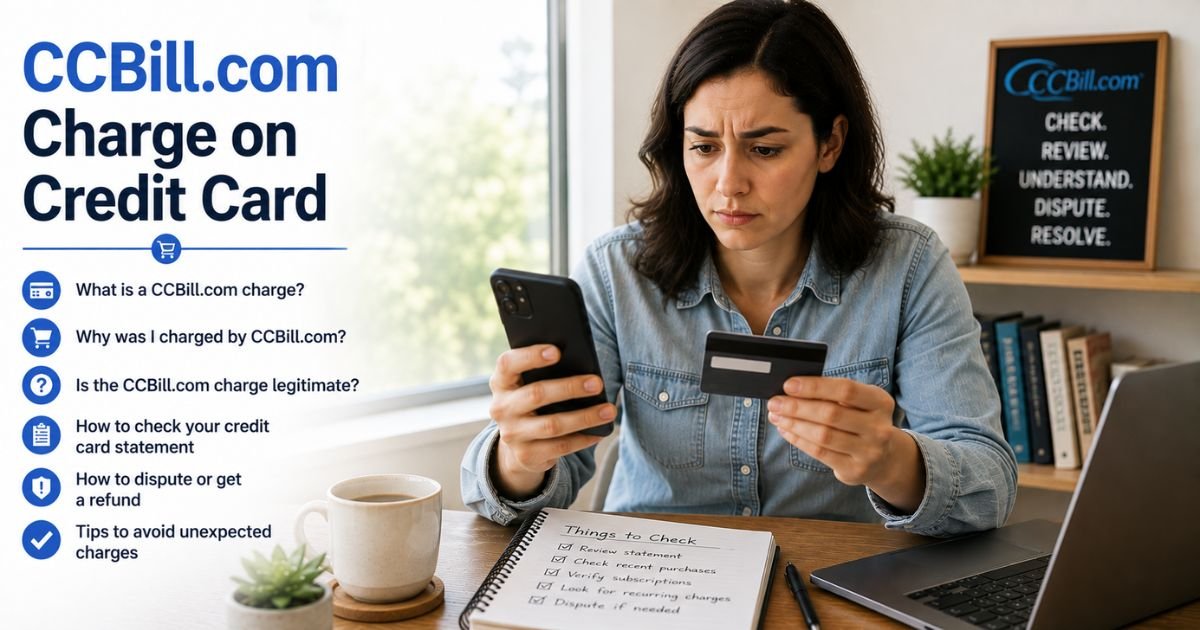
Seeing a CCBill.com charge on credit card or bank statement can feel confusing if you do not recognize the name. Many people wonder what the charge is for and whether it is legitimate.
CCBill.com charges are typically real and linked to an online purchase or membership. This guide explains what the charge usually means and the clear steps you can take next.
Table of Contents
What Is the CCBill.com Charge?
CCBill is a payment processing company. It handles billing for many online merchants and membership sites.
When you buy a subscription or product from a site that uses CCBill, the charge often appears under the CCBill name instead of the individual website.
Common statement descriptors include:
- CCBILL.COM
- CCBILL.COM followed by a merchant code or phone number
- CCBILLEU (for some European transactions)
- Variations that include 888-596-9279
Amounts vary widely depending on the specific membership or product.
They can range from smaller one-time fees to recurring monthly or longer-term subscription costs. The exact amount depends on the service you joined.
Why Did This Charge Appear?
Here are the most common reasons a CCBill.com charge shows up:
- You signed up for an online membership or subscription that uses CCBill for billing
- A free trial converted to a paid plan
- You purchased digital content or access through a site partnered with CCBill
- Someone else with access to your card made a purchase
- A recurring rebill for an active membership
CCBill processes payments for a range of online services. The statement often lists CCBill for privacy or processing reasons rather than the original website name.
On the original sign-up page, the expected statement descriptor is usually shown.
How to Verify the Charge
Use this checklist to identify the source:
- Note the exact date, amount, and full descriptor from your statement (including any extra codes or phone numbers).
- Search your email for confirmation messages from CCBill or the original site around that date.
- Think about recent online memberships, trials, or digital purchases you may have made.
- Visit the official CCBill support site and use the subscription search tool. You typically need two of these: email address, credit card number, or subscription ID.
- Contact CCBill Consumer Support if the online search does not locate the charge.
- Ask household members whether they used the card for any recent online services.
Matching the charge through the CCBill support search or a confirmation email is the most reliable way to confirm its origin.
Is the Charge Legitimate or Fraud?
Most CCBill.com charges are legitimate payments processed for real online services. CCBill is an established payment company that works with many merchants.
Common legitimate explanations
- An active or recently started membership billed through CCBill
- A one-time purchase or trial conversion
- Recurring billing for a subscription you or an authorized user set up
Warning signs
- No matching confirmation email or subscription found in the CCBill search
- Charges continue after you cancel
- Multiple unexpected amounts with no related activity
- Difficulty locating any record of the purchase
When to contact the bank
If you cannot identify the charge after checking emails and the CCBill support tools, contact your card issuer using the number on the back of your card. Report it as unauthorized if it does not match any activity you recognize.
How to Cancel CCBill Billing
CCBill provides several ways to cancel a subscription.
- Go to the official support site (support.ccbill.com) and use the Search/Cancel a Subscription tool. Enter two of the following: email, credit card details, or subscription ID.
- Follow the on-screen steps to cancel once the subscription is located.
- Call Consumer Support at the number listed on your statement or the official support pages (commonly 888-596-9279 in the US). Support is available 24 hours.
- Email consumersupport@ccbill.com with your request and account details if you prefer not to call.
- After cancellation, request confirmation and monitor your statement for the next billing cycle.
Cancellation typically stops future rebills. Access to the service may continue until the end of the current paid period, depending on the merchant’s rules.
Can You Get a Refund?
Refund eligibility depends on the specific merchant’s policy and the timing of your request.
CCBill can process refunds when the merchant allows them. If approved, the credit generally posts back to the original payment method within 7 to 10 business days.
To request a refund:
- Contact CCBill Consumer Support by phone or email and explain the situation.
- Provide the transaction details and any supporting information.
- If the merchant or CCBill does not resolve it, dispute the charge with your card issuer within the allowed time frame (often around 60 days from the statement date for many billing errors).
Keep records of every contact and confirmation number.
What to Do If the Charge Is Unauthorized
Take these steps promptly:
- Search for the subscription on the CCBill support site using your email or card details.
- Contact CCBill Consumer Support right away to report the charge and request investigation or cancellation.
- Call the number on the back of your credit or debit card. Report the transaction as unauthorized and open a dispute.
- Ask your issuer to block future charges from CCBill if the option is available.
- Change passwords on any accounts that may have shared the card information and review recent activity.
- Monitor your statements closely for additional charges.
Acting quickly helps limit further billing and improves the chance of recovery.
Prevention Tips
- Read the full terms and expected statement descriptor before completing any online checkout.
- Use a virtual card number or a card with a low limit for unfamiliar membership sites when possible.
- Turn on real-time transaction alerts from your bank.
- Keep confirmation emails in a searchable folder.
- Review statements soon after they arrive.
- Cancel trials before they convert if you do not want the paid service.
FAQs: CCBill.com Charge on Credit Card
Q. What is a CCBill.com charge on my credit card?
A. It is a payment processed by CCBill, a company that handles billing for many online memberships and services. The charge usually relates to a subscription or purchase you made on a site that uses CCBill.
Q. How do I find out which website charged me through CCBill?
A. Check your email for confirmation messages and use the subscription search tool on the official CCBill support site. You can also contact their Consumer Support team with the date and amount of the charge.
Q. How do I cancel a CCBill subscription?
A. Use the Search/Cancel tool on support.ccbill.com with your email, card details, or subscription ID. You can also call Consumer Support or email them to request cancellation.
Q. Can I get a refund for a CCBill.com charge?
A. Refunds depend on the merchant’s policy and timing. Contact CCBill support to request one. If it is not resolved, dispute the charge with your card issuer within their time limits.
Conclusion
A CCBill.com charge on credit card is typically a payment processed for an online membership or service. Matching it through confirmation emails or the official CCBill support search is the best first step.
If the charge is for a subscription you no longer want, cancel it through the support tools or by phone. If you do not recognize the charge at all, contact both CCBill and your card issuer right away.
Reviewing your statements and using stronger card protections for online purchases helps reduce similar surprises.
Disclaimer: This article is for informational purposes only and is not financial or legal advice. Billing practices, refund eligibility, and support processes can vary. Always verify details through official CCBill support channels and with your bank or card issuer for account-specific questions.
Meet the Author
