
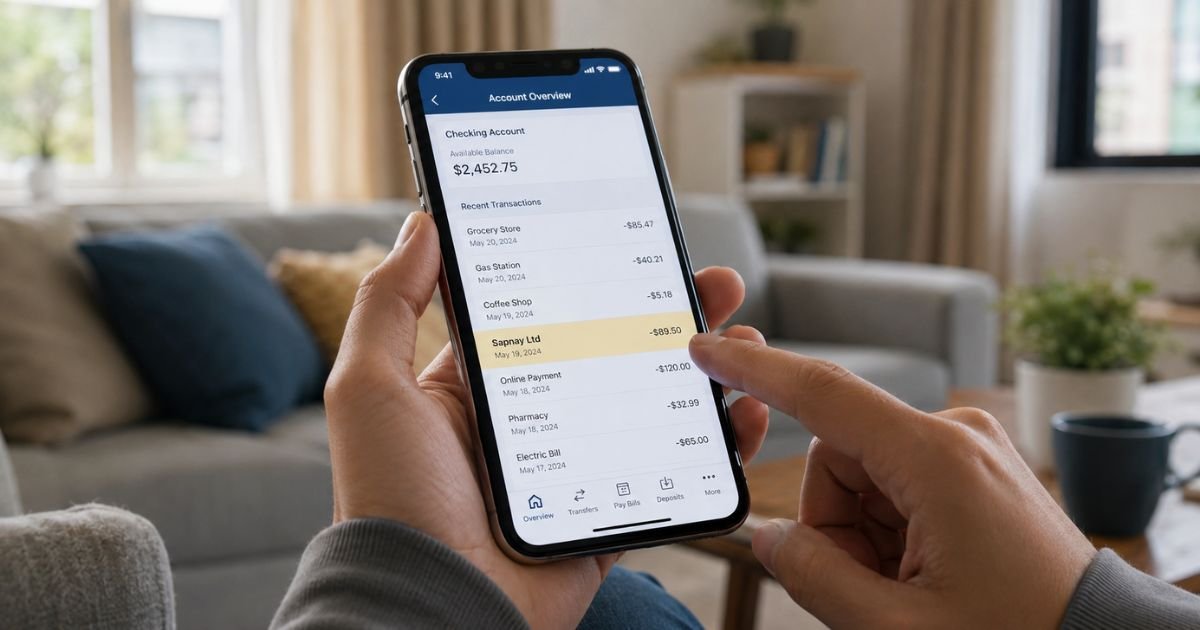
Spotting a KOS Booster charge on credit card statement can feel confusing if you don’t recall signing up for anything related. Unfamiliar charges are often legitimate purchases or subscriptions you simply forgot about.
This guide walks through what the charge usually is, how to verify it, and what to do next.
Table of Contents
What Is the KOS Booster Charge?
The KOS Booster charge most often relates to KOS Naturals (kos.com), a U.S. company that sells plant-based protein powders, superfood blends, and functional nutrition products.
One of their product lines includes Energy Booster bundles and similar “booster” formulas designed for energy, circulation, or performance support.
Statement descriptors can vary by processor and may appear as:
- KOS BOOSTER
- KOS NATURALS
- KOS.COM
- KOS Energy Booster (or similar product-linked wording)
Typical amounts generally range from roughly $30–$100+ depending on whether it was a one-time product order, a Subscribe & Save shipment, or a multi-item bundle. Prices vary by product, size, and any active discounts or shipping.
Why Did This Charge Appear?
Common reasons include:
- A one-time purchase of a KOS protein powder, Energy Booster bundle, or related product on kos.com or Amazon.
- An active Subscribe & Save plan that ships every 30, 60, or 90 days at a discounted rate.
- A trial, promo, or upsell that converted to a recurring order.
- Someone in your household using the same card for a purchase.
- A delayed or re-billed order after a previous authorization.
Many customers sign up for the subscription option for free shipping and ongoing savings and later forget the recurring nature of the billing.
How to Verify the Charge
- Check your email (including spam/promotions) for order confirmations, shipping notices, or receipts from kos.com or KOS Naturals. Search for the transaction date and approximate amount.
- Log into your account at kos.com (or the email used for the order) and review order history and any active subscriptions.
- Look at the full merchant descriptor and last four digits of the card used on the statement.
- Ask household members if they recently ordered plant-based protein or supplements.
- Cross-check the amount and date against any recent Amazon or other retailer orders linked to the same card.
If nothing matches, treat it as potentially unauthorized and move to the steps below.
Is the Charge Legitimate or Fraud?
Most KOS-related charges turn out to be legitimate product or subscription purchases. KOS Naturals is a real company with an established online presence and products sold through its site and major retailers.
Common legitimate explanations
- You or a family member ordered an Energy Booster bundle or protein product.
- An active Subscribe & Save plan renewed.
- A promotional offer converted to a paid shipment.
Warning signs
- No matching email or account activity.
- Multiple unexpected charges in a short period.
- Descriptor that does not match any known KOS variation and appears alongside other unfamiliar names.
When to contact the bank
If you confirm the charge is not yours and the company does not resolve it quickly, contact your card issuer to dispute it. Federal protections generally limit your liability for unauthorized credit card charges.
How to Cancel KOS Booster / KOS Subscription
KOS states that subscriptions can be adjusted, paused, skipped, or canceled anytime through your account or via their SMS management option.
- Log into your kos.com account and go to subscription or order management settings.
- Select the active plan and choose cancel, skip, or pause.
- If you receive SMS reminders, reply with the options provided to cancel or modify the next shipment.
- Confirm cancellation by email or in-account confirmation and keep a screenshot or copy.
- Email hello@kos.com with your order number if you cannot access the account or need help.
Cancel before the next shipping or billing date to avoid an additional charge. Policies can change, so verify the current process in your account.
Can You Get a Refund?
KOS currently offers a satisfaction guarantee for a limited window (recently described as 15 days from purchase in their return policy).
You typically need to return the product or the thin label from the container along with the order number; the customer usually pays return shipping.
Refunds are issued at the company’s discretion and processed to the original payment method.
Exceptions or faster handling may apply for damaged items or company error. Contact hello@kos.com promptly with your order details if you want to request a refund.
Subscription cancellations generally stop future billing but do not automatically refund prior shipments unless they fall within the return window.
What to Do If the Charge Is Unauthorized
- Document the charge (screenshot the statement entry, date, amount, and descriptor).
- Contact KOS support at hello@kos.com with the transaction details and request investigation or refund.
- If unresolved within a reasonable time, call your credit card issuer, explain it is unauthorized, and file a dispute or chargeback.
- Monitor your account for further charges and consider requesting a new card number if fraud is confirmed.
- Keep records of all communications.
Act relatively quickly, credit card dispute windows are limited.
Prevention Tips
- Review your credit card statements weekly or enable transaction alerts.
- Use unique passwords and enable two-factor authentication on shopping accounts.
- Prefer virtual card numbers or one-time cards for trial or subscription sign-ups when available.
- Immediately cancel any trial or promo that converts to paid if you no longer want it.
- Keep a simple list or app of active subscriptions tied to each card.
FAQs: KOS Booster Charge on Credit Card
Q. What is the KOS Booster charge on my credit card?
A. It is typically a purchase or subscription charge from KOS Naturals (kos.com) related to their plant-based protein, Energy Booster products, or Subscribe & Save plan. Descriptor wording can vary.
Q. How do I know if the KOS Booster charge is real?
A. Check your email for matching order receipts from kos.com, log into any KOS account you have, and compare the amount and date. Legitimate charges usually leave a clear digital trail.
Q. Can I cancel a KOS subscription after being charged?
A. Yes. Cancel through your kos.com account or via their SMS options before the next billing or ship date. Contact support if you need help accessing the account.
Q. Will my bank reverse a KOS Booster charge?
A. For unauthorized charges, most U.S. credit card issuers will investigate and may reverse the amount under federal protections. Provide documentation and file the dispute promptly. Results vary by issuer and circumstances.
Conclusion
A KOS Booster charge on credit card is most often tied to a legitimate order or subscription from KOS Naturals for plant-based nutrition products, including their Energy Booster offerings.
Start by verifying the purchase through email and your account, then cancel any unwanted subscription and request a refund within the stated window if eligible.
If the charge does not match anything you authorized, contact the company first and follow up with your credit card issuer to dispute it. Staying on top of statements and subscription settings helps prevent similar surprises.
Disclaimer: This article is for informational purposes only and is not financial, legal, or professional advice. Policies, descriptors, and refund rules can change and may vary by issuer or account. Always verify details directly with the company or your bank for your specific situation.
Meet the Author
