
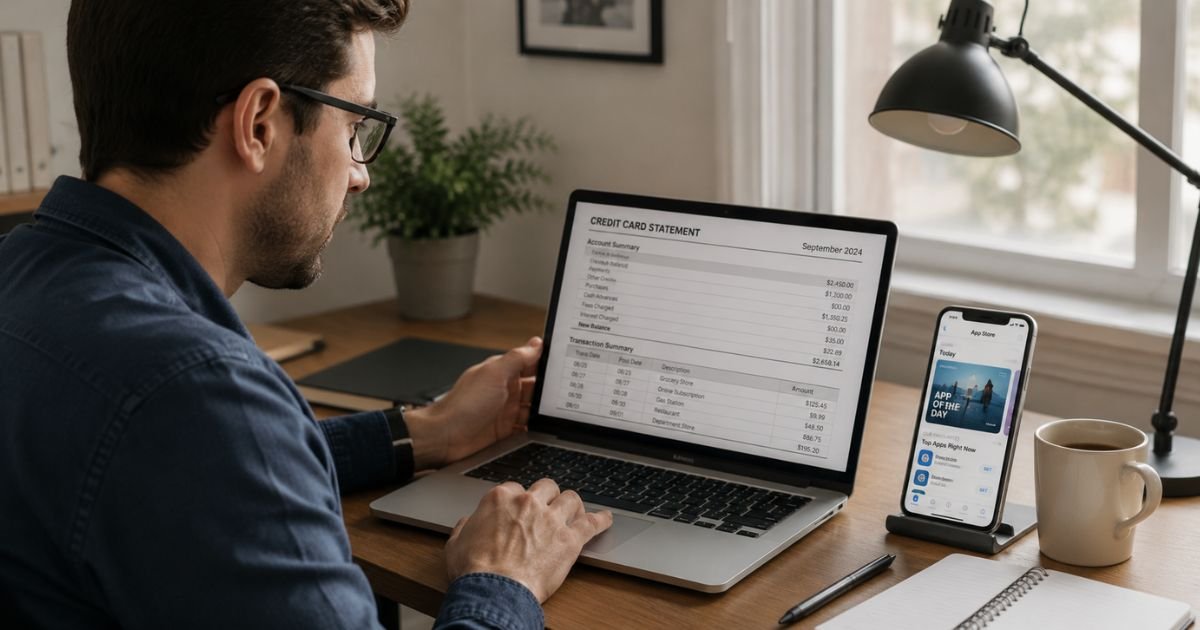
Noticing an MS 3RA charge on credit card can leave you scratching your head. The name looks unfamiliar, and the address often listed with it (Austin, TX) doesn’t immediately ring a bell.
This guide explains the charge, why it shows up, how to verify it, and what to do if you want to cancel or dispute it.
Table of Contents
What Is an MS 3RA Charge?
MS 3RA (sometimes written MS-3RA or MS 3RA 12545 RIATA VISTA CIRCLE) is a billing descriptor used by Apple.
The address that often appears with it, 12545 Riata Vista Circle, Austin, TX 78727, is a real Apple facility.
These charges typically come from:
- App Store purchases or in-app buys
- Apple Music, Apple TV+, or Apple Arcade subscriptions
- iCloud storage upgrades
- Apple One bundles
- Music, movies, or books from the iTunes Store or Apple Books
- Small verification charges when you add a new payment method
Statement variations you might see:
- MS-3RA 12545 RIATA VISTA CIRCLE AUSTIN TX
- MS 3RA + the full Austin address
- WWW.ITUNES.COM/BILL MS-3RA AUSTIN TX
- POS Debit or CHKCARD prefixes followed by MS-3RA
The “MS” portion is part of the internal coding Apple’s payment processors use for this location. It is not related to Microsoft.
Why Did This Charge Appear?
Here are the most common reasons an MS 3RA charge shows up:
- Active Apple subscription renewal. Apple Music, iCloud, or other services renew automatically.
- Free trial conversion. A trial ended and the paid plan started.
- One-time App Store or media purchase. You or a family member bought an app, game, movie, or book.
- Family Sharing purchase. Someone in your Family Sharing group bought something that billed to your account.
- In-app purchase. A purchase made inside an app (games currency, premium features, etc.).
- Payment method verification. Apple sometimes places a small temporary charge when you add or update a card.
- Unauthorized use of your Apple ID. Someone accessed your account without permission.
Duplicate billing or international transaction fees are less common with this specific descriptor.
How to Verify the Charge
Use this checklist:
- Note the exact amount and date of the MS 3RA charge.
- Go to reportaproblem.apple.com and sign in with your Apple ID.
- Review your purchase history and search by the charge amount.
- Check Settings on your iPhone or iPad: tap your name → Subscriptions.
- Ask family members or anyone who shares your Apple ID or payment method.
- Look in your email for receipts from Apple (they often come from apple.com or itunes.com).
If the purchase appears in your Apple purchase history, it is legitimate.
Is It Legitimate or Fraud?
Most of the time it is legitimate. Apple uses this descriptor for real purchases and subscriptions processed through its Austin operations.
Warning signs it may be unauthorized:
- You have no matching purchase in your Apple purchase history
- You do not recognize the amount or date
- Multiple unexpected charges appear in a short period
- Your Apple ID password was recently changed or you received suspicious login alerts
When to contact your bank: If the charge does not appear in your Apple purchase history after checking, report it to your card issuer as unauthorized. Also change your Apple ID password and review your account security.
How to Cancel
If the charge is from a subscription you no longer want:
On iPhone or iPad:
- Open the Settings app.
- Tap your name at the top.
- Tap Subscriptions.
- Select the subscription.
- Tap Cancel Subscription and confirm.
On the web:
- Go to account.apple.com and sign in.
- Go to the Subscriptions section.
- Find the subscription and cancel it.
Canceling stops future renewals. You usually keep access until the end of the current billing period.
Apple does not provide a direct customer service number for most subscription cancellations, so use the steps above.
Can You Get a Refund?
Apple allows refund requests for many App Store, iTunes, and subscription charges.
- Go to reportaproblem.apple.com.
- Sign in with the Apple ID used for the purchase.
- Select “I’d like to” → Request a refund.
- Choose the reason and the specific purchase.
- Submit the request.
Apple reviews requests case by case. Approval is not guaranteed, especially for used digital content or subscriptions that have been active for a while.
If Apple denies the refund and you believe the charge is unauthorized, you can still dispute it with your credit card issuer.
What to Do If the Charge Is Unauthorized
- Sign in to reportaproblem.apple.com and confirm the purchase is not in your history.
- Change your Apple ID password immediately and enable two-factor authentication if it is not already on.
- Review devices signed in to your Apple ID and remove any you do not recognize.
- Contact your credit or debit card issuer, report the charge as unauthorized, and request a new card if needed.
- Monitor your statements for additional related activity.
- Consider placing a fraud alert with the credit bureaus if you suspect broader account compromise.
Prevention Tips
- Turn on purchase notifications in your Apple ID settings.
- Require a password or Face ID/Touch ID for all App Store and iTunes purchases (including free ones).
- Review Family Sharing settings and decide who can make purchases.
- Regularly check your Subscriptions list in Settings.
- Use a virtual card number if your bank offers one for online services.
- Keep two-factor authentication enabled on your Apple ID.
- Avoid sharing your Apple ID password.
- Set spending limits for Family Sharing members if available.
- Check your email for Apple receipts so surprises are rare.
Common MS 3RA Variations
| Descriptor on Statement | Typical Source |
|---|---|
| MS-3RA 12545 RIATA VISTA CIRCLE AUSTIN TX | Apple App Store / subscriptions |
| WWW.ITUNES.COM/BILL MS-3RA AUSTIN TX | iTunes / media purchases |
| POS Debit or CHKCARD MS-3RA … | Same Apple charges |
Refund & Dispute Timeline
| Action | Typical Timeframe |
|---|---|
| Apple refund request decision | A few days to 2 weeks |
| Bank provisional credit | 1–10 business days |
| Full bank investigation | Up to 30–90 days |
FAQs: MS 3RA Charge on Credit Card
Q. What does MS 3RA mean on a credit card statement?
A. It is a billing descriptor used by Apple for App Store, subscription, and media purchases processed through its Austin, Texas location.
Q. Is MS 3RA the same as Microsoft?
A. No. Despite the “MS” letters, this descriptor belongs to Apple, not Microsoft. Microsoft charges usually appear under different names such as MICROSOFT or MSFT.
Q. How do I see exactly what the MS 3RA charge was for?
A. Sign in at reportaproblem.apple.com with the Apple ID linked to the payment method. You can search by amount and date.
Q. Can I stop future MS 3RA charges?
A. Yes. Cancel any active Apple subscriptions through Settings or account.apple.com. You can also remove the card from your Apple ID payment methods if you no longer want it used.
Conclusion
An MS 3RA charge on credit card is almost always from Apple for apps, media, or subscriptions. Verify it quickly through your Apple purchase history, cancel any unwanted renewals, and request a refund if the charge does not belong to you.
Checking regularly keeps these charges from becoming surprises.
Disclaimer: This article is for informational purposes only and is not financial or legal advice. Apple’s policies and bank dispute rules can change. Always confirm details directly with Apple Support or your card issuer for your specific situation.
Meet the Author
