
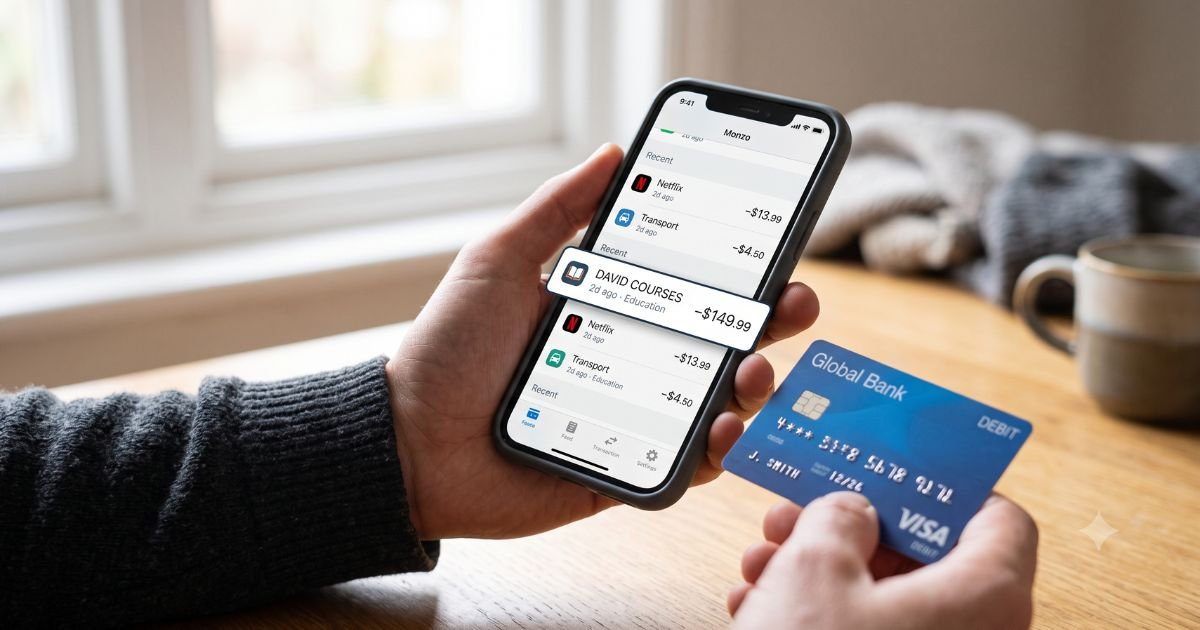
Noticing an unfamiliar David Courses charge on debit card can feel unsettling. Money leaves your account right away with debit cards, so the surprise hits harder than it would on credit.
In most cases the charge ties to a real online learning platform, but recent reports also show unauthorized $100 transactions using the same or similar name.
This guide explains what the charge usually is, why it appears, how to check it, and the exact steps to cancel or dispute it.
Table of Contents
What Is the David Courses Charge?
David Courses (also listed as DAVID COURSES, David’s Courses, or davidscourses.com) is the billing name for an online education platform run by David Rajaraman.
The site focuses on English fluency, communication skills, leadership, and personal-development courses.
The company operates davidscourses.com and uses the LearnWorlds platform. Terms are governed by the laws of England and Wales.
Common statement descriptors include:
- DAVID COURSES
- DAVID’S COURSES
- DAVIDCOURSES.COM
- David Courses point of sale
Typical legitimate amounts seen on the site include about $12 for the Fluency Blueprint course and roughly $30–$45 per month for membership options such as weekly access plans.
A flat $100 charge does not match the current public pricing and has been widely reported as unauthorized in July 2026.
Why Did This Charge Appear?
Several everyday reasons can put a David Courses charge on your debit card:
- You or a family member signed up for a free trial or low-cost course that converted to a paid plan.
- A one-time course purchase went through.
- A recurring membership renewed automatically.
- Someone else with access to your card made the purchase.
- A pending authorization or foreign-transaction fee appeared (some reports note an extra $3 international fee).
- In a growing number of recent cases, the charge is unauthorized and linked to card data that was compromised elsewhere.
Because debit charges pull funds immediately, even a pending hold can reduce your available balance until it clears or drops off.
How to Verify the Charge
Work through this checklist before assuming fraud or disputing:
- Search your email (including spam) for messages from davidscourses.com, “David Rajaraman,” “Fluency Blueprint,” or “Wizard of Boss.”
- Log in to any account you may have created on davidscourses.com and check order history or active subscriptions.
- Ask every authorized user of the card whether they recognize the purchase.
- Note the exact amount, date, and any pending vs. posted status in your banking app.
- Contact your bank and ask for the full merchant name, location, and whether the transaction is coded as recurring.
- Compare the amount against known pricing ($12 course or monthly membership range). A flat $100 charge that no one recognizes is a stronger red flag.
Is It Legitimate or Fraud?
A charge is likely legitimate if you or an authorized user can match it to an email confirmation, account login, or remembered sign-up.
Warning signs that point toward unauthorized activity include:
- A $100 flat amount that does not match advertised prices
- Multiple attempts or charges in a short window
- No confirmation email or account access
- The charge appearing after you used the card at an unrelated retailer or event
- Origin noted as England or the UK when you never signed up
If the charge is unrecognized after the checklist above, treat it as potentially unauthorized and move quickly.
Debit-card rules under Regulation E generally give you strong protection when you report promptly.
How to Cancel a David Courses Subscription
If the charge is legitimate and you want to stop future billing:
- Email support@davidscourses.com from the address linked to the account.
- Clearly state the membership or course name, the email or username on the account, and that you want to cancel all future recurring charges.
- Request written confirmation of the cancellation and the effective date.
- Check your account dashboard first—some memberships allow cancellation directly online.
- Monitor your debit card for the next billing cycle to confirm no further charges appear.
Simply logging out or stopping use of the course does not cancel billing. Keep a copy of the email thread.
Can You Get a Refund?
Refund eligibility depends on timing and the terms of the specific purchase.
EU consumers generally have a 14-day cooling-off period for digital services, though this can be limited once access begins.
For U.S. customers, refunds are handled case-by-case under the site’s terms. Partial refunds may apply if services were already provided.
To request a refund, email support@davidscourses.com with your order details and reason. Ask for a written response.
If the merchant does not resolve it, you can still dispute the charge with your bank.
What to Do If the Charge Is Unauthorized
Act fast, debit-card liability limits improve when you report within required time frames:
- Contact your bank or credit-union fraud department immediately and report the charge as unauthorized.
- Ask them to reverse the transaction, block the merchant if possible, and issue a new debit card.
- Document the date and time of your report and any temporary credit they provide.
- Follow up in writing (email or secure message) so you have a record.
- Monitor the account for additional attempts.
- If the bank needs more information, supply any evidence that you never authorized the purchase.
- Consider placing a fraud alert with the major credit bureaus if other suspicious activity appears.
Most banks in the recent wave of $100 reports have reversed the charges and replaced the cards.
Prevention Tips
Build these habits to reduce surprise charges:
- Turn on real-time transaction alerts in your banking app.
- Use virtual card numbers or single-use cards for online trials and subscriptions.
- Review every statement weekly, not just at the end of the month.
- Keep a simple list or password-manager note of active subscriptions.
- Never save card details on sites you use only once.
- When attending large events or using public Wi-Fi, prefer cash or a dedicated spending card.
- Cancel free trials the same day you sign up if you decide not to continue.
- Periodically search your email for the word “subscription” or “trial” to catch forgotten sign-ups.
Common Descriptor and Amount Guide
| Descriptor Variation | Typical Meaning | Common Amounts |
|---|---|---|
| DAVID COURSES | Online course or membership | $12, $30–$45 |
| DAVID’S COURSES | Same platform | Same as above |
| DAVIDCOURSES.COM | Direct website billing | Same as above |
| Flat $100 charge | Frequently reported unauthorized | $100 + possible $3 |
FAQs: David Courses Charge on Debit Card
Q. What does a David Courses charge mean on my bank statement?
A. It most often means a purchase or subscription from the online English and communication platform at davidscourses.com. Recent $100 charges have also been reported as unauthorized across multiple states.
Q. Why is the amount $100 when the courses cost less?
A. Public pricing on the site is far lower. A $100 flat charge that no one in your household recognizes is a strong signal to contact your bank right away.
Q. How do I stop future David Courses charges?
A. Email support@davidscourses.com with a clear cancellation request and keep the confirmation. Also ask your bank to block the merchant if needed.
Q. Can I dispute a David Courses debit charge?
A. Yes. Report it promptly to your bank as unauthorized. Debit cards fall under Regulation E, which limits your liability when you act quickly and in good faith.
Conclusion
A David Courses charge on debit card is usually linked to an online learning platform, but the recent pattern of $100 unauthorized transactions means you should verify every unfamiliar entry.
Check your email and account first, contact the merchant if the purchase is real, and report anything unrecognized to your bank without delay.
Taking these steps protects your balance and stops further charges.
Disclaimer: This article is for informational purposes only and is not financial, legal, or professional advice. Policies and merchant details can change. Always confirm information directly with your bank and the merchant.
Meet the Author
